Tiles format
Maintained by
David Watson
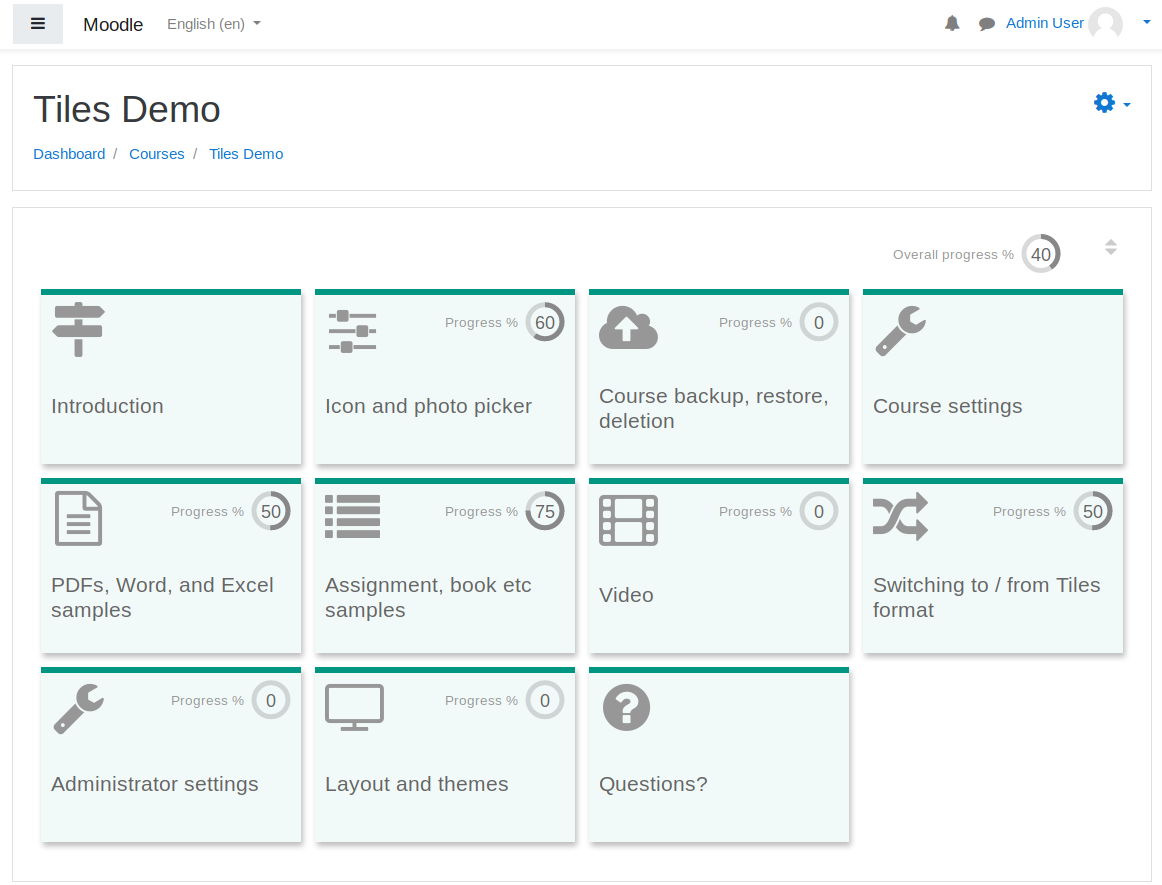
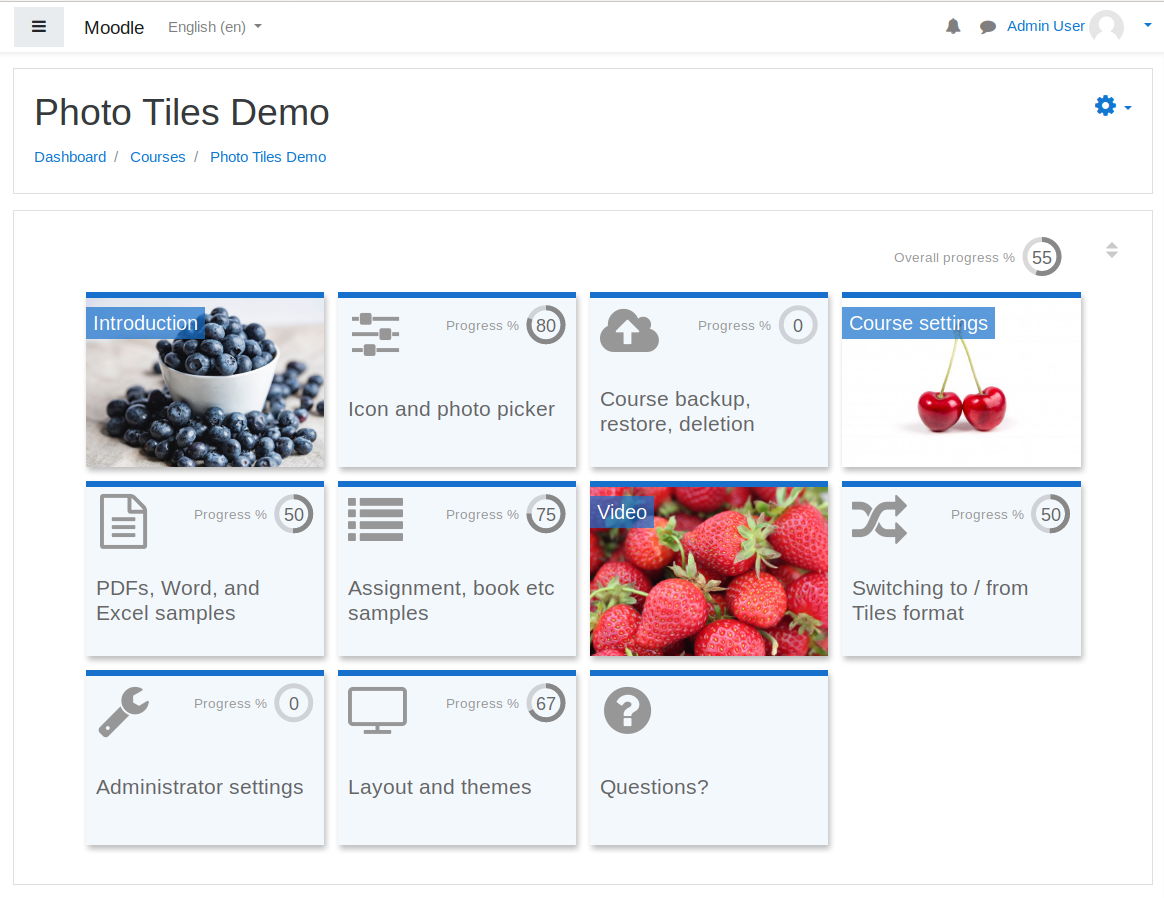
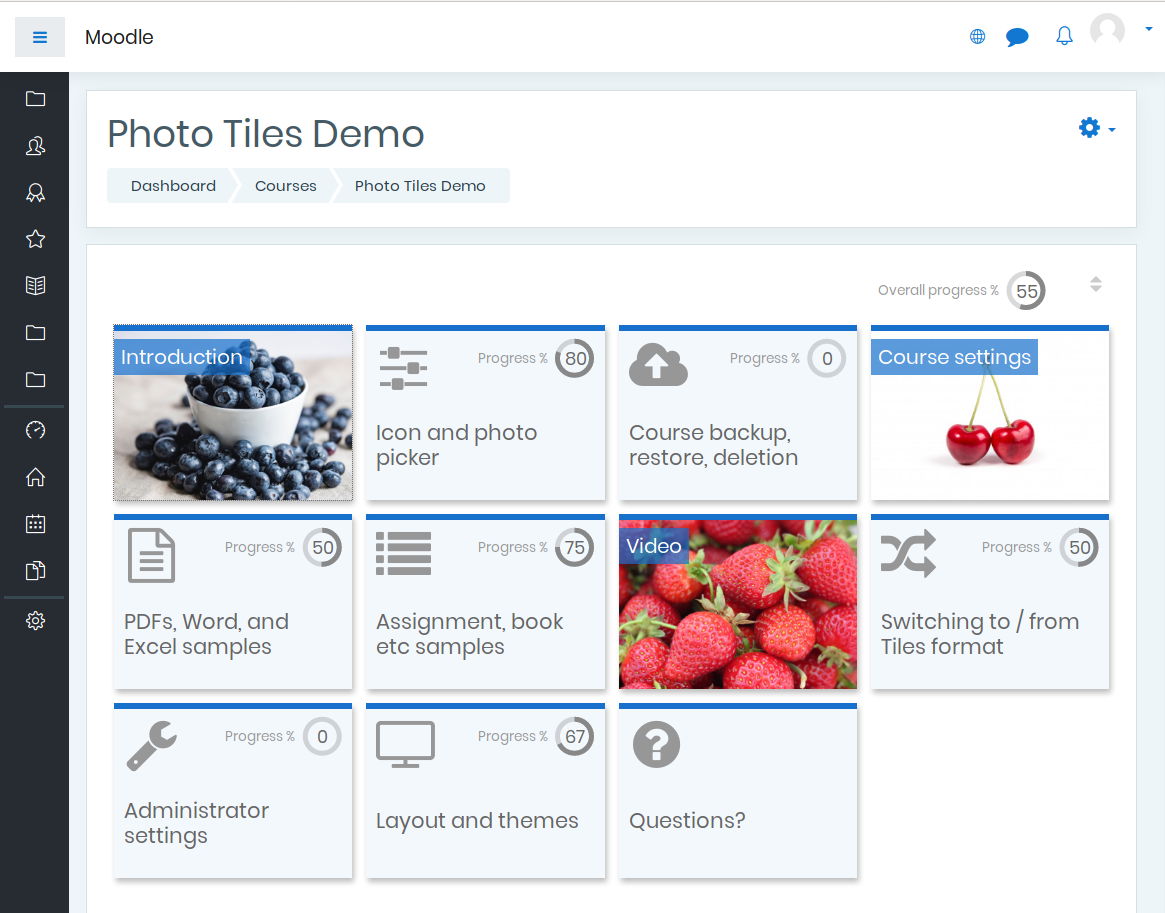
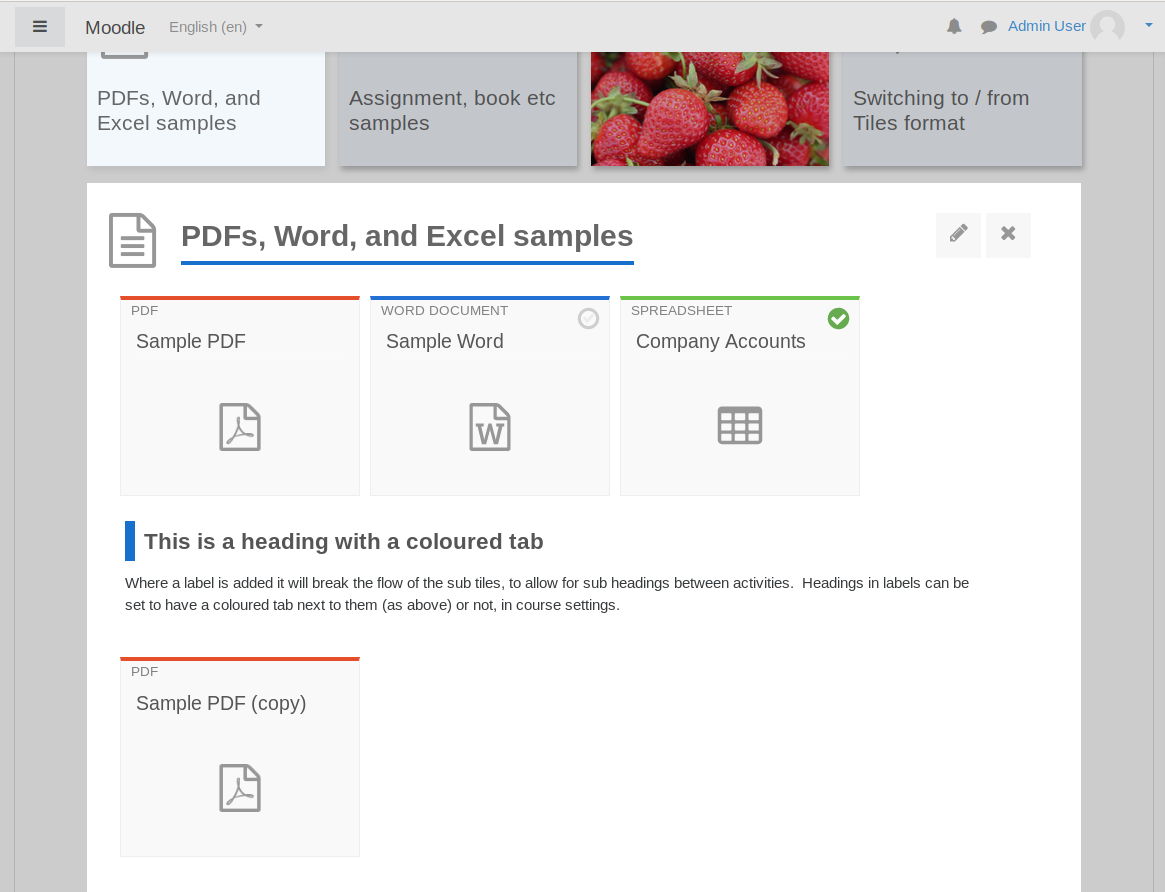
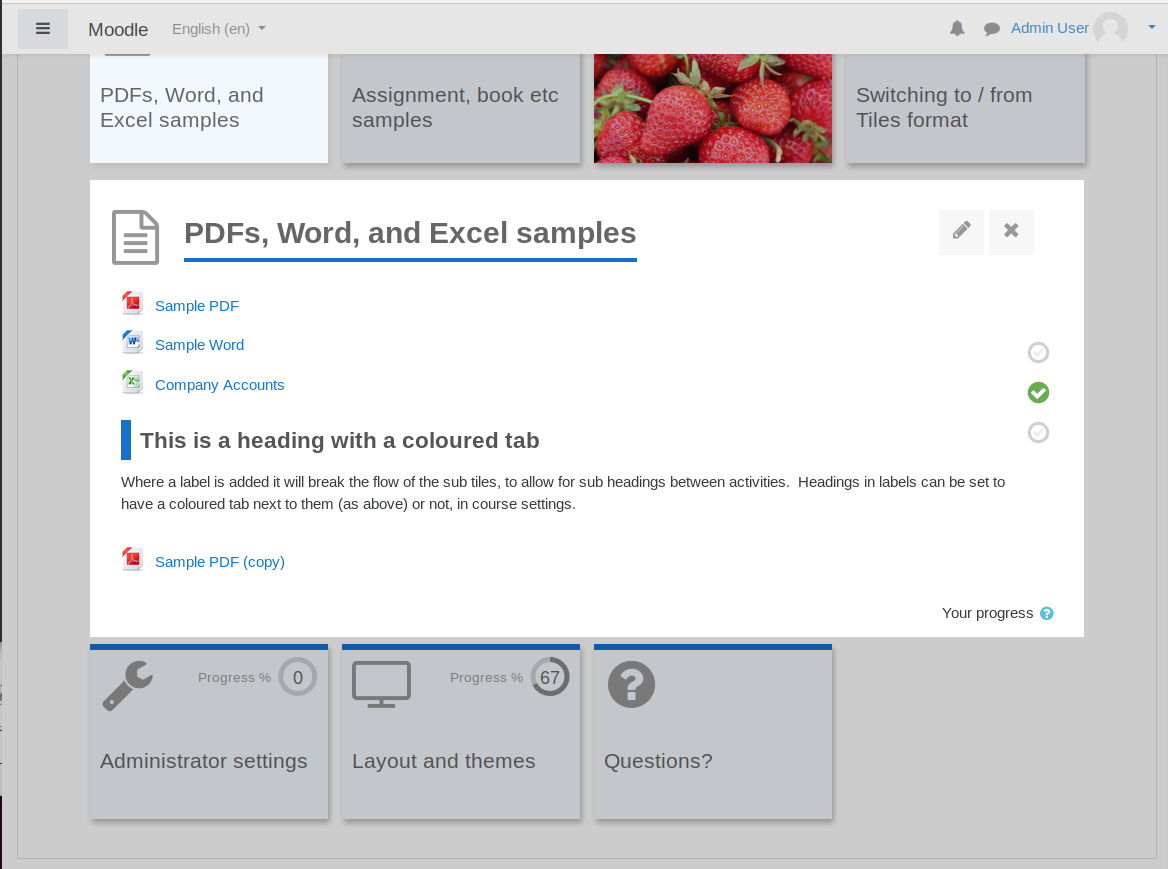
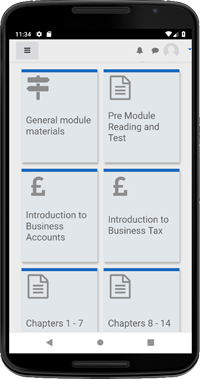
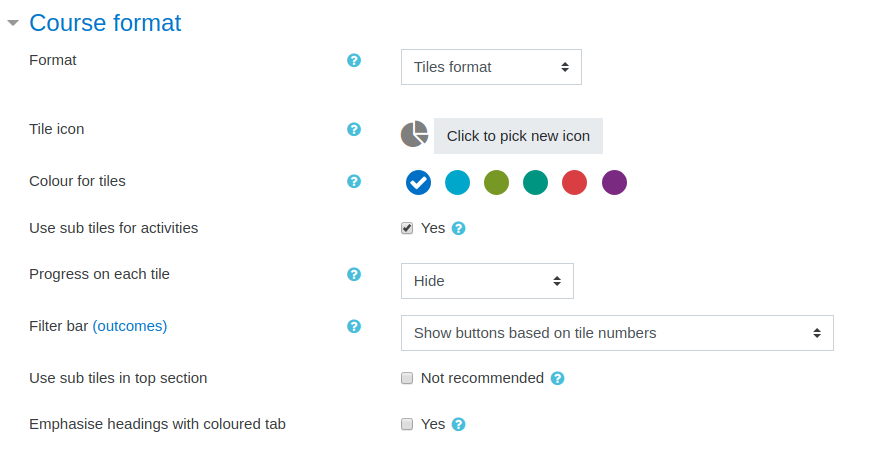
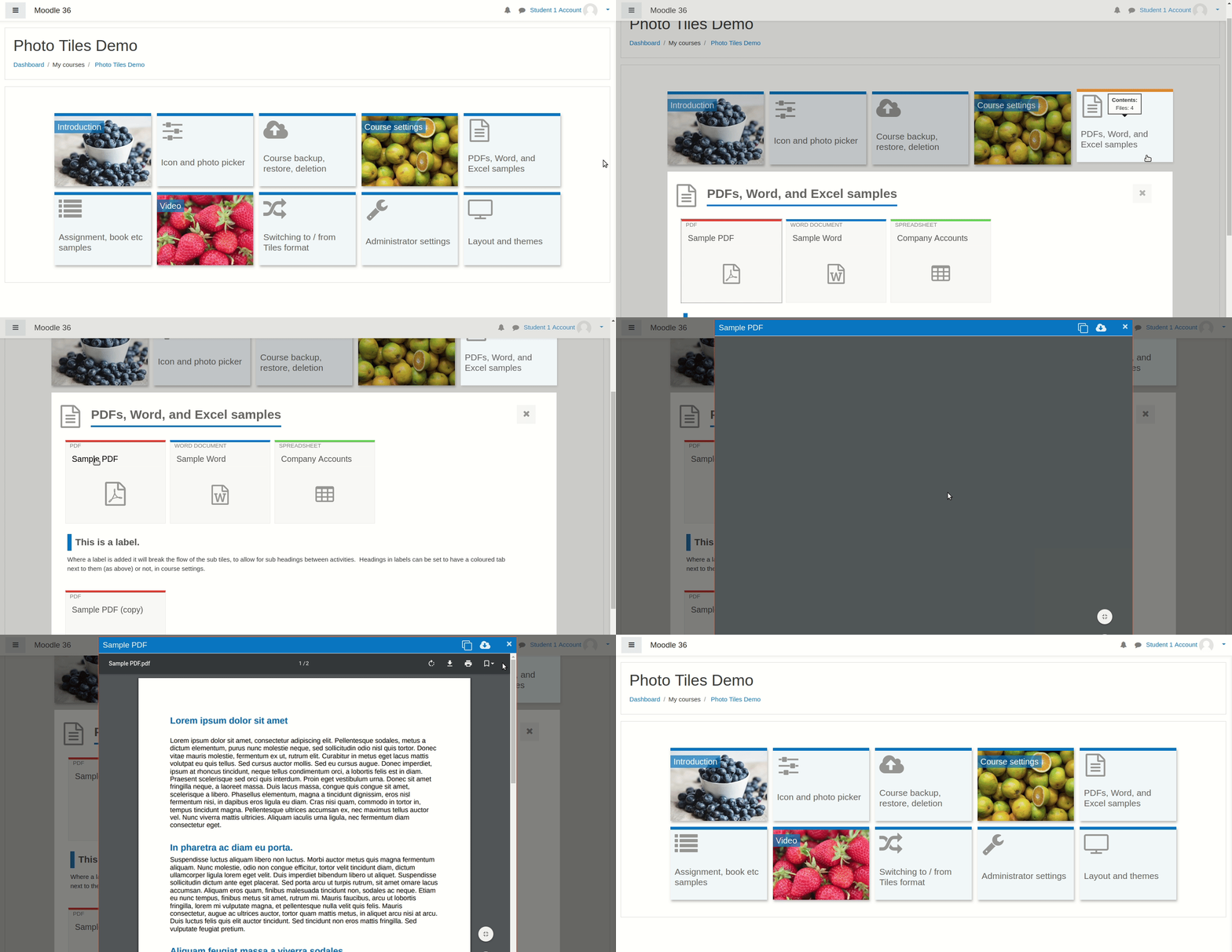
A course format which displays course topics as "Tiles", in a grid rather than as a list. When clicked, tile content is displayed under the tile with an animated transition. The layout adapts to different screen sizes and orientations. Within each tile, activities can also be set to display as "sub-tiles". For each tile, the teacher can pick an icon from a predefined set, or upload a background photo.
Comments
Product ratings and reviews are coming to Moodle Marketplace. Until then, existing comments remain available to read, but new posts have been disabled.
Great plugin well done, I have a question, we are on Moodle 3.9, and when we enroll a guest user, using a role that has restrictions e.g mod/resource:view is set to Prohibit but when we switch to Tiles Format the user can see resources such as files (Word, PDF Excel, etc) if we switch back to a simple format the user can not see the resources, any Ideas?
Thanks
Conor
.path-course-view li.activity > div {
/* stylelint-disable-next-line declaration-no-important */
padding: 0 !important;
}
//You forgot .format-tiles in the second selector above, and that affects other course formats -- just wanted to point it out.
Does anyone know why I can not delete a mosaic? tells me the following error in version 3.11.1.3:
unsupported section
(The action in the "deleteSection" section is not supported here).
Thanks for a great format. We get lots of positive feedback from our students on all courses using the tiles format.
We are using Moodle 4.0 (wp) and are experiencing some problems with navigation in courses in tiles-format now that the navigation arrows on the bottom of an activity is gone (go to next and go to previous activity). The students can use the continue to....drop-down menu in the bottom of each activity, but they do not know which activity is next since it is not highlighted where they are in the course structure. And there is no easy way to find the overview of the whole course (other than using the link on the top of the page in the file structure).
We would therefore love to have the course navigation menu on the left also visible on tiles-format courses in Moodle 4.0 (like it is in the topics format). And that the activity that the student is working in is highlighted in the continue to...drop-down menu.
Many thanks.
the tile format is great for learners using a tablet PC and I like to use it!
So I'm testing the Plugin Beta 4.0.0.8 with Moodle 4.0.4 if I can use it again after upgrading to Moodle 4.
Most functionality is working fine now again since upgrading from Moodle 3.11
But the javascript opening after clicking to a tile still does not work and I had to disable it in the settings (see comments above).
And I still miss the functionality to highlight a single tile to show learners which ist the actual tile to work with. In Moodle 3.11 it was still working .
Can you enable this again?
Many thanks.
I have a little display problem, with the colour bar over the top of sub activities. It is not showing a colour for the H5P activity, only grey. It shows a colour for other core activities but not H5P. Am I missing a setting somewhere? Many thanks.
• Allow user to pick the color of the tile left corner icon (instead of always being gray)
• Allow user to pick the font style, size and color of the main tile heading
Thanks.
This issue is reported at https://bitbucket.org/dw8/moodle-format_tiles/issues/128
eg, if tile 4 was hidden, a user navigating from the start would see tiles 1,2,3,5,7,9
tested across a few sites running 3.11.8
Ticket logged in your bitbucket, but thought it worth crossposting here.
- when navigating through the tiles using a keyboard there is no visible focus (earlier versions had a minimal dashed line around selected tiles) which makes it incredibly difficult to open and close tiles
- the order for keyboard navigation is not logical when a Tile is opened.
We haven't done a full accessibility evaluation of the format yet so there may be other issues. Are there any plans to address accessibility in later releases?