Tiles format

Maintained by David Watson
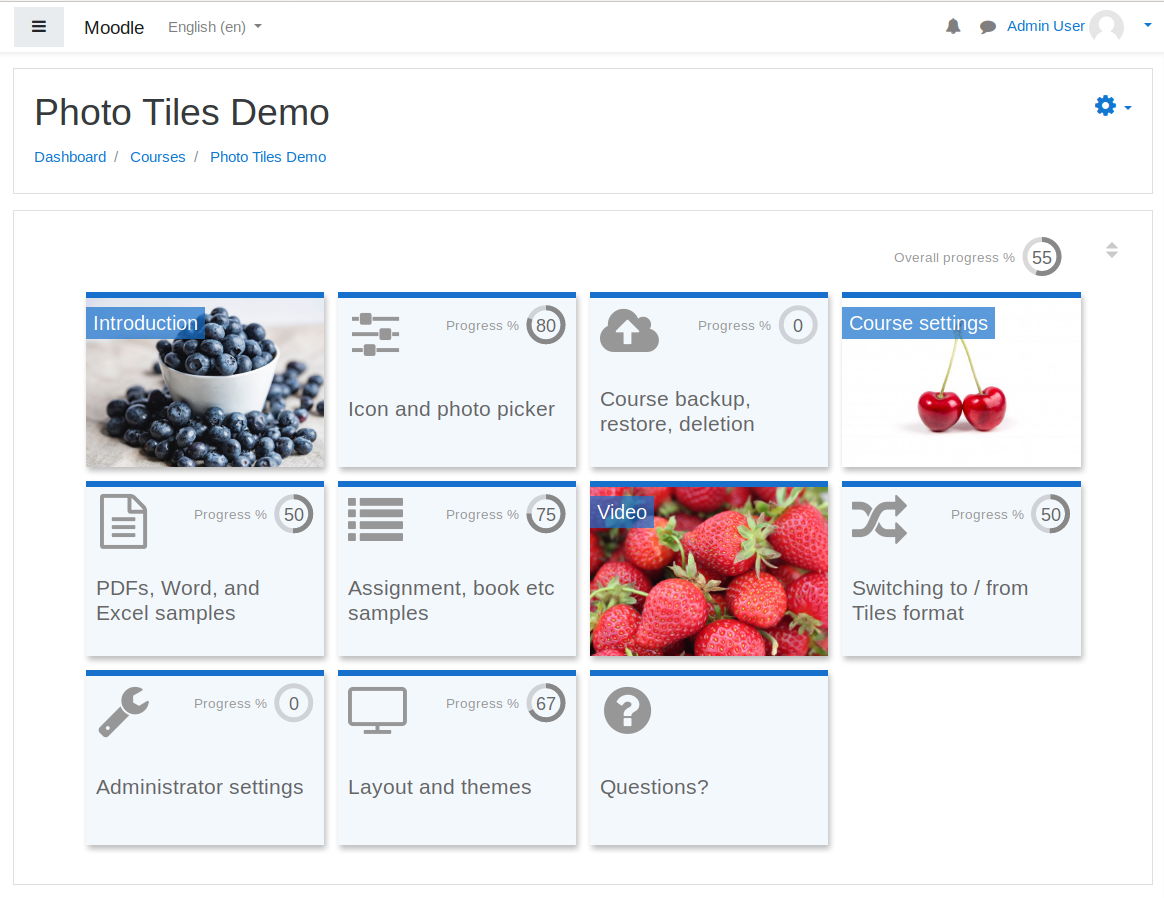
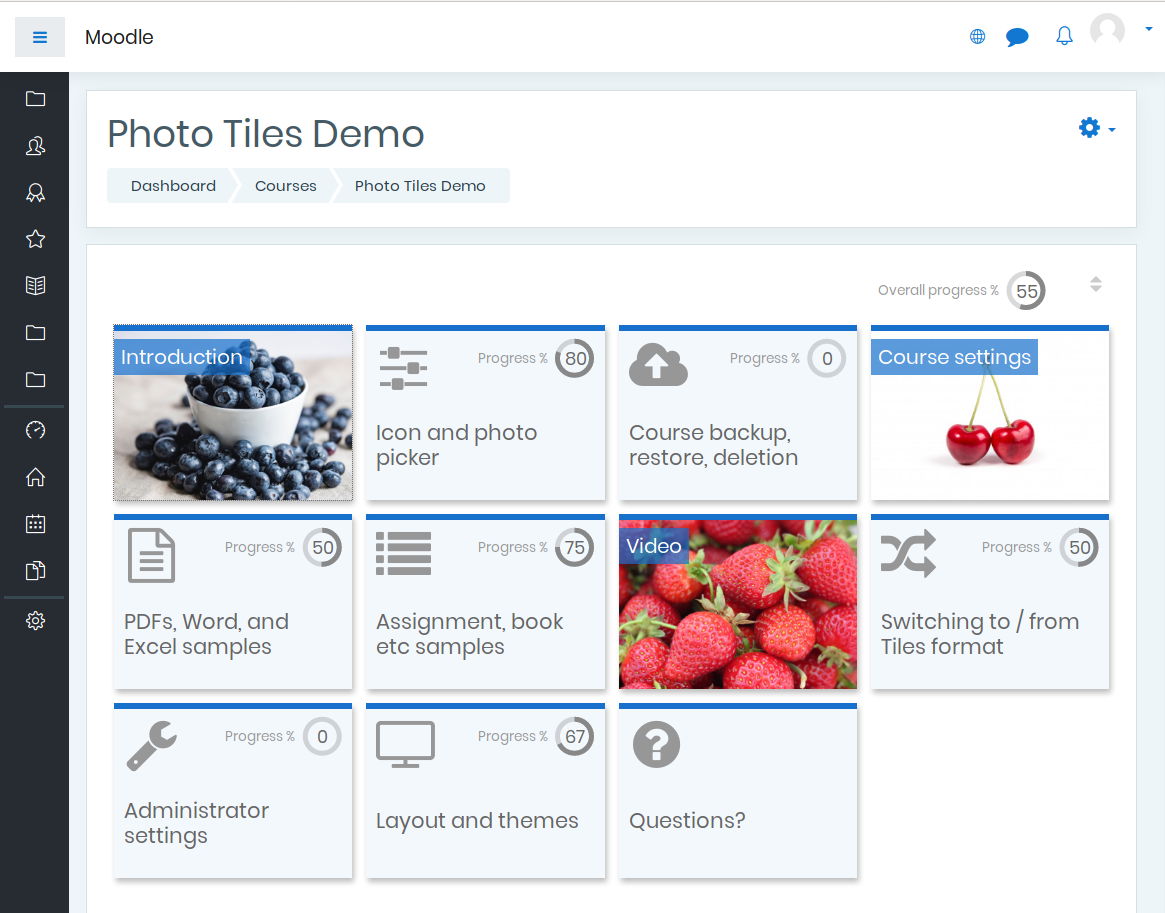
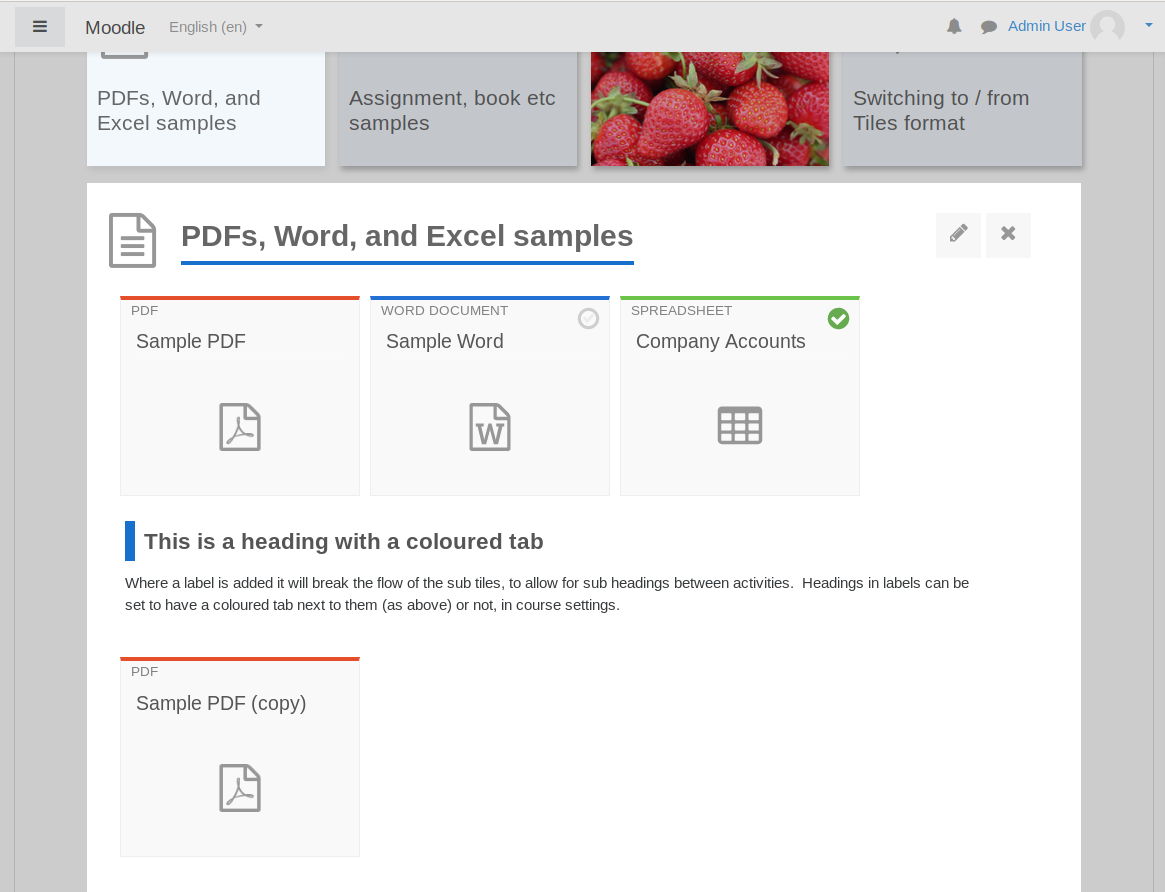
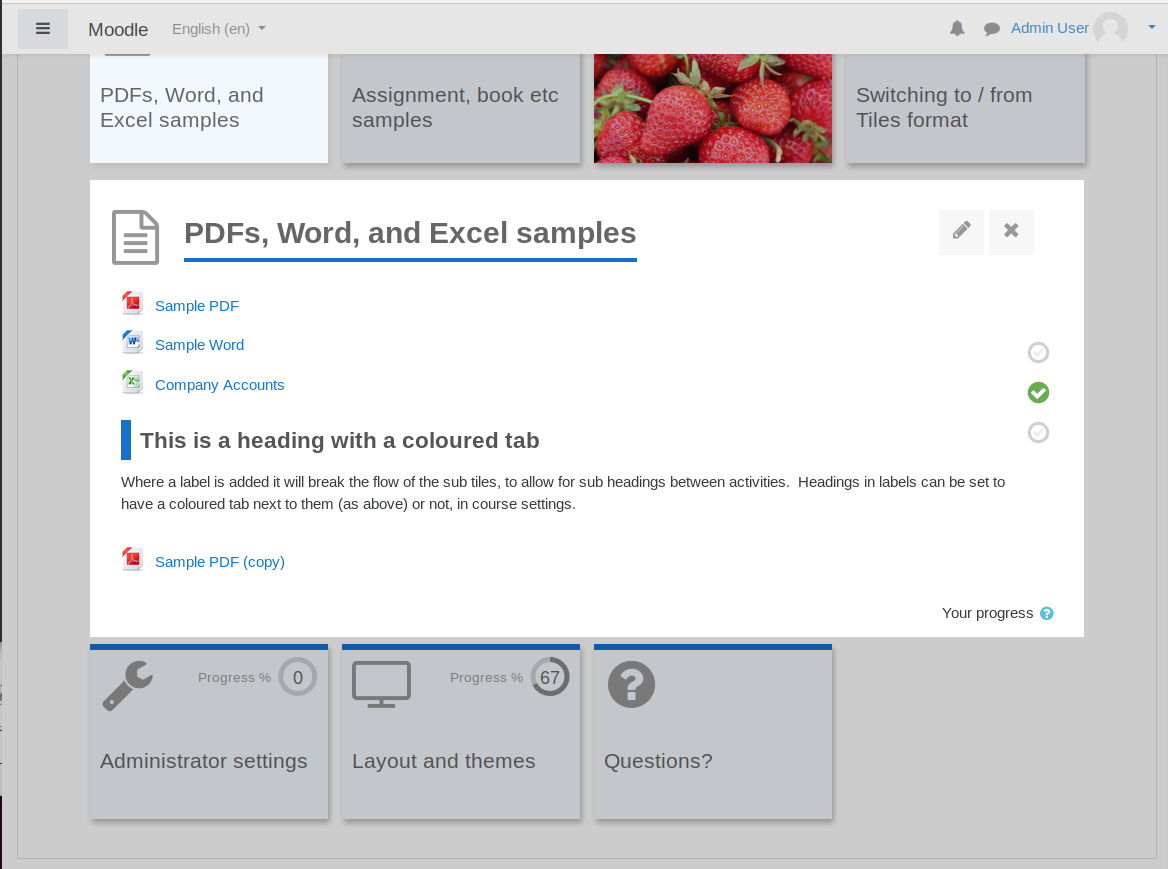
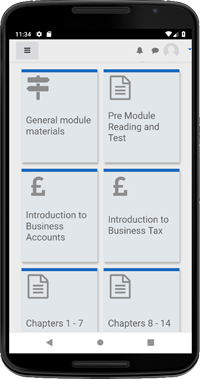
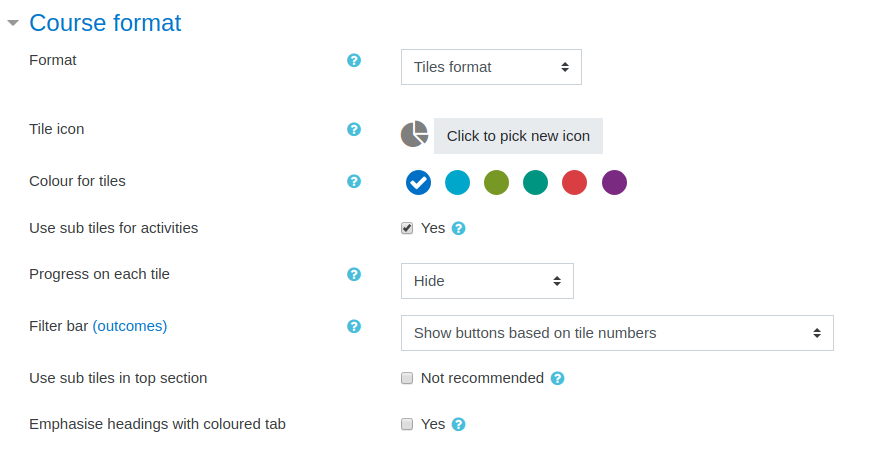
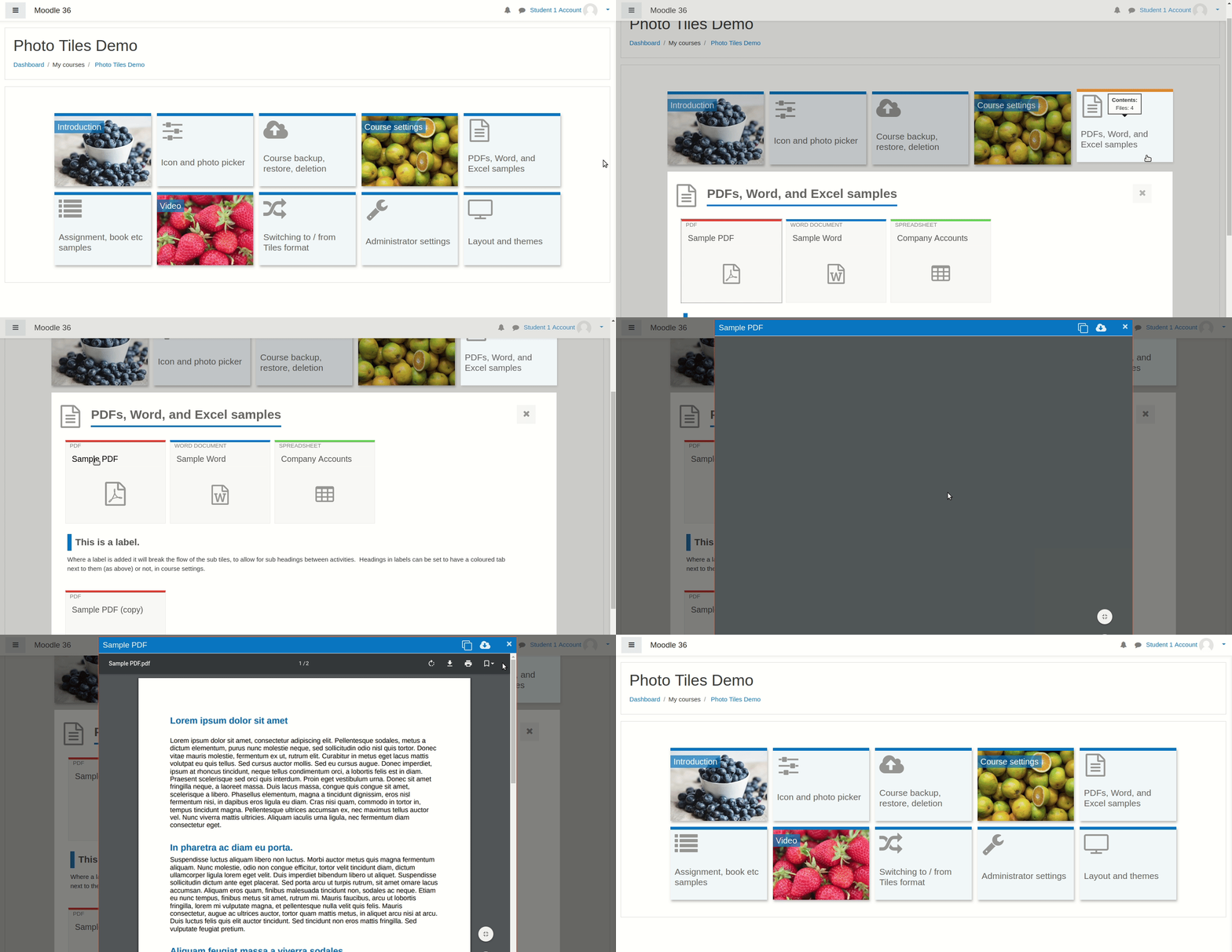
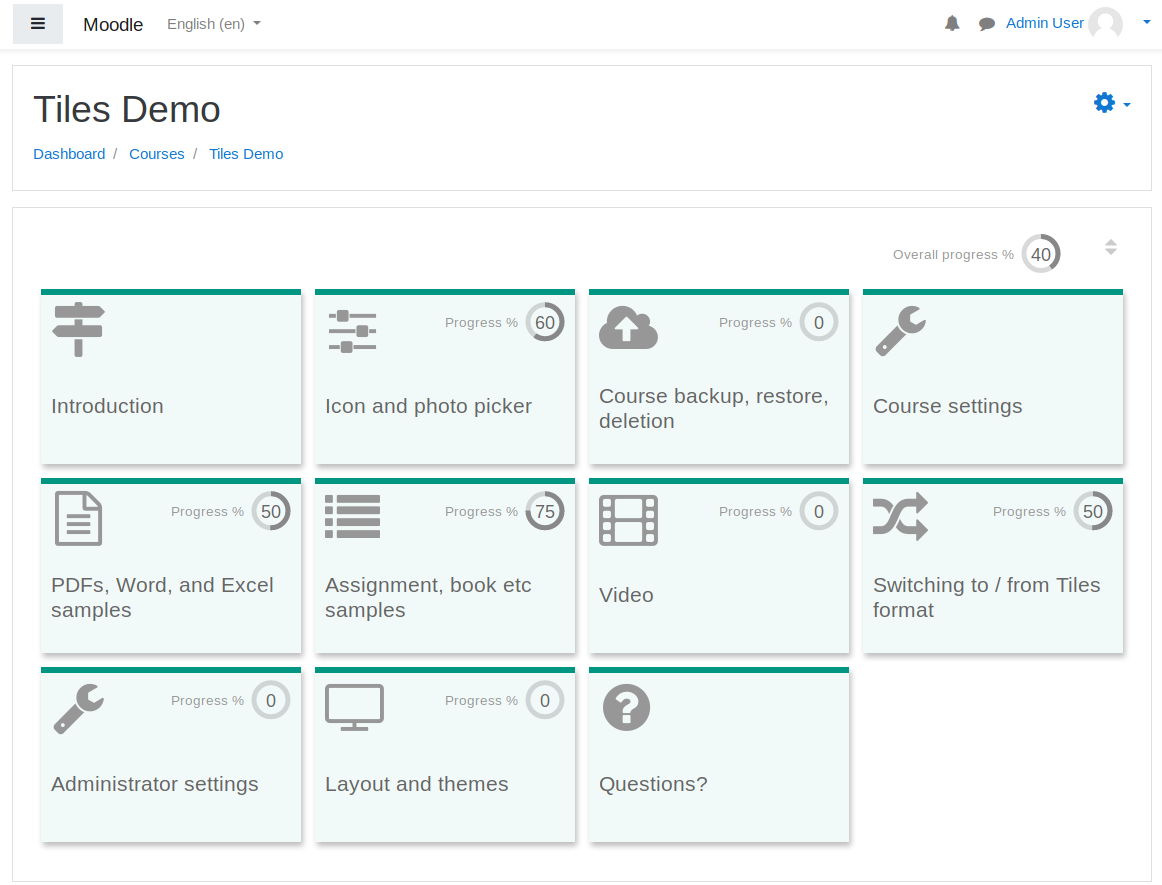
A course format which displays course topics as "Tiles", in a grid rather than as a list. When clicked, tile content is displayed under the tile with an animated transition. The layout adapts to different screen sizes and orientations. Within each tile, activities can also be set to display as "sub-tiles". For each tile, the teacher can pick an icon from a predefined set, or upload a background photo.
Price option: Free

Supports Moodle 3.3-5.1 See all versions
Latest release: 7 months ago
Installations: 22908
Downloads (last 90 days): 7910

Frankenstyle name: format_tiles
Course formats

Comments

Product ratings and reviews are coming to Moodle Marketplace. Until then, existing comments remain available to read, but new posts have been disabled.

Hi if you are using the app, you will see the standard app layout. Tiles will be shown if users access Moodle using their phone's browser.
Hi, for some reason the tile format isn't appearing on the mobile app. Is there a setting I am missing?
To answer the last few comments:
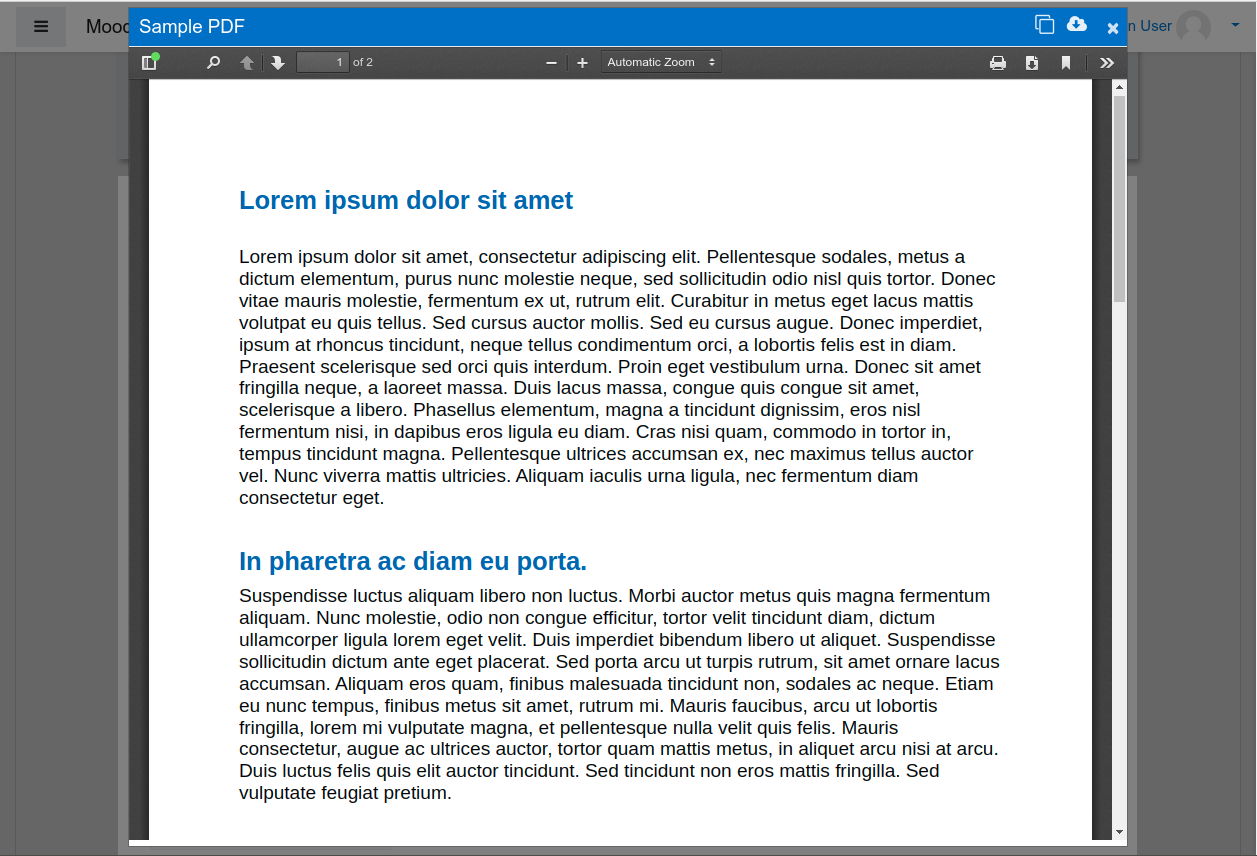
- PDF modal - Moisés I will improve this in next week's release.
- Label conversion - Owlsome I sent you a private message on Wednesday asking for more information - see the message icon at the top right of this screen. Label conversion seems to be working OK to me, but perhaps I need to understand better the issue you are having.
- Different coloured tiles - Sergio there is no functionality for different coloured tiles. I think it would be too complex for users and you'd end up with a messy UI. You could change the font size by adding custom CSS as an admin setting (Site Administration > Plugins > Tiles format)
Absolutely love this Tiles format layout. However, I have a little problem on Converting the label to page feature. Well i have added a Label from Activity, ( Ex: With a Label name WEEK 1 follow with some tiles such as Chapter File, Quiz, Assignment...) I would like to make the "Week 1" Label become a page, therefore i went on "week 1" label editing drop down menu choose "Convert to page". But the result of "Week1 label" it still turned out another tiles like others, instead of a page session with navigation bar on top. Wondering if i have Missed any step? i did check on the course edit setting, but cant find anything related to edit the label to page. Did i miss out some setting ? Please advice, Looking forward to hear from you, hopefully can solve this one particular problem very soon as the project could kick start anytime from now. thank you very much!
I want to add a diferent color to each tile, and to have the same tile title font size, it is possible?
When updating to version 3.3.4, in the Theme Boost and Tema Moove, the PDF documents in modal format are cut as shown in the following image: https://imgur.com/00vjXHy. This happens with the tiles format version. I have tested the plugin in the moodle version 3.5 and 3.6. For now I will continue working with version 3.3.3 of the plugin. Please review the problem. Thank you.
Absolutely love this Tiles format layout. However, I have a little problem on Converting the label to page feature. Well i have added a Label from Activity, ( Ex: With a Label name WEEK 1 follow with some tiles such as Chapter File, Quiz, Assignment...) I would like to make the "Week 1" Label become a page, therefore i went on "week 1" label editing drop down menu choose "Convert to page". But the result of "Week1 label" it still turned out another tiles like others, instead of a page session with navigation bar on top. Wondering if i have Missed any step? i did check on the course edit setting, but cant find anything related to edit the label to page. Did i miss out some setting ? Please advice, looking forward to hear from you soon. thank you!!
No problem Filippo. You can't fix the number of tiles per row, because users all have different screen widths, and for narrow screens with a fixed number of tiles, users would have to scroll the whole screen across.
However, if you are a site administrator, you can change the tile width if you like - this would give you more or fewer tiles per row as standard if that is any use. There is an FAQ about tile width here: https://bitbucket.org/dw8/moodle-format_tiles/wiki/FAQs
Thank you for this great plugin. Just one question: is it possible to fix the maximum number of titles for each row?
Nevermind! I found it! smile sneaky little checkbox!
I can't seem to figure out how to get subtiles. They all show in list form. I've confirmed that in the plugin setting the checkbox is marked to allow subtiles. I've looked in plugin settings, course settings, section settings and activity settings and I can't see any place to indicate to use subtiles within a section or to turn an activity into a subtile. I'm using the "Adaptable" theme - perhaps that's the problem?
Jan I have added the answers to your questions to a new FAQs page on the wiki at https://bitbucket.org/dw8/moodle-format_tiles/wiki/FAQs
Hi David and thanks for a great format!
Some questions:
- will it be possible to adjust tile size in the future? They are too large for my purposes.
- will it be possible to define tile- and subtile-colors? Our company has a strict corporate design...
- will it be possible to insert images instead of icons to use as tile-background?
Thanks in advance for your answers. And once again: great job!
Thank you so much it works now!