Tiles format

Maintained by David Watson
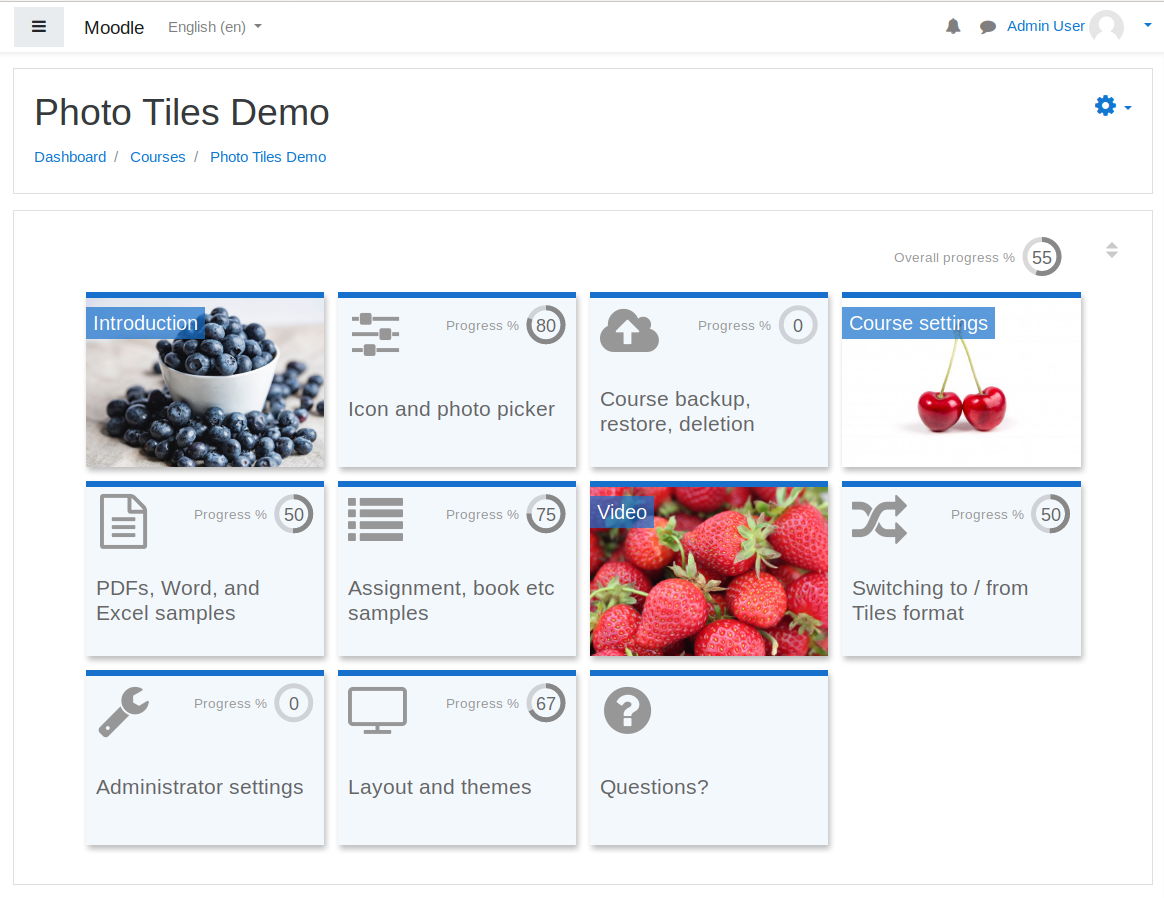
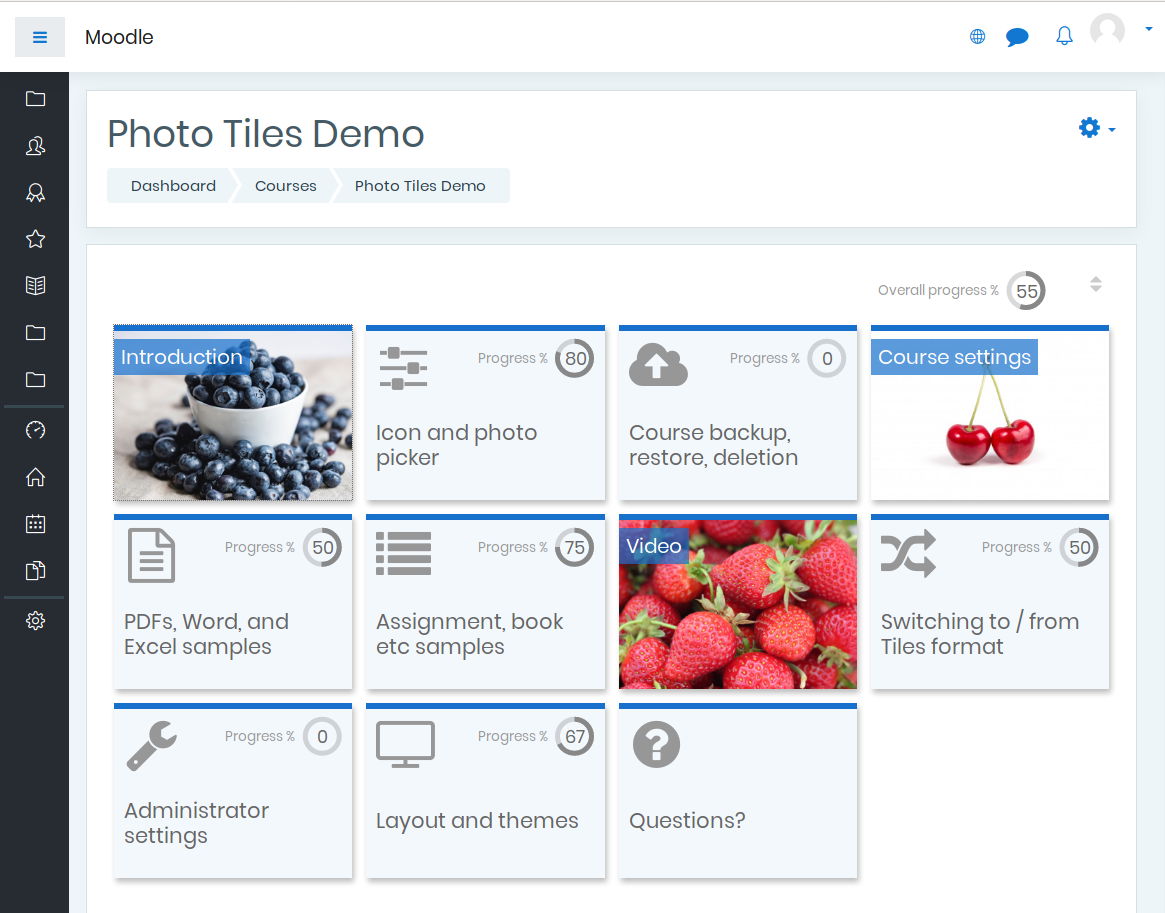
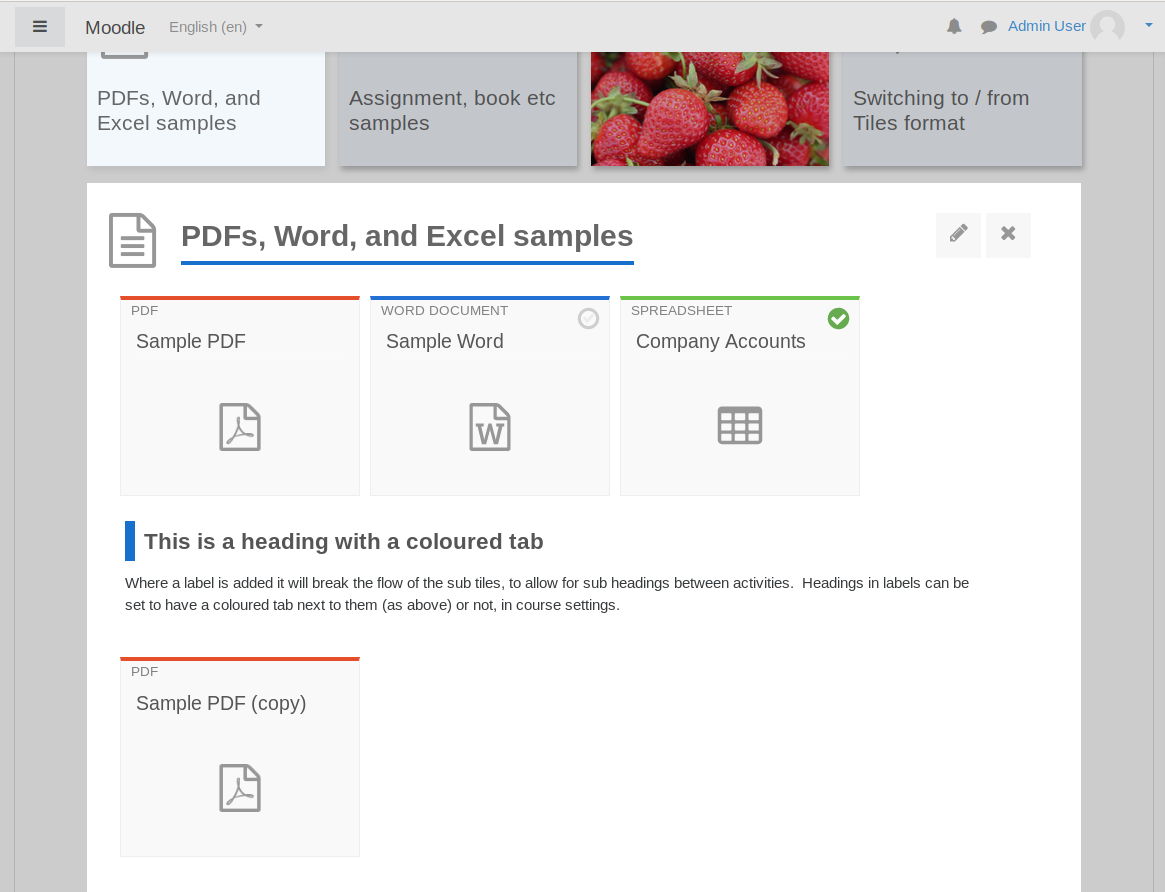
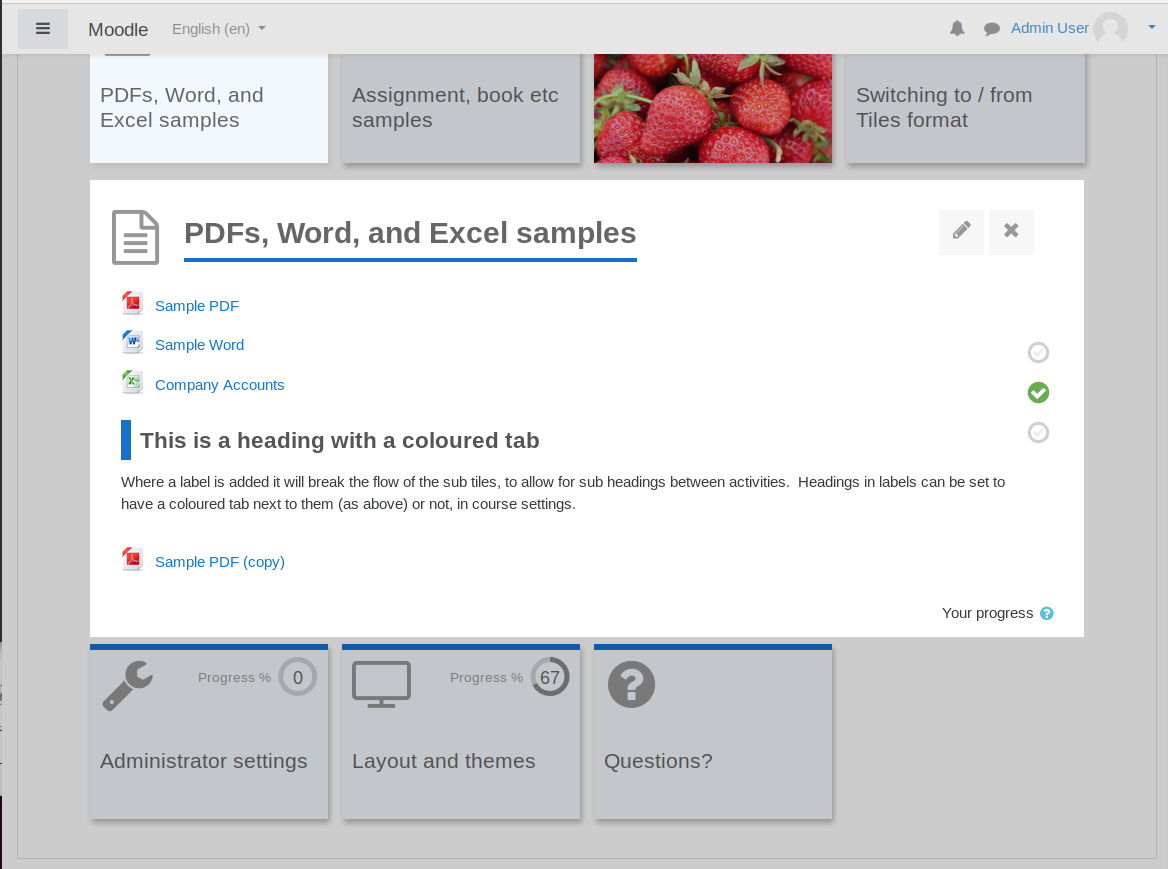
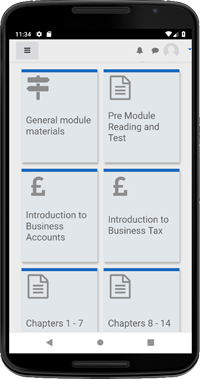
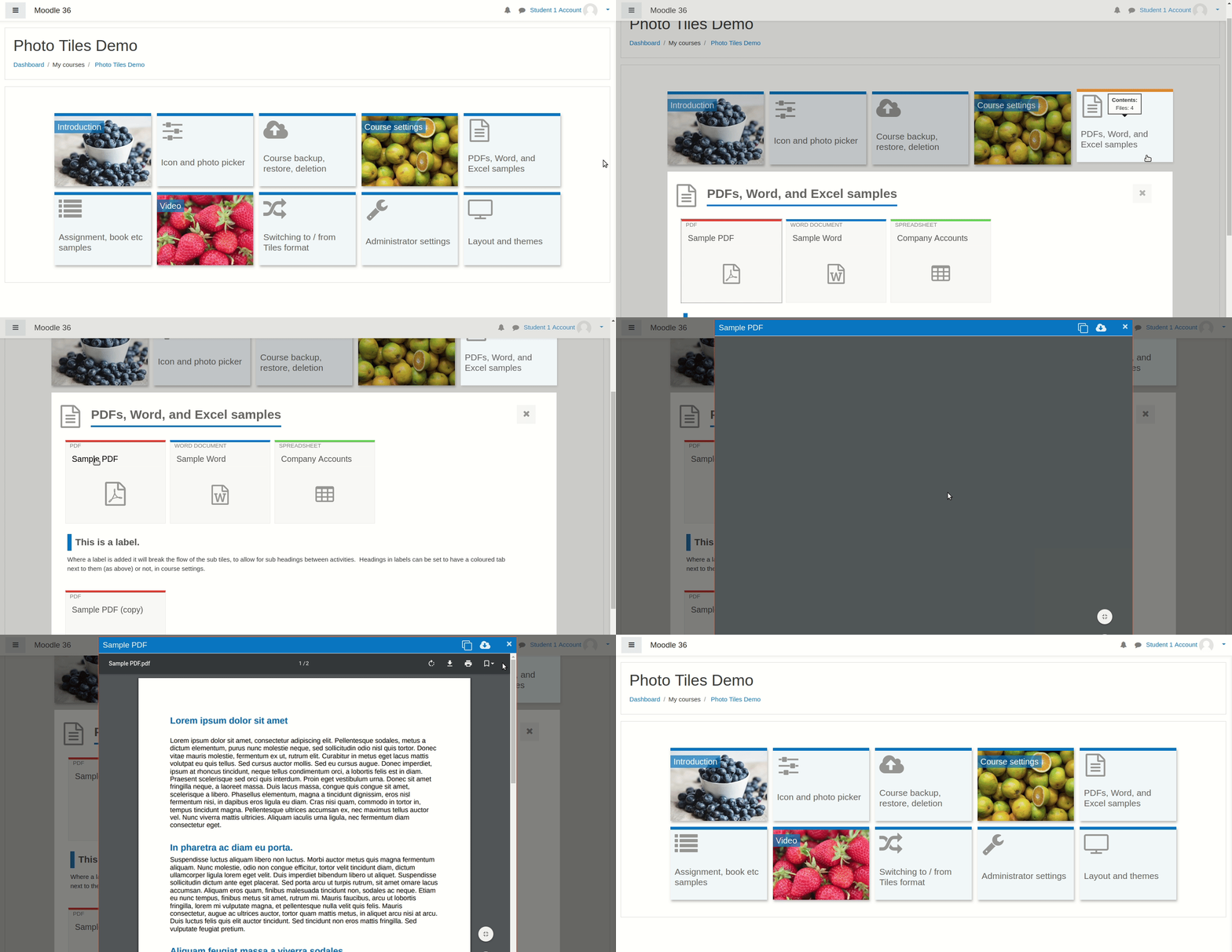
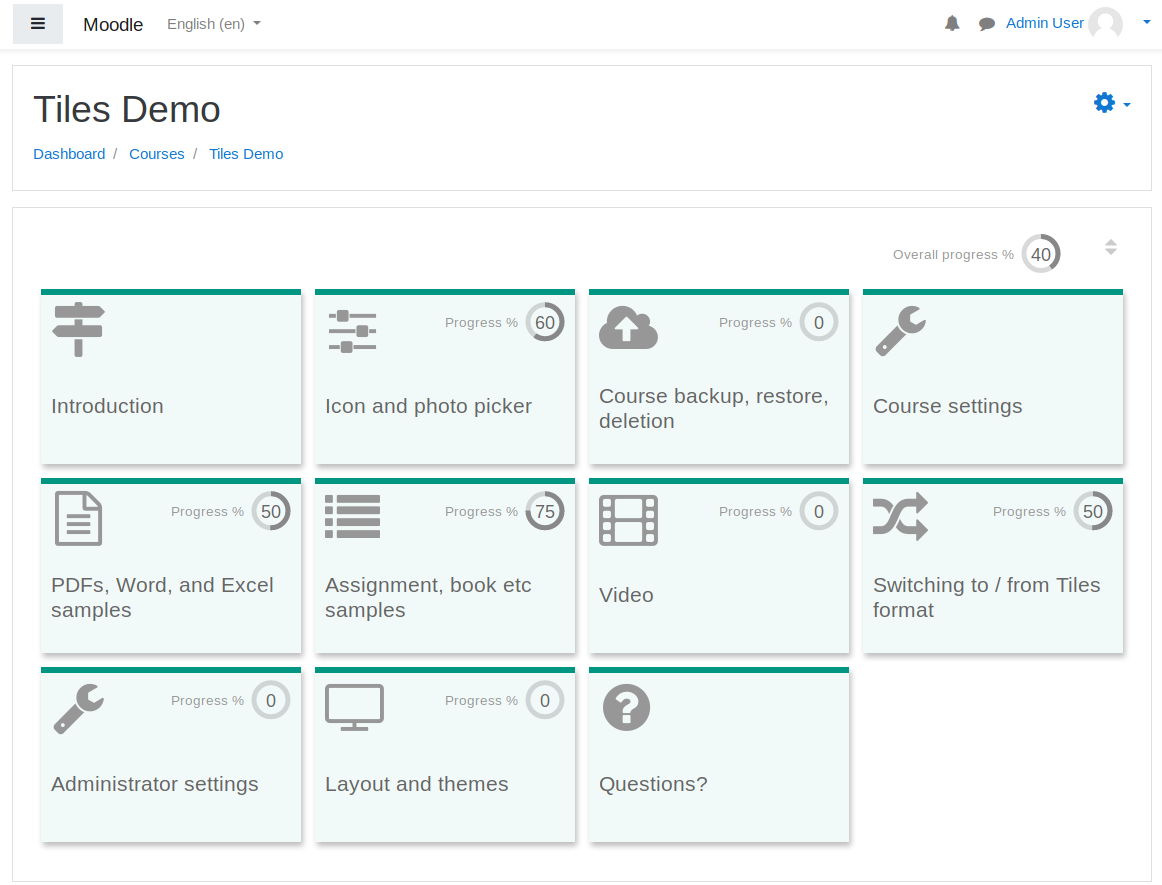
A course format which displays course topics as "Tiles", in a grid rather than as a list. When clicked, tile content is displayed under the tile with an animated transition. The layout adapts to different screen sizes and orientations. Within each tile, activities can also be set to display as "sub-tiles". For each tile, the teacher can pick an icon from a predefined set, or upload a background photo.
Price option: Free

Supports Moodle 3.3-5.1 See all versions
Latest release: 7 months ago
Installations: 22908
Downloads (last 90 days): 7910

Frankenstyle name: format_tiles
Course formats

Comments

Product ratings and reviews are coming to Moodle Marketplace. Until then, existing comments remain available to read, but new posts have been disabled.

Sebastian please try upgrading to the new plugin version (3.3.3) as I believe this will fix your issue. If it doesn't help, let me know. Thanks I'm glad you like it!
Hello Dinis your plugin is amazing. But I have a little problem, when using stealth activities, they still show to students. I have them configured as avaible but not shown, but they still show to students.
No problem Dinis. The strings you are seeing here are actually from your local environment's plugin settings - you can change them under Site administration > Plugins > Course formats > Tiles format. Any Portuguese language user who installed the plugin afresh *today* would see the Portuguese string as intended, and no English string at all. There is a complication for users who installed the plugin before the Portuguese strings existed - you are in this position which is why you see the English string as your local string in the setting, even though the default is now Portuguese. As this will only affect a minority of users, and no new users, and can be changed locally to the defaults, I think it best to leave this point as it is for now. I hope that makes sense.
Once again THANKS for supporting and updating the plugin.
The page language is Portuguese (PT). Colors of tiles ars translated but when you move mouse over mouse circles of color the title is English.
I think title is not "linked" to lang string. See image
https://imgur.com/a/5To1hlK
Thanks Dinis I have added the icon titles and music icon string to the next release. Mathieu - I have sent you a private message asking for more information about the Essentisal theme issue, but also included a change in the next release which may help. I will upload the release with these changes early next week (in the meantime both are on the source control URL).
Is this a error? Take a look at snapshot (image): https://imgur.com/a/hbxtT2c
Hi.
Thanks for the updates. The last icons are not in lang file. Can you add it? TRANSLATION.
Thanks
Yikes, that was a quick fix, David. Brilliant! I have installed and it did indeed fix the problem. However, I have one other problem when using Tiles with the essential theme. In edit mode, none of the buttons seem to work. For example, the "edit settings" menu shows, but nothing that I click therein works. It just does nothing. Is this some issue related to the Javascript?
Hi Mathieu this will be fixed in the latest release, which I plan to upload either today or tomorrow. The new code is already on the source control URL (link above) if you want to download it from there before then.
Hi David,
Thanks for what looks like a versatile format. I have one problem with regard to labels that I can't seem to resolve. For some reason, the labels in my course are duplicated. That is, though the label appears correctly in topics format, it displays twice when using the tiles format. Do you have any idea what would cause this?
Awesome, thanks David!!
Thanks Matias.
You are right - at present, restricted sections are always hidden from students until they satisfy the restrictions. To bring this into line with other formats (where the teacher is allowed to show the sections but greyed out) I have just pushed a change to the code up to the source control URL. You can try this now if you like (link above). I hope that helps. I plan to add it to the next release.
Hi, congrats, great pluggin! Question: does it work properly with restricted sections? I'm working with moodle 3.4 and restricted sections are not visible to students, even when the section is configured to be shown grey until the restriction is not accomplished. Am I missing to adjust some setup item?
Thanks
Hi. I recently installed this in my moodle and seems some icons are missing. Seems conflict with the current theme that I am using. I am using Space theme --> https://themeforest.net/item/space-moodle-template/22579922. They provide the same theme with this plugin which is font awesome. Tried switching to other theme and it really works well. Would appreciate any help coming from you or any member in the community.
Error?
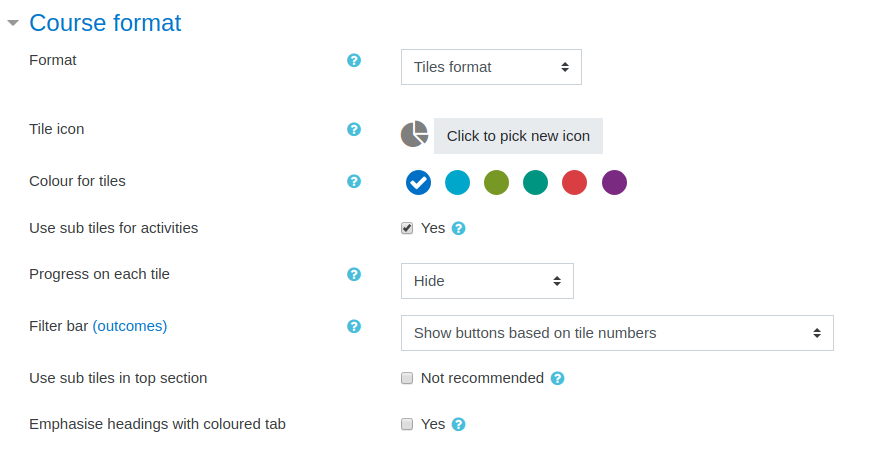
In setings i have: Use sub tiles for activities (image 1)
Some tiles are hidden
When i click to edit the hidden tiles, the context menu (part of it) is in BACK. Even when i change order of tiles. Is this ok?
I send some pictures to see.
https://imgur.com/a/QgwLqRV