Tiles format
Maintained by
David Watson
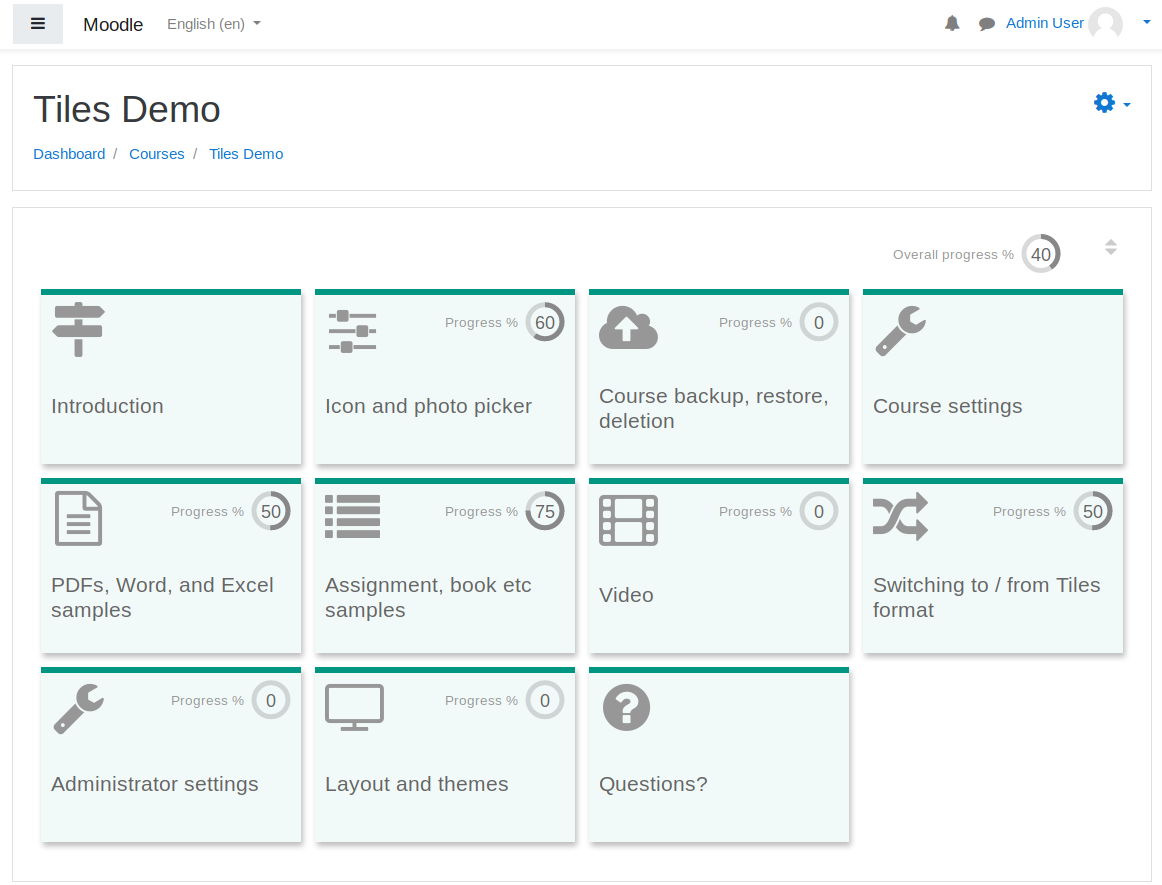
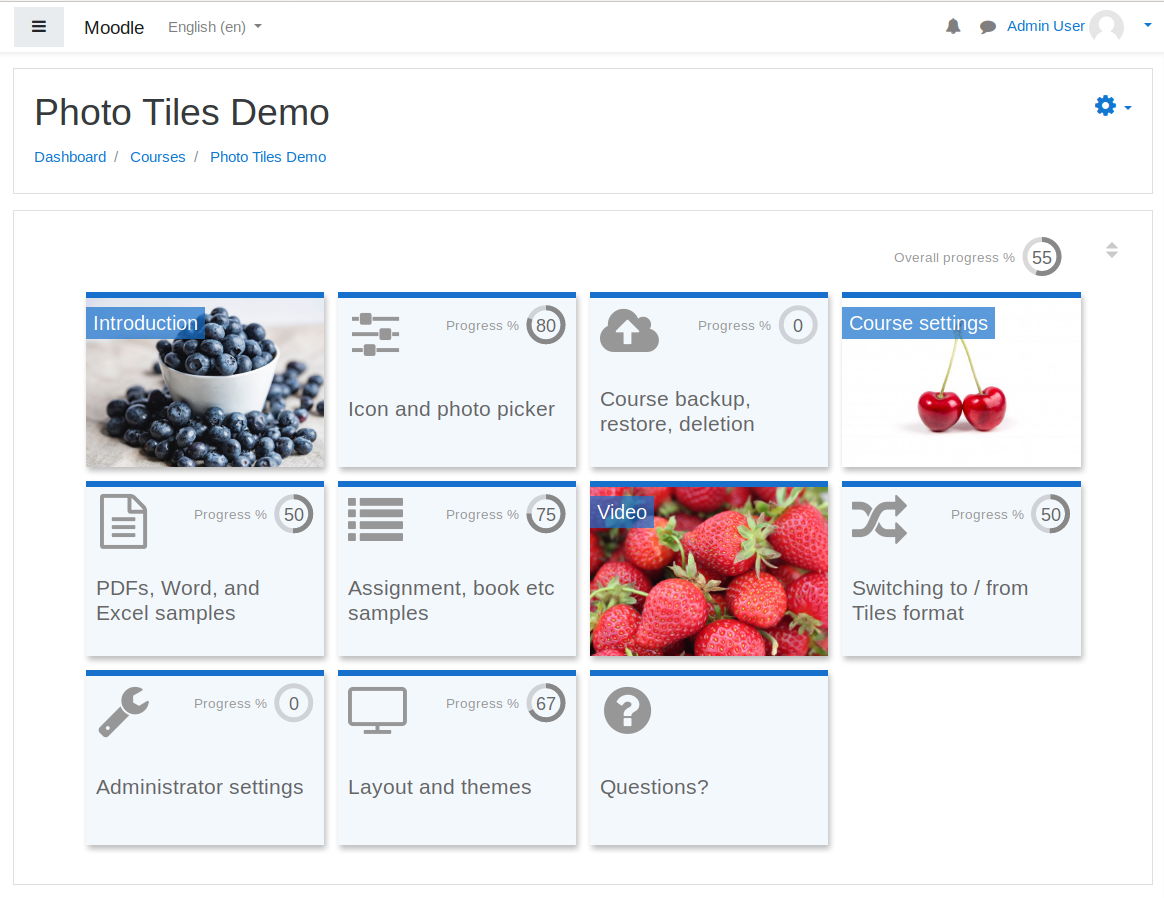
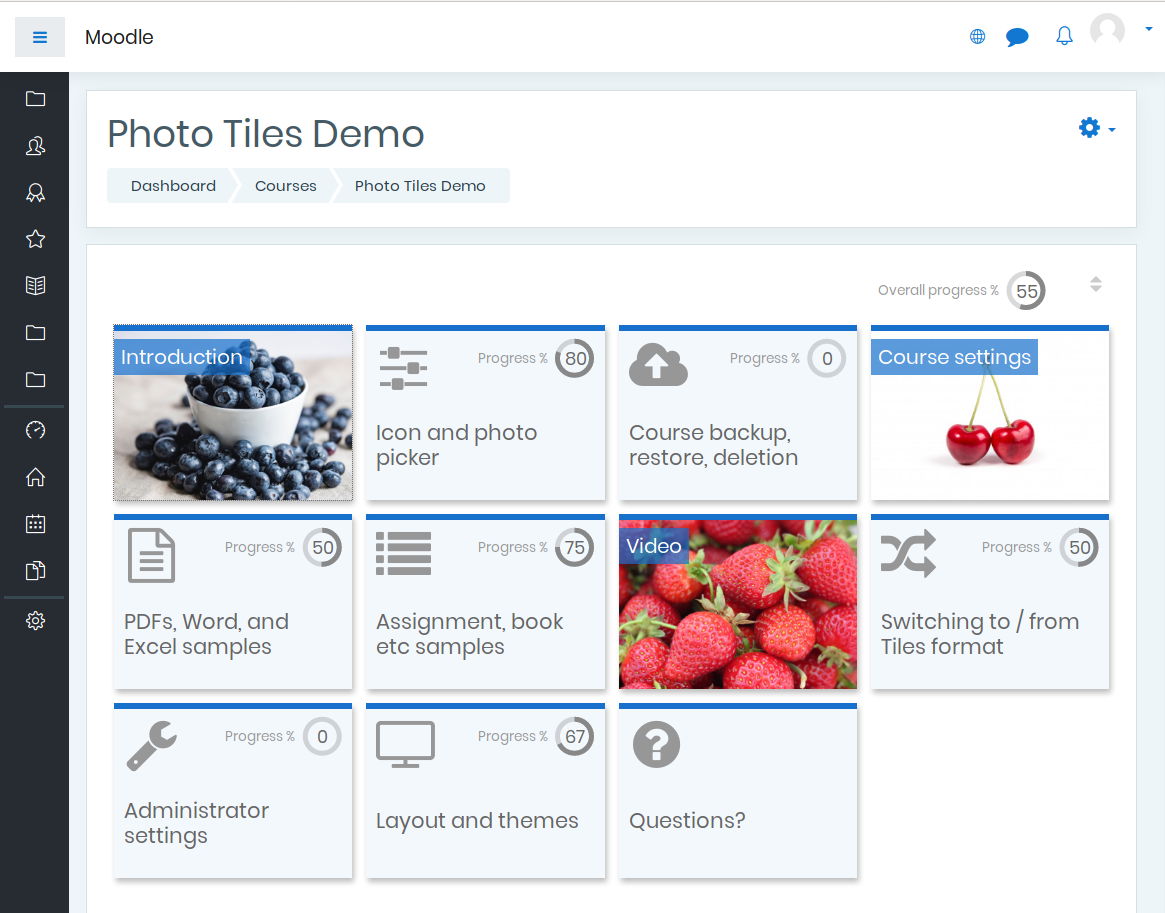
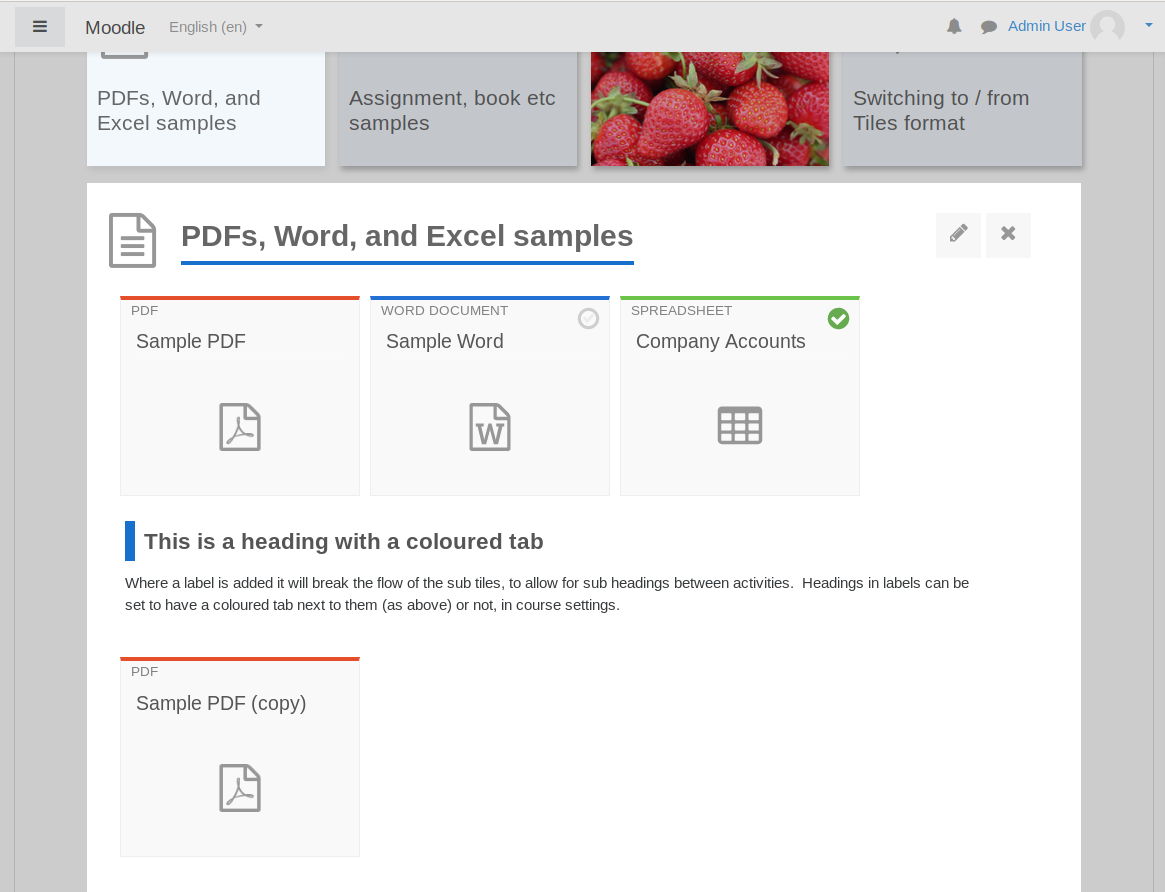
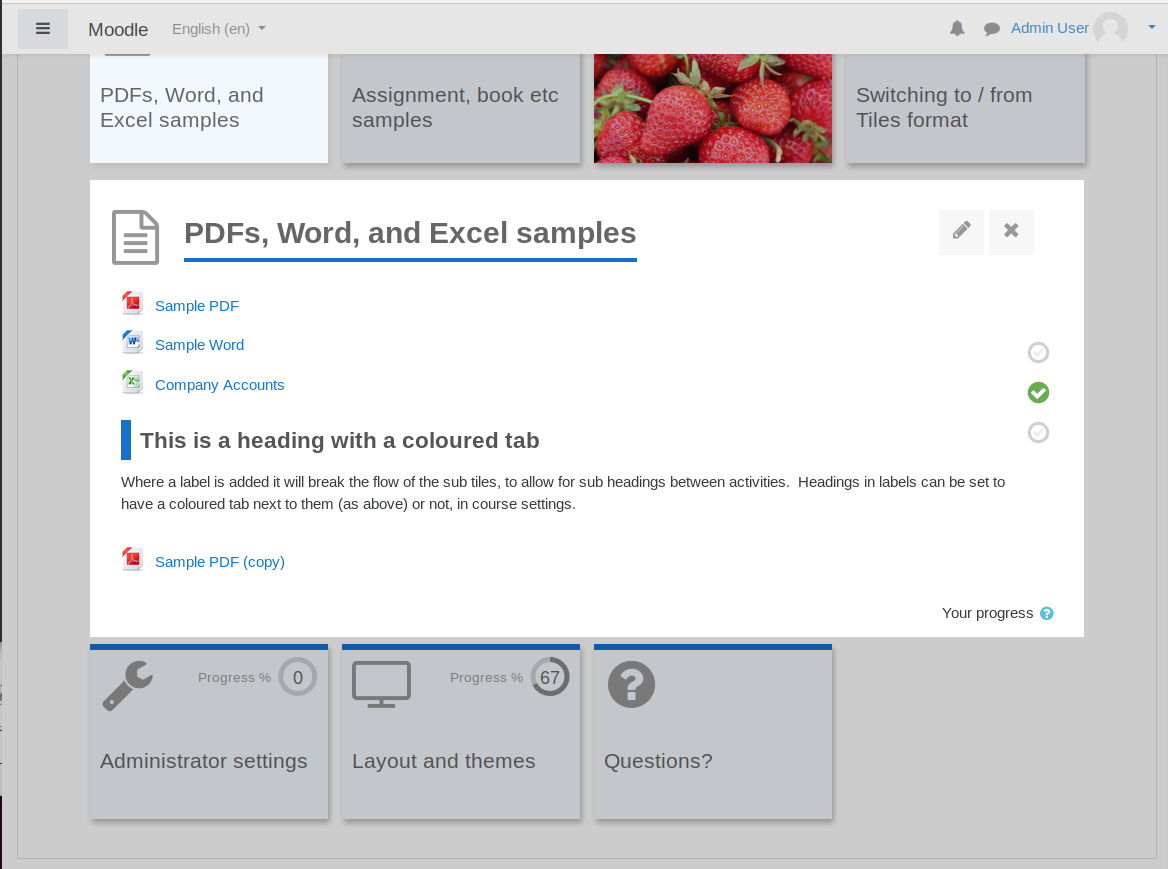
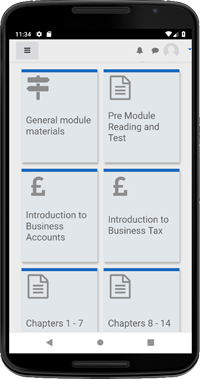
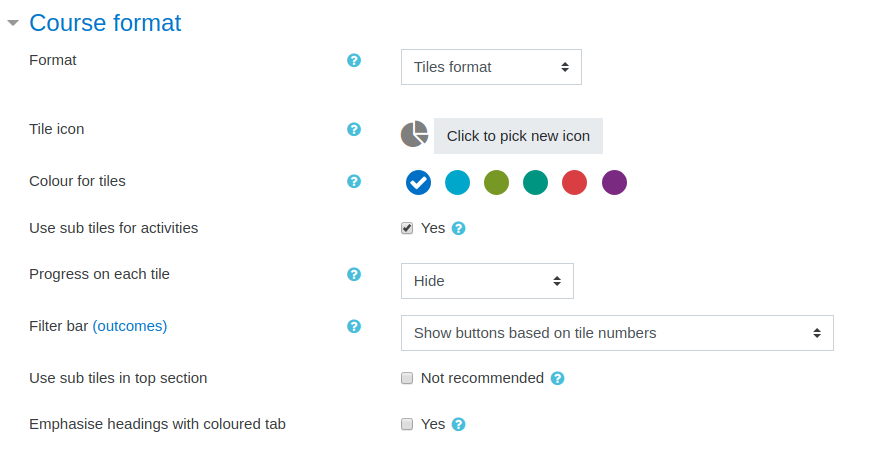
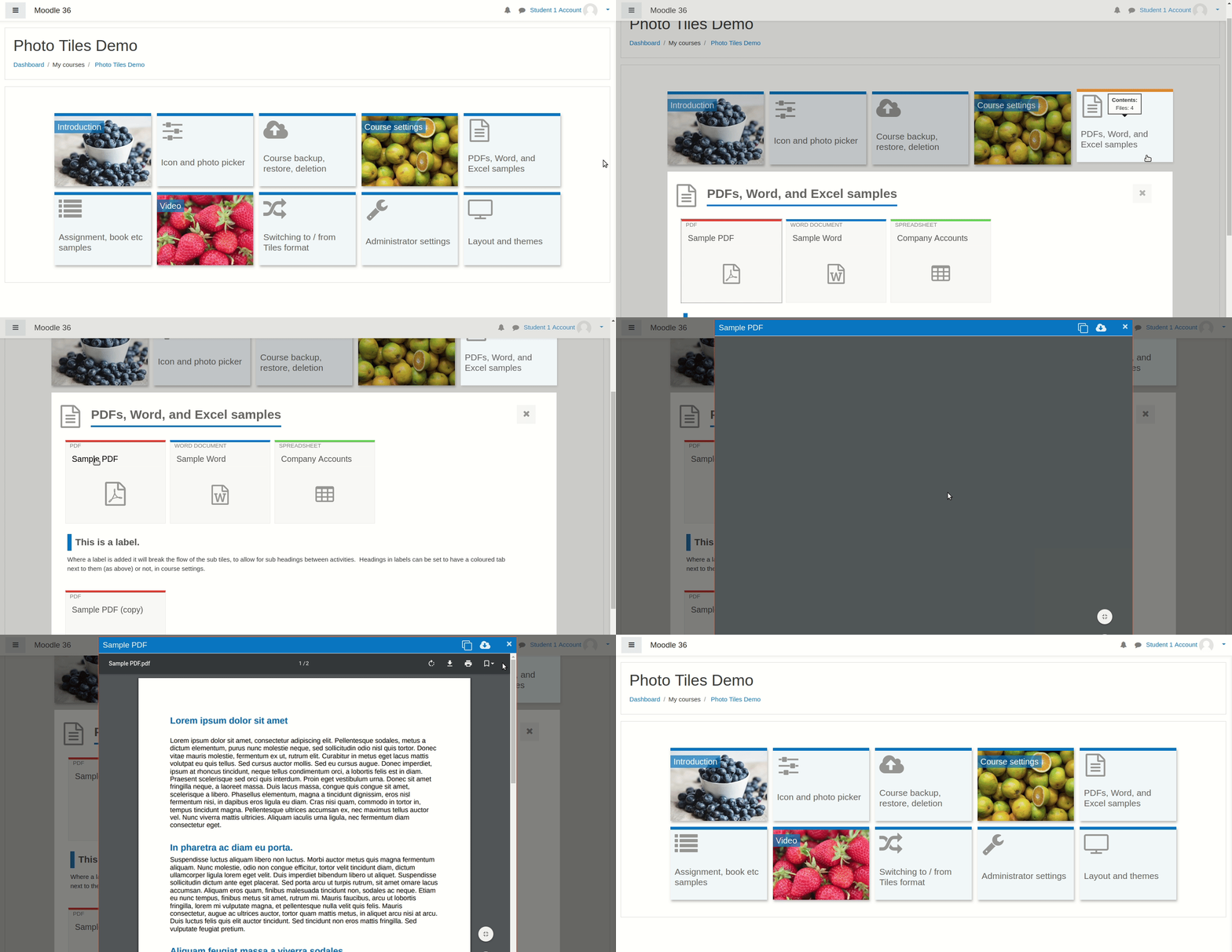
A course format which displays course topics as "Tiles", in a grid rather than as a list. When clicked, tile content is displayed under the tile with an animated transition. The layout adapts to different screen sizes and orientations. Within each tile, activities can also be set to display as "sub-tiles". For each tile, the teacher can pick an icon from a predefined set, or upload a background photo.
Comments
Product ratings and reviews are coming to Moodle Marketplace. Until then, existing comments remain available to read, but new posts have been disabled.
@Queenie sub-tiles were only shown to editors until Moodle 3.11. To save effort on the upgrade, they only appear to students from Moodle 4.0. They will be shown to editors again in a later release but it was a lower priority than getting other things working
@Ben thanks for the comment and I'm glad it helped!
@Birgit unfortunately the code does not cover that use case at present
xcepción - Class "format_tiles\output\courseformat\content\cm\controlmenu" not found
How can it be fixed.
When the latest version of the format "Titles" or mosaics I get this error that prevents me from editing any resource in the course.
Excepción - Class "format_tiles\output\courseformat\content\cm\controlmenu" not found
If I choose another format the error disappears and I can edit the course.
How can I fix it? Thank you very much
I would like to "recreate" a function in tile format, but I can't do it.
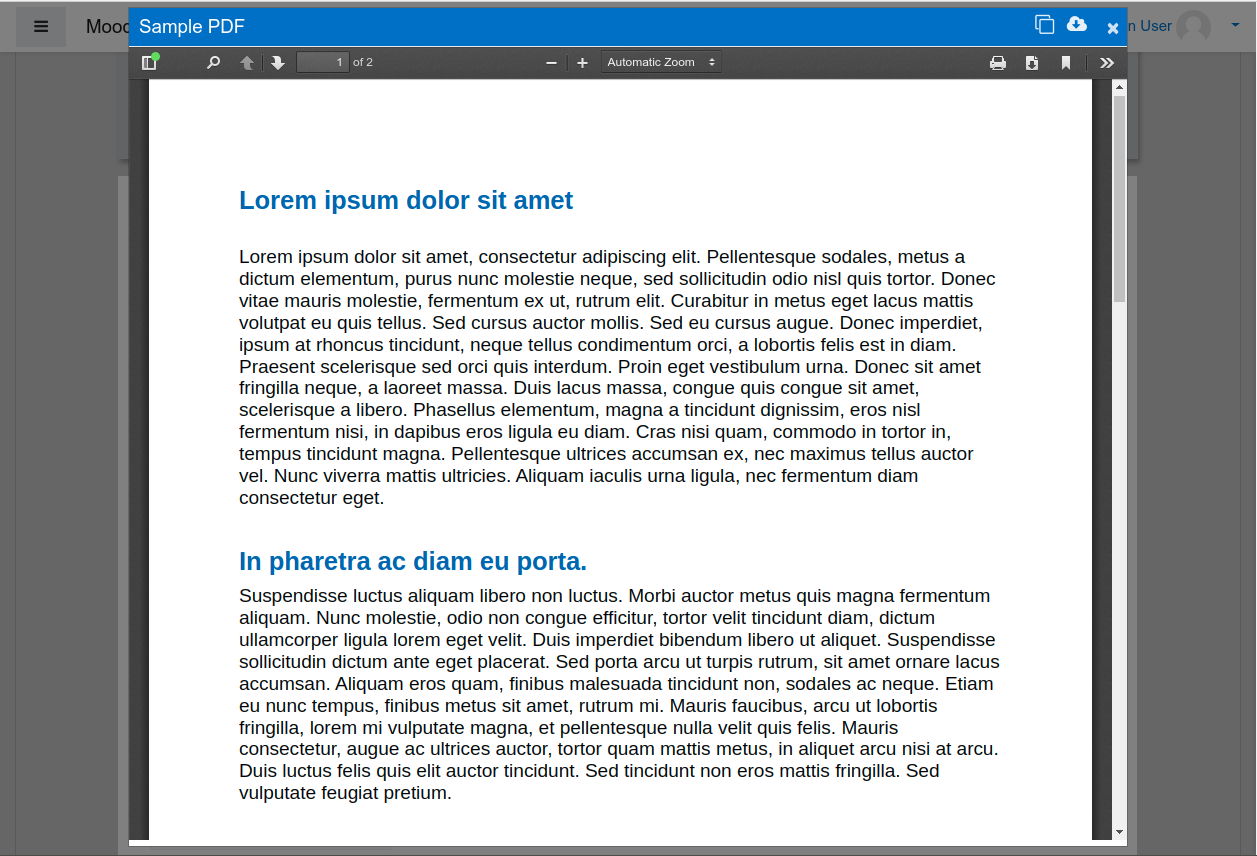
It is the case that clicking on a "text page" activity results that it is displayed in a modal dialog.
Because we want to make several activities compactly accessible, we want to link to the text pages in a text field. However, a link from the text field means that the text page is not displayed as a modal dialog but takes up the entire browser window page. This is good for pages with a lot of content, but unnecessary for pages with little content.
Therefore, I wanted to try to imitate the behavior of displaying a modal dialog. But I can't find the reason why there is this difference in the behavior?
The link address in the activity is the same as in the text link. I noticed an event onclick="". But it also does not cause the page to be displayed in the modal dialog via the text link.
Can you enlighten me
Many thanks, Birgit from Germany
The "Beta" designation is to indicate that further testing is required, so I intend to allow 3 weeks from today for any bugs to be identified. If no significant known bugs remain by 23 February 2024, I plan to upgrade this to a "release candidate" on that date, with a view to upgrading it to "stable" by 15 March 2024.
The release includes a change to the way that tile photos and icons are stored in the database, so during your own testing, please check that your Tile photos and icons are retained and report it if not.
I added more details at the top of the page about what's included, and the next updates for the Moodle 4.1 and 4.2 versions.
Dear sirs,
When using the format_tiles plugin 4.2.0.12023060200, in the student profile, viewing the completion of each activity in a course is unavailable. It is an exceptional plugin that has been widely used by the community in educational institutions around the world. In many countries, we are starting the planning and configuration of courses scheduled for 2024 and which will begin soon. Would it be possible to resolve this issue quickly? We thank you for your attention, understanding and commitment. We await news!
Thank you for the great plug-in. It's a breath of fresh air to be able to design each tile; I wonder if there is a way to set a photo for individual activities?
In the meantime: I fixed it *MY WAY* right here: https://bitbucket.org/mebis-lp/moodle-format_tiles/commits/c3a2c79e61a638dd2167936f9b0f883e07b30117
No idea, if the maintainer would do it the same way I did, so here comes the default disclaimer:
No guarantee for anything, but feel free to use the code
I'm on version 4.3.1 of Moodle and using version 4.2.0.1 of the Tiles Format. I've been facing some issues, such as the completion of the activity not appearing for the student and not allowing progression to the next activity when we set a minimum grade in the quiz. This happens even with the restriction method indicating that they can advance with any grade.
Has anyone else experienced this issue?
There is a problem while displaying the activity completion in all fields: The button is visible in course edit mode. But when disabeling edit mode the activity completion button/field is hidden.
The functionality in other course formats works fine, so it must be a problem in tiles format.
In Moodle 4.1 it worked fine.
By the way: When opening a single activity the button is visible in the head of the activity, functional and activity can be changed.
Even the activity progres bar in the tile works when calling the course.
It may be just a problem of visibility when clicking on a tile and show the activities as a list.
Switching the course format e.g. to weekly format -> all buttons are visible as recommended...
Thank you for solving the problem in the next version!
Does anyone have an idea on how to suppress the "&redirect=1" or identify which setting might be incorrect?