eTask topics format icon

eTask topics format

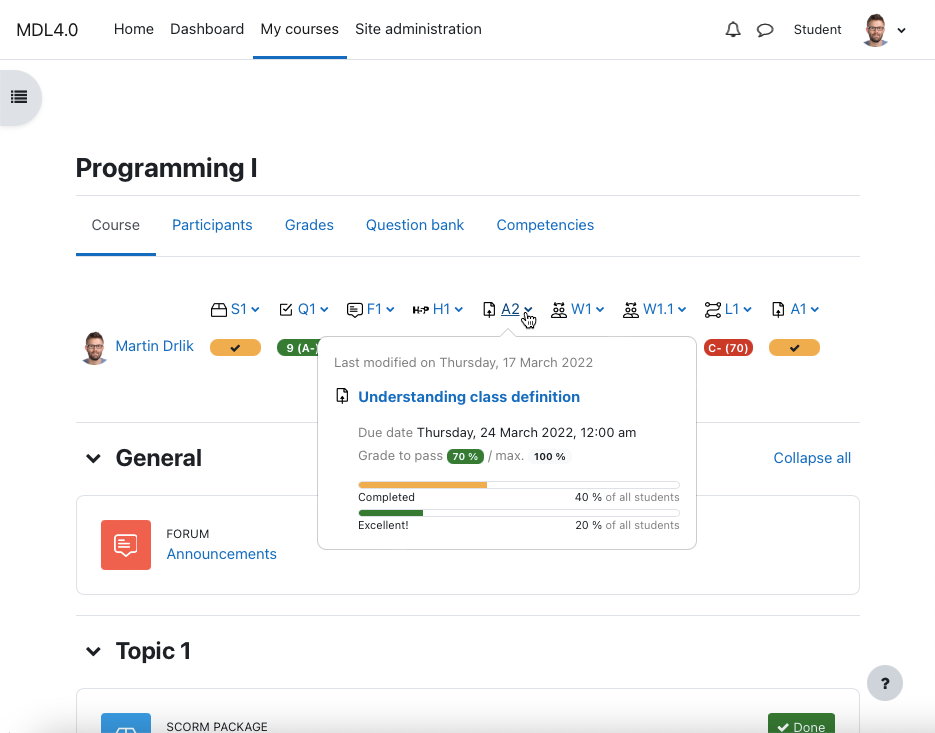
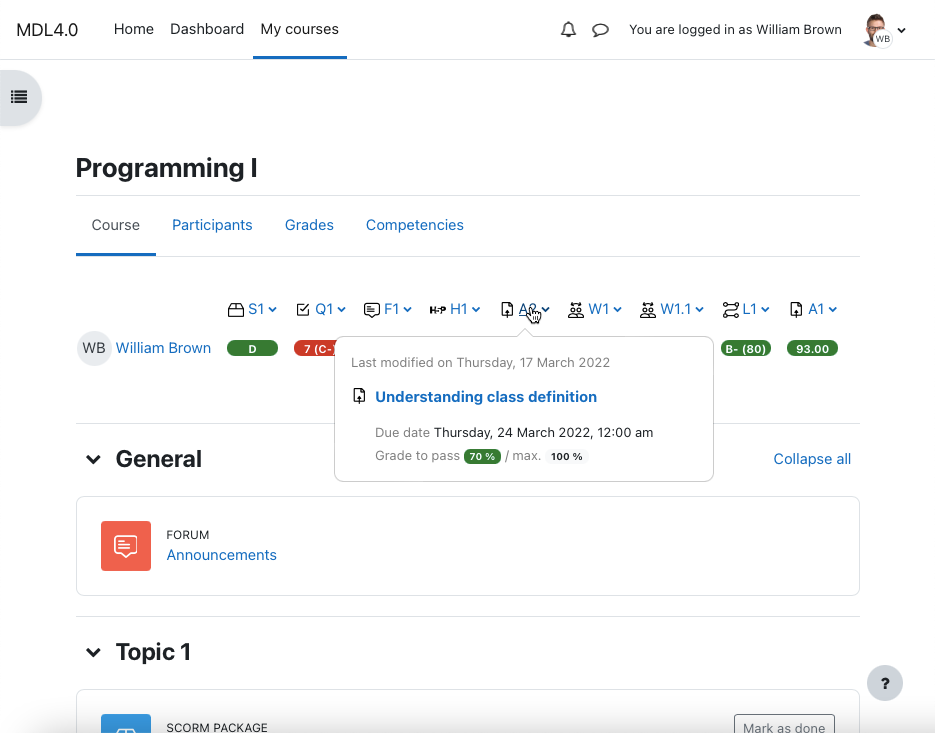
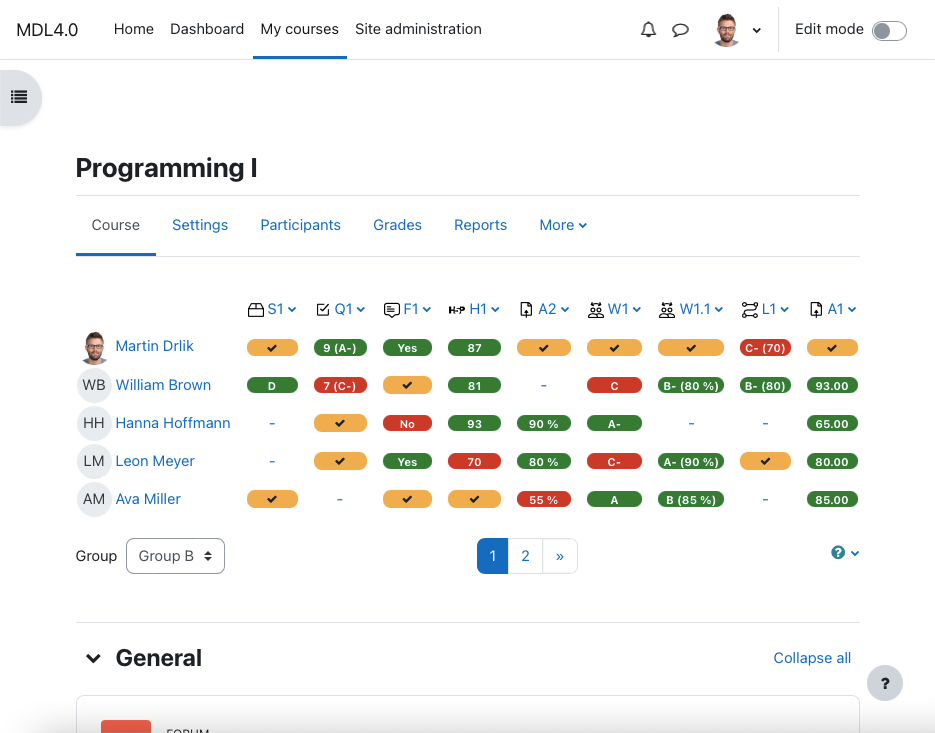
Place the grading table with additional functionality directly on the course page and manage gradable activities easily. Provide your students a quick overview of grading and motivate them to be better.
Price option: Free

Supports Moodle 2.4-4.5 See all versions
Latest release: 1 year ago
Installations: 596
Downloads (last 90 days): 96

Frankenstyle name: format_etask
Course formats

Comments

Comments are no longer open for new posts. Existing comments remain available to read.

Hi Synnac, basically that's not possible. The best solution would be to have this plugin as a block, not as a course format, but unfortunately, the Moodle Themes do not allow to place the block above or below the course page, but only to the side and it is too narrow. In other words, if any course format should display eTask, an adequate plugin would have to be created in the given combination and that is a lot of maintenance. I believe that in the future there will be possibilities to solve this.
Is it possible for this plugin to work with Onetopic format? https://moodle.org/plugins/format_onetopic
Hi Alexia, which version of your moodle do you use and which version of eTask topics format do you use. Only with this information I can try to reproduce your problem. eTask topics format shows gradable activities only. There cannot be differences between usage across the courses.
Hello. I have a problem. A new e-task topic format course was created and not all activities appear on the progress bar. What can be the problem? We used H5P for all activities. The old courses do not have this problem. Thank you!
Thank you very much.
Hi Lina, contact me via Twitter (https://twitter.com/drlikm) or LinkedIn (https://www.linkedin.com/in/drlikm/) and we can share more details in private messages. It is probably a problem with settings. Thank you.
Also, another problem is that the students can't see the progress bar. The settings are the following ones: Student privacy - the student can only see his/her grades in the grading table; Grade item progress bar - Show the student's grade item progress bars in the grading table. I can't figure out why they can't see the grading table. Could you help me, please? Thank you.
Hi Lina, colors depend on your "grade to pass" setting for the gradable activity (cells are colored automatically on grade or activity completion). If grade to pass is defined, the color scheme is: green when grade to pass is >= final grade; red when grade to pass is < final grade. Yellow color is for completed activity and you need to set up completion tracking in the activity settings (and allow it in the site administration if it is not allowed, see https://drlikm.gitlab.io/format_etask/4-common-problems/4.3-completed-status/). If you are using your own scales for the grading, maybe you have defined them incorrectly - see https://drlikm.gitlab.io/format_etask/4-common-problems/4.2-scales-definition/
Hello!
I have a problem with the Legend. It does not explain the colors: green, red, yellow. Everything is in red. Is there a way to change the legend's colors?
Great, maybe it had some reason to prohibit this capability in your installation. In the next version of the module, maybe the capability "moodle/grade:view: View own grades" will be used instead - to recognize users that can receive grades - it will fit better to this. Have a nice day smile.
Student's capability was Prohibit and I've change it to Allow. Thank you so much for your help!
Hi Lina, ok. Go to the Participants section in your course and check if the "Student" role is assigned to the enrolled users. If it is ok, go to the Site administration / Users / Permissions / Capability overview and type to the capability search input: gradable - it finds capability "moodle/competency:coursecompetencygradable". Then select "All" in the roles select and click "Get the overview". Now you can see if the Student has this capability allowed (it should be allowed by default). Let me know what is the status of these two checks (roles and capabilities).
Hello again. I've tried to message you, but it shows me that I am not able to send you any messages.
Hi Lina, please, send me a private message including your e-mail and I will contact you with details. Maybe some capabilities are incorrect in your settings.
Hi!
I have a problem with eTask plugin. Moodle verion: 3.11, eTask version: 2.1. After the latest update, the plugin does not work. When I open a course, it shows me that "No students are found to grade", even if there are students enrolled in the course. Could someone advice?