eTask topics format icon

eTask topics format

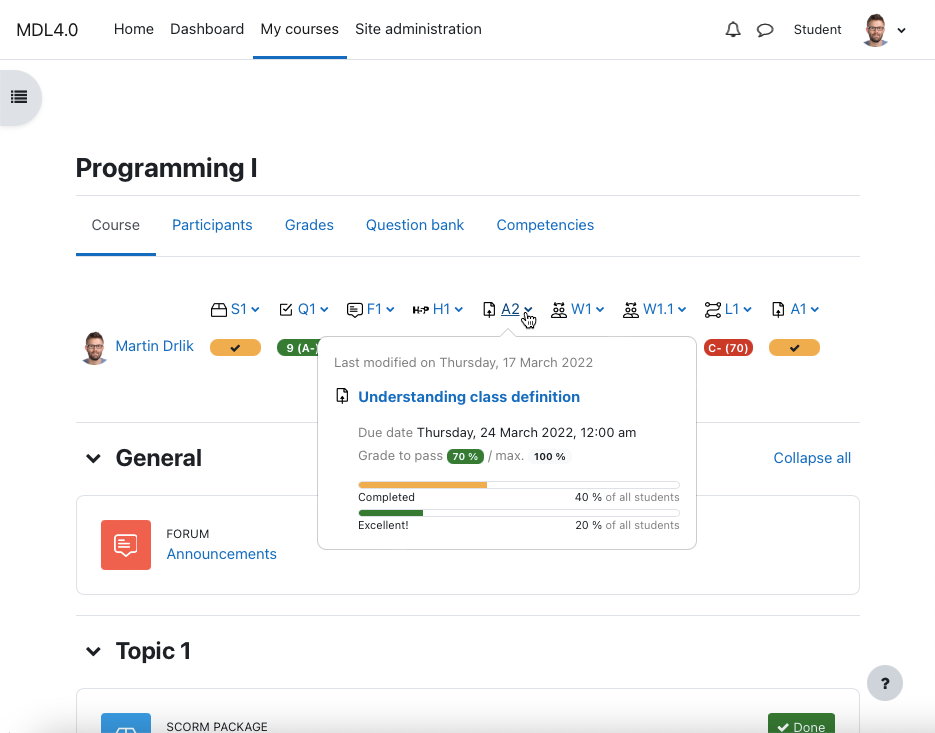
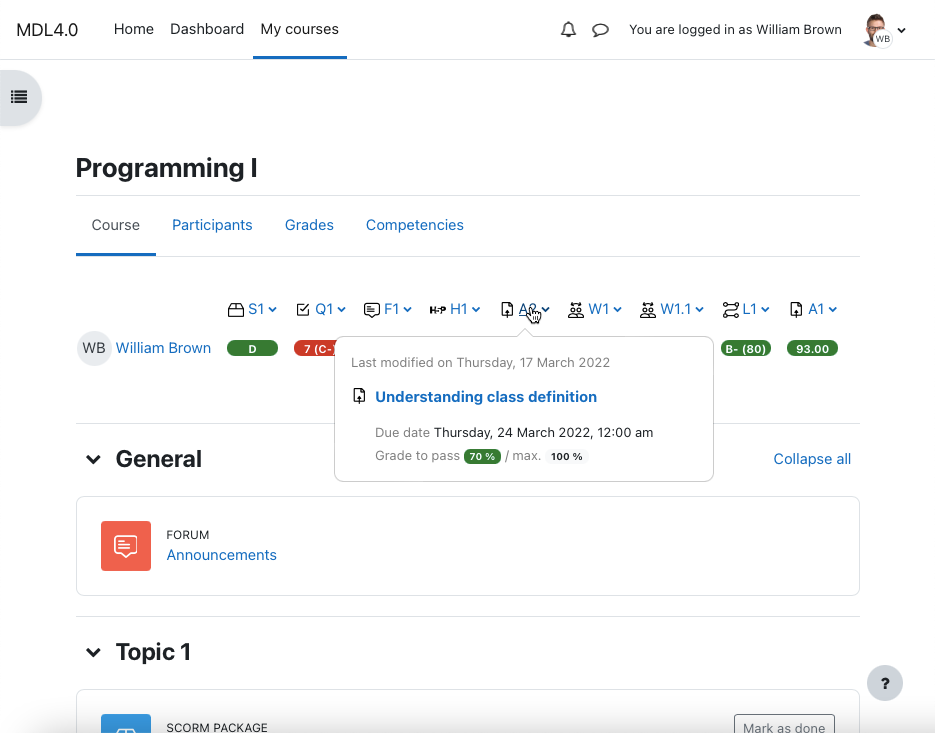
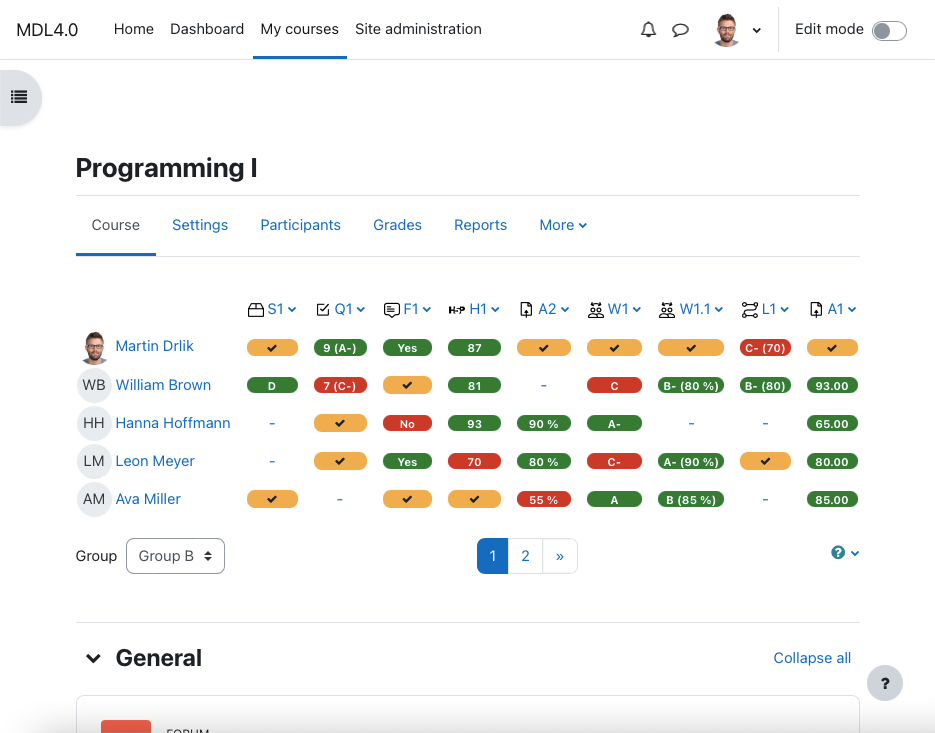
Place the grading table with additional functionality directly on the course page and manage gradable activities easily. Provide your students a quick overview of grading and motivate them to be better.
Price option: Free

Supports Moodle 2.4-4.5 See all versions
Latest release: 1 year ago
Installations: 596
Downloads (last 90 days): 96

Frankenstyle name: format_etask
Course formats

Comments

Comments are no longer open for new posts. Existing comments remain available to read.

Hi Jatin, there is no way to remove this help with link going to plugin page now. But I can change it if it make sense. I will send you private message, we can discuss it.
Hi Martin, is there a way to remove improve plugin section with that question mark sign?
Hi Hitesh, it is not possible now, I am sorry. Martin
HI Martin is it possible to have etask with collapsible topics ....
Hi Alyssa, the issue fixed now. Thank you for reporting the issue. Install plugin update and let me know if any other issue appears.
Hi there. We have an issue after the moodle was upgraded from 3.7 to 3.10 version and e-task was installed again. When trying to change the groups to see the results of different ones we get an error "a required parameter (sesskey) was missing".
We have closed all tabs and reloaded everything but it is still there.
Can you please advise on this error. What it can be and how we could get rid of it. Thank you
Hi, for the decimal value you can use formatted grade value. If the grade to pass is not in the panel, it means it is not set. See the full documentation https://drlikm.gitlab.io/format_etask/
1) Is it possible for the note to appear in decimal on the course's initial panel?
2) What should I do when notes do not appear on the panel?
Tks
i send you private massage
Hello Ramy, I added the Quiz activity to the course and it is correctly displayed in the grading table. It works fine. Is the Quiz visible to students? Try to give me additional information if possible.
Thank's again for your answer Martin ! I'll come back with feedback smile
Best.
Hello Ramy, I read your comment above, just give me a day to check the plugin - I let you know. Thank you, Martin
hello .. the quiz don't show in grade table my moodle 3.10
Hello Daniel, if I understand well, it is not possible. eTask topics format shows all the gradable activities of the course in the grading table if activities are visible for students. So it is not possible to include individual activities by user definition for now. We can discuss together some improvements to this plugin. Try this plugin and we can work with the feedback from your course participants and/or teachers.
Thank you for your answer Martin! I have another question if you allow me.
Is it possible to run this plugin on a specific activity in a moodle course? For example, I have a test in my course with several quizzes and I would like to take advantage of the possibilities offered by eTask on this test only. Is this possible?
All the best,
Daniel.