
Zoom meeting
Maintained by
Jonathan Champ, Steve Bader, Alan McCoy
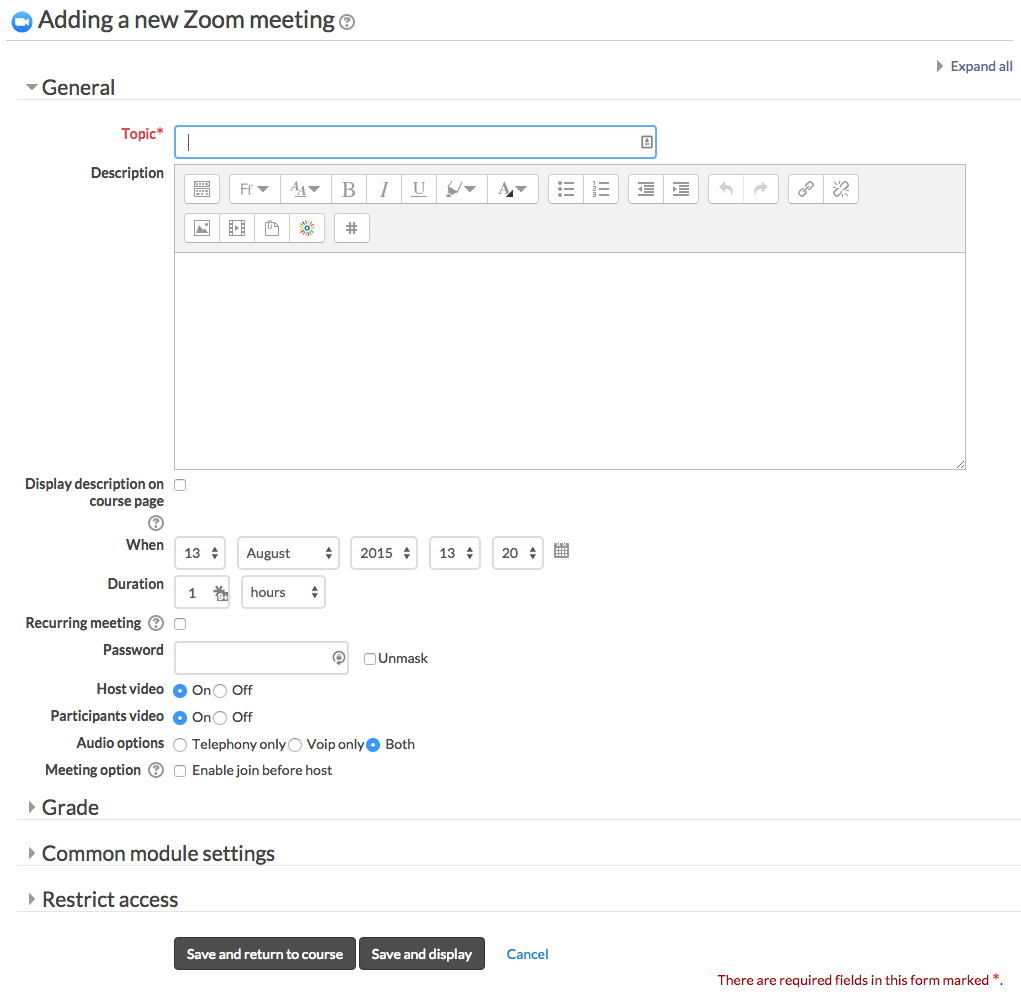
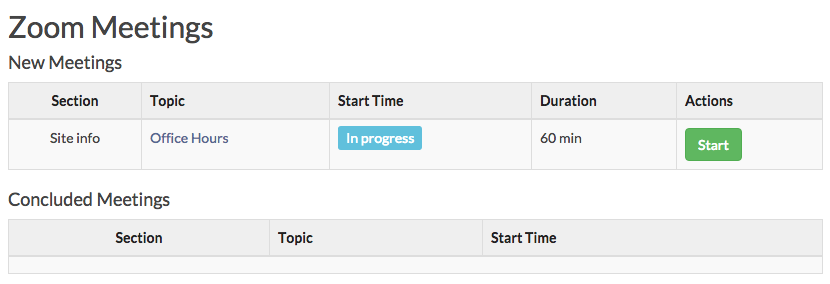
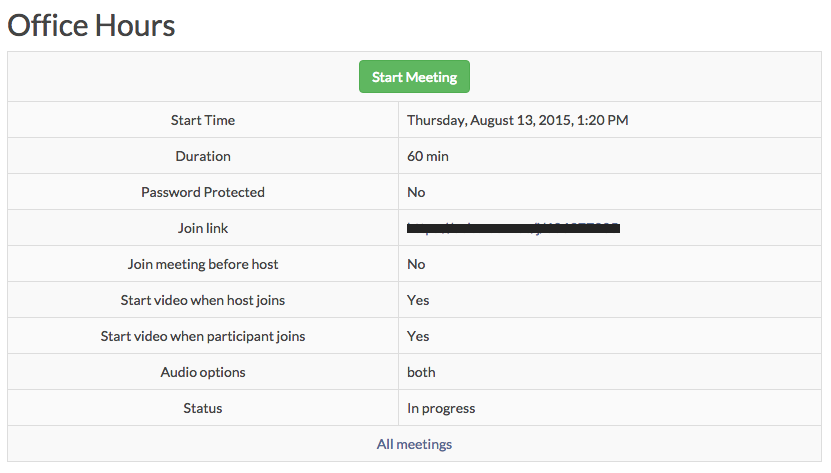
Zoom is a video and web conferencing platform that gives authorized users the ability to host online meetings and webinars.
Comments
Comments are no longer open for new posts. Existing comments remain available to read.
In chrome we get a 500 error and in firefox we get a blank page. Turning on errors gave us the following message: Fatal error: Call to undefined method mod_zoom_mod_form::standard_intro_elements() in /moodle-fs/lms/public_html/mod/zoom/mod_form.php on line 66.
Any suggestions?
For the group mode, there should still just be a single meeting link for everyone in the course. To have separate meeting rooms you would need to create separate Zoom meeting instances.
I am currently investigating weather the Zoom plugin is compatible with Moodle (version 3.0) groups. Are you able to giving me any intel on this enquiry?
Thanking you.
I am getting an "unknown error" when trying to delete certain instances of the Zoom meeting activity. The best I can figure out, this is happening when we try to delete a meeting that was created by an instructor who is no longer on our Zoom account, or for instructors who changed their email addresses and so are using a new Zoom account. So, my guess would be that the plugin is trying to delete the meeting from our Zoom account first, and when it can't find the meeting the whole deletion fails. Any thoughts on a patch that would still delete the instance in Moodle, even if the meeting can't be found in Zoom?
1) Can I use your plug in with a Pro acct or do I need to have a Business or Enterprise acct?
You will need an account that allows API access. I am unsure if that is covered in the regular Pro acct. Contact Zoom sales department.
2) Will it seat up to 50, or only 25?
The seating is up to your Zoom account.
3) Do students still need to download the Zoom plug in for their computer?
4) Does the Zoom screen show in the Moodle- ie do they join meeting in Moodle, or do they leave to external Zoom app?
Yes, students still use the Zoom plugin for their computer. The thing that this Moodle plugin does is that it creates the meetings on Zoom's side. You can still use Zoom and have the instructors/Moodle users create meetings directly on Zoom and link to them in Moodle.
1) Can I use your plug in with a Pro acct or do I need to have a Business or Enterprise acct? My school is small, no need for 10 seats of a Business Acct. 2) Will it seat up to 50, or only 25? 3) Do students still need to download the Zoom plug in for their computer? 4) Does the Zoom screen show in the Moodle- ie do they join meeting in Moodle, or do they leave to external Zoom app?
Thank you!