
Zoom meeting
Maintained by
Jonathan Champ, Steve Bader, Alan McCoy
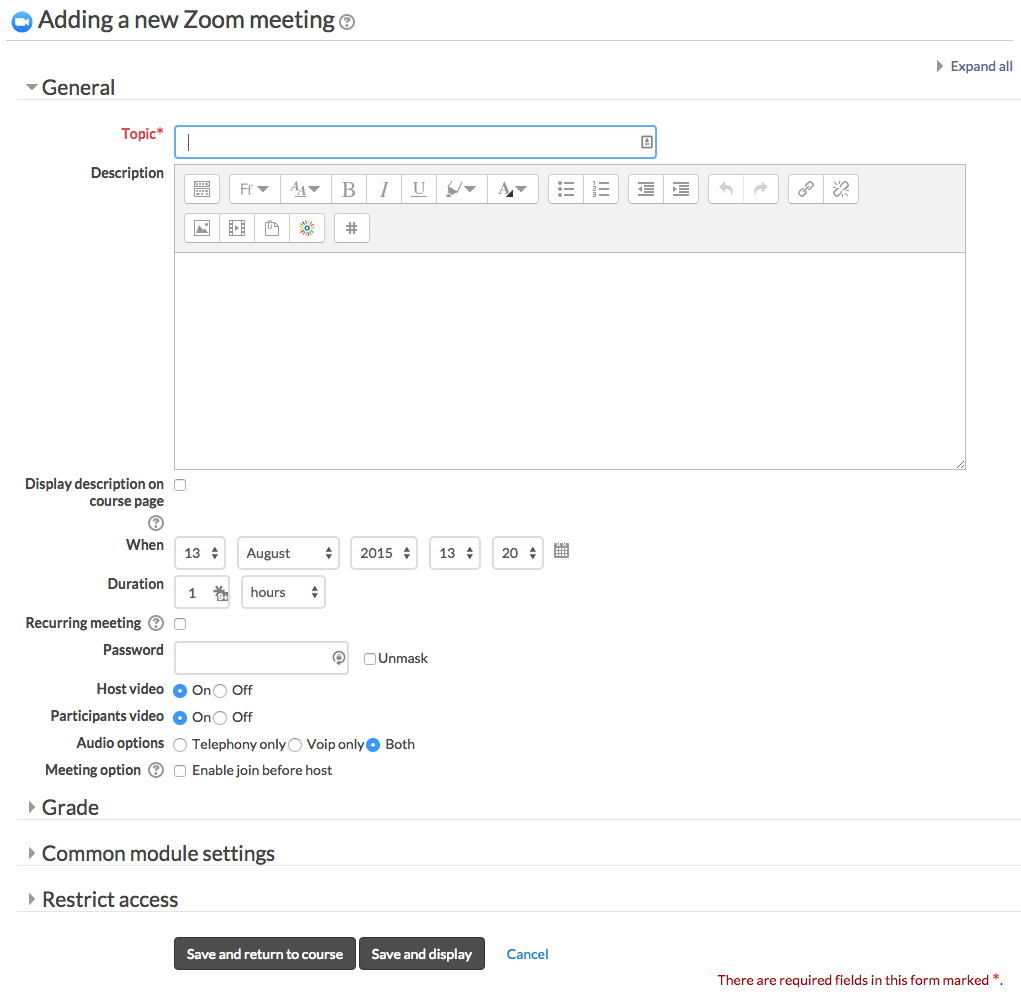
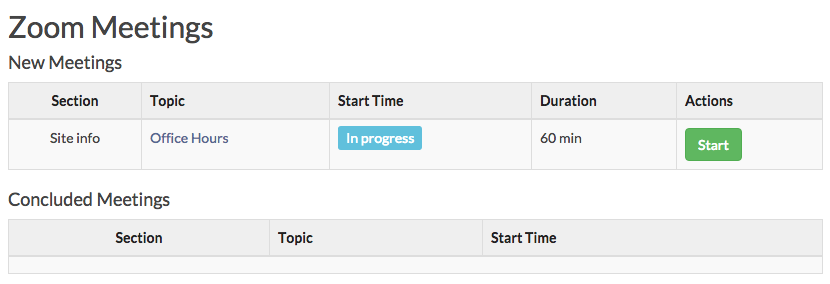
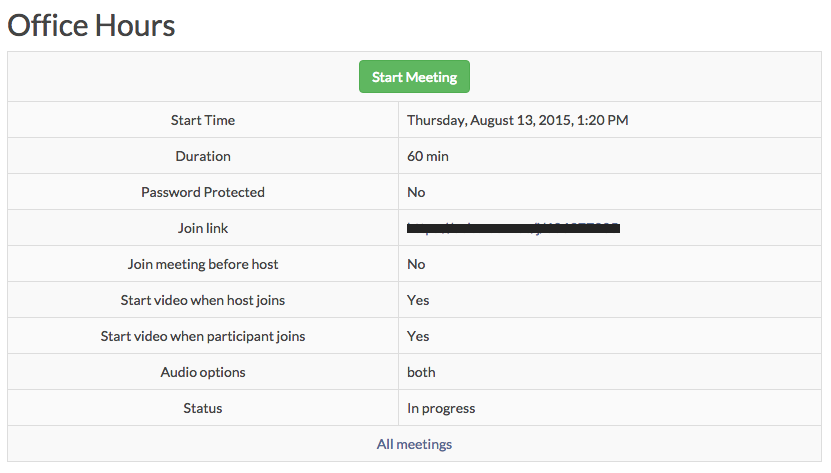
Zoom is a video and web conferencing platform that gives authorized users the ability to host online meetings and webinars.
Comments
Comments are no longer open for new posts. Existing comments remain available to read.
"You are using Zoom for the first time, so you must enable your Zoom account by logging in to https://<> with your login credentials. Once you've activated your Zoom account, reload this page and continue setting up your meeting."
Anyone knows how to resolve the problem please?
Thanks
We've just updated and works perfectly now.
It really help our students to learn at home.
Topic in $zoom of REST response is garbled in function zoom_add_instance within lib.php.
Just for temporary aid, I stored topic(name) and overwrite before saved in mdl_zoom table. It avoids character garbles on mdl_zoom table. But still garbles on Zoom UI. So I think we should handle multibyte character not to be garbled before API call. I'll test with Unicode escape for the $zoom->name value.
Any advise is appreciated and thanks again so much for wonderful development, it'll really help our online classes.
// Save topic(name)
$name = $zoom->name;
// Create meeting on Zoom.
$service = new mod_zoom_webservice();
if (!$service->meeting_create($zoom)) {
zoom_print_error('meeting/create', $service->lasterror);
}
$zoom = $service->lastresponse;
// Create meeting in database.
$zoom->timemodified = time();
$zoom->name = $name;
$zoom->id = $DB->insert_record('zoom', $zoom);
But "topic" get garbled when I input with multibyte character in utf-8.
Are there anything I should add to be properly saved on mdl_zoom table?
Any advise is appreciated and I'd like to share once it's fixed.
// Add topic (stored in database as 'name').
$mform->addElement('text', 'name', get_string('topic', 'zoom'), array('size' => '64'));
$mform->setType('name', PARAM_TEXT);
"All instructors planning on hosting a Zoom meeting with their students would have to have the same email address?" - No, if they all have the same email, then we will be creating Zoom meetings under the same account, which can allow, potentially, instructors to delete or message with each other's meetings.
So I believe the error is that the email address of the user who is trying to create the meeting doesn't have an account under the organization account with whose's API keys you setup the Zoom plugin for. Maybe it is associated with a free account. You can create an account under your organization's Zoom account for the user with the same email or maybe contact Zoom support and have them add this user to your organization.
An error occured with Zoom.
Debug info: user/getbyemail: User not belong to this account
Stack trace:
line 167 of /mod/zoom/locallib.php: call to zoom_print_error()
line 118 of /mod/zoom/mod_form.php: call to zoom_get_user_id()
line 196 of /lib/formslib.php: call to mod_zoom_mod_form->definition()
line 86 of /course/moodleform_mod.php: call to moodleform->__construct()
line 255 of /course/modedit.php: call to moodleform_mod->__construct()