Completion Progress icon

Completion Progress

Maintained by Jonathon Fowler
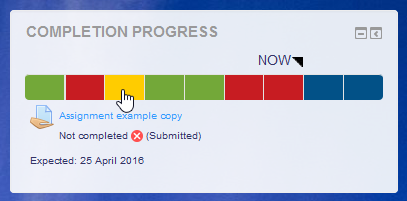
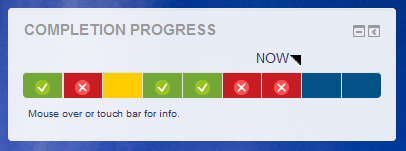
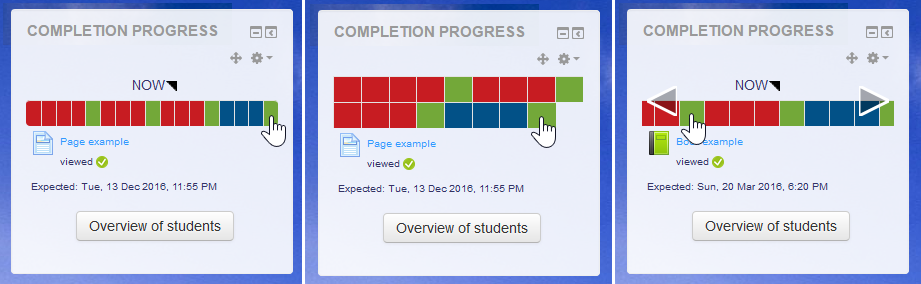
The Completion Progress block is a time-management tool for students.
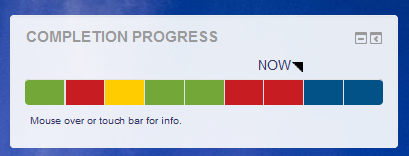
Price option: Free

Supports Moodle 3.9-5.2 See all versions
Latest release: 3 months ago
Installations: 17440
Downloads (last 90 days): 3608

Frankenstyle name: block_completion_progress
Blocks

Comments

Comments are no longer open for new posts. Existing comments remain available to read.

Hello Michael,
Happy new year and thanks for the great plug-in. Any idea when the version for Moodle 3.4 will be available? Thanks, Madhu.
Hi, Rivv.
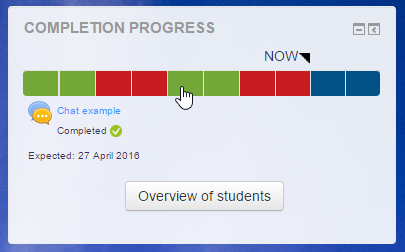
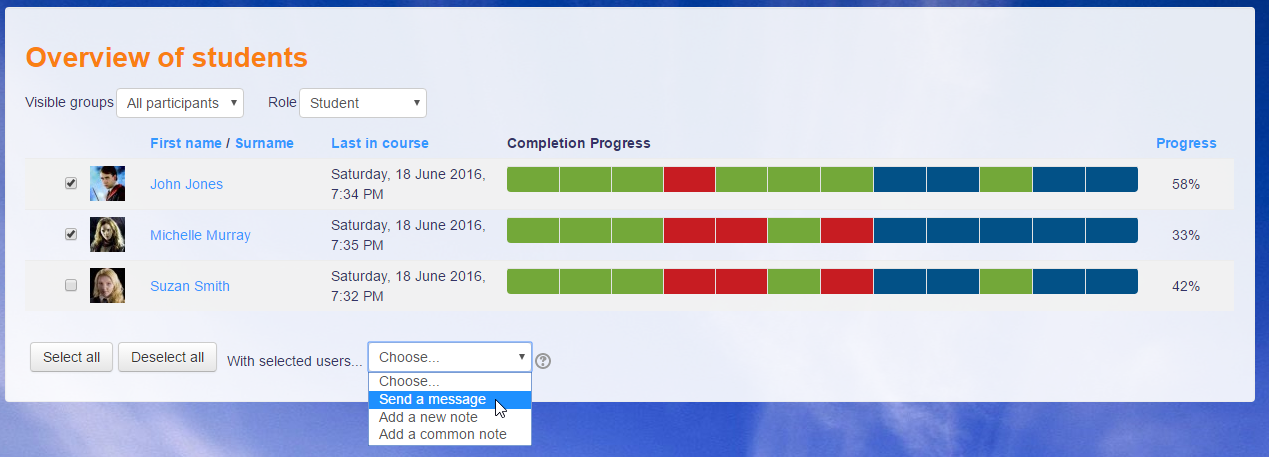
There's no way for a teacher to see a single student's progress across courses. The Overview page shows the progress of all students in a single class.
Michael
Is it possible \ can anyone think of a way for a teacher to access the view of the students dashboard.
Would give teachers a quick way to see a students overall progress of all courses if the could see what the student sees on their default dashboard.
By the way, what a great plugin, really good stuff.
Hi, Eddie.
Could you check the Completion Report? The block should be consistent with that. If the Completion Report is also showing problems, perhaps the reset was not successful
Hi, Zeid.
I think the fields there now are suitable for most, however you're welcome to customise the plugin to suit your needs, so you are free to add more fields by amending the plugin's code.
Michael
Hi Micheal, I have been using the progress bar and completion blocks for 2 years now and love them, thank you for making them. However in the last reset of my course the not completed assignments do not show as red. I am using moodle 3.3 and the I went through all the settings and they seem to be set correctly and set to red for not completed. However, once I give them a grade below what is needed to complete the assignment it will turn red. But it won't do it just for zeros are assignments that are not completed. Is it a gliche, or do you have a solution?
apologies, i am using Moodle 3.1 smile
Hi, First off, thank you so much for this wonderful plugin. Would it be possible to customize the overview of students stable to add some user profile fields. Thanks All smile
Hello Michael,
Thank you for the excellent plugin. I tried the plugin in Moodle 3.4 and it gave the following error:
Debug info: /user/module.js
Error code: codingerror
×Stack trace:
line 702 of /lib/outputrequirementslib.php: coding_exception thrown
line 838 of /lib/outputrequirementslib.php: call to page_requirements_manager->js_fix_url()
line 1119 of /lib/outputrequirementslib.php: call to page_requirements_manager->js_module()
line 1098 of /lib/outputrequirementslib.php: call to page_requirements_manager->js_init_code()
line 352 of /blocks/completion_progress/overview.php: call to page_requirements_manager->js_init_call()
I was wondering when you would release a version for Moodle 3.4. Once again, thank you very much for your public spirit.
Regards,
Madhu
Hi John, that particular plugin (Dates plugin) is not test or v3.4 yet.
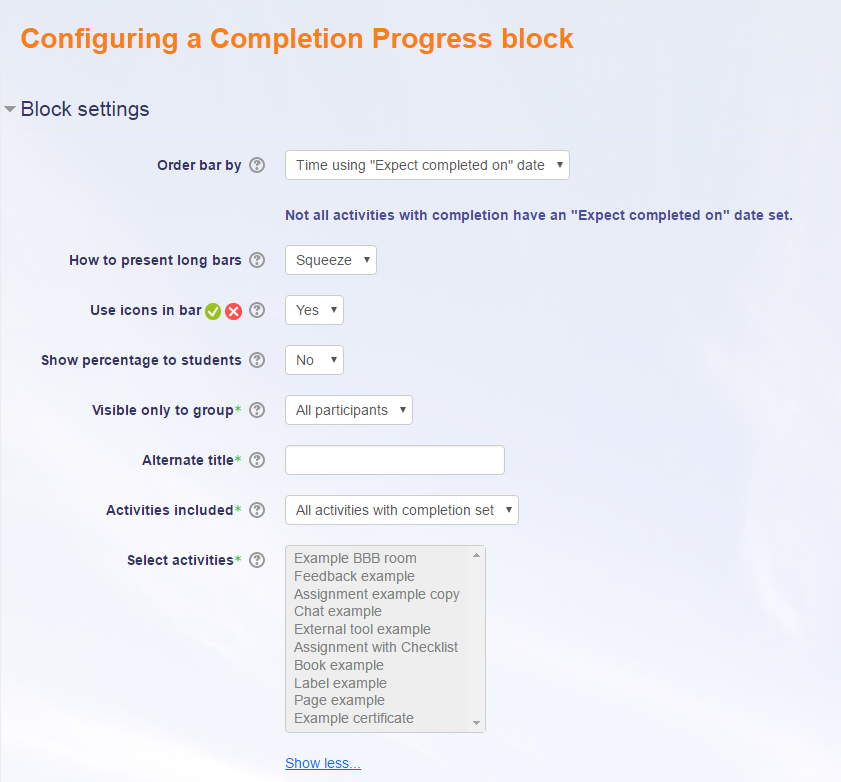
Hi Michael, I could not find an option to post to the discussion thread of the plugin so I am posting my question here. I have set up completion progress bar block. On configuration page, for Moodle assignment there are few actions we can track including 'marked', 'graded', 'submitted', 'activity completion'. Can I ask what is the different here between 'marked' and 'graded'. Can you please clarify? Many thanks!
Jody- you can do that with the Dates plug in: https://moodle.org/plugins/report_editdates
Hi, Michael! Loved the progress bar... trying to make the move to the Completion Progress and are really missing the ability to set dates for every activity on one screen like we could in the Progress Bar. We reuse our courses and having to go into each and every activity and add a date there is so much more cumbersome that what we could do in the Progress Bar. Any chance that edit screen will become part of this plugin?
Also... we, too, would love a way to set the items in the bar to not be live linked so that students don't just work from the links there instead of from the course itself.
Thank you Michael! The dashboard page block is just great, I now feel I can provide something that's been asked for for years!!
Hi, Inamullah.
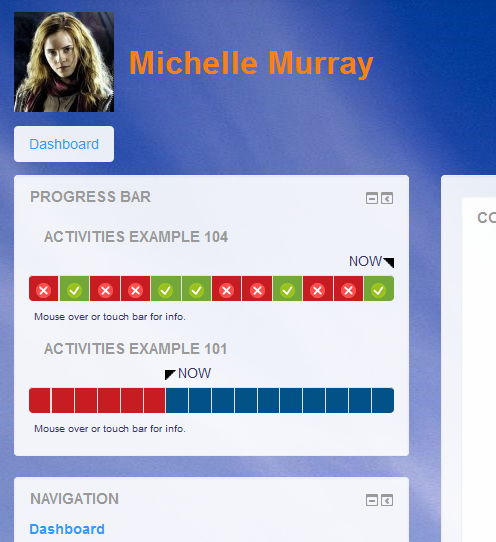
The block, when added to the Dashboard of Home pages, shows progress in all the user's courses (where the Completion Progress block is set up).
Hi Michael, can you elobrate your last point "Combined progress on Dashboard page". Is it show progress of courses individually or the combined progress of all courses ?
Thanks,
Inamullah Khan