Completion Progress
Maintained by
Jonathon Fowler
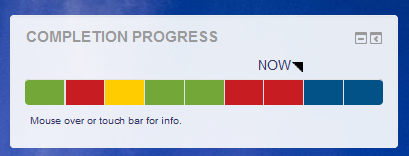
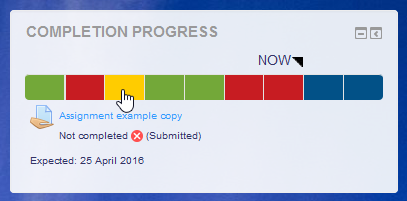
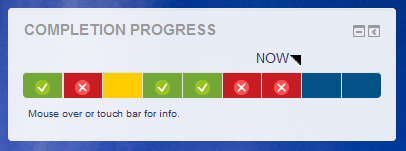
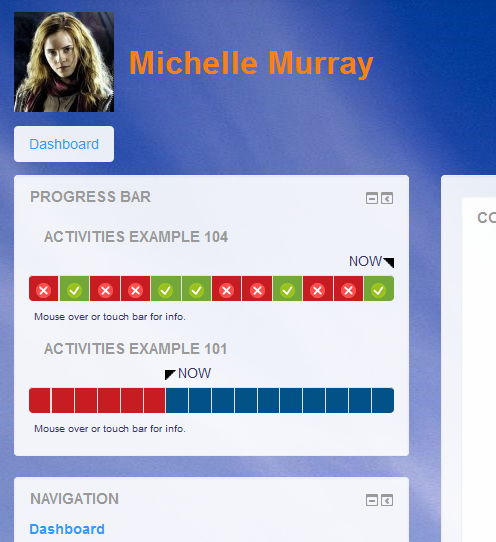
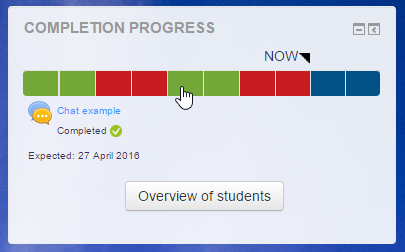
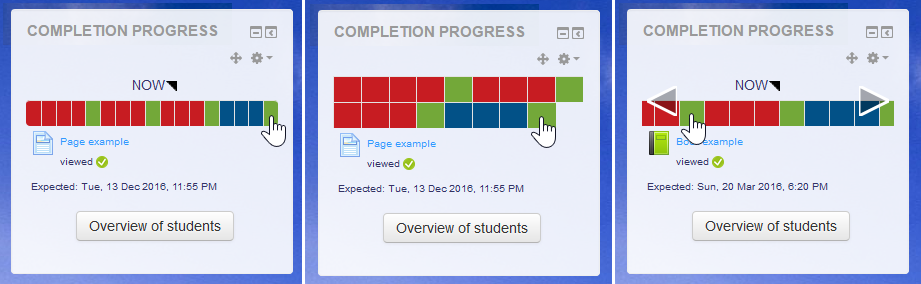
The Completion Progress block is a time-management tool for students.
Comments
Comments are no longer open for new posts. Existing comments remain available to read.
Seams that its not possible to get a correct link to a label-completion (set "manually") from the block, it work fine for all other completions. For a label its directed to the top of the page.
Any idea how to solve this.
Thank you Peter
I just installed your 3.1 version on 3.3 and it seems to be working great! Thank you for this plugin. I know it sounds cheesy, but its a dream come true, always wanted a progress bar in my LMS for motivation of students and the whole gamification aspect. Thanks again.
The block relies on what is reported from the completion system and that is relying on the Assignment module. It may be that there is an issue there in how it reports completion on repeat attempts. Check what is shown in the completion report to see if that is consistent.
Hi, S. Moodle.
The link in the block follows the visibility/access of the activity in the course. If students can't access the assignment from the course, they shouldn't be able to get to it through the block. If that is not consistent, it may be a bug.
Michael
I installed the block yesterday for our lecturers and students - everyone loves it! We're busy with a catch-up week - students catch-up on submissions and lecturers catch-up on grading. (Our CAD draughting students do hundreds of assignments during the year and we re-open them automatically until 'pass').
Students and lecturers have the block open on a separate screen while they're working on submissions and grading
In our specific context there is some unexpected behaviour - both students and lecturers expect an assignment-block to revert to the 'submitted' colour when a 'failed' assignment has been re-submitted. As it is now, each failed assignment must be opened individually to check whether the work has been re-submitted.
I don't mind 'fiddling' with the code if you can point me in the right direction. Perhaps something that first tests if a submission has been graded before fetching its completion status?
Thanks again for this brilliant plugin!
Sonya
What the block does is somewhat dependent on the completion system and how it recognises the complete/incomplete/pass/fail. I'm not sure that can be changed.
Hi, David.
Could you please put this into a ticket?
Michael
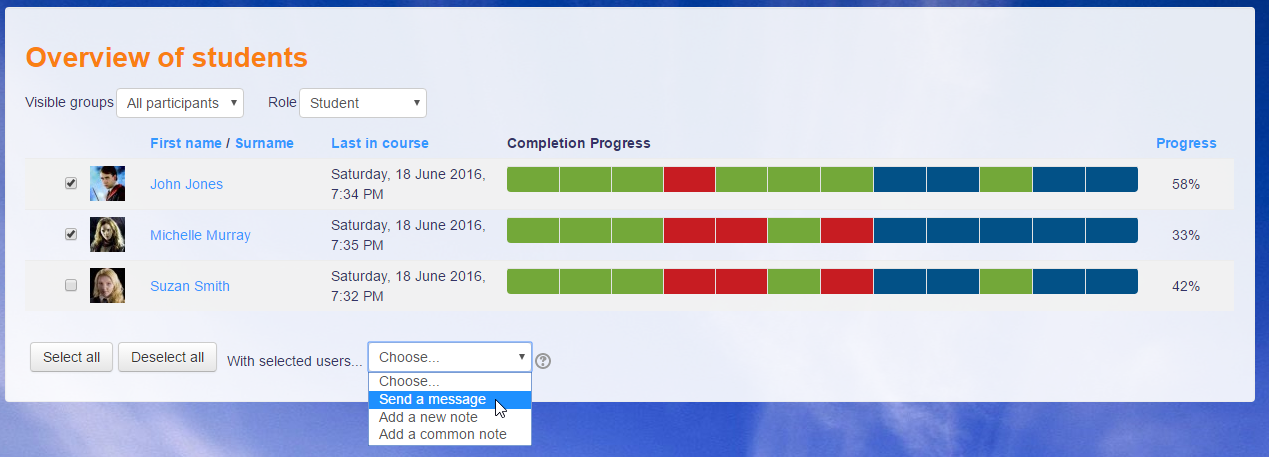
Using Moodle Moodle 3.0.5+ (Build: 20160811) and when pressing "Overview of students" I see "Error reading from database". The debugging info is below. We are on an IIS server and use MSSQL - does CONCAT need changing to CAST? In which file(s) would the change need to be made?
Many thanks
David
Debug info: 'CONCAT' is not a recognized built-in function name.
SELECT CONCAT(s.userid, '-', c.id)
FROM mdl_assign_submission s, mdl_assign a, mdl_modules m, mdl_course_modules c
WHERE s.latest = 1
AND s.status = 'submitted'
AND s.assignment = a.id
AND a.course = ?
AND m.name = 'assign'
AND m.id = c.module
AND c.instance = a.id
[array (
0 => '315',
)]
Error code: dmlreadexception
I've tried the block in 3.2 without difficulty. I haven't tried it with 3.3 yet.
Michael
We're Using Moodle 3.2.2+ and Completion Progress block 216090500.
In a course there is a Feedback activity that allows non-anonymous multiple submissions. After a student submitted two or more answers and marked the activity as completed, if the teacher goes to "Overview of students" and clicks on the progress bar corresponding to that activity, the following error occurs:
Multiple records found, only one record expected.
More information about this error
Debug info: SELECT * FROM {feedback_completed} WHERE feedback = ? AND anonymous_response = ? AND userid = ?
[array (
0 => '14',
1 => 2,
2 => 32,
)]
Error code: multiplerecordsfound
Stack trace:
line 1561 of /lib/dml/moodle_database.php: dml_multiple_records_exception thrown
line 1523 of /lib/dml/moodle_database.php: call to moodle_database->get_record_sql()
line 1502 of /lib/dml/moodle_database.php: call to moodle_database->get_record_select()
line 86 of /mod/feedback/classes/completion.php: call to moodle_database->get_record()
line 63 of /mod/feedback/show_entries.php: call to mod_feedback_completion->__construct()
The multiple records are legit and correct, as I checked them directly in the database. Moreover, a report produced with the Custom reports plugin shows the expected results, namely the multiple submissions by user 32, so I think the problem is with the Completion Progress block.
Is there a way to fix that?
Thank you.
Do you know when the update for Moodle 3.2 will be ready ? Thanks
I am using the completion progress bar (2016090500) in Moodle 3.2.2+ (Build: 20170324). I am using it to track quiz completion. The students need to get a passing grade to complete the activity, and only get one chance at the quiz. The students who get the passing grade get the green box with a check, but the students who don't get a blue box. In reading the documentation I think they should (using the default settings) get a red box or a gold one for not completing the activity. Am I misunderstanding the settings?