Completion Progress
Maintained by
Jonathon Fowler
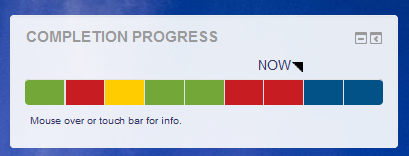
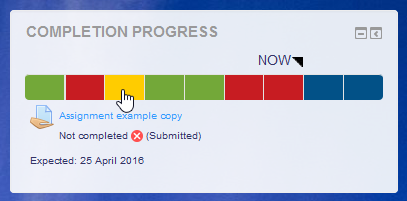
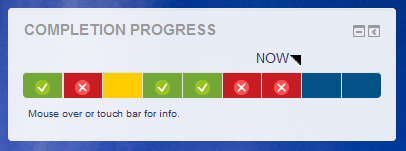
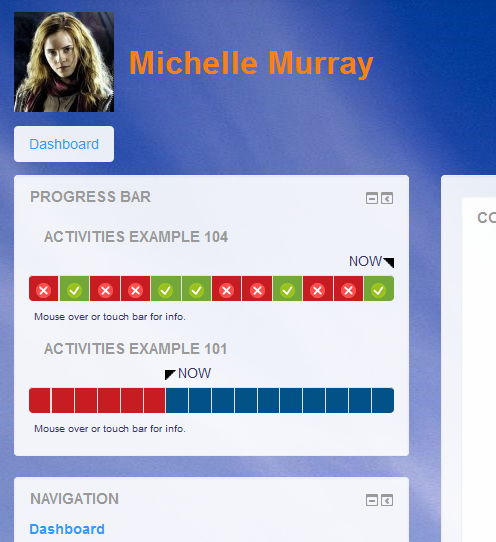
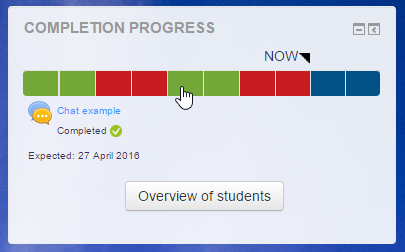
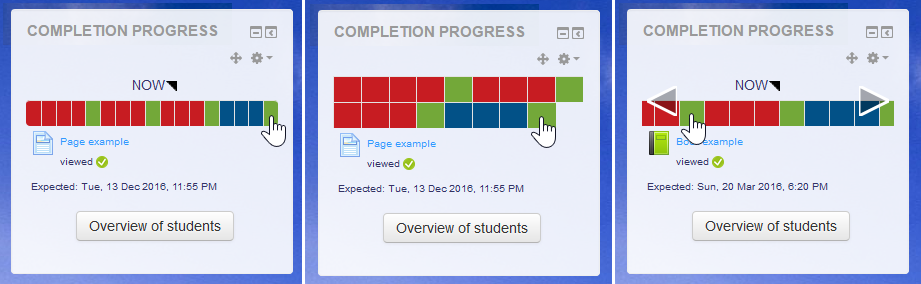
The Completion Progress block is a time-management tool for students.
Comments
Comments are no longer open for new posts. Existing comments remain available to read.
The "Version" tab doesn't say support for 3.2 but looking at the comments here, it seems like it more or less works without issues on 3.2. So is it safe to assume that the plugin will work on Moodle 3.2 regardless of the theme being used (Boost or custom)?
Also is there an official release in the offing for 3.2 version? If yes, do we have a tentative date?
Thanks!
Dani: I'm not sure exactly what you might have done, but I will make some assumptions. I guess you've added the block to the Home page or Dashboard, but not added any instances of the block to courses. The block needs to exist in courses for the combined view to appear on the Home page or Dashboard.
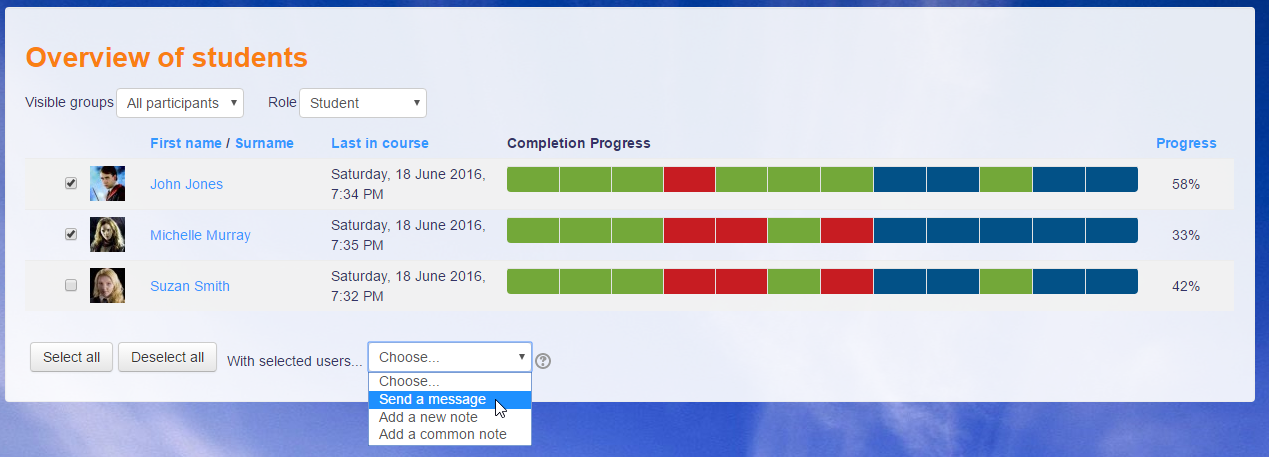
Rui: It is possible to add more information on the Overview page, but I'm not keen to add an ID there. Feel free to modify the code in overview.php to achieve what you want.
Michael
Amazing plug in. I'm using this every day... Its possible to add a column uith ther userid in the list?
Thanks in advance
How do I connect my courses with your plugin?
Thanks!
You were right - same problem in the report on activity completion.
Thanks for pointing me in the right direction, although it is one I'm not happy about.
Kind regards
Arne
Arne: Your issue might be more to do with the completion system than the Completion Progress Block. Check what behaviour is happening with completion in the course and the block should be consistent with that. If not, please let me know.
Elton: The block needs to be added to the course pages as this is what defines whether completion is tracked by the block in the course. If there is no block in the course, the course won't show up in the Dashboard or Home versions of the block. You could possibly add the block to the course but make it hidden for students, either using the controls on the block or using a permission in the course.
I am using Completion Progress with the Boost theme in Moodle 3.2. I would like to display the block on the users' Dashboards while still preserving an uncluttered course page. I created an instance of Completion Progress in the course, then added it to the users' dashboards. I assumed I would be able to hide the block on the course page and still see it on the Dashboard, but this doesn't seem to be the case. I also tried selecting 'no' for 'Display on this page' in the block configuration (as opposed to hiding the block outright), but this also removes it from the Dashboard. Is there any way to keep Completion Progress on the dashboard without showing it on the course page?
The plugin (2016090500) in our Moodle (3.1) marks the progress of members in a group for assignments rather erratic.
- Students hand in in groups.
- Activity completion: must view&must receive a grade
- Inline-Grading with workflow
- Four grading teachers
When the grades are released in the workflow, some students of the same group have a green and some have a yellow mark in the overview of the progress completion bar. In the grading tool, all group members have the same grade and the status says in green "Submitted for grading" and below that "Released".
Using the workflow and setting the grades to "released" (again), doesn't change a thing.
Do you have a hint where we might go wrong? I couldn't find something in the bug reports of the plugin.
Thanks a lot for your help and the great plugin!
Arne
Is it possible or planning to export results (all or partial) to Excel?
It should be very usefull..
Thanks..
Yes, that's possible. Use activity restrictions to constrain the quiz to the group and it will only appear for those who can see it on the course page. Be sure it is completely hidden from users outside the group.
Michael
thanks alot
That is something I've been working on recently. See...
https://tracker.moodle.org/browse/CONTRIB-6523
Michael