
Video Time
Maintained by
Stefan-Alexander Scholz, bdecent gmbh
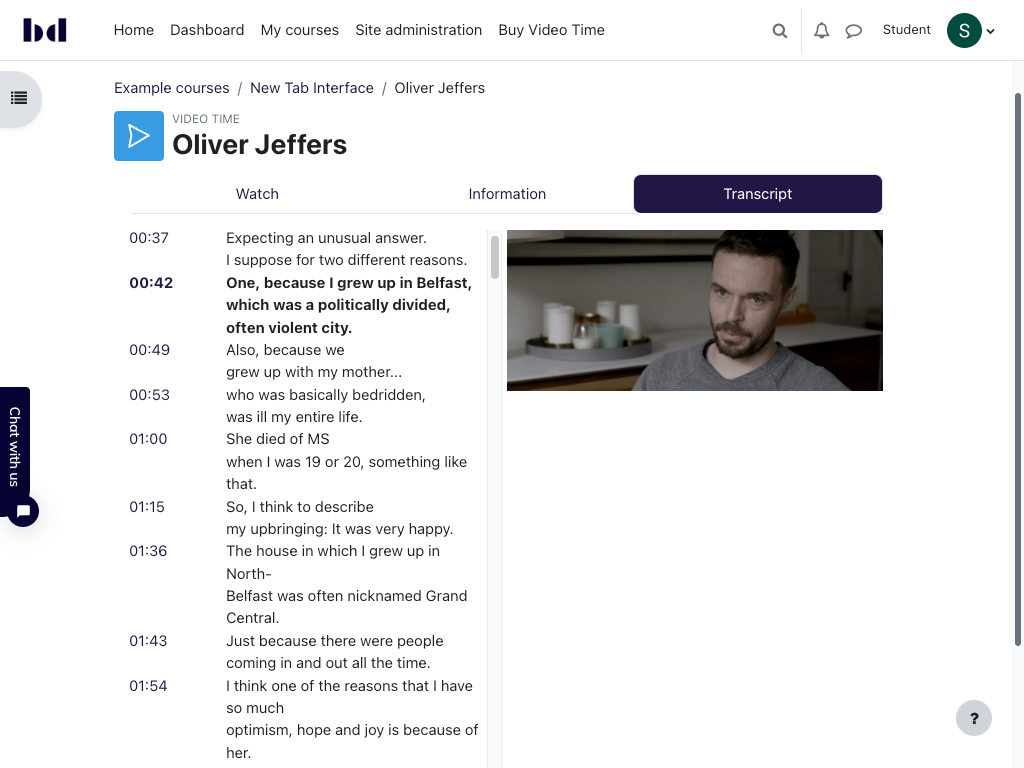
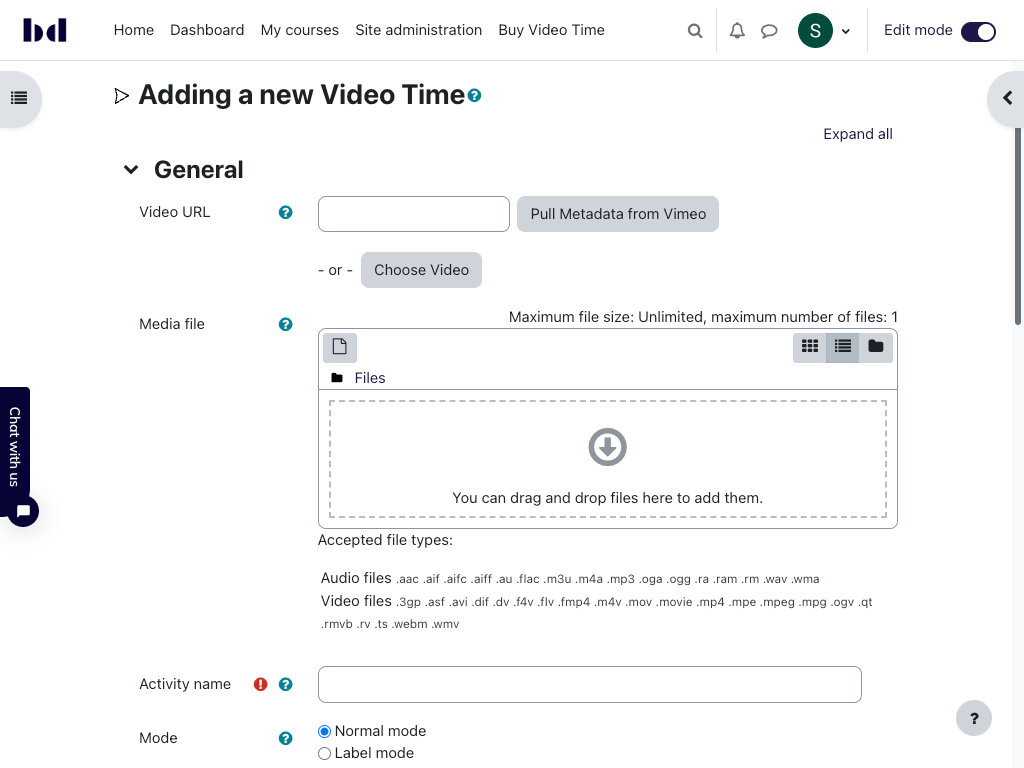
Embed videos from Vimeo and Youtube easily in your course, use activity completion to track videos and much more!



Comments
Comments are no longer open for new posts. Existing comments remain available to read.
that's interesting. We use Video JS to playback videos. That's the same player that Moodle itself uses. It might be worth trying if Moodle itself can play it back using the built in player.
Except for that, you can check your browser's console and check fi there are any errors. If you are able to share the video (and if it is not large), feel free to create a test course on one of our demo sites and send me the link — then I can have a look.
Best
Stefan
Thanks a lot for your quick answer.
What first I tried is to play the video in the browser to know the if it has an issue with the browser, it played well without any issues.
Any other suggestions?
Thanks,
my best guess (without having access to the mp4) is that the mp4 file you used uses a codec that is not supported by your browser. Or maybe the file is simply corrupt.
Even if the file plays back fine on your computer, that does not mean that the file is ok. Your computer/the application might simply be clever enough to play it back even if it's (partially) broken.
With regards to the right mouse click menu:
Sure, that is theoretically possible. But you should be aware though that it is not possible to really prevent that a video (file) is downloaded. You can make it a little harder though. Get in touch privately if you are interested to fund such a feature.
Best
Stefan
I am using Moodle 3.11, when playing a video the image does not show, only audio, I used mp4 video the video area is black.
Also when right mouse clicking on the video, it shows download audio and there is nothing about video.
What could be the problem?
On the other hand, would it be possible to control the right mouse click menu to prevent downloading the video?
Thanks,
Video time does not have any custom settings or features when it comes to visibility. And there’s no difference between free and pro there. The reason why it does not show the option “visible” must be something else, independent of video time.
Maybe it’s in a hidden section? If you don’t use boost and the topics format, I suggest testing with these to see if something custom in your site causes the issue. If you need additional help, please use the tracker on GitHub and create an issue there. Support here does not really work well…
Best
Stefan
Thanks a lot for the prompt response. Yes, I am in the process of upgrading the Moodle version but that will take time. I tried version 1.6.1 but i am getting error: Uncaught TypeError: VideoTime is not a constructor
I will give the old version a try as well. Thanks again!
Mohannad
You can see which version is compatible with which moodle version on https://moodle.org/plugins/mod_videotime/versions
The last version that is officially tested on 3.7 is video time 1.3.4
I’m sure you are aware that 3.7 is very outdated and not supported for a long time. It is strongly recommended to upgrade as soon as possible.
Best
Stefan
I have Moodle3.7 and I am wondering what video time version I should use for that? (i have the PRO subscription)
Best Regards,
Mohannad
Thanks for the feedback. I'll take a look at the demo and test site.
Kind regards, Elizmarié
no, that's not possible. Video Time does not act like a (moodle) repository, i.e. you cannot embed a Video Time player using the file picker.
But, using in-activity mode, you can embed Video Time anywhere in your site. In a nutshell: you create the Video Time activitiy with the video/audio of your choice (Vimeo, Youtube, locally or externally hosted file), then use the Video Tile filter to embed it for example in a block. Or simply on top of a page in a lesson.
Because Video Time supports resume, the student will be able to continue the video automatically where they left off.
In-activity and resume are both available in Video Time Pro (https://bdecent.de/videotime).
Here's a demo course where you can see how it works: https://videotime.bdecent.de/course/view.php?id=8
And here's a test site where you can create your own course and test it: https://labs.bdecent.de/
If you have any questions, please contact us using chat.bdecent.de.
Hope this helps!
Stefan