
Video Time
Maintained by
Stefan-Alexander Scholz, bdecent gmbh
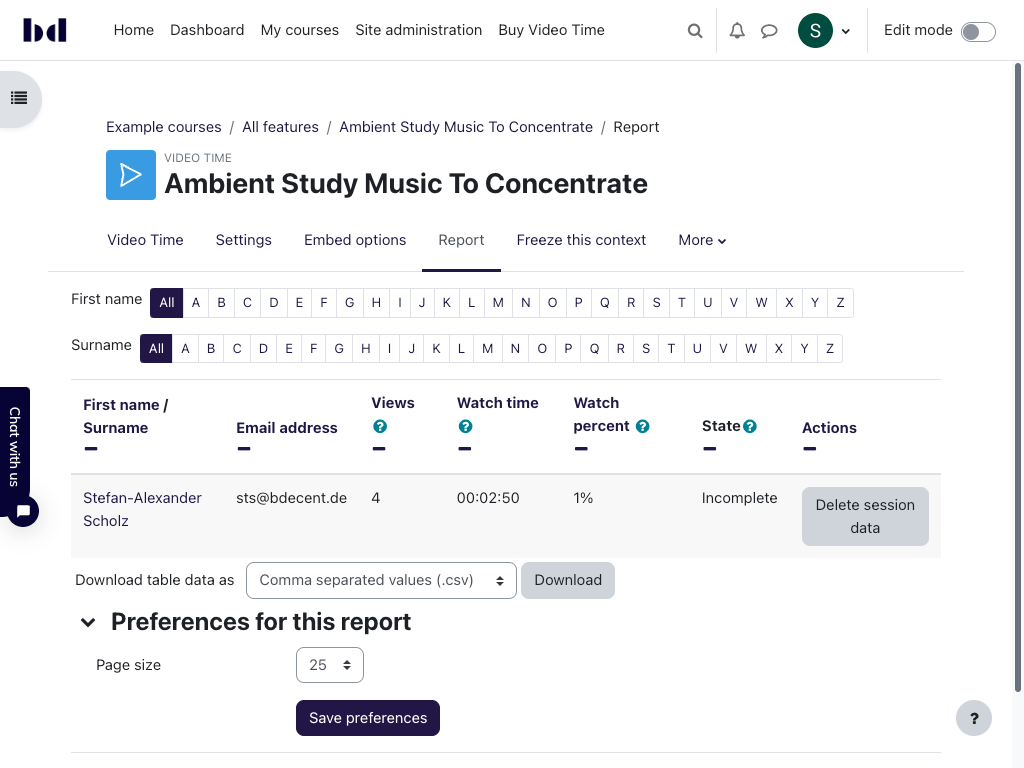
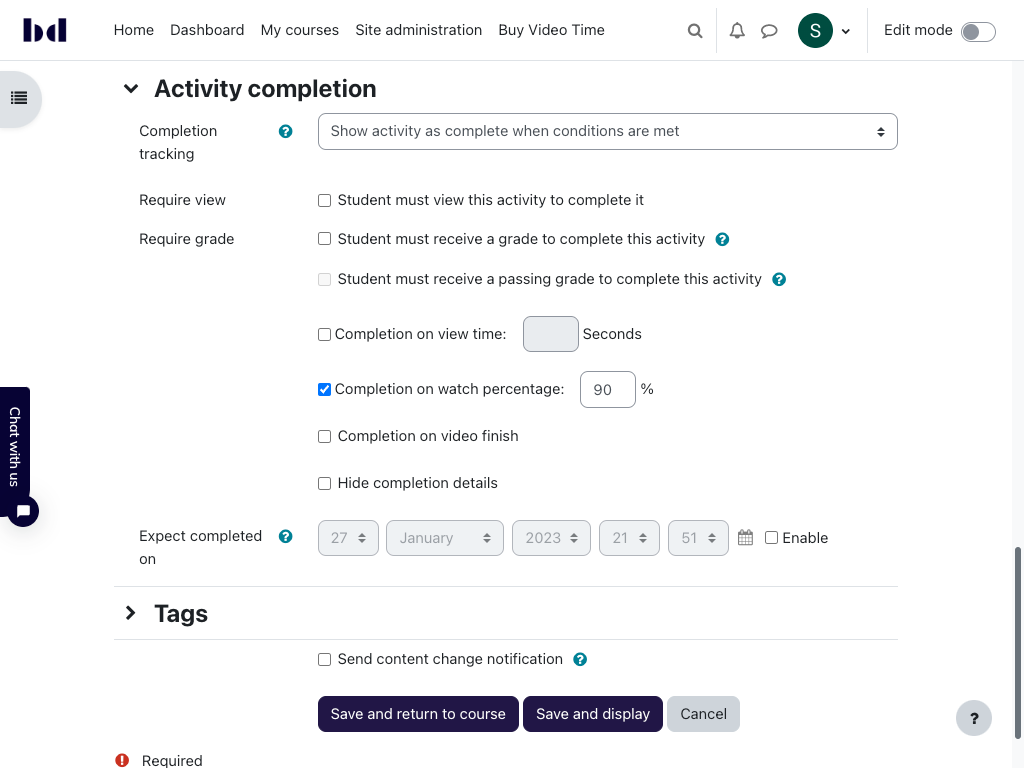
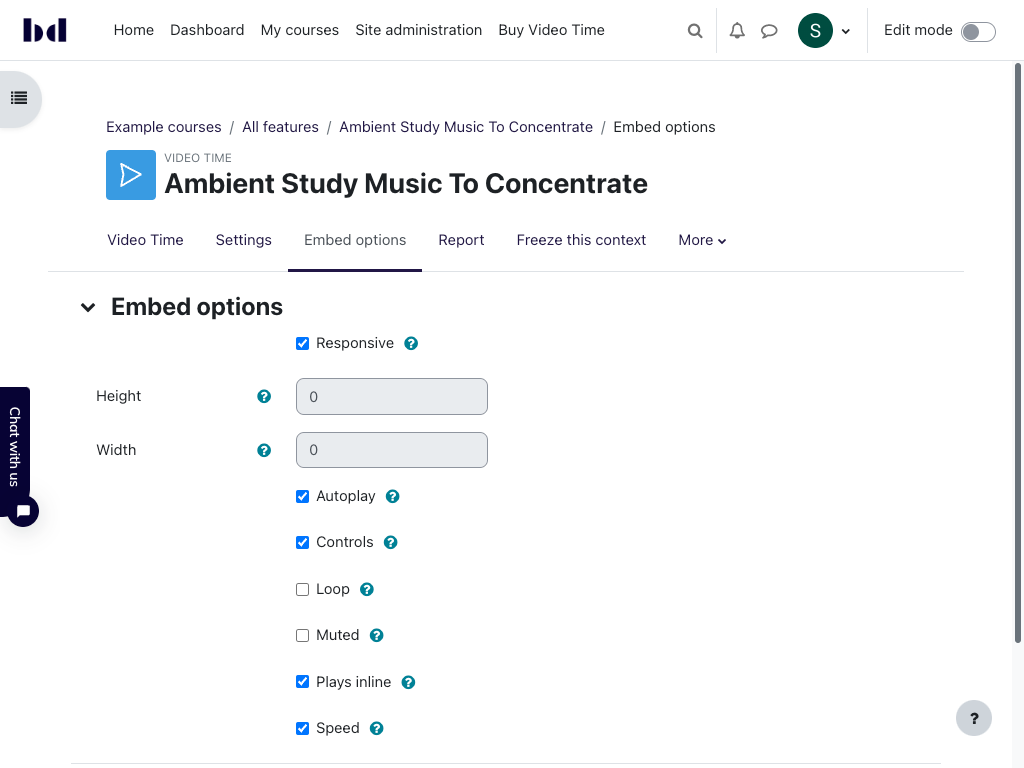
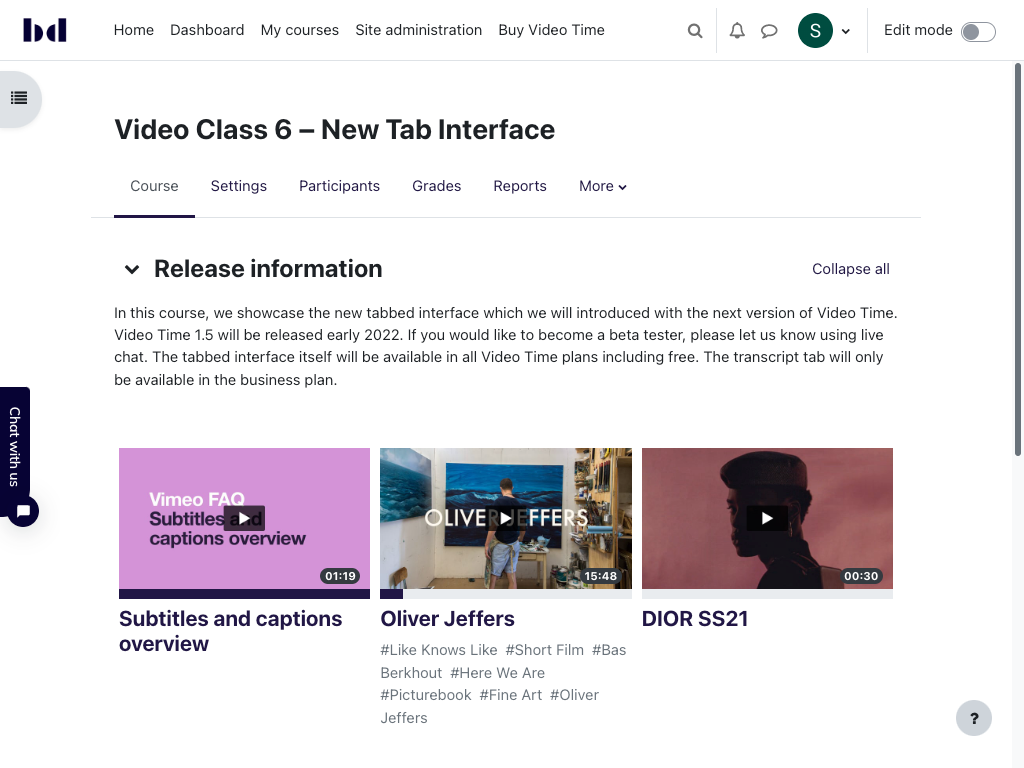
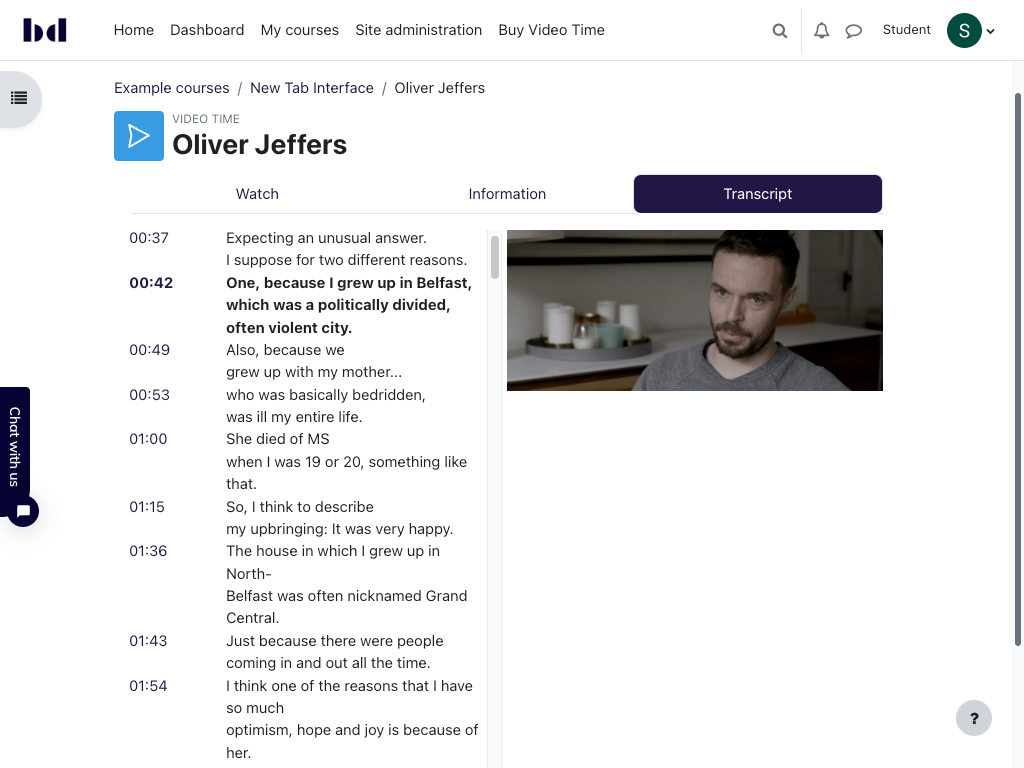
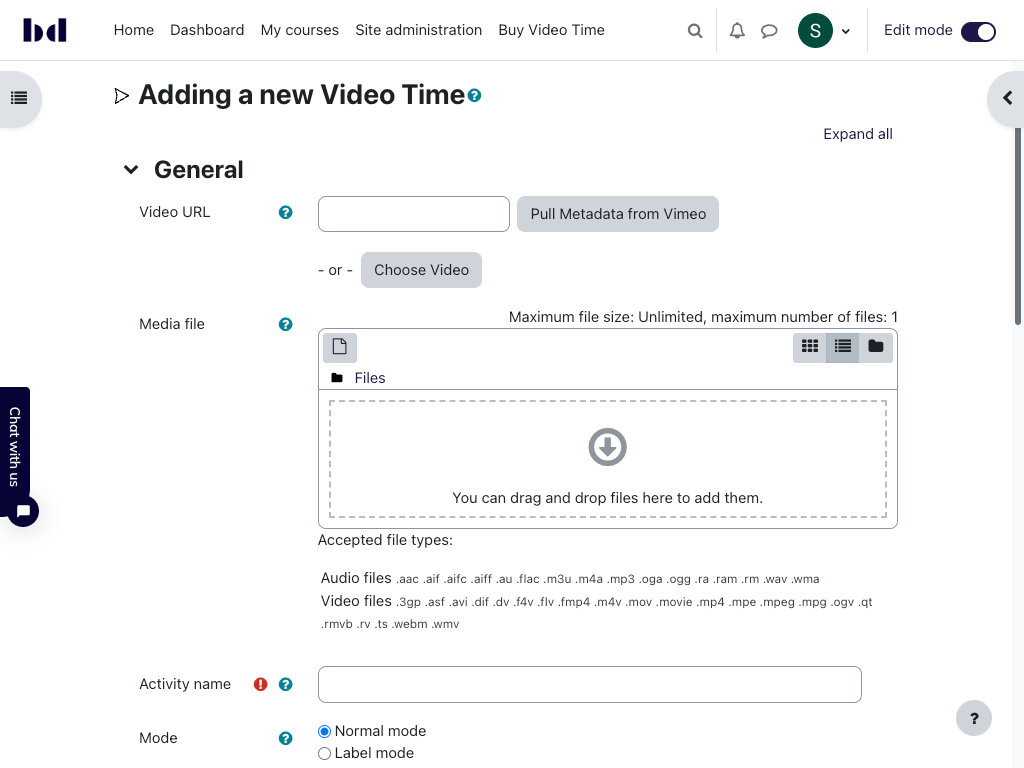
Embed videos from Vimeo and Youtube easily in your course, use activity completion to track videos and much more!



Comments
Comments are no longer open for new posts. Existing comments remain available to read.
I have decided to update the plugin. We are now on Moodle version 3.11.4+ (Build: 20211230) and video time 1.8.2 2024050602. The videos now appear at a good size and the responsive mode works correctly. However, the picture in picture button does not appear. This button is configured to appear on the Vimeo account. Do you know what might be happening? This feature is important for our students. Best regards.
congratulations for the great plugin. I was wondering if you are considering to allow any type of link to be used. I work at a university in the Netherlands, and we use YuJa as a video hosting platform. I tried to add a link of one of our videos but it does not work. As your plugin has many features that we would need, we were considering to use the premium version if we can make it work with our video platform. Thanks, Gian
I am interested in the paid version of this plug in due to it's completion tracking capabilities, are you able to provide a video demonstration or similar on it's front and back end capabilities so I can make a bit of an informed decision before I proceed
Acabo de instalar el plugin en moodle 4.4, pero me está generando un error al intentar incrustar un enlace de youtube, no lo reconoce, he instalado la última versión, se supone que es la compatible con moodle 4.4, saben como puedo solucionarlo. Muchas gracias quedo atento.
The content is still shown in the edit settings but just not rendered.
The moodle versions we are using on one site are:
Moodle 3.11.12+ (Build: 20230303)
VideoTime version: 1.7, 2023011202
We have a couple of other sites with different moodle versions that are now behaving the same way.
sure, youtube support was added in Video Time 1.7 — along with support for audio files, video files and externally hosted files (including e.g. dash links).
See https://moodle.org/plugins/mod_videotime/1.7-r5/29199
Best
Stefan
I hope you doing well. Is there any progress about YouTube integration?
Best
Stefan
The default player in Moodle is working fine with any issues.
Regards,