
Video Time
Maintained by
Stefan-Alexander Scholz, bdecent gmbh
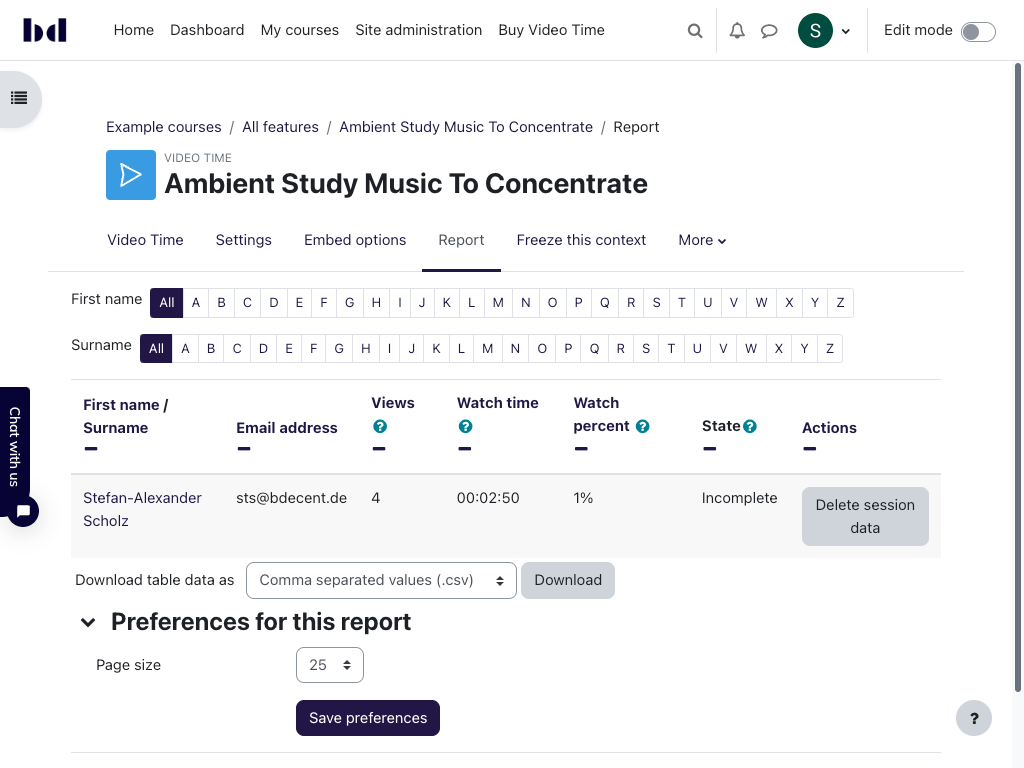
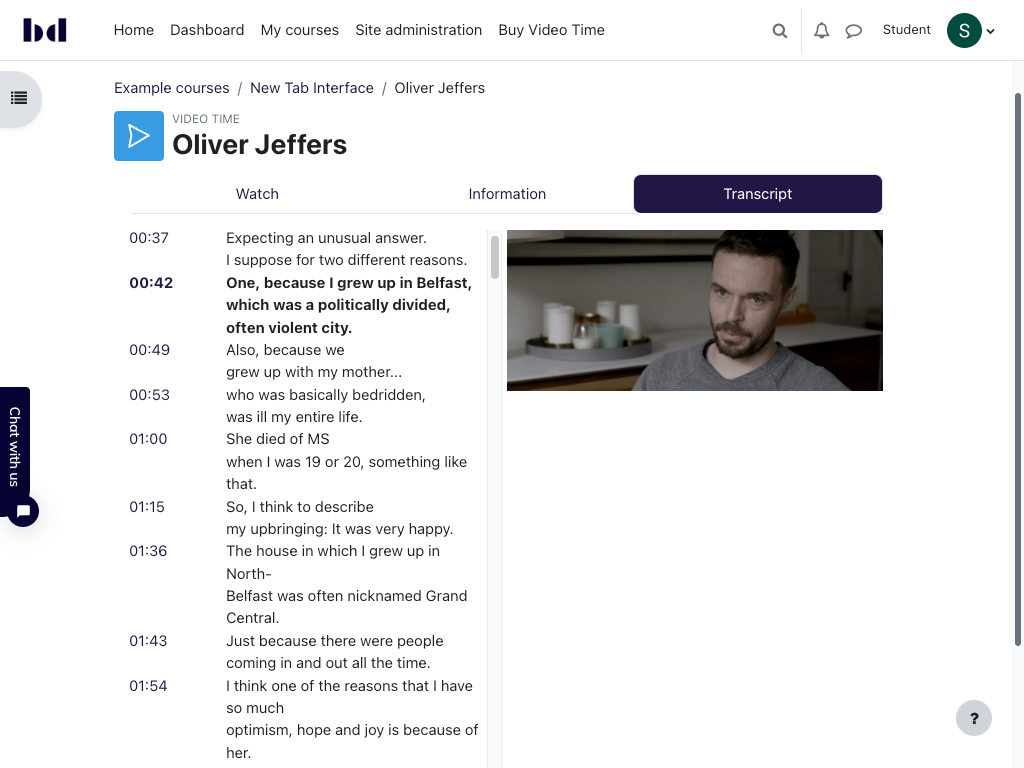
Embed videos from Vimeo and Youtube easily in your course, use activity completion to track videos and much more!



Comments
Comments are no longer open for new posts. Existing comments remain available to read.
I have just come across this plugin. I would like to enquire whether Video Time would enable us to add a Vimeo-hosted video as 'Linked media' in a Lesson? I.e., would Vimeo become available as a repository from which files can be selected to be added as 'Linked media', if we add Video Time to our site?
will do! We currently plan to make the beta version available on labs.bdecent.de next week. (I'll confim that here)
Video Time 1.7 will support all pro features for both YouTube and Video links/files. That includes reporting, tracking, resume, prevent fast forwarding etc.
We have not yet decided when we'll add support for the repository features, but likely in 1.8 (spring 2023).
Hope this helps!
Stefan
Please add me your beta list to look at YouTube support.
We have a question about new version of plugin >> Does YouTube version of plugin come with same feature of Vimeo plugin?
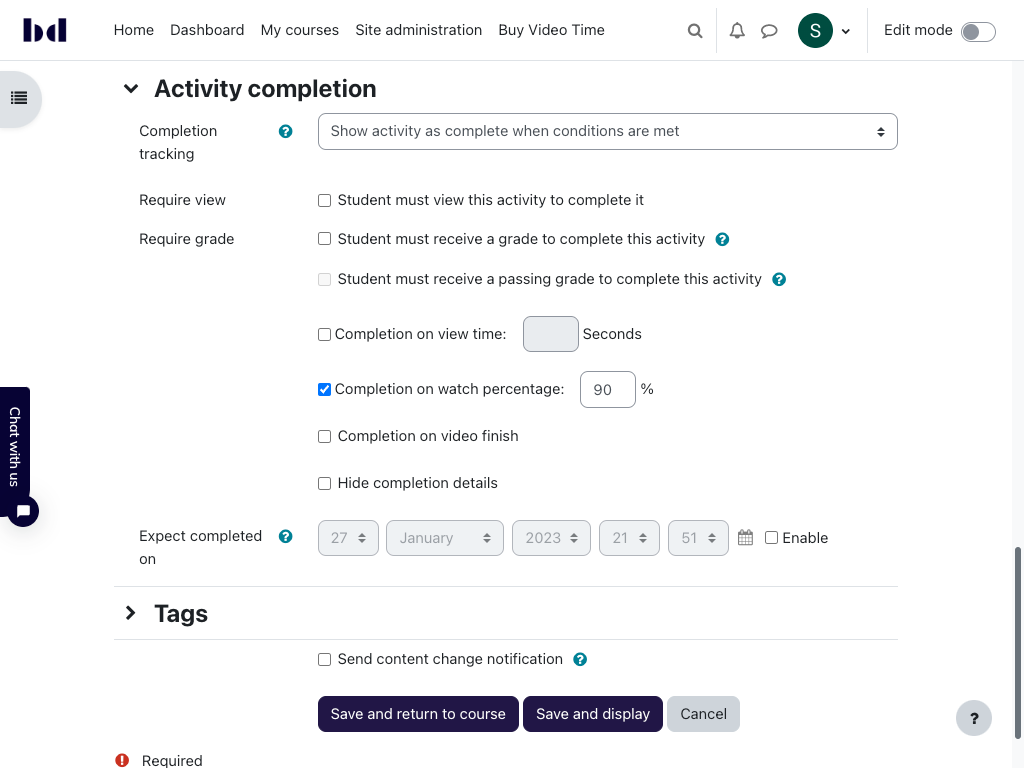
for example; continue the video where we left, reporting of watching duration, completion etc.
Best regards
Mustafa
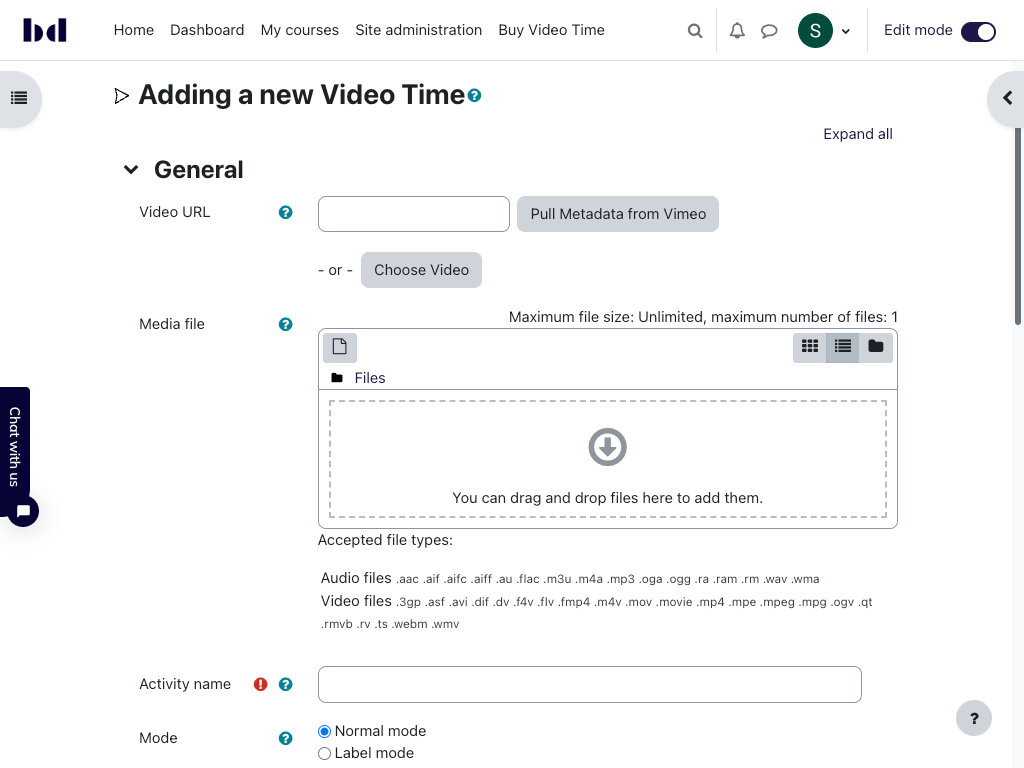
BUT: in the next version of Video Time (1.7), we will add support for video files (e.g. an mp4) and Youtube. Video files can be either uploaded directly to the Video Time activity. Or, you can place them on any kind of storage solution and use the link to the video file in Video Time. All pro features will be supported for both video files and Youtube (e.g. tracking, completion, reports, resume, prevent fast forwarding etc.)
We'll release a beta version soon here in the plugin DB for testing purposes. If you would like to support us in testing, let me know (via message on moodle.org or via chat.bdecent.de) and I'll provide credentials to one of our testing sites. Functionality wise, it's all working already, we're currently in the progress of testing everything)
Video Time1.7 will be released in time for Moodle 4.1 (and will support 4.1, 4.0 and 3.11 — if you need 3.9 support, let us know and we'll consider that).
Hope this helps!
Stefan
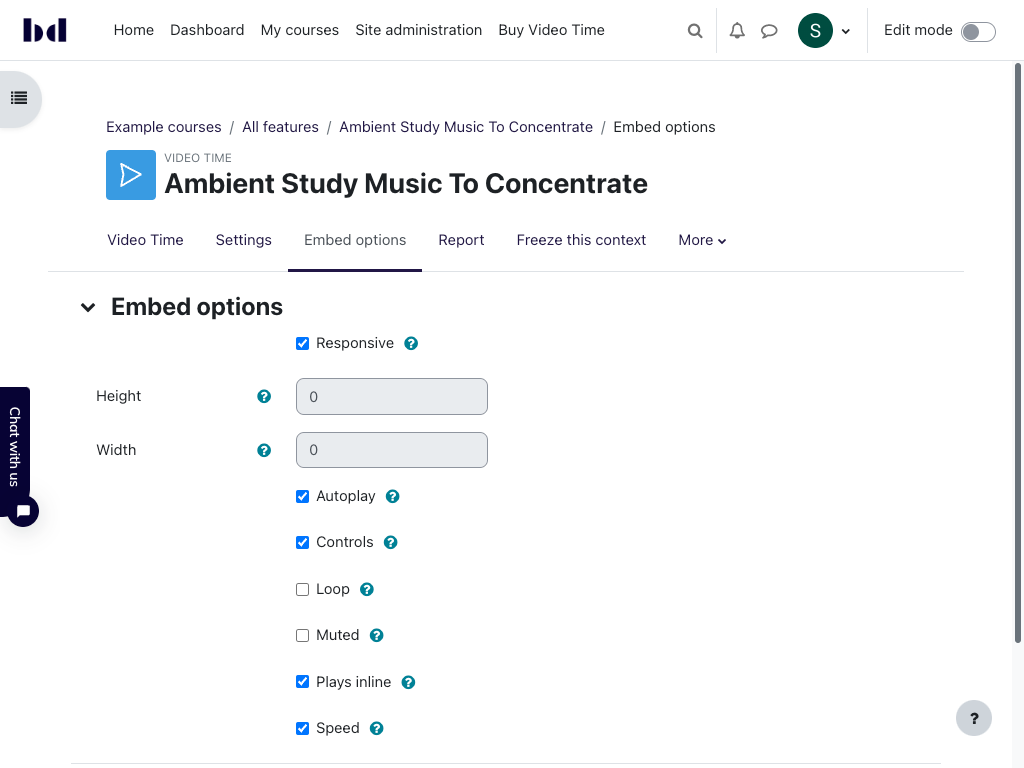
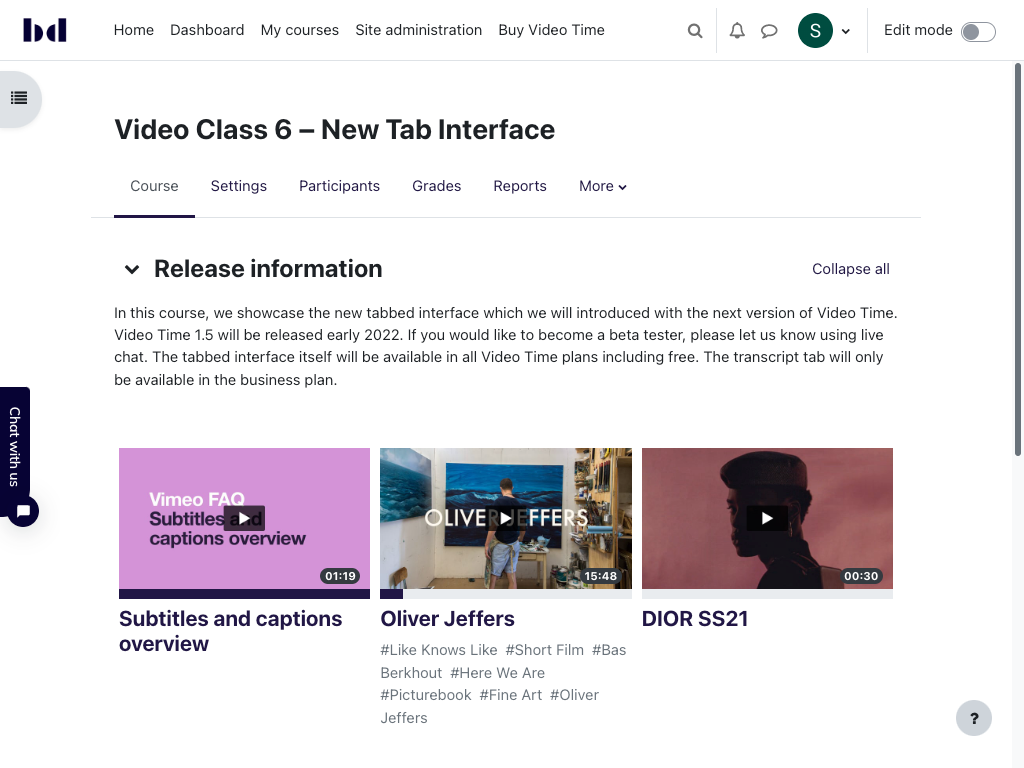
Premium free version includes already a lot of useful stuff in addition to basic integration tool, like Completion Tracking, vimeo player full integration and controls management, a tab to display additional information for your video and so on.
Pro version adds interesting components like Resume watching, more complex completion criteria (e.g. ; view time percentage..), block fast forwarding, jump automatically to next videos/activity, capacity to integrate video in several places in your courses and so on…
I was so convinced I proposed myself to work on the missing French translation.
And last but not least, plugin maintainer provides quick and high quality support!
Great plugin and great maintainer !
Benoit Ter Burg @ DiDaXo
This is a great Moodle Plugin. Congratz.
Got 2 short questions
1 : I need some french translation. Could you tell me where is the translation string for button Watch in Tab view ? and/or AMOS ressource for publishing french translation ? (Could be happy to contribute on FR translations) ?
2 : Is it a way to force video opening with information tab already displaid/opened ?
Thanks for helping
Benoit Ter Burg @ didaxo
Yes! It’s not ready yet, but we’ve already implemented most of what’s needed to support YouTube videos. If you’re interested in testing it when we have a beta, let me know and I’ll put you on the list!
Cheers
Stefan
Best regards
At the moment, no. If you would like to provide funding for this feature, we can implement it. Please contact me directly via chat.bdecent.de if you would like to discuss this.
Hope this helps!
Stefan
We do not support the app (in the free version), sorry. But even in the pro version, it does not work when you use domain restrictions. We now how to fix it, but it requires a substantial rewrite; we plan to implement that by the end of 2022.
Best
Stefan
Great plugin, congrats.
Unfortunately, if I insert a video uploaded in vimeo with domain restrictions, the video will not work in the moddle app (android and IOS). If I insert it as label it works perfect. Any suggestions? Thanks