
Learning Tools
Maintained by
Stefan-Alexander Scholz, bdecent gmbh
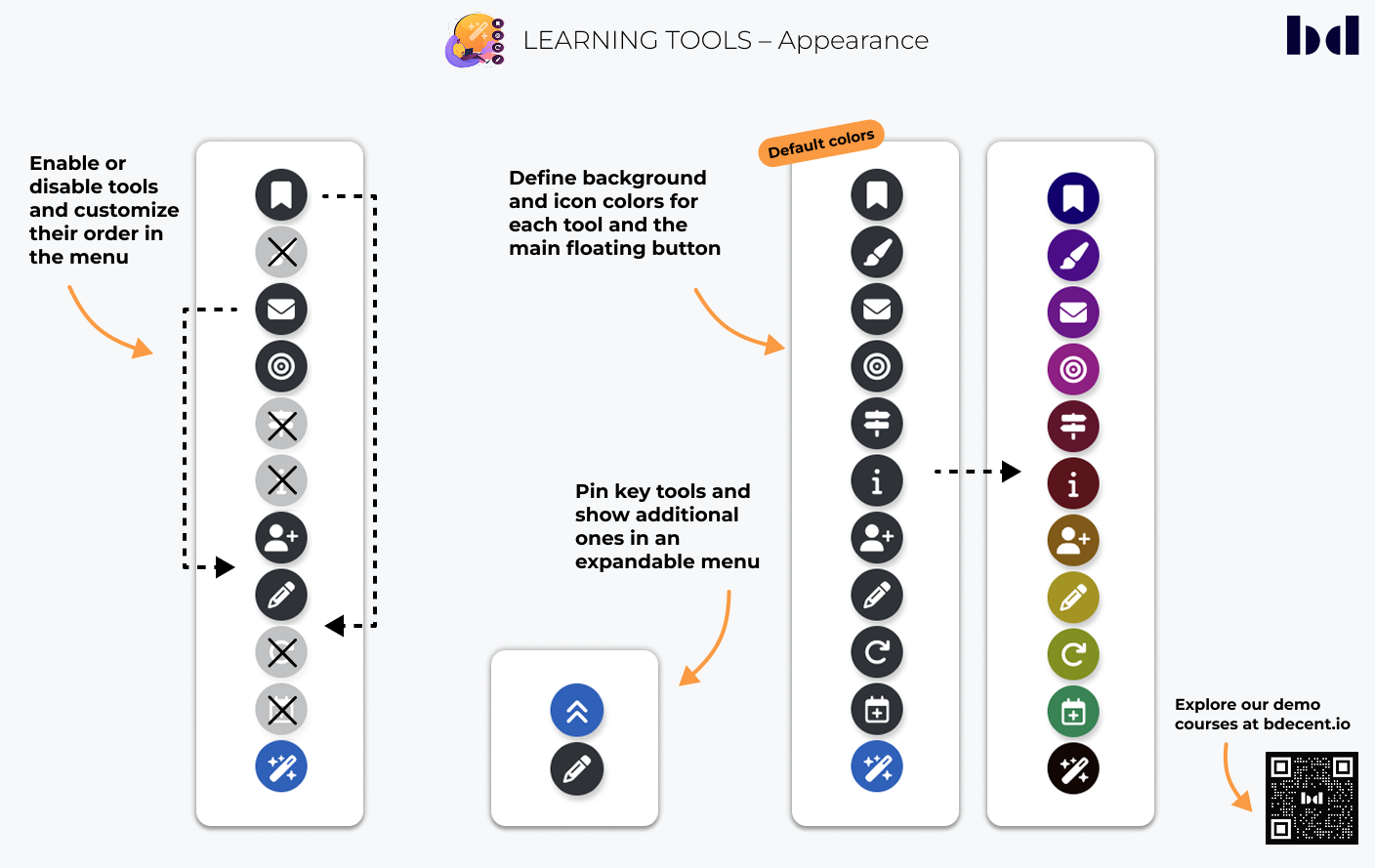
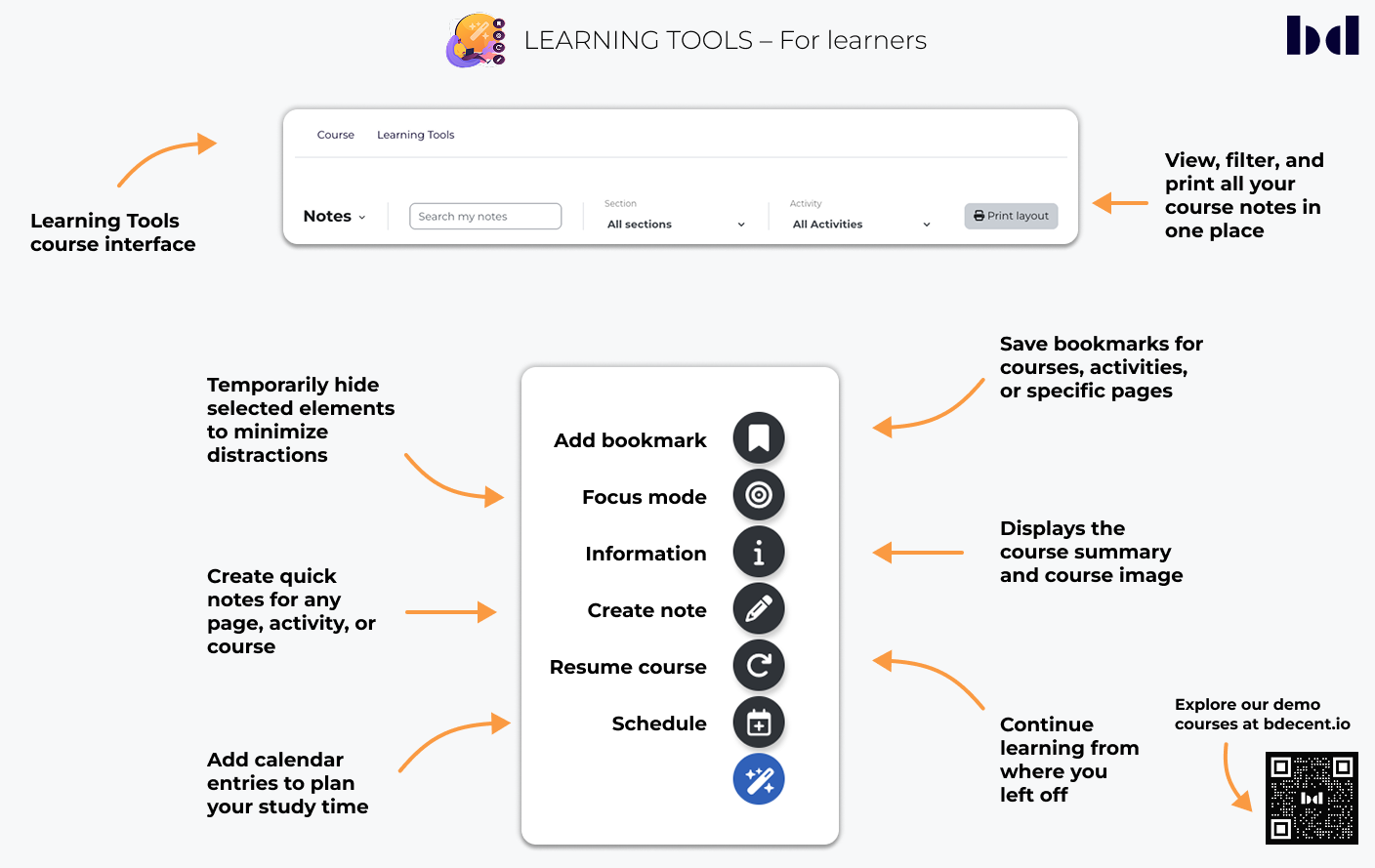
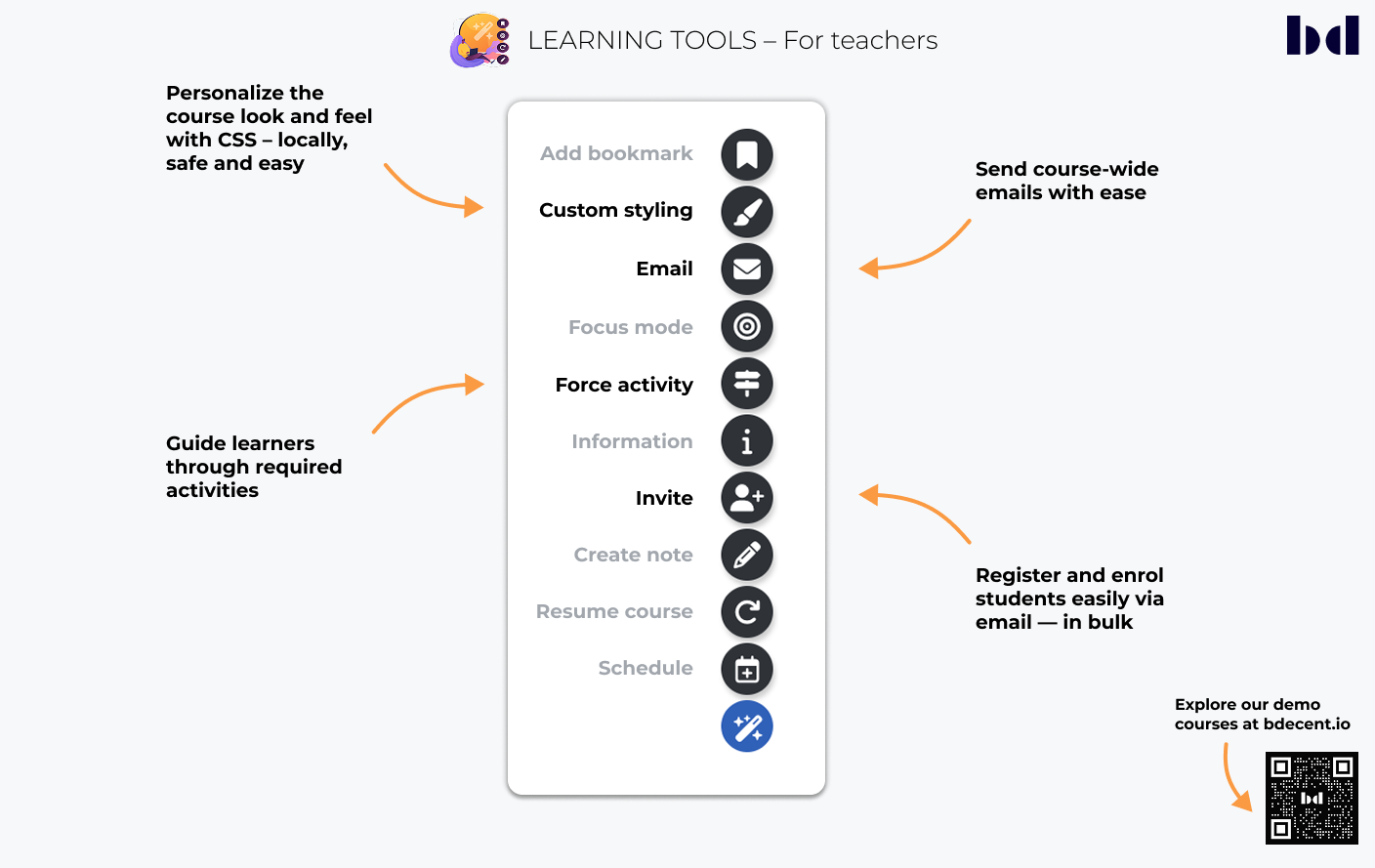
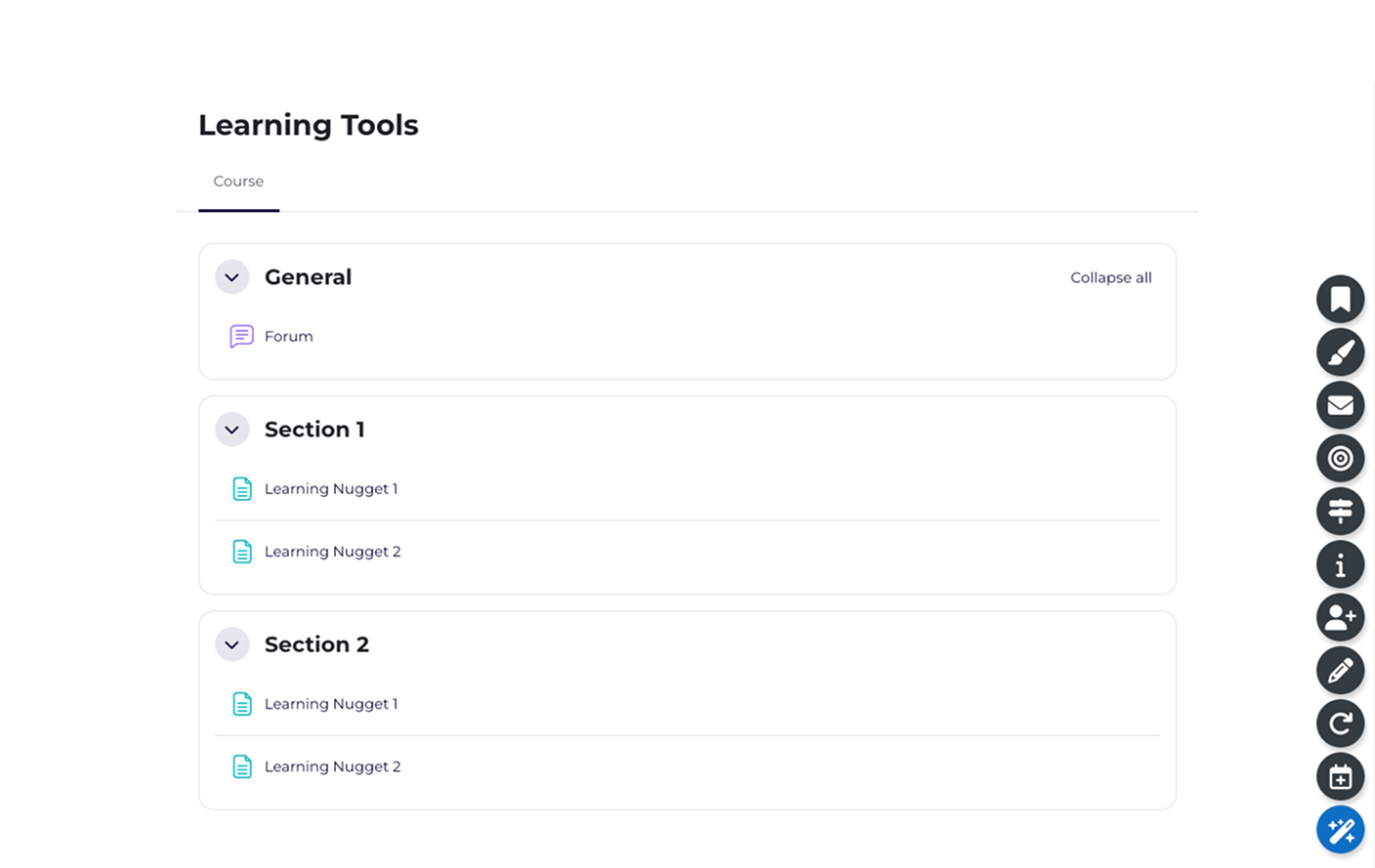
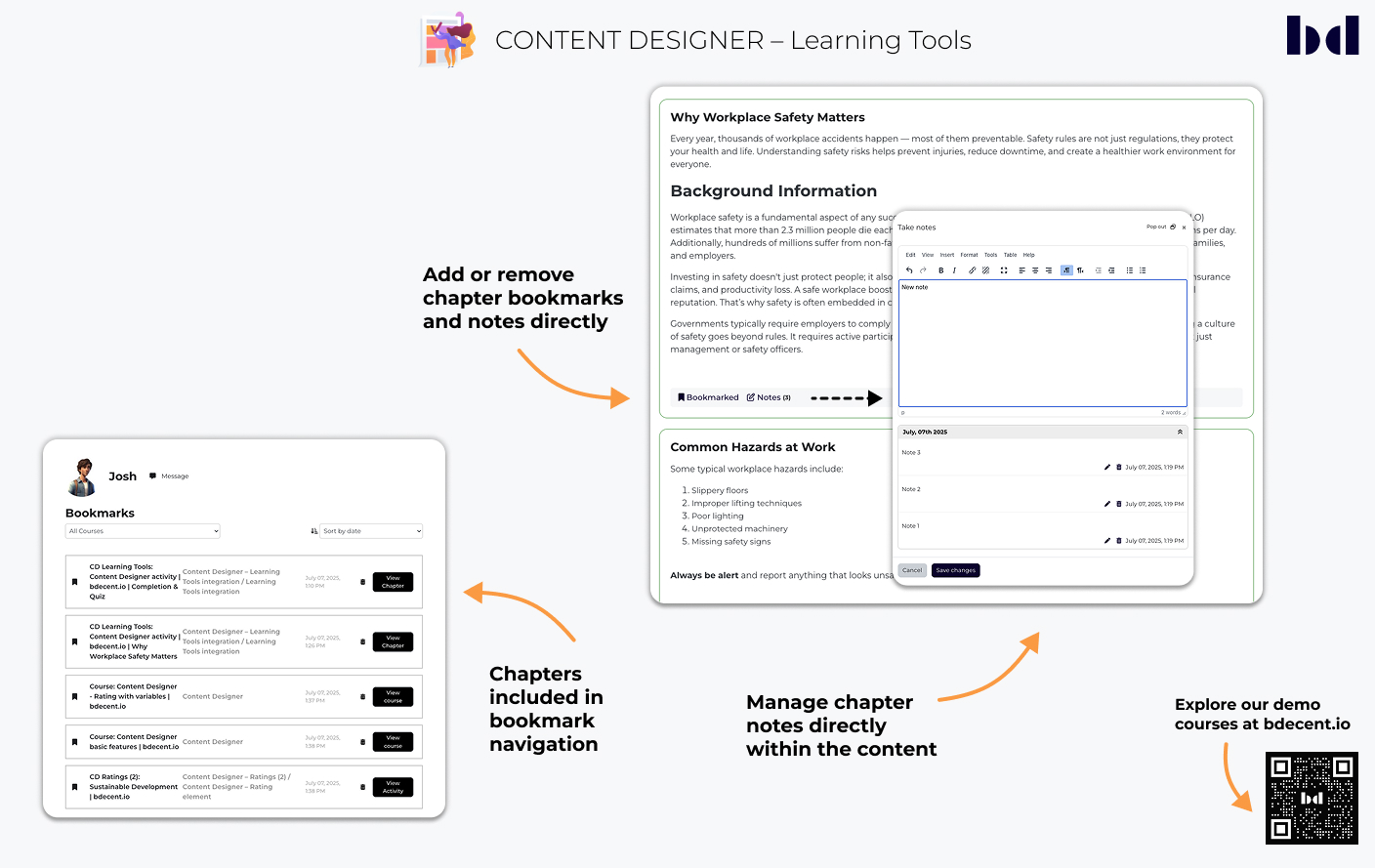
Create bookmarks, take notes, schedule activities and focus mode for better learning experiences … and much more!


Comments
Comments are no longer open for new posts. Existing comments remain available to read.
This plugin is quite impressive!
I have a quick question— I couldn't find an option to display when the exam will start. Is it possible to make this information accessible only within the quiz, rather than displaying it everywhere?
Do you have plans to support moodle 4.5? Due to the update of Fontawesome, it unfortunately no longer displays the icons.
Best,
Catherine.
Great tool! A quick question. We want to use the note feature but not the others. They are. not useful in our environment. Is there a way to hide the other features via CSS or via a setting of the plugin ? Thank you in advance
We’ve discussed this internally. It’s not as easy as it seems, but it is indeed possible. In order to implement it, we would need some funding for it though. If you’re able/interested, please reach out privately and we can discuss it.
Best
Stefan
glad you like our Learning Tools! Currently, Learning Tools is not compatible with the mobile app (as you already found out). Adding support for note taking (and bookmarking) in the app would indeed make sense. I'll check with my team if our floating action button interface is something that can be implemented in the app, and how much effort it would be.
All the best
Stefan
Thank you for developing the Learning Tools plugin. I am sure its functionality will be very useful to our proposed students.
I wanted to check whether there is any chance of it being updated to be functional on the Moodle app? We will promote it to learners mainly for its note-taking capability and it would be much appreciated if that particular function (at least) could be available on the app too.
Looking forward to receiving your feedback.
With thanks and kind regards,
Elizmarié
I saw that a tiny rest is open for German language and wanted to contribute by following the link: You can see the available translations here:
https://moodle.org/plugins/local_learningtools/translations
When I try to contribute to German, I run into a set of errors:
Coding error detected, it must be fixed by a programmer: Url parameters values can not be arrays!
Debug info:
Error code: codingerror
Coding error detected, it must be fixed by a programmer: Url parameters values can not be arrays!
I am not sure, if it is right to address you with that?
Many greetings, Tanja
Sorry to bug you. I would like to send my screenshots. I'll try GitHub...
Another question... Will it be possible to use this nice tool with the Moodle App?
Kind regards
Kenneth