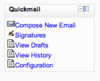
Quickmail
Maintained by
Robert Russo, David Lowe
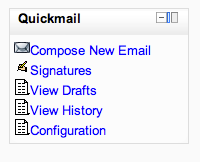
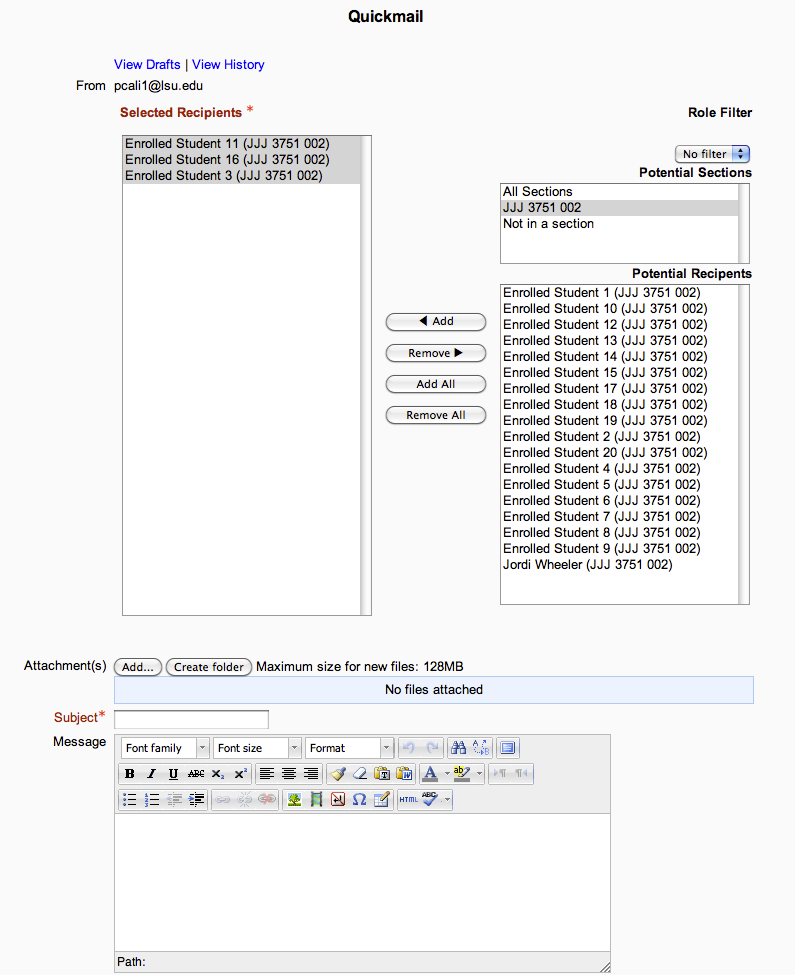
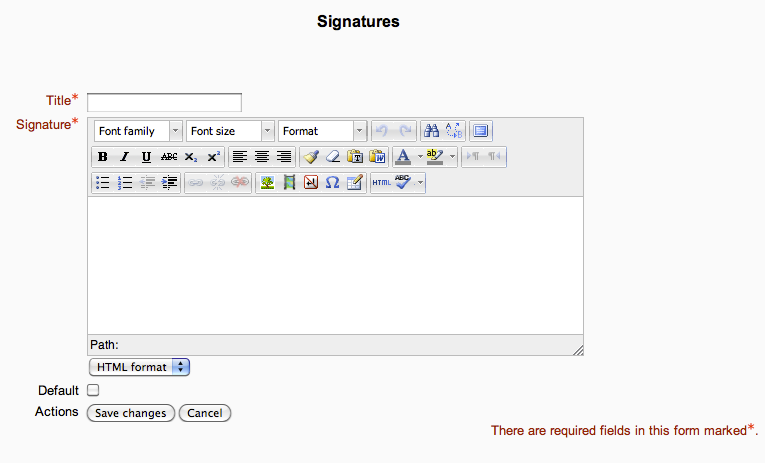
A block that provides selective, bulk emailing within courses. Developed by LSU.
Comments
Comments are no longer open for new posts. Existing comments remain available to read.
I ask you a question: is there a way to allow its use according to the type of email address that each user has? Example: only used by those who have gmail.
From already thank you very much.
Best regards.
Verónica.
Thanks! I was just about to post my findings out but looks like you beat me to it. Yes, this was something that was changed on Moodle's end in version 3.2/3.3? I forget which of how it handles email. Unfortunately, I have not yet found a way to use wildcard to whitelist all domains but have used wildcard to whitelist the popular domains (.com/.ca/.org/.net).
Thanks again!
Barbara, regarding your comment about emails only being sent to 25 users, this is a known issue in the current version of Quickmail. To get technical for a second, when you hit send email, the block will send out the emails synchronously (ie: looping through each one until finished at which point the "email sent" page will show). If you're sending attempting to send an email to 1000+ people, this could take some time and likely lead to a page timeout which cuts off any further action.
We deal with this same problem at our institution, however, we've developed a newer version of Quickmail which fixes this problem by offloading the email sends to tasks which run in the background. Now when you hit send you will see "your email will be sent asap". Emails are processed as often as cron runs so there may be a short lag in the time it takes to actually send. I'd encourage you to try it out! It could be a great fit for your case and packs a few extra features. It is ready to go as-is but I'm still doing some development on completely new features and want to get that done before I officially release it here.
If you would like additional info or have any questions please feel free to comment here or email me directly at cmazilly@lsu.edu and I can help.
Hoping you could help. My institution are running a bespoke themed version of moodle 3.4 which has the administration block on the right instead of the left. Quickmail seems to bump our admin blocks off to the footer in all views other than the quickmail 'compose new email' view. This is only view that allows other blocks to remain on the page in the standard moodle theme (Clean) and our theme. The other quickmail views take up the whole page width and therefore seems to push off other blocks . Any chance that all views can be like the 'compose new email' view, to allow blocks to share the space?
Thanks,
Running v.1.7.5 (2017122000) here.
we have installed the plugin on our Moodle 3.5, with a large community of users (3000+). We noticed that emails sent to a large number of users only reach the first 25 users.
I remember reading a post about this problem but I cannot find it again in the flow. Can you please remind me of the easy solution to apply?
Thanks a lot !