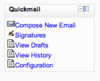
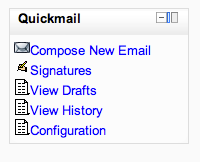
Quickmail
Maintained by
Robert Russo, David Lowe
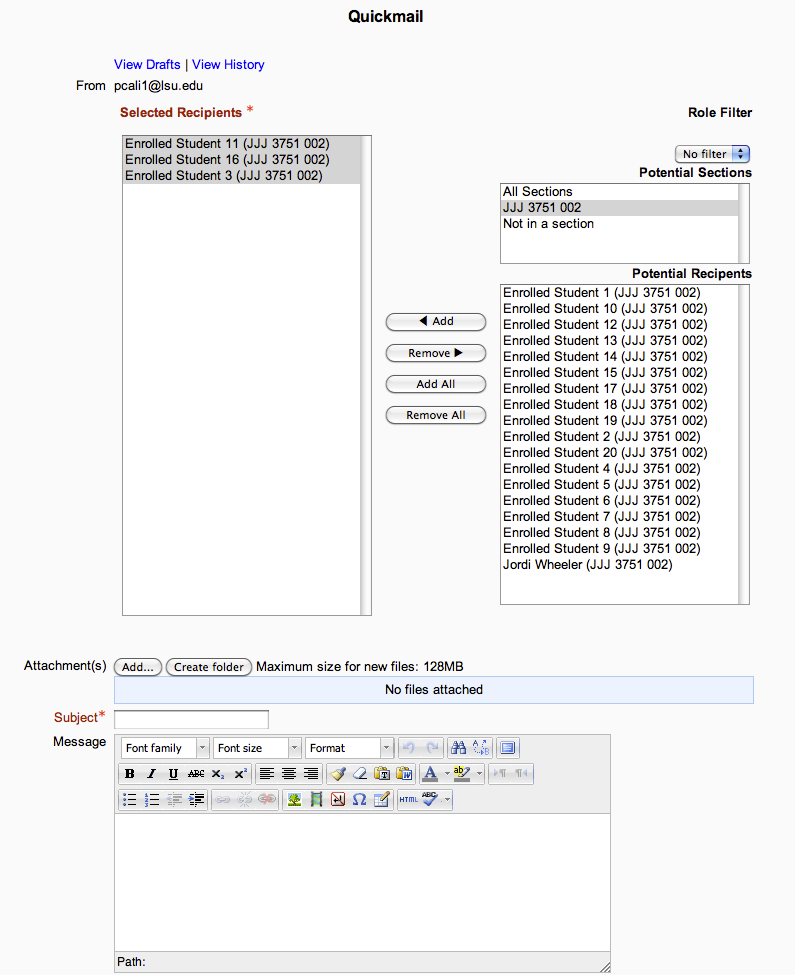
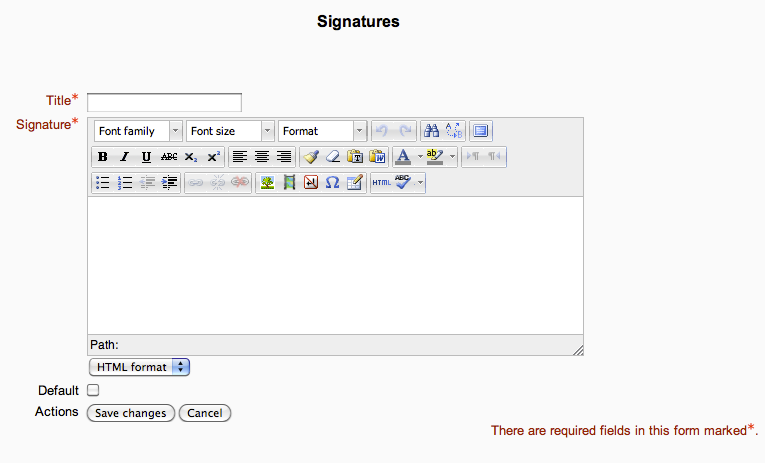
A block that provides selective, bulk emailing within courses. Developed by LSU.
Comments
Comments are no longer open for new posts. Existing comments remain available to read.
Will Moodle 3.6 be supported. We are planning an upgrade to 3.6 in the summer and would like to keep using Quickmail.
Thanks,
Pete
I have version 1.7.6 installed and I have configured an alternative email account, but when I send the emails I send them with the default Moodle account. How can I solve it?
Thank you.
Also, the student can reply back to the teacher that sent the message like emails sent from a typical email client. -Ben, BlueSky Online School
In regards to the timeout Niklas, this is unfortunately expected due the way the currently released version of Quickmail handles email sends. In short, all emails are processed and sent directly after page submission. For emails with a large number of recipients, this process could take longer than your web server allows for timeouts. In this case, the process should just fail at some point but all emails processed up until that point were sent. You then need to go back to that message in detail and resend to any failures which should be listed.
However, I'm able to tell you that we've spent a good bit of time rewriting this plugin to handle sends as an "ad-hoc" task rather than synchronously on submit. We've not yet released this new version as "official", but it lives on the "develop" branch on the plugin's GitHub repo. I encourage you to test it out to see if it will work for you. Lots of new features packed in as well. After another week of updates this week I'll go ahead and release it as official.
Regards, Chad
I guess it will work on 3.5?
One user get time session lockout when sending to 120+ students. Is there an upper limit when using Quickmail and is that around 120-200?
We use Ubuntu with Apache and Moodle 3.2
Best Regards, Niklas