
Contact Form
Maintained by
Michael Milette
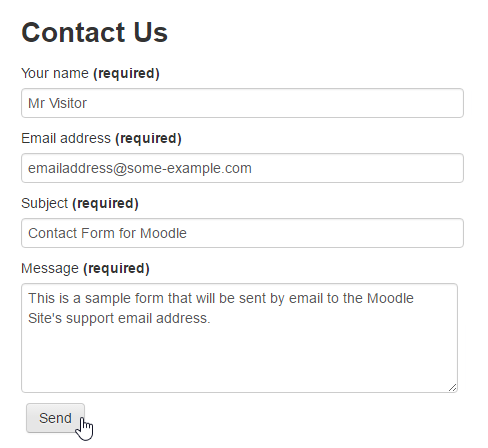
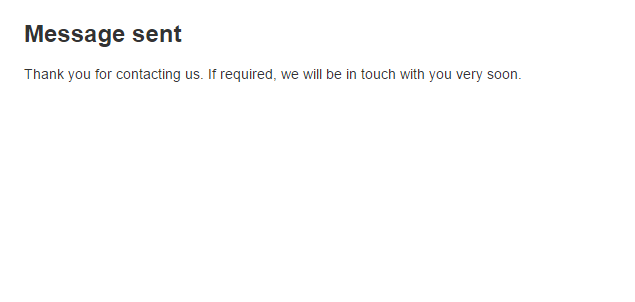
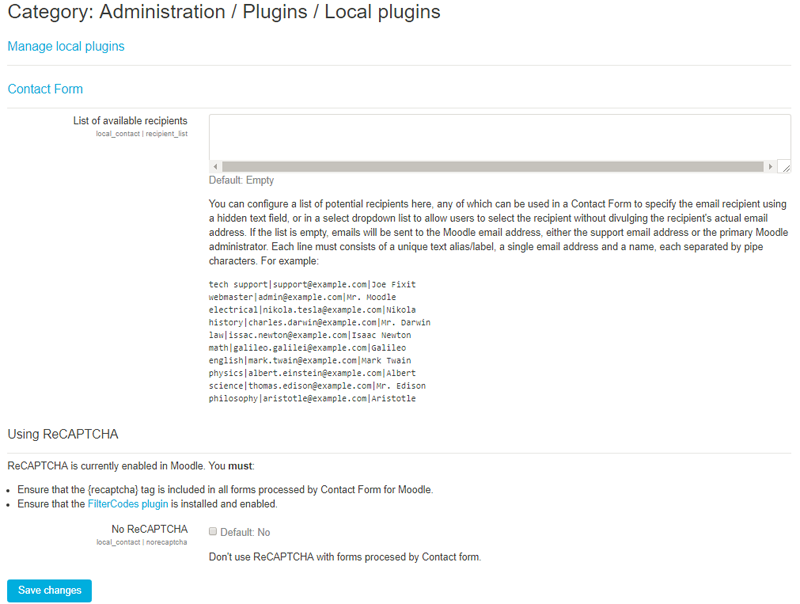
Contact Form is a Moodle plugin that allows your site to process and send information submitted through HTML web forms to the site's support email address or primary administrator if the support email address is not defined.
Comments
Comments are no longer open for new posts. Existing comments remain available to read.
There was one spot in my code that resulted in people logged-in as guests as actually being logged-in. The issue has been resolved and the fix will be included in the next release of Contact Form just before the launch of Moodle 3.9 in June. HOWEVER, I would really appreciate it if you would download the latest version from https://github.com/michael-milette/moodle-local_contact, try it out and let me know if it resolves your problem. Thank you very much for bringing this issue to my attention.
By the way, since you have FilterCodes, you might be interested in trying out the - new {formsupport} tag or {formcontactus} tags (there are a few more) which were introduced in the November 2019 release. No need to mess around with HMTL. To use it, just add one of these FilterCode tags to a page on your site and you will get an instant form ready to be used. The resulting HTML it produces will be very similar code to that you found in the examples. If you need to customize the form, you can do so using the Moodle language pack editor included with Moodle.
Thank again for your question, Anisorf. I appreciate having the opportunity to fix that issue and look forward to hearing if this resolved your issue.
Best regards,
Michael
Thanks for sharing this plugin with the community.
I'm having troubles on using the plugin with not authenticated user, it gives me " Invalid $user parameter in get_user_preferences() call". I've checked the configuration of the plugin and I have set Loggin required: false.
I use the classical template from README.md section Cutom Methods with reCaptha and I have FilterCodes plugin from which I use only {wwwroot}.
What am I missing?
1. Go to Site administration > Plugins > Authentication > Manage authentication
2. Scroll down to the Instructions field.
3. Insert your form in this field
4. Click Save Changes at the bottom of the page.
That's it! Your form will now appear in the section of the page called "Is this your first time here?" on the Moodle login page.
With that said, if what you really want is to have the ability to approve any registration requests on your site, you might be interested in taking a look at the "Email-based self-registration with admin confirmation" plugin. New users complete would then complete the self-registration process. However, before they can gain access to the site, a Moodle Administrator will receive an email and need to approve. I have used it on a couple of Moodle projects and it seem to work well. You can find the plugin by going to https://moodle.org/plugins/auth_emailadmin
Hope one of these solutions help!
Michael Milette
Thanks
412 Error
Your request got filtered out due to possible security issues.
One or more things in your request were suspicious (defective request header, invalid cookies, bad parameters)
If you think you did nothing wrong:
•try again with a different browser
•avoid any evil characters inside the request url
If you are the owner of the website, you can consider revising the rules of the mod_security module or turning it off from your Web Hosting Control Panel.
Best regards,
Michael
Thank you for your question. You can send the email from Contact Form for Moodle to multiple recipients by creating a mailing list (sometimes called a group mailing list). Then configure Contact Form to send the message to that mailing list's email address. See your email administrator or service provider for instructions on how to do this.