
AutoEnrol
Maintained by
Roberto Pinna, Mark Ward
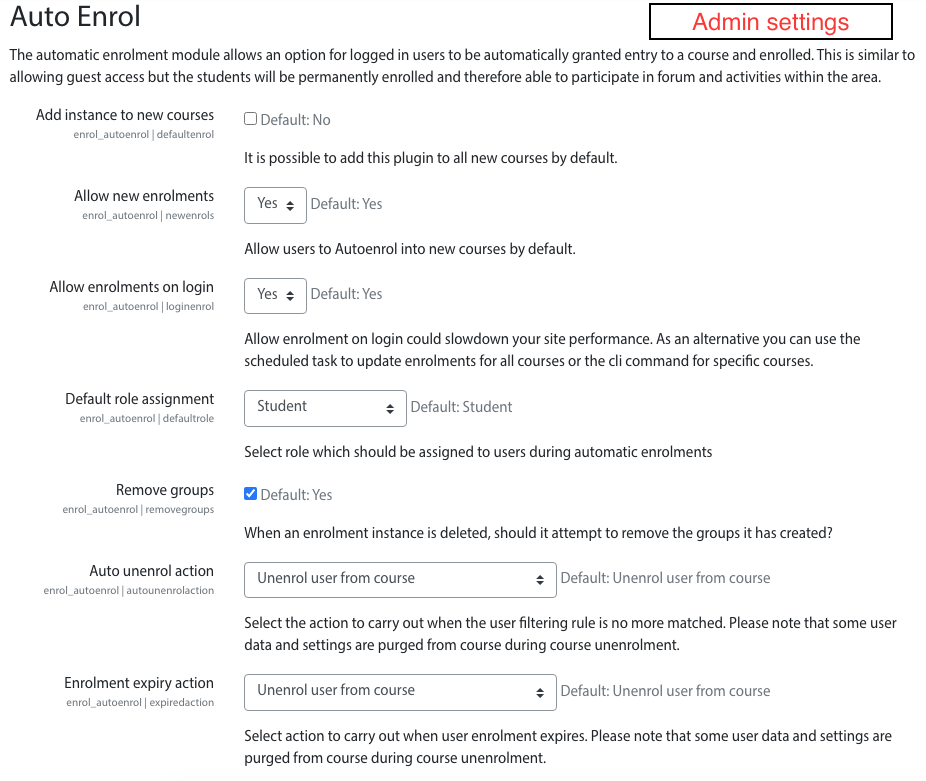
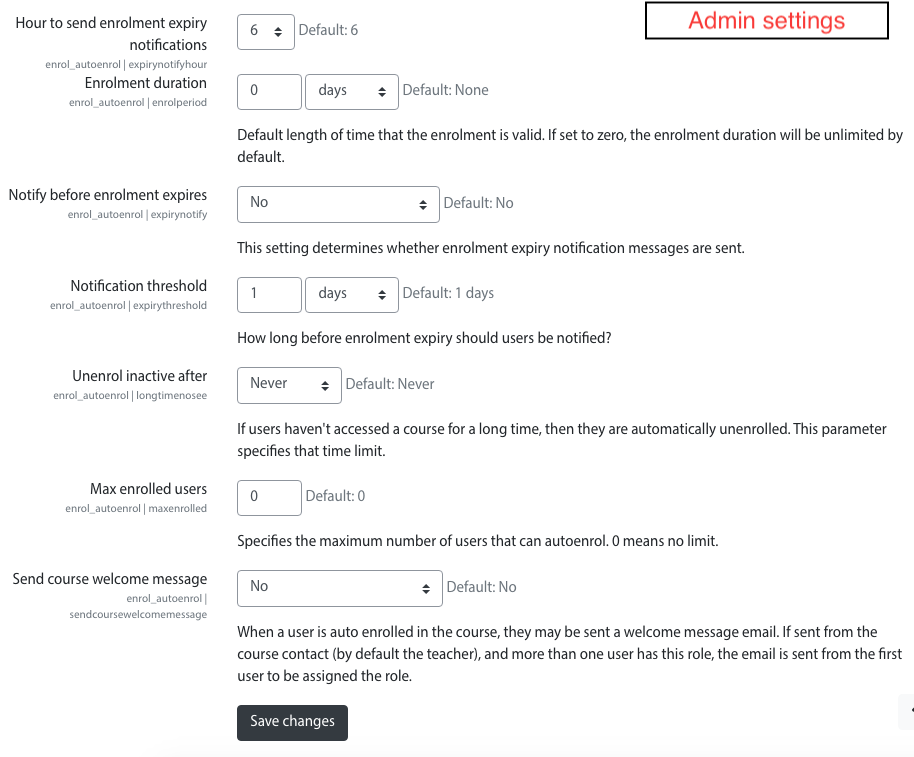
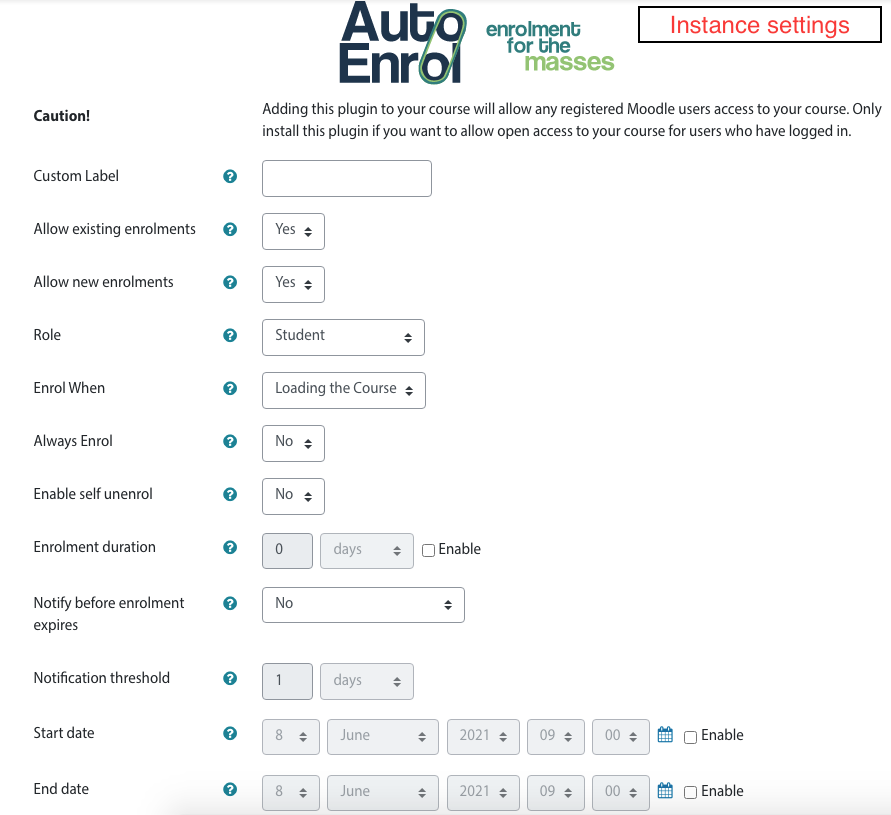
Adds functionality to automatically enrol users onto a course, either as they log in to your Moodle site or as they access a course.
This plugin was at first intended for use on courses which you want all users to be able to access but can also be configured for more advanced purposes as reserved access courses.
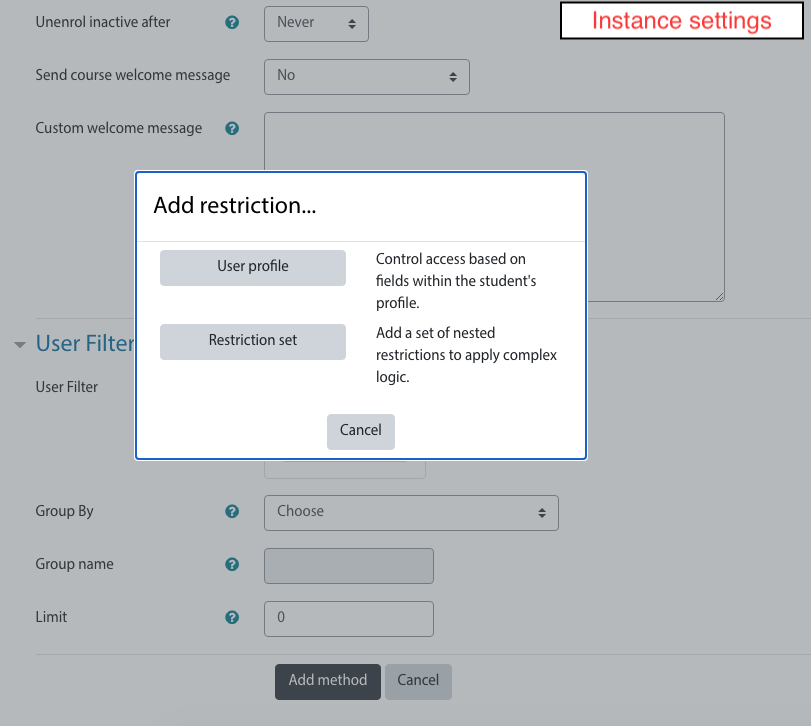
Using the new user filtering you can think at Autoenrol as a Swiss Army knife for Moodle enrolments.

Comments
Product ratings and reviews are coming to Moodle Marketplace. Until then, existing comments remain available to read, but new posts have been disabled.
you need to enable the autoenrol plugin in the administration page:
https://docs.moodle.org/37/en/Enrolment_plugins
Cheers,
Roberto
I know than I can manage enrolment method with the "Enrolment method" panel (edit and delete icons), but I didn't see the "auto enrolment method" in this panel. Do I have to do something to show the "auto enrolment method" in the "Enrolment method" panel? I already add this method to my course, I can edit it whem I created it, I can use it, but it didn't show in the panel and I can't see how many users signed with this method.
Thanks!
Olivier
you can add, delete, manage and disable autoenrol in any course.
Here you find all infos about how to manage an enrol method:
https://docs.moodle.org/37/en/Enrolment_methods#Managing_enrolment_methods
HTH,
Roberto
I'm trying your plugin and it looks to be good, but I get few questions:
1. Is it possible to delete this auto enrolment method?
2. Is it possible to manage this auto enrolment method?
3. Is it possible to stop this auto enrolment method?
Thanks!
you can enable any enrolment plugins in all new courses in plugin settings. I think there is not a way to do it in old courses other than manually.
Is it possible to enable auto enroll in all courses at once, or do I have to select every single course and add the auto-enrolment method?
I think you have fallen in a know issue.
The moodle login procedure set the user status before the autoenrol plugin so you see the real enrolments when the user status is reload, tipically on next login.
HTH,
Roberto.
I recently upgraded to Moodle 3.6.3+, and I am running Auto Enrol 2.1. For the enrollment configuration I am attempting to filter by Department. I add the Department title to a user's profile, and the user does not get automatically enrolled upon login. I am not sure what else I can do. Any ideas what is wrong?
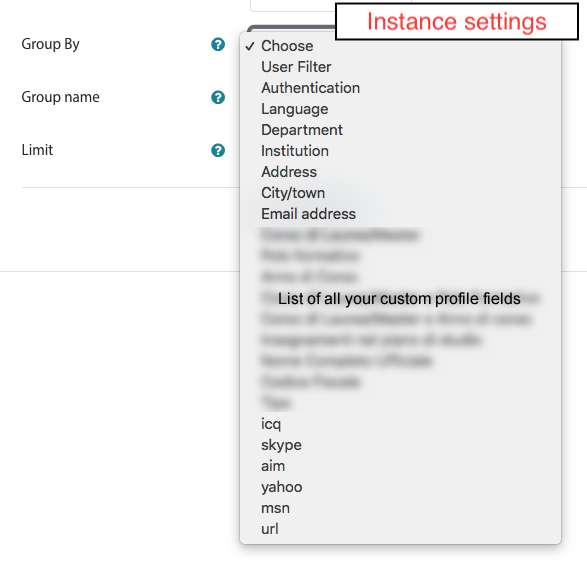
groups are identified in autoenrol plugin by Group ID number so you can create groups manually but, when you add autoenrol plugin, you need to popolate the Group ID number with "autoenrol||" .
In this way autoenrol will use the old groups.
HTH,
Roberto
Thanks,
Edd
did you tested several times with "Send course welcome message" set to Yes and set to No?
Is the problem directly connected with "Send course welcome message" setting?
I'm ask to you a confirm because I tried to reproduce the problem with several user roles Student, Admin, Teacher but I can't get the invalidsesskey error message.
Please help me to catch the bug, give me a detailed report of what you do and with which plugin version.
Cheers,
Roberto.
I have the same problem, moodle 3.6.3, autorol configured to enrol on site login, and having the invalidsesskey message.
But in the configuration, when i put "Send course welcome message = NO" the error disappear.
if I understand you had configured autoenrol to enrol users on site login.
This is a known issue but I can't solve because is a moodle core issue.
When the user login in he/she is enrolled in autoenrol courses but this is done after moodle setup user info so the user is enrolled but it's not shown in dashboard.
The user need to wait for sometime or logout and login again to get it in the dashboard.
Sorry,
Roberto.
Cheers,
Roberto.