
AutoEnrol
Maintained by
Roberto Pinna, Mark Ward
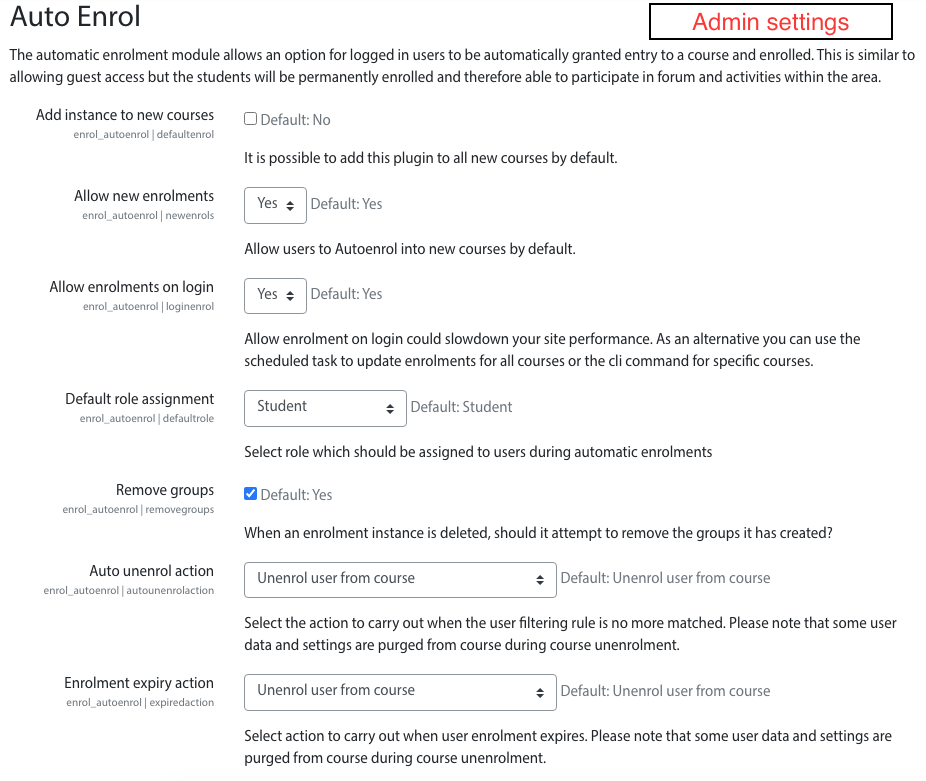
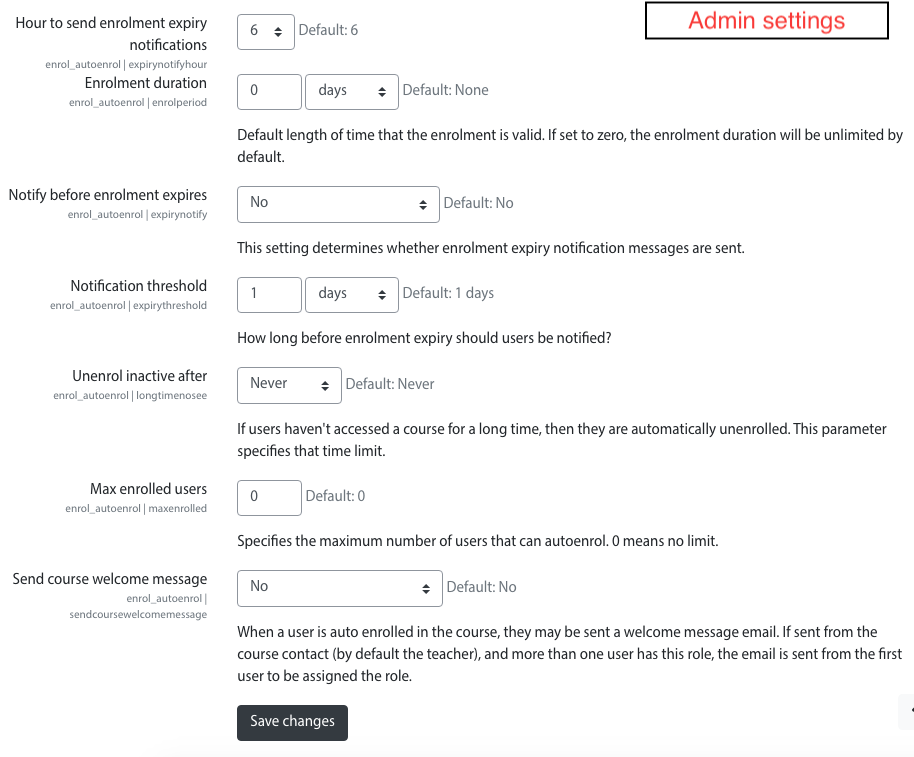
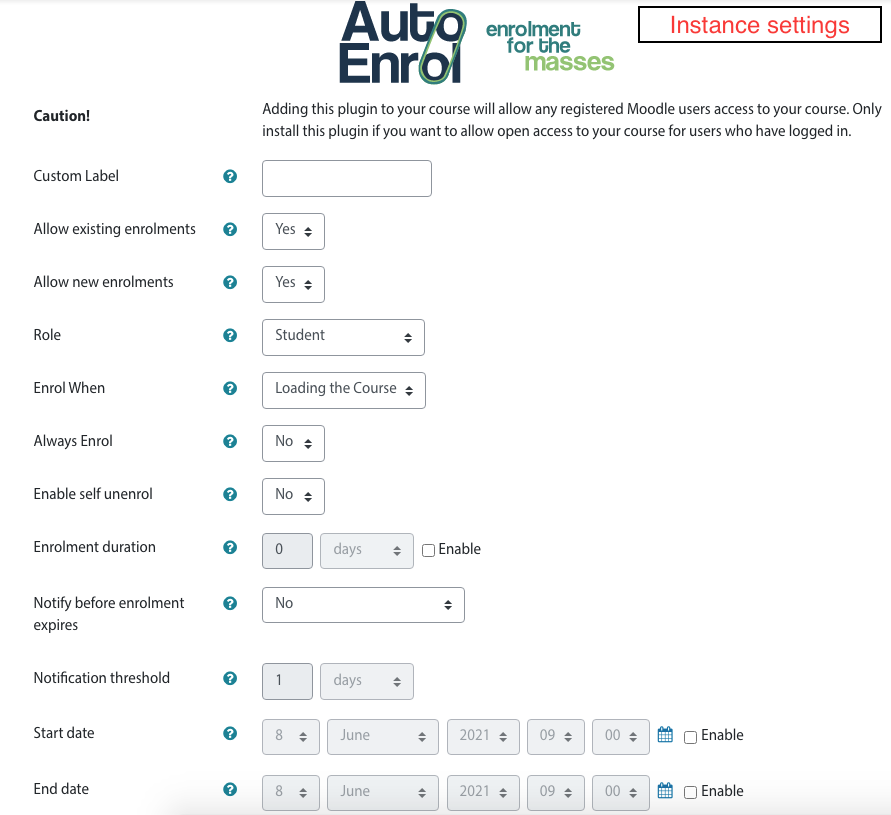
Adds functionality to automatically enrol users onto a course, either as they log in to your Moodle site or as they access a course.
This plugin was at first intended for use on courses which you want all users to be able to access but can also be configured for more advanced purposes as reserved access courses.
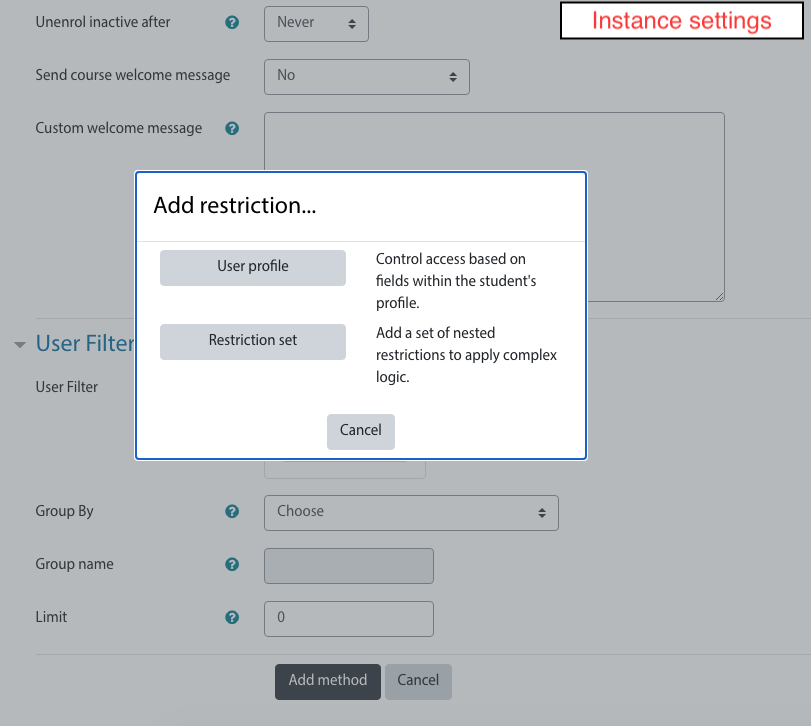
Using the new user filtering you can think at Autoenrol as a Swiss Army knife for Moodle enrolments.

Comments
Product ratings and reviews are coming to Moodle Marketplace. Until then, existing comments remain available to read, but new posts have been disabled.
It does exactly what I want it to: automatically enrol users on to a course when they log in for the first time.
no, at this time.
The self enrolment plugin define an enrolment duration and I think that we can add it to autoenrol in the next release.
I struggled with the User Filtering because I didn't found easily the short name for self registered authentication method, so I think it´s usefull to say that it is: "email". I´m using it to autonerol new self auto-registered users in a wellcome course so they don´t start with a blank list.
autoenrol filter do not use star as special char.
You can enter 20@mydomain.com for students but you can't use a valid filter to match only teachers.
I think you can enrol teachers with an other enrolment plugin or using user upload. It depends on what is your procedure to create courses.
HTH,
Roberto
Thank you for the great plugin and the help on the form.
I am trying to auto enrol students and teachers.
Our students emails have been formated based on the year they joined the school as in: ab1220@mydomain.com (the 20 is indicating they joined the school in 2020).
The teachers have their firstname.lastname@mydomain.com
So I am trying to auto enrol students on their respective courses. Can I auto enrol all 2020 cohort students on a course by entering *20@mydomain.com?
And modules aimed at teachers, can I enrol them by entering *.*@mydomain.com?
Thanks in advance for the help.
it depends by the shortname chosen for your field. Probably it contains non alphabetic chars.
There was a bug in autoenrol field type check that clean non alphabetic chars.
Now I fixed that bug on github, you can already download it.
Thanks,
Roberto
I fixed it.
You can get it on github.
Thanks,
Roberto
I found some unexpected behaviour in plugin.
After any user logins sync_user_enrolments method is called. It takes all instances of AutoEnrol and try to enrol current user with them, if user fits the instance rules.
But method takes even disabled instances - so user could be enrolled in course even if AutoEnrol instance disabled in this course.
Could you please check it?
Thanks,
Oleg.
I've set the AutoEnrol plugin up on a course, with default settings, and it's the first enrolment method in the course (amongst a few others).
But users cannot get past the enrol screen.
I was hoping to use it to auto-enrol just the people with a particular email domain (eg. @cabi.org). Is that not possible?
Thanks,
Mark
I think you can use a couple of instances of cohort sync enrolment plugin to do that.
Adding it to autoenrol feel like a duplication of features.
HTH,
Roberto
This is a really useful plugin. Thanks.
I am wondering how it might be adapted so that only members of one or more cohorts are allowed to access a particular course?
Our use cases are:
1) All users should be able to access certain courses, eg. Course 101 & Course 102
2) Users in Cohort A should be able to access Course 101, Course 102 and Course 201
3) Users in Cohort B should be able to access Course 101, Course 102, Course 201 and Course 301
My thinking is that we'd need to add a filter to the plugin which looked for cohort membership. And provide course admins with a tick list of cohorts for which to allow enrolment.
But I've no idea how complex that would be to implement in the current plugin?
Thanks,
Mark