Reader
Maintained by
Gordon Bateson
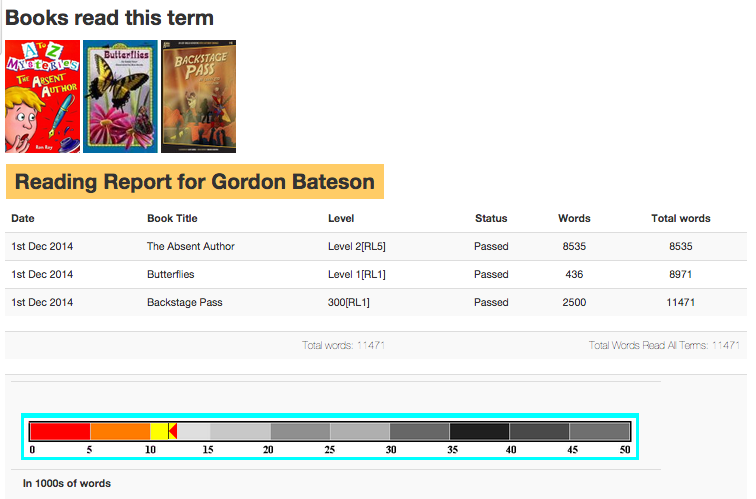
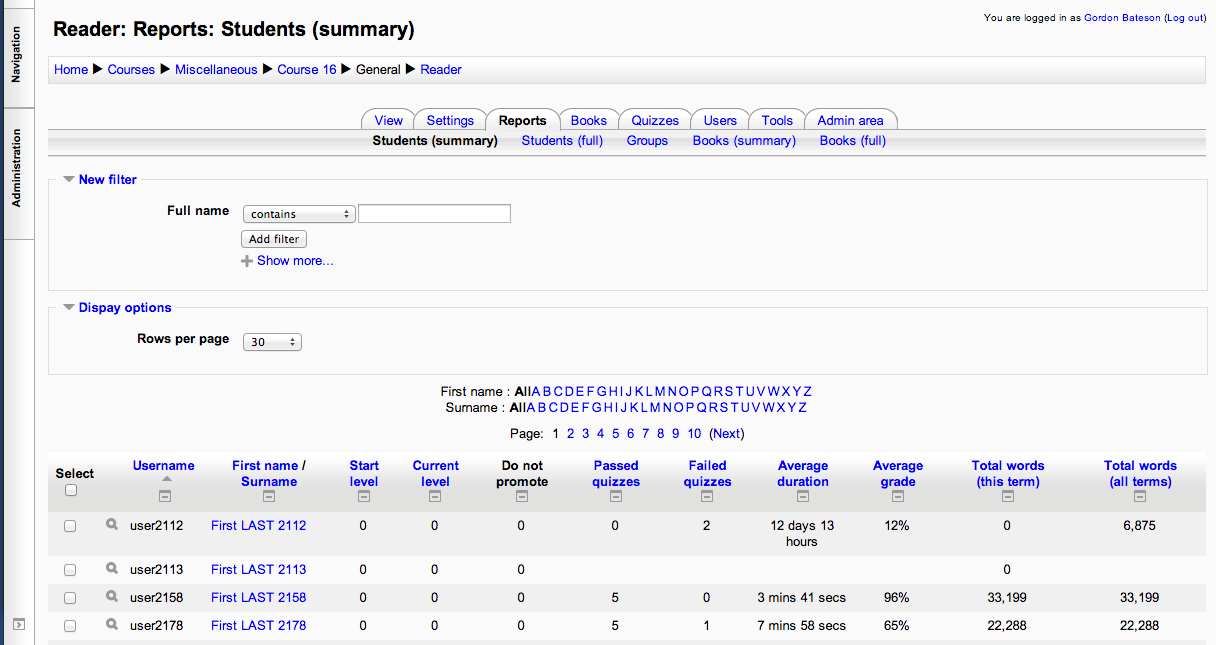
The Reader module for Moodle 2.x tracks the students' reading achievements.
Comments
Comments are no longer open for new posts. Existing comments remain available to read.
I have installed Moodle Reader on my platform and I am unable to add books. When adding a new book I fill in all the required fields and then click 'add', however no book appears when you click on edit books (site) or edit books (course). I have checked and double checked that the books I am adding are not hidden. I am not adding any files to the book entries - could this be why?
Best,
Neil
I have downloaded reader in two different platforms under two different fresh servers (Moodle 3.4 and 3.6)..
In both cases I am getting this error every time I attempt to download new book resources or quizzes. The repeated error displayed is:
"error Coding error detected, it must be fixed by a programmer: events trigger legacy() has been deprecated along with all Events 1 API in favour of Events 2 API."
--> What I found quite interesting is that when I receive this error and try to "refresh" the browser page, one book entry will be downloaded. If I refresh again, a second book resource/ quiz will be downloaded with a higher progress percentage. I need to manually keep refreshing in order to get all downloads successfully one by one which is annoying.
--> The second issue I don't see any of the book covers for the downloaded books/ quizzes. I tried to fix this through the admin "Fix book covers" under "Tools" but I got the following error, too:
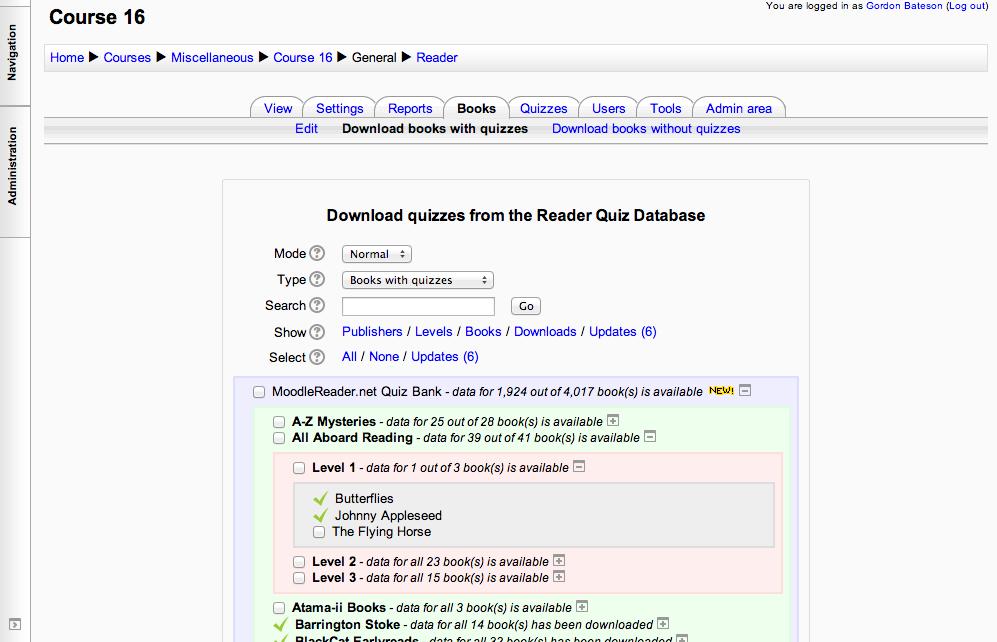
OOPS: Image ID not specified: A-Z Mysteries (Level 2): A-Z Mysteries/Level 2/The_Absent_Author.xml.gz
OOPS: Image ID not specified: All Aboard Reading (Level 1): All Aboard Reading/Level 1/Butterflies.xml.gz
OOPS: Image ID not specified: All Aboard Reading (Level 1): All Aboard Reading/Level 1/Butterflies.xml.gz
OOPS: Image ID not specified: All Aboard Reading (Level 1): All Aboard Reading/Level 1/Johnny_Appleseed.xml.gz
OOPS: Image ID not specified: All Aboard Reading (Level 1): All Aboard Reading/Level 1/Johnny_Appleseed.xml.gz
OOPS: Image ID not specified: All Aboard Reading (Level 1): All Aboard Reading/Level 1/The_Flying_Horse.xml.gz
OOPS: Image ID not specified: All Aboard Reading (Level 1): All Aboard Reading/Level 1/The_Flying_Horse.xml.gz
--> The last issue experienced is that each manually downloaded resources shows twice where the first entry probably refers to the missing cover and the second refers to the actual quiz.
When I attempt the quizzes as a student, it's worth mentioning that some of the downloaded quiz still don't appear in the available quizzes list for students.
I'm not sure if this is a test-bank or server issue from your end that prevents the correct download/ configuration of the downloaded resources. It could also be something that has to do with the coding of the new versions of this relatively old plugin. I hope it has some major upgrades to overcome any issues for Moodle 3.6+.
Thanks and hope to hear from you.
Regards,
Ismail
I'm getting this message on my moodle reader "Sorry, there are currently no books for you". I'm using the latest reader version and moodle 2.9. Any hints? Thank you!
I just downloaded the quiz questions but I do not see them when I click on the quiz button. They are all downloaded in a different area. When I attempt to take a quiz, a blank page pops up. When I select a book from "select a book" section, it goes to level books, then it says " Take the quiz for "book`s name"", and when I click on it, a blank page comes out. Can you help me about this issue?
But, when I log in to moodle in the administrator, the screen of the Reader Module will change to white-out.
In the student user, it will be normally displayed.
When I click on the Books tab, it was also displayed as "mode_edit()".
How can I do that?
I would like to add more books from our database. How do we do this ?