
Turnitin plagiarism plugin
Maintained by
Jack Milgate, Bryan Holladay, Paulina Supel
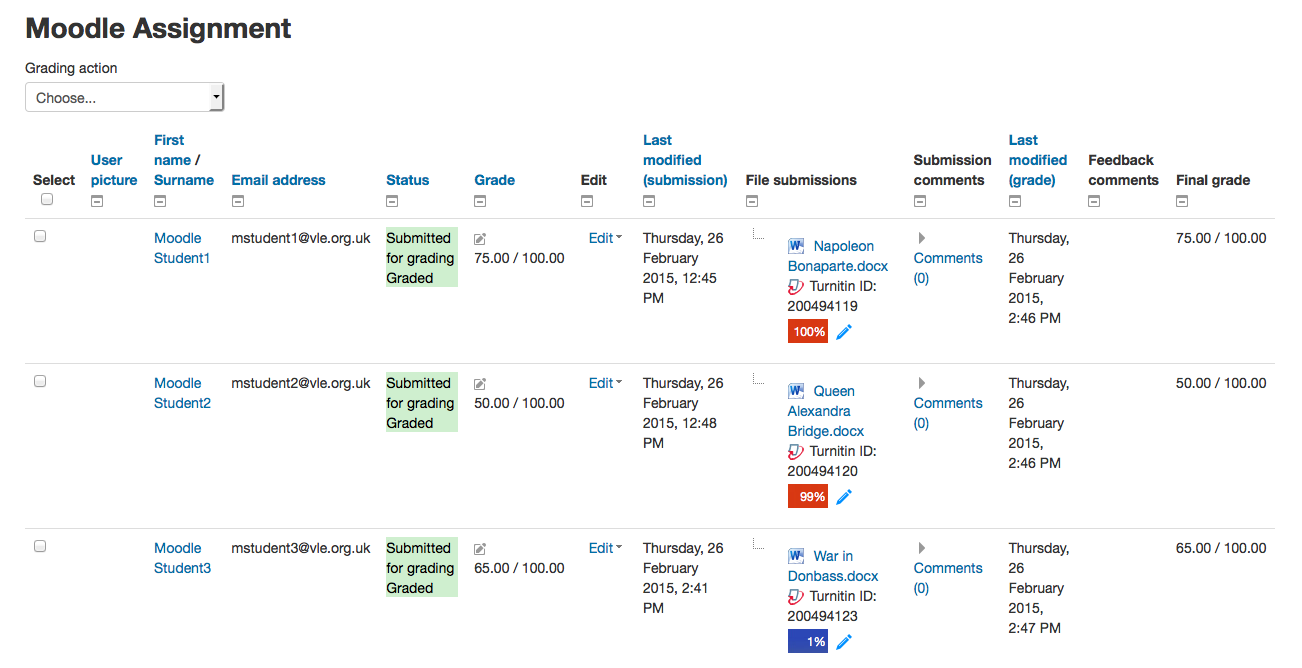
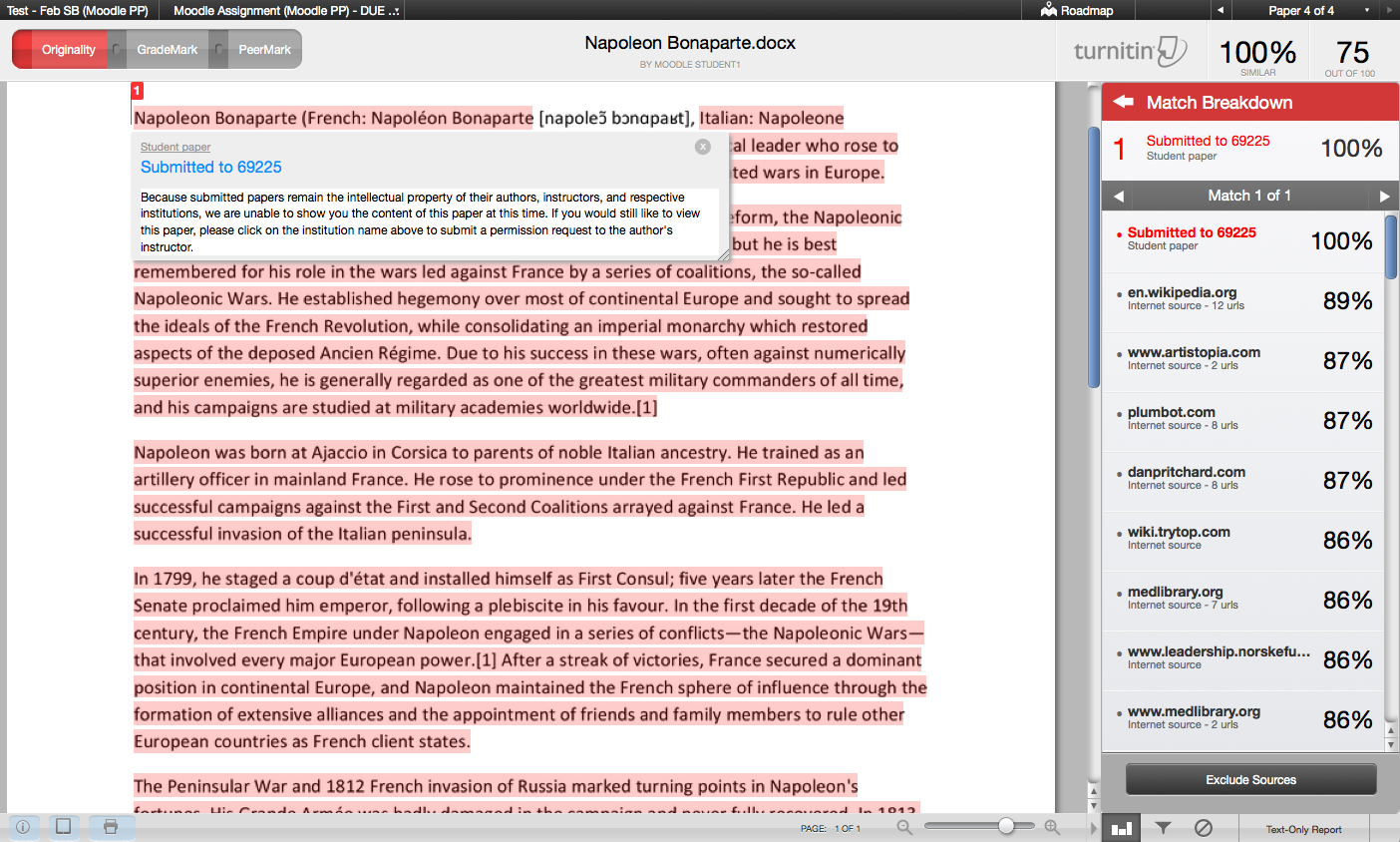
Turnitin is an academic integrity solution, designed to integrate seamlessly with existing Moodle Assignments, forums, quizzes, and workshops. A Turnitin license is required for use.
Comments
Comments are no longer open for new posts. Existing comments remain available to read.
When I go to an assignment settings and click on:
"Turnitin Plagiarism Plugin Settings=> Launch Rubric Manager", or
"Turnitin Plagiarism Plugin Settings=> Launch QuickMark Manager", or
"Turnitin Plagiarism Plugin Settings=> Launch Peermark Manager",
then in all of these cases only a blank modal dialog box appears. Not even a title. No other log file errors accompany this behavior.
I am using the turnitin plagiarism plugin version 4.1+ with moodle version 4.3.2 and php 8.3
When I go to an assignment settings and click on:
"Turnitin Plagiarism Plugin Settings=> Launch Rubric Manager", or
"Turnitin Plagiarism Plugin Settings=> Launch QuickMark Manager", or
"Turnitin Plagiarism Plugin Settings=> Launch Peermark Manager",
then in all of these cases only a blank modal dialog box appears. Not even a title. No other log file errors accompany this behavior.
Could you please look into it?
Thank you very much.
I have almost the same problem with the popup window for the EULA terms. Still, my problem concerns the Launch Rubric Manager popup window and the Launch Quickmark Manager popup window that does not appear when clicked during someone tries to create an assignment and wants to use Turnitin's Rubric. My Moodle version is 4.1.4+. In another server with Moodle 4.3.2 version (test Moodle server), the popup windows appear for both Launch Rubric Manager and the Launch Quickmark Manager but are blank. Could you please help?
If a student did not accept "Turnitin's End User License agreement" during an assignment submission, we get the error "This file has not been submitted to Turnitin because the user has not accepted the Turnitin End User Licence Agreement".
Unfortunately there is no way for the student to go back and accept EULA. Οnly if there is a second assignment activity in the same course a student can overcome this problem by accepting EULA the second time. Is it possible to fix it?
regards, Manolis
Please contact our support team and create a case request so that your query can be processed by our team.
Has anyone seen this error before when running the update_reports task from CLI? An exception was thrown while attempting to find submissions for Turnitin assignment:
For new users, if you only have turnitin activated in the quizzes, the window to accept turnitin's conditions of use does not appear and therefore the reports are not generated.
Regards.
The currently released version works with 4.0 so we didn't release an update. I've added 4.0 to the list of versions for the last release.
Hi Chinmi, you will need to contact Turnitin sales team for information around licensing. Please check our website for the contact details.
I am a new user, need guidance how to use Turnitin plagiarism check. How to get lisense Turnitin fot this plugin? and how much i have to pay? thank you very much.. for your help.
~Chinmi~