
Turnitin's Moodle Direct v2
Maintained by
Jack Milgate, Bryan Holladay, Carl Hostrander, Paulina Supel
The Turnitin Direct V2 plugin is being replaced by the LTI 1.3 integration, however we are extending the current retirement dates for the Turnitin Moodle V2 plugin until further notice.
Comments
Comments are no longer open for new posts. Existing comments remain available to read.
Which version of the Turnitin plugin are you using? Is this only effecting one user? Are there any errors in the console?
Thanks!
Charlotte
Thanks for your quick response, yes this is exactly what I was referring to. That is excellent news!
Many Thanks!
Alan
Is it possible to run this plugin on moodle with one turnitin shared key and then the older version with other shared key. (https://moodle.org/plugins/plagiarism_turnitin)
Thanks!
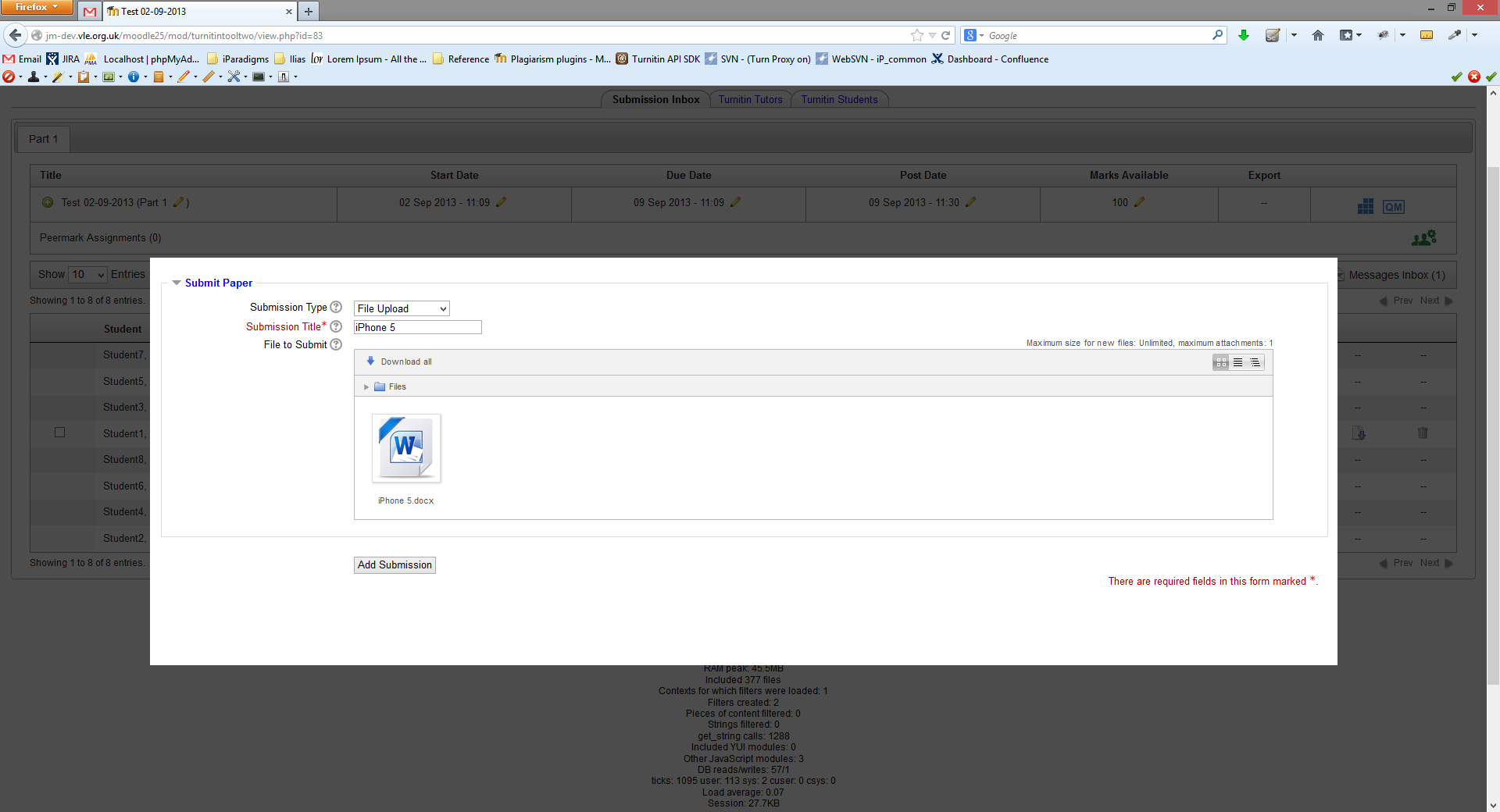
The URL throwing 504 timeout error is https://mysite.com/mod/turnitintooltwo/view.php?id=xxxx&do=submitpaper&view_context=box_solid
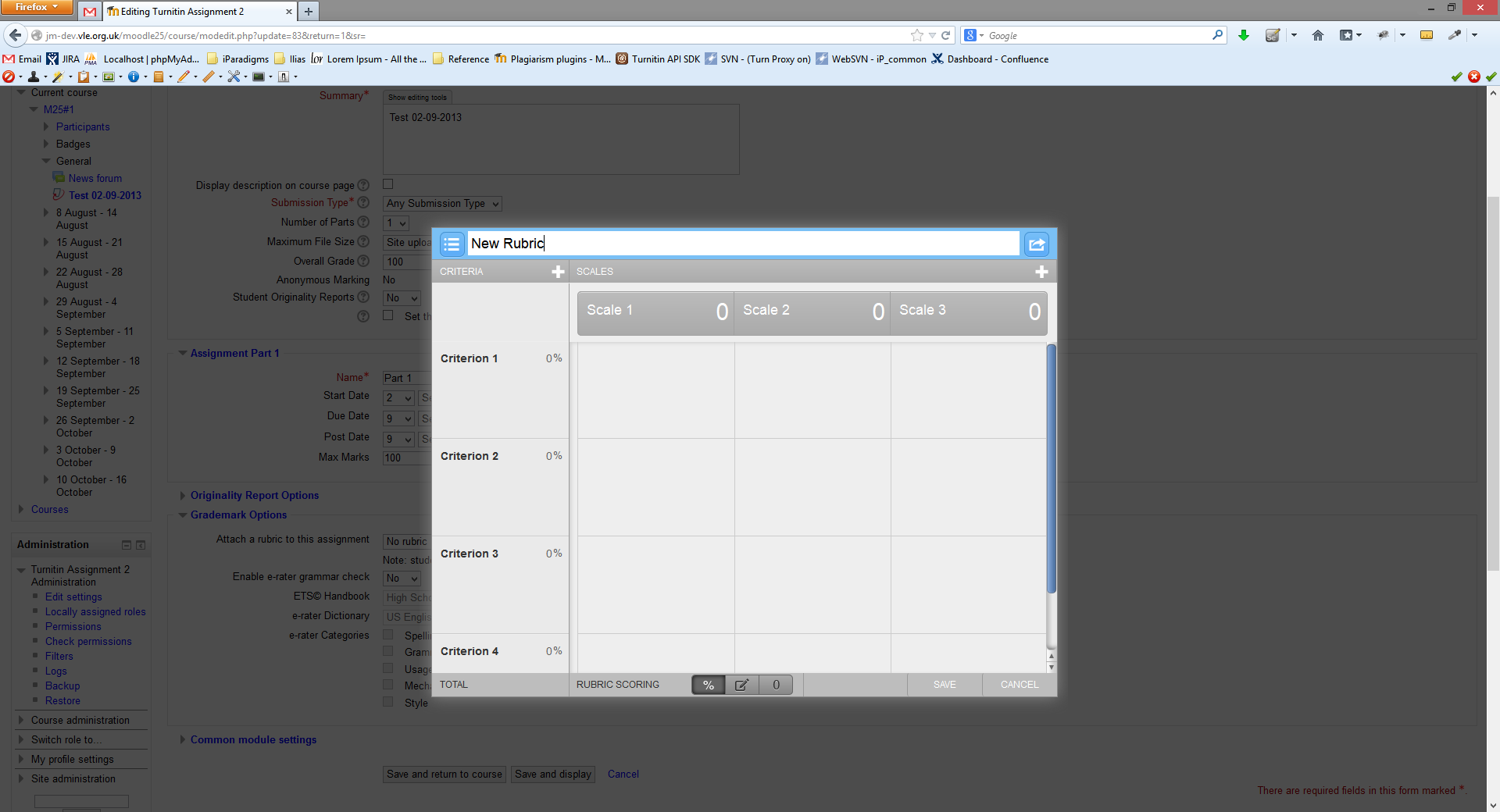
I have been looking for a workaround but without success. I have found that if I add a rubric via a direct login to turnitinuk.com, this rubric gets deleted when I try to connect from Moodle. Please can you confirm that if someone uses the new plugin to look at previously marked work, there is no possibility that the rubric (and all comments) will be deleted? It does not appear to be happening with a test assignment I set up a couple of years ago, but obviously I have been reluctant to test on a recent live assignment.
Ken
Thank you for getting in touch. I'd firstly like to apologise for the inconvenience this has caused.
We will be starting work on this fix as soon as we can with the view to releasing at the end of the month. We do have automations which covers this functionality, however it seems that an additional check is needed to ensure that the rubric is saved and attached. The work that we do in the upcoming weeks will also include adding additional test coverage to ensure this wont be an issue moving forward.
Many thanks
Caroline
Product Manager, Integrations
Can you offer an explanation as to know how an error such as this could slip through your testing when releasing new versions of the plugin?
Ken
I wouldn't advise attempting a roll back as Moodle does not have a downgrade process. Uninstalling the plugin and installing an older version would cause data loss for existing Turnitin data in the plugin.
Ken
Ken