
Jitsi
Maintained by
Sergio Comerón
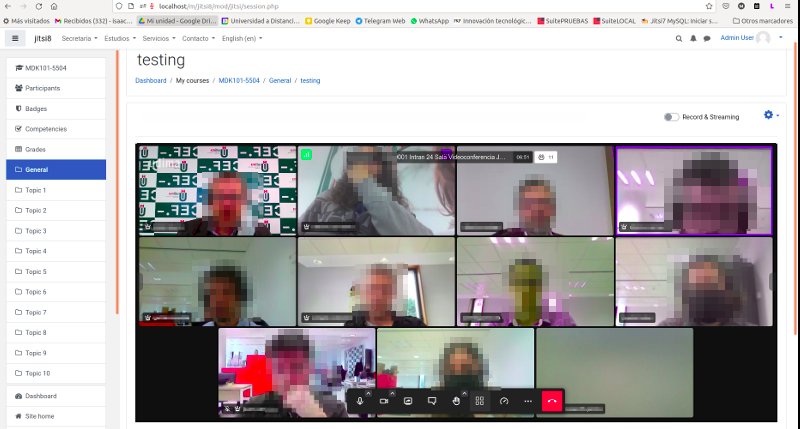
This module allows creating jitsi-meet videoconference sessions.
Comments
Product ratings and reviews are coming to Moodle Marketplace. Until then, existing comments remain available to read, but new posts have been disabled.
Una de la herramientas que le faltaba a moodle para estos tiempos.
Muy buena.
previously when a token was used, users couldn't change their name, but in one of the latest jitsi updates this does not work. I'm investigating what has been the reason to fix it.
Thanks!
Those who has added in Apache or Nginx the header Access-Control-Allow-Origin' '*' as a workaround for https://github.com/jitsi/jitsi-meet/issues/8510 should review their config in order to limit this header just for the the /moodle/pluginfile.php used by our plugin to get the profile avatar image.
We have detected that some webservices in moodle adds this header by their own and this can cause conflicts whith Moodle App in iOS devices because iOS fails when this header is twice Moodle App could fail. Android devices are not affected.
In Apache you can limit this header just for the pluginfile.php in this way.
Header add Access-Control-Allow-Origin 'https://meet.jit.si/'
The good news is that beta jitsi public site (https://beta.meet.jit.si/) has solved the problem and we expect that in few weeks that was solved in their production servers and in the new version for Debian for our custom Jitsi servers.
Best regards.
now i am working on integrating youtube recording and streaming directly into moodle. It is quite advanced and will be in the next version I think.
For moderation you need your own Jitsi server and config it for tokens. If you use a public server (e.g. meet.jit.si) you can't use moderation.
you're right. I modified this parameter to fix an xss scripting problem. I think we have to rethink how to do private sessions. I think the best option is to remove this option and rethink it again.
Great plugin! However, it It looks like the recent change from PARAM_TEXT to PARAM_USERNAME in sessionpriv.php broke the multilingual support - now if the name is in Cyrillic for example, it gets totally removed);