Kevin “J”
Lead maintainer

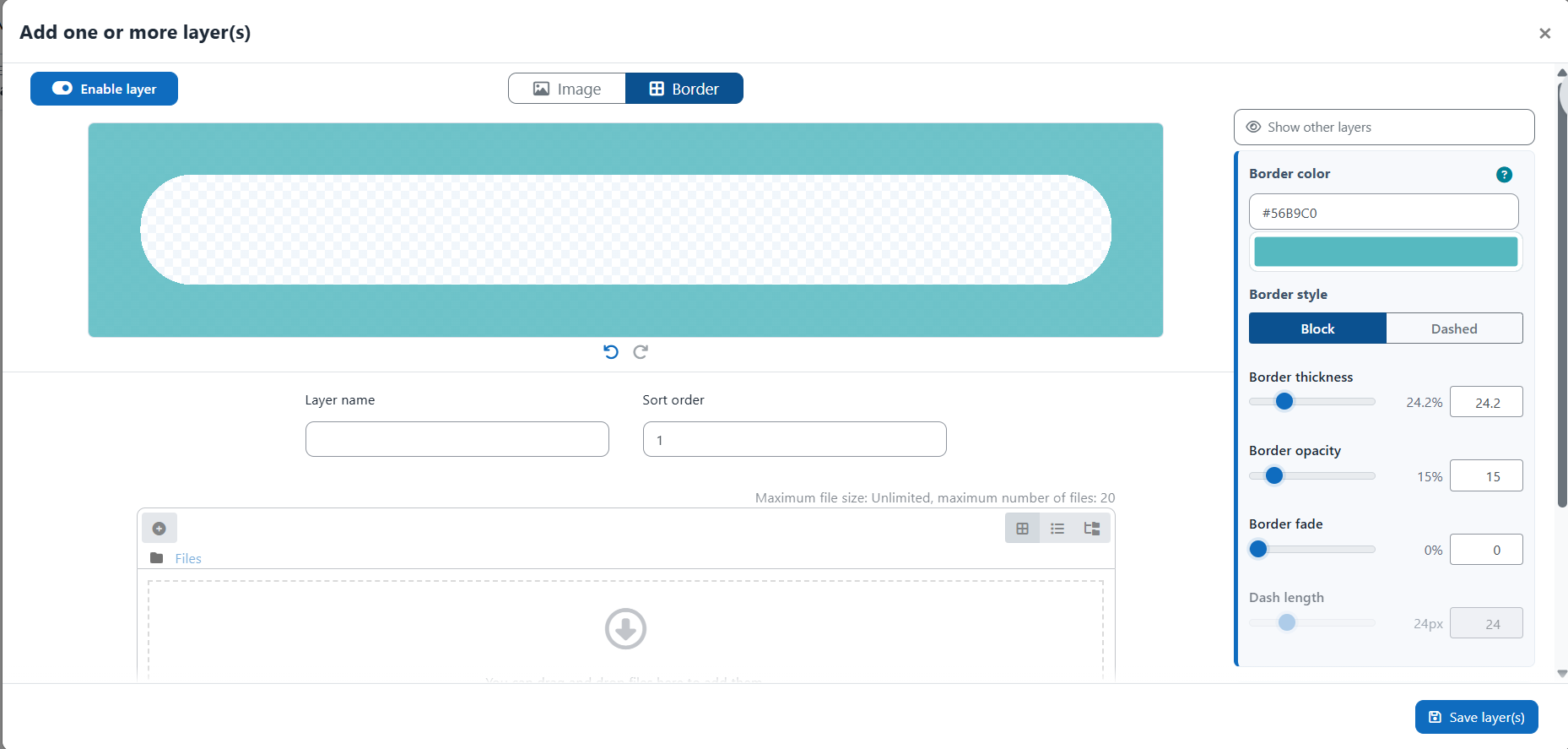
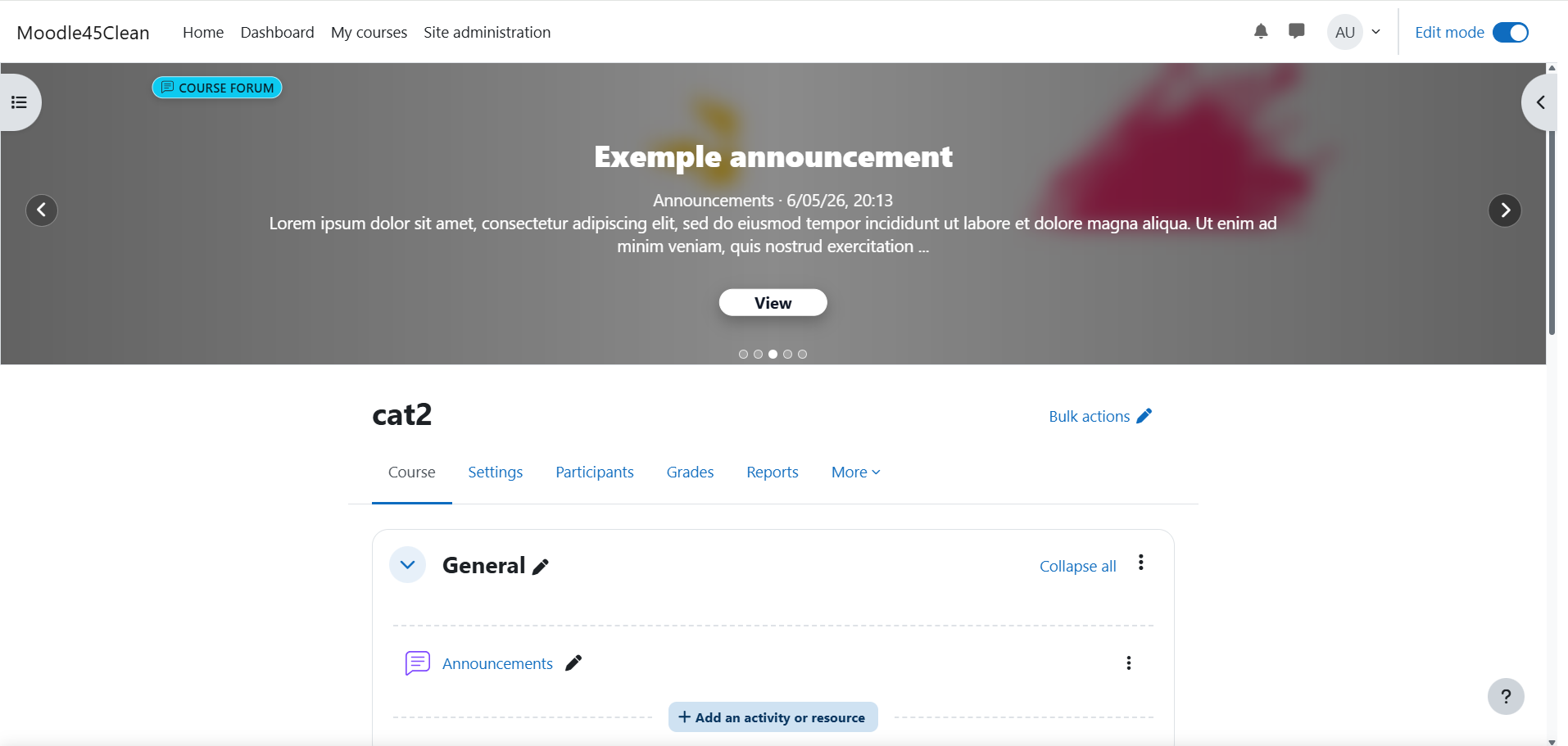
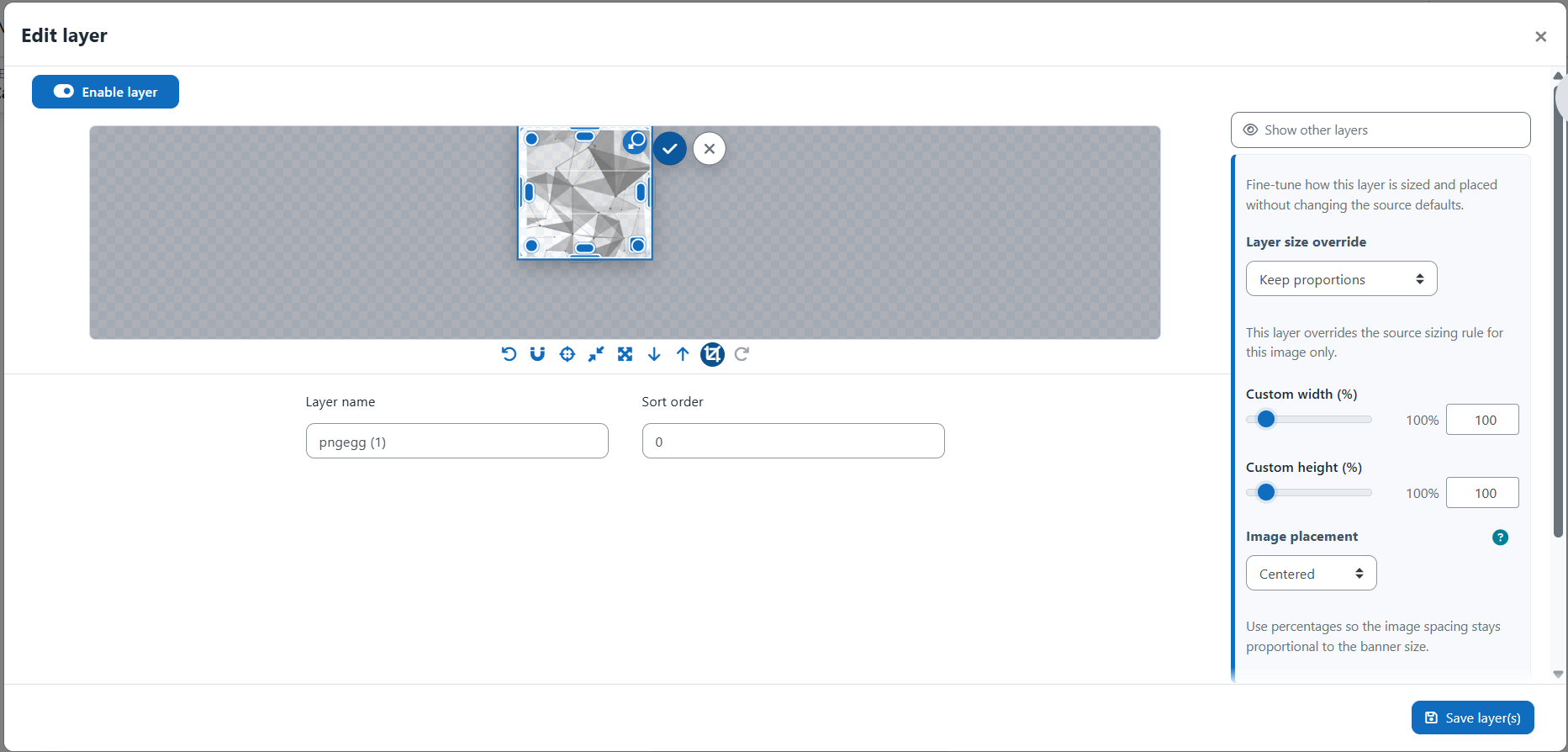
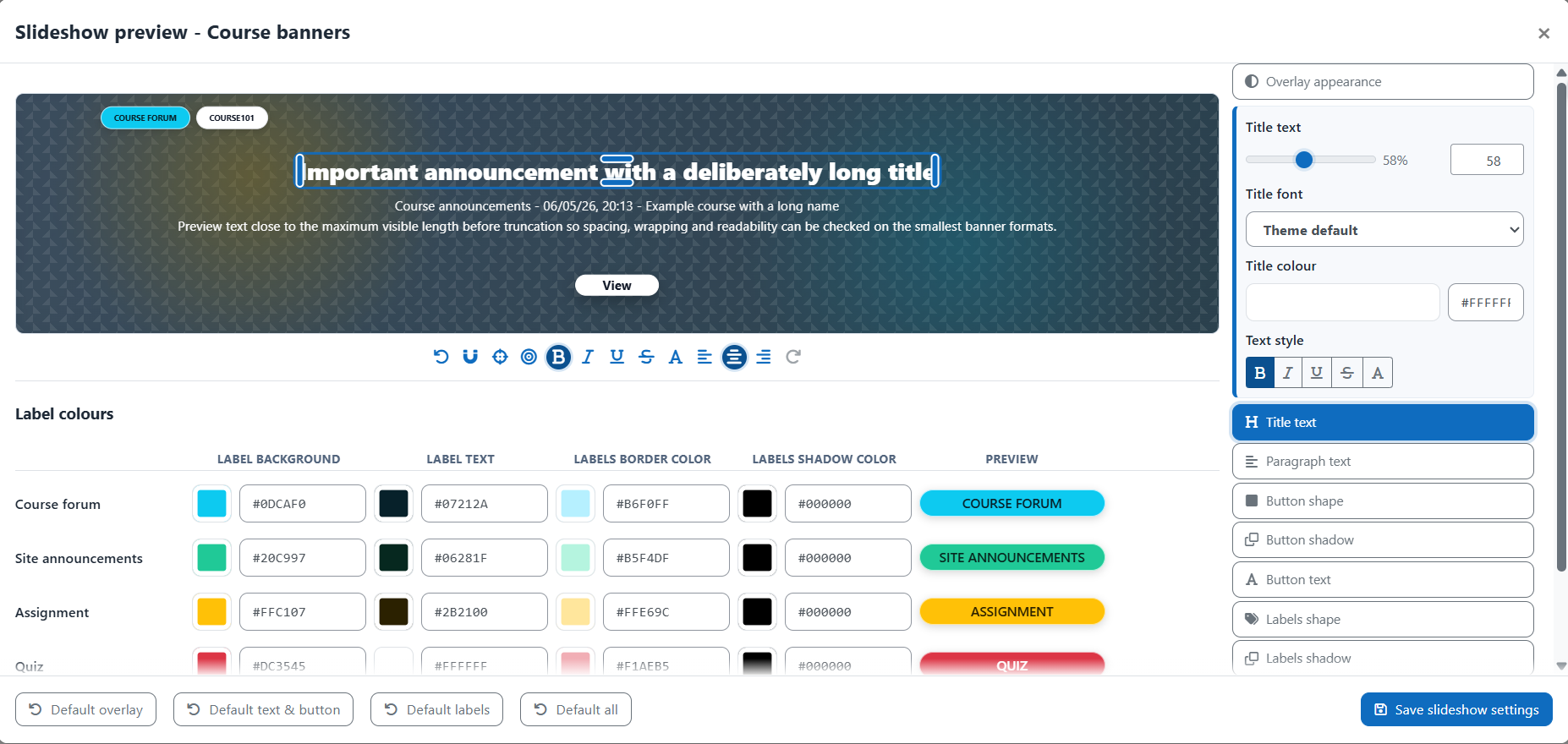
Course Banner Builder is a Moodle local plugin that helps administrators design, preview, and manage visual banners for course pages, activity pages, and site pages. It includes layered image editing, border and overlay layers, banner titles, optional slideshows, source inheritance rules, custom field value sources, guided tours, and import/export packages.
Build banners directly from Moodle with live previews, drag-and-drop positioning, resizing, crop tools, opacity controls, alignment guides, snap behavior, undo/redo actions, and preview formats that match the selected banner layout.
Add one or several image layers, keep proportions or allow custom sizing, crop images, push layers above borders or overlays, place images above or below inherited layers, and display visual indicators for special layer states.
Configure banners by course category or by custom field value, then combine sources through inheritance chains. Sources can stack layers cumulatively, rotate random image layers, or apply custom field sources before, after, or instead of inherited content.
Add dedicated border and overlay layers with controlled stacking rules. Configure border sides, colour, opacity, thickness, fade, dash style, rounded corners, overlay colour, overlay opacity, and title or border placement above overlays.
Display site, course, or activity titles on top of banners. Configure font, size, colour, alignment, bold, italic, underline, strike-through, all caps, frames, line highlights, shadows, line height, and whether titles appear above borders or overlays.
Add dynamic slideshow content above banners with configurable labels, titles, paragraphs, action buttons, overlays, typography, spacing, maximum slide limits, and site announcement expiration behavior.
Manage course banners, activity banners, and a separate site banner. Each context can have its own format, title behavior, slideshow appearance, source rules, and enabled state.
Choose between several layouts, including banners between title and navigation, full-width banners, compact full-width banners, inset wide banners, and wide content banners. Previews adapt to the selected format.
Transfer banner packages between Moodle sites, including plugin settings, banner formats, source rules, layers, files, title settings, slideshow settings, categories, and custom fields when selected.
Multilingual guided tours explain the main administration screens, source inheritance, visual previews, layer tables, modal editors, title settings, slideshow settings, and transfer tools.
