Gapfill icon

Gapfill

Maintained by Marcus Green
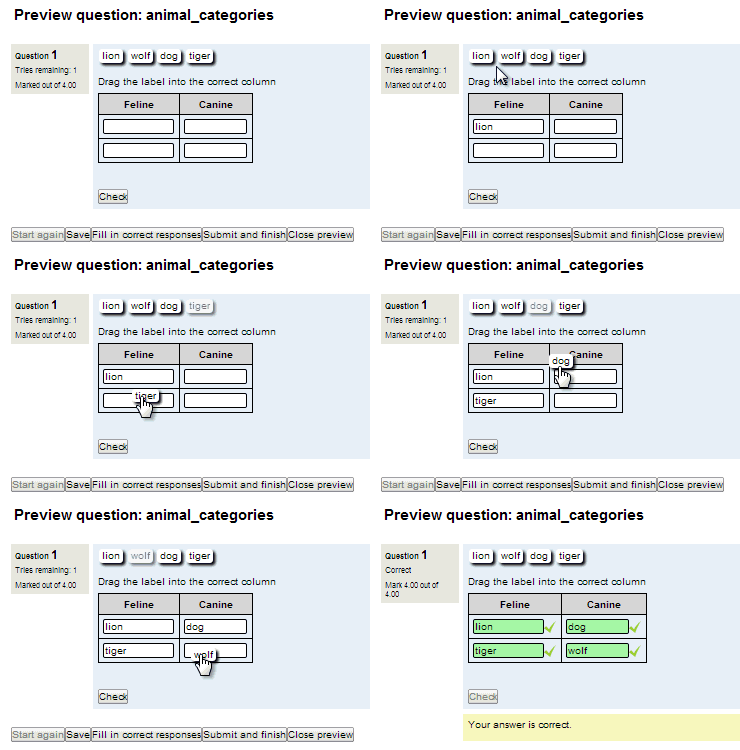
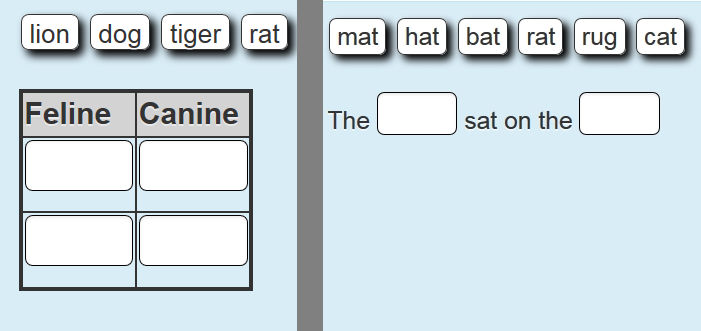
Cloze (fill in the blanks) question type with VERY simple question creation syntax. Can do drag drop, dropdowns or gapfill questions
Price option: Free

Supports Moodle 2.1-5.2 See all versions
Latest release: 3 months ago
Installations: 4370
Downloads (last 90 days): 980

Frankenstyle name: qtype_gapfill
Question types

Comments

Comments are no longer open for new posts. Existing comments remain available to read.

Hi Chris, the string in a field is trimmed, so if the correct answer is cat and mat, ' cat ' and ' mat ' (where the quotes indicated extra space) will be accepted as correct. If the answer is 'black cat' and the user enters extra spaces, i.e. black cat it will be marked as wrong. I suggest one gap per expected word.
Hello, I have a problem with the question type and i would like your help. Sometime when my students type the reply they press space at the end or if they have to fill more than on words on a gap they press space 2 times by mistake so the system finds their reply wrong. Can i fix it somehow? Any ideas?
Just for the record... in the end it wasn't a problem with this plugin. It was a problem with the Essential theme I was using. Marcus helped debug the problem and to find a solution: I updated the theme and all works as expected now.
Thanks Marcus!
Hi Kevin, can you email the text of your question and a screen shot of how it appears to marcusavgreen at gmail.com
Hi Marcus,
I've got another question for you. I'm not sure if it's a bug or if I'm doing something wrong. I'm displaying the answers in the "gapfill" mode. When I press the preview button on the editing page, it appears as expected (a text box big enough to enter the word for each "gap"), but when I start a quiz with the question, the answer boxes occupy a whole line. Any ideas on this?
Hi Kevin,
You may be able to achieve this with a behaviour plugin https://moodle.org/plugins/qbehaviour_deferredallnothing.
Hi Kevin, thanks for the feedback. There is no way of giving one mark for the question overall.There is considerable testing and logic embedded in the concept of one mark per gap so changing that to an all or nothing mark would require significant re-working.
Hi Marcus, Great plugin!
With it, I'm able to ask questions such as: list the four seasons of the year. And marking "no duplicates" as you've described in your post (https://moodle.org/mod/forum/discuss.php?d=329010), it marks the answers correctly.
However, I can see that it gives one full mark for each season. Any way of giving one mark for the question in all?
Hello Marcus, We love your question type! However, we discovered an issue. In the question text we can use Exponents. However, in the distractors when we add exponents they get removed when saving. Do you have any ideas on what might be causing this? We have some math teachers that would like to utilize your question type for a variety of purposes.
Fantastic, it's all fine now, many thx for the help
Hi Camille, yes the issue Paul had is fixed in the visible release. The problem was in the db\upgrade.php file. If you can replace that the upgrade should run without error. When did you download/attempt to upgrade your version? That faulty version was only available for a matter of hours I believe. You can email me directly at marcusavgreen at gmail.com and one way or another I should be able to get your question upgraded.
Hi Marcus,
I get the same error as Paul Vivian shows above (4.january). You seem to have this issue fixed, however, I haven't found yet how to update the file: I always am directed to the same "plugins check" page waiting for an "upgrade of the moodle database". I cannot either uninstall the plugin from the plugins overview page.
I guess I lack knowledge on how to administrate plugins, but I haven't found any answers in moodle documentation and forums...
Some help would be really apreciated!
Awesome, thank you Marcus..
Hi Paul, my apologies for that, I have just updated the file and installation should work now (it appears to be the same but there is an update within db\update.php to a versioin number). Please let me know if it works
Hi All,
Just updated via the moodle plug in database this plug in, and this error appears
qtype_gapfill
Cannot downgrade qtype_gapfill from 2006082517 to 2006082517.
More information about this error
Debug info:
Error code: cannotdowngrade
Stack trace:
line 347 of /lib/upgradelib.php: downgrade_exception thrown
line 80 of /question/type/gapfill/db/upgrade.php: call to upgrade_plugin_savepoint()
line 541 of /lib/upgradelib.php: call to xmldb_qtype_gapfill_upgrade()
line 1630 of /lib/upgradelib.php: call to upgrade_plugins()
line 433 of /admin/index.php: call to upgrade_noncore()
I have tried it for Moodle 2.9 & 3.0.1 and they all come up with the same error.
Please assist