
MooTyper
Maintained by
RACHELS, DANIEL A.
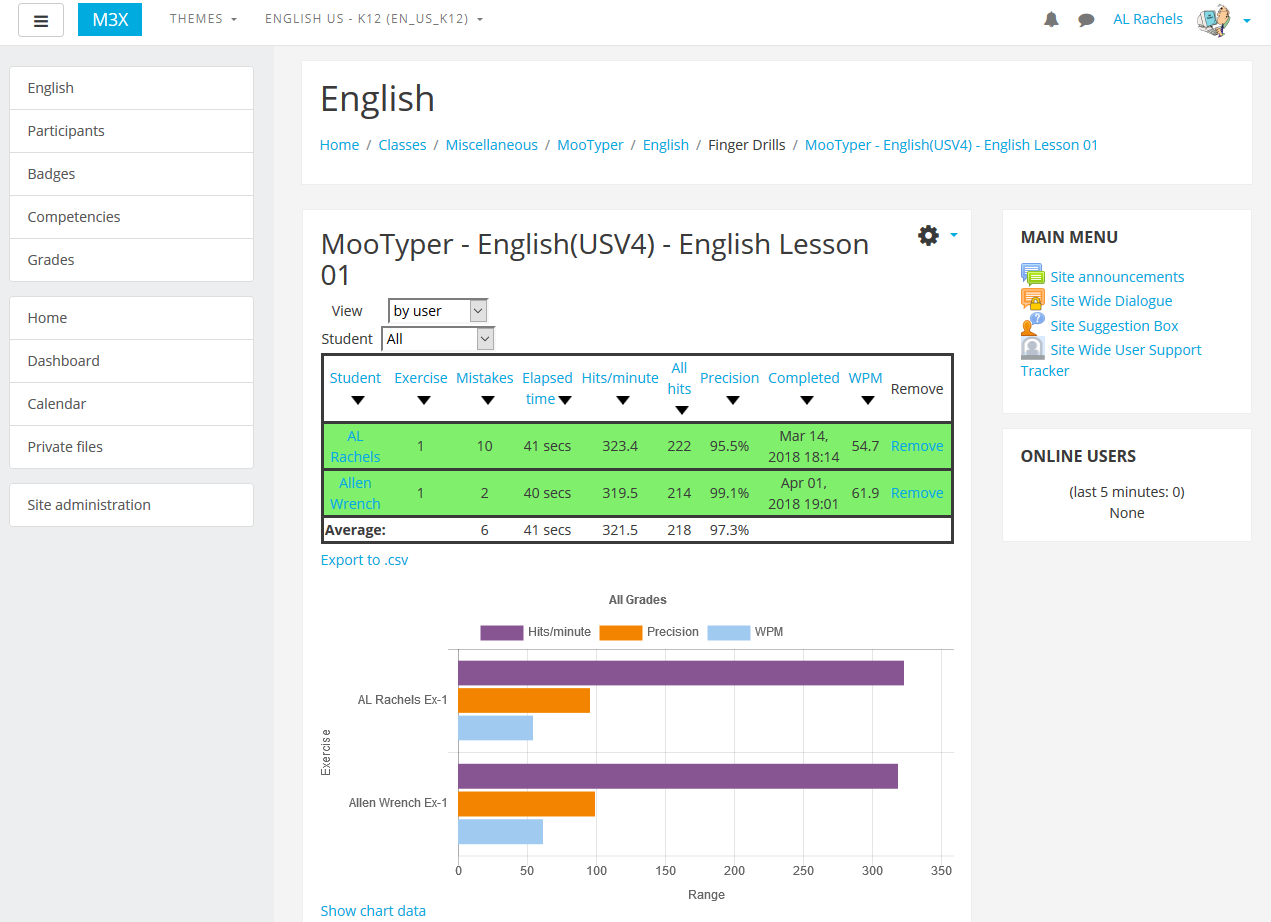
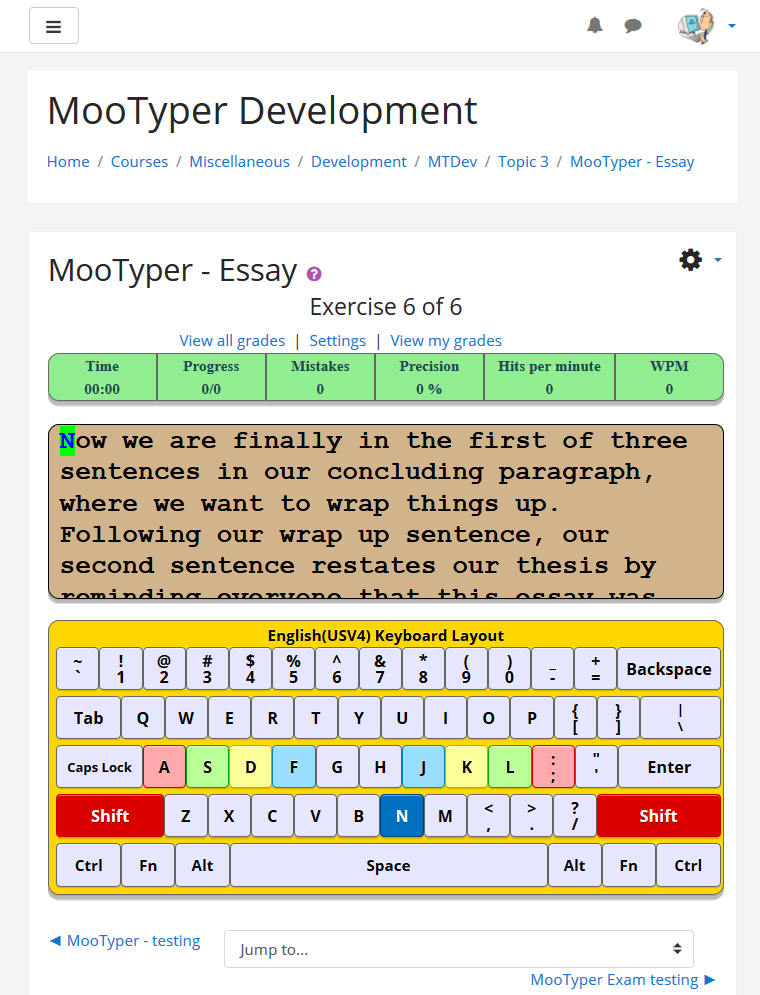
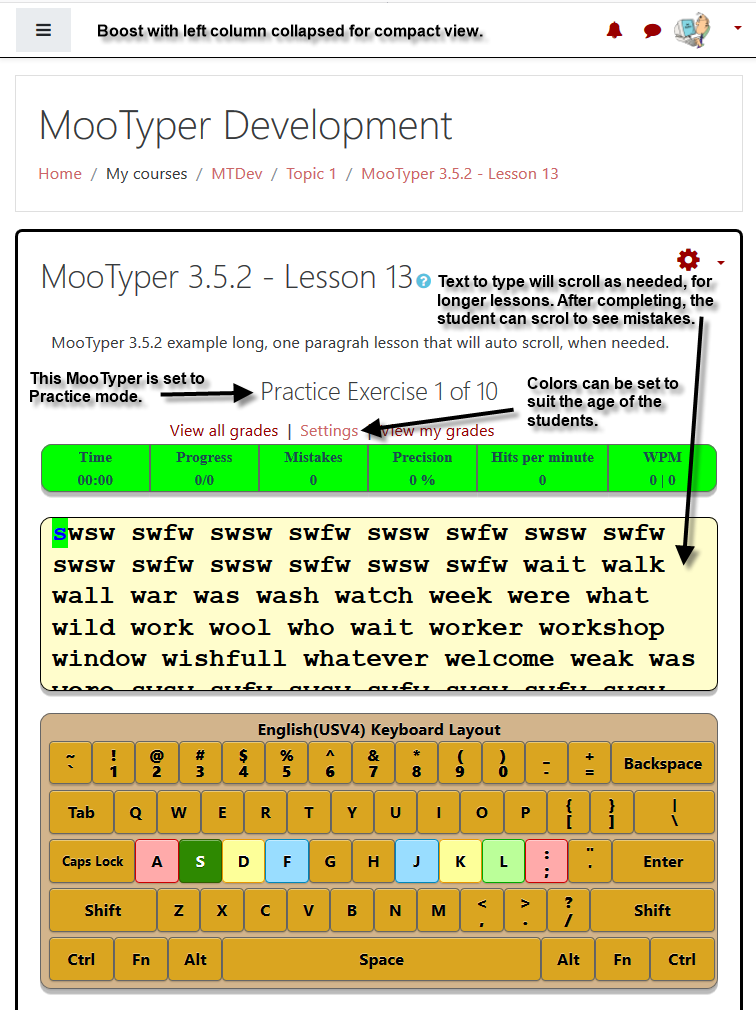
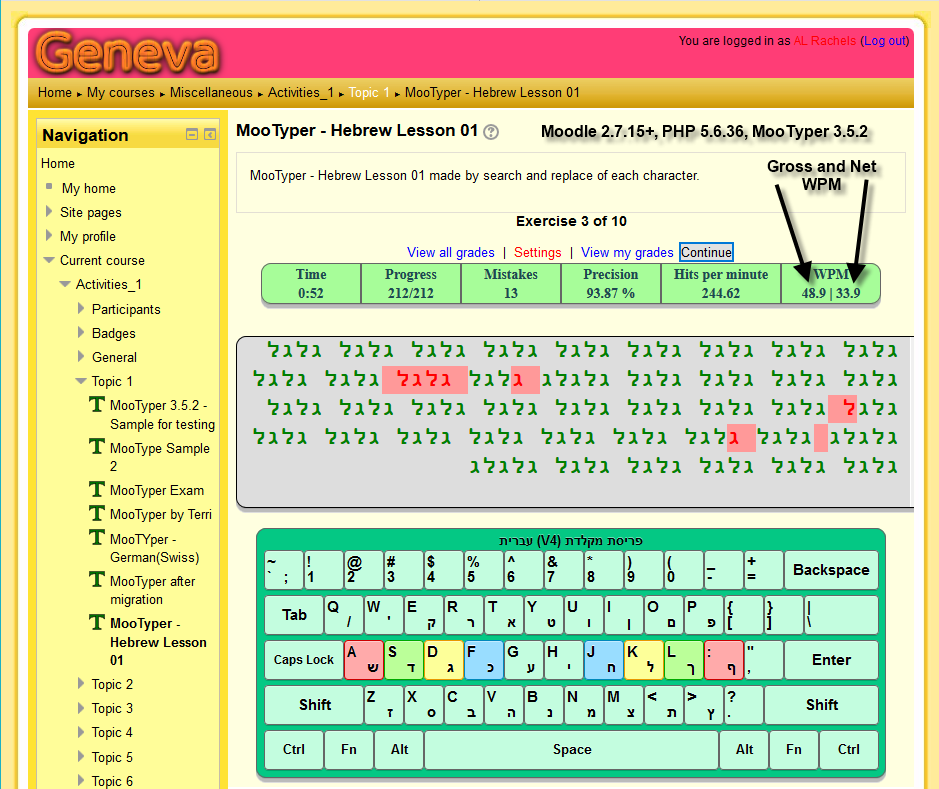
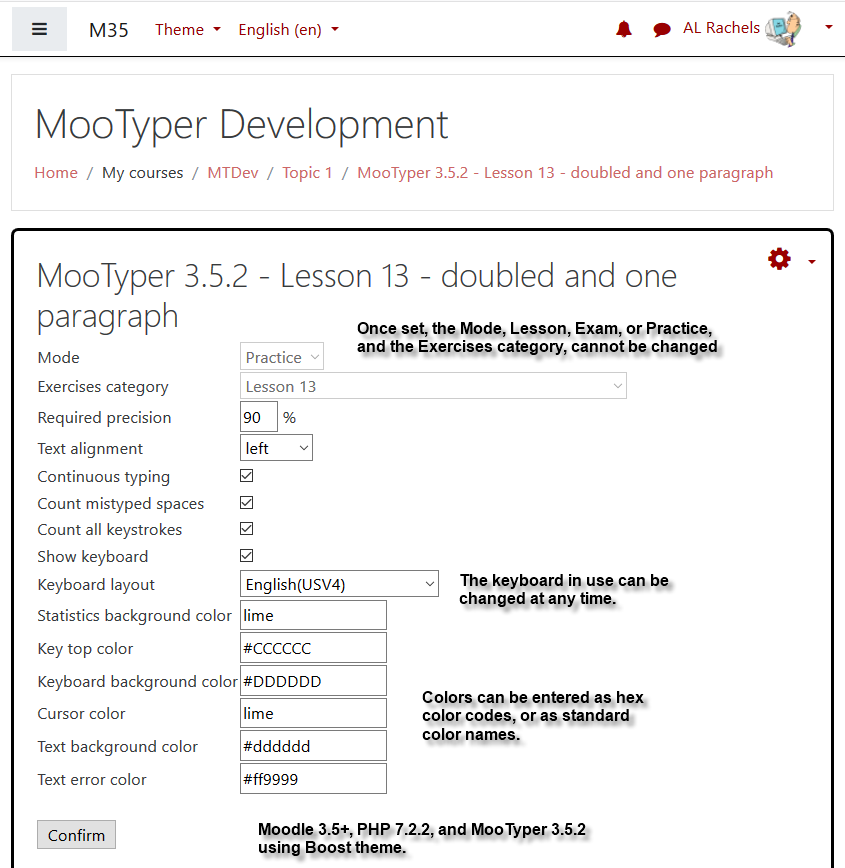
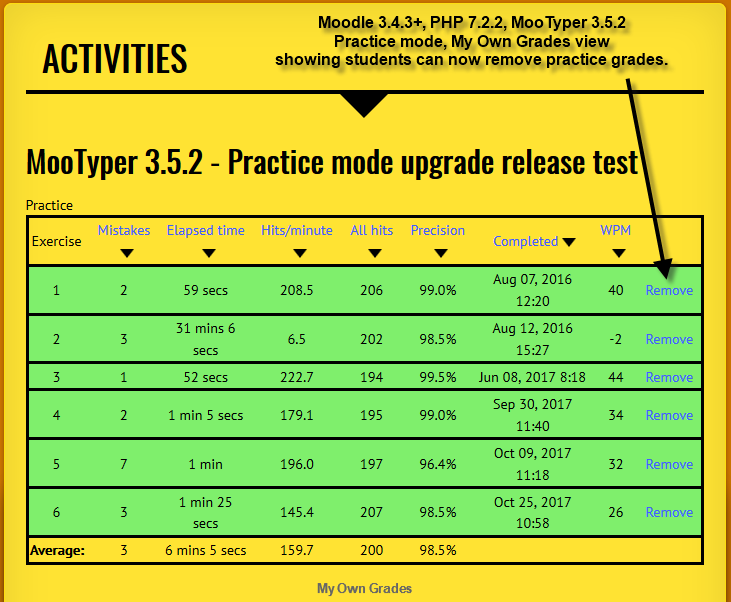
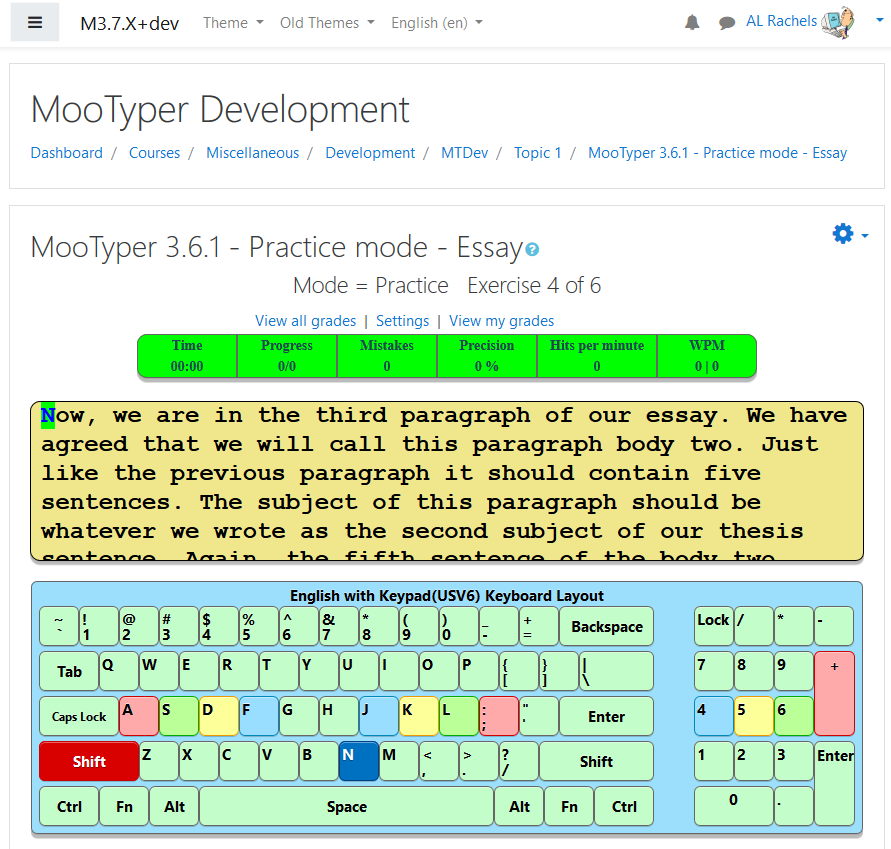
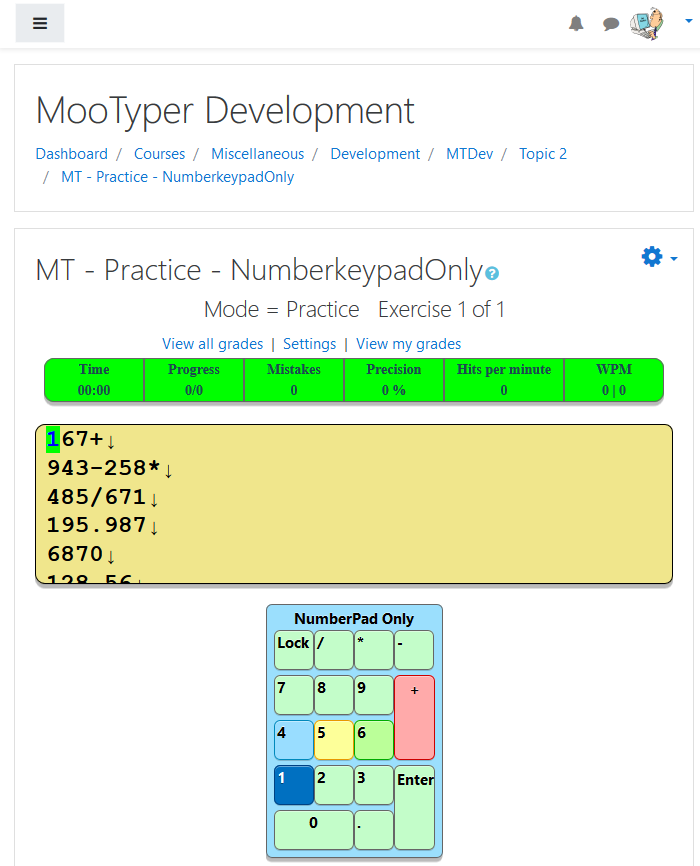
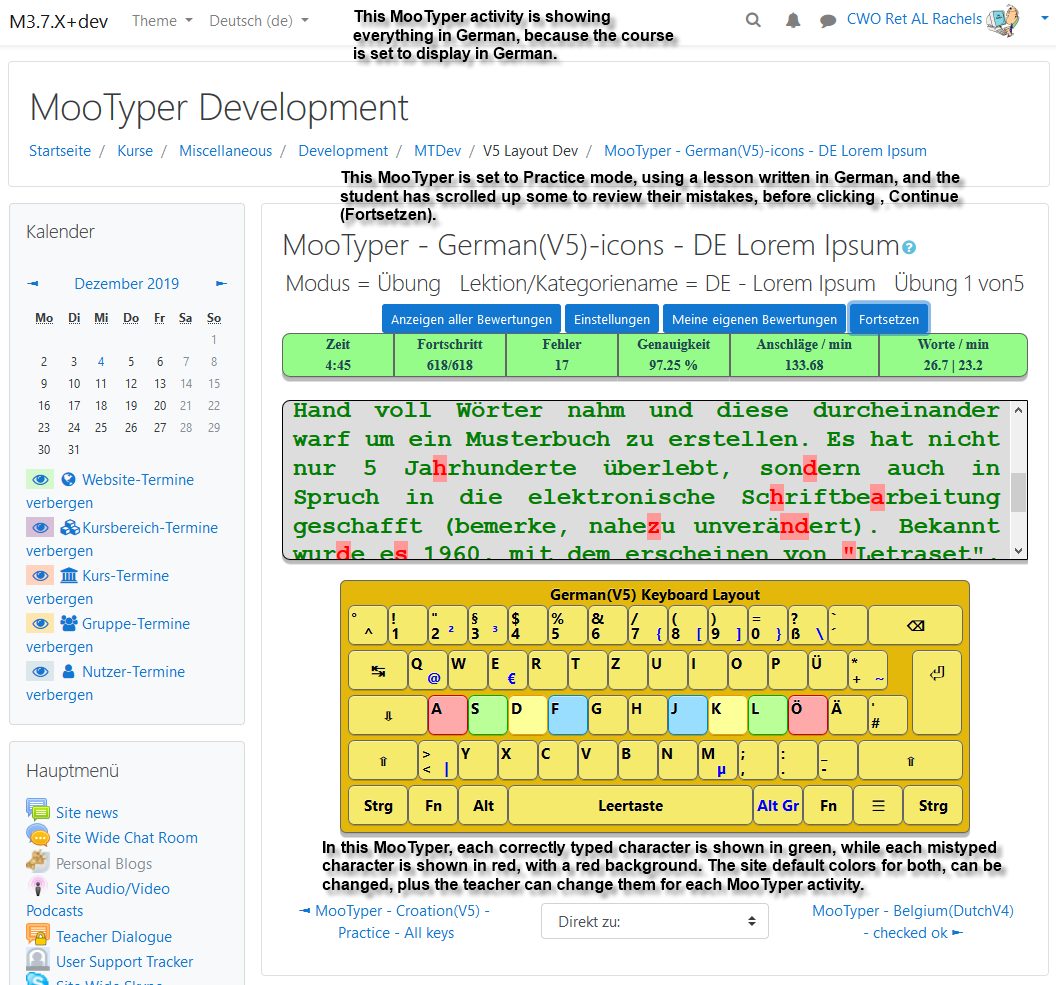
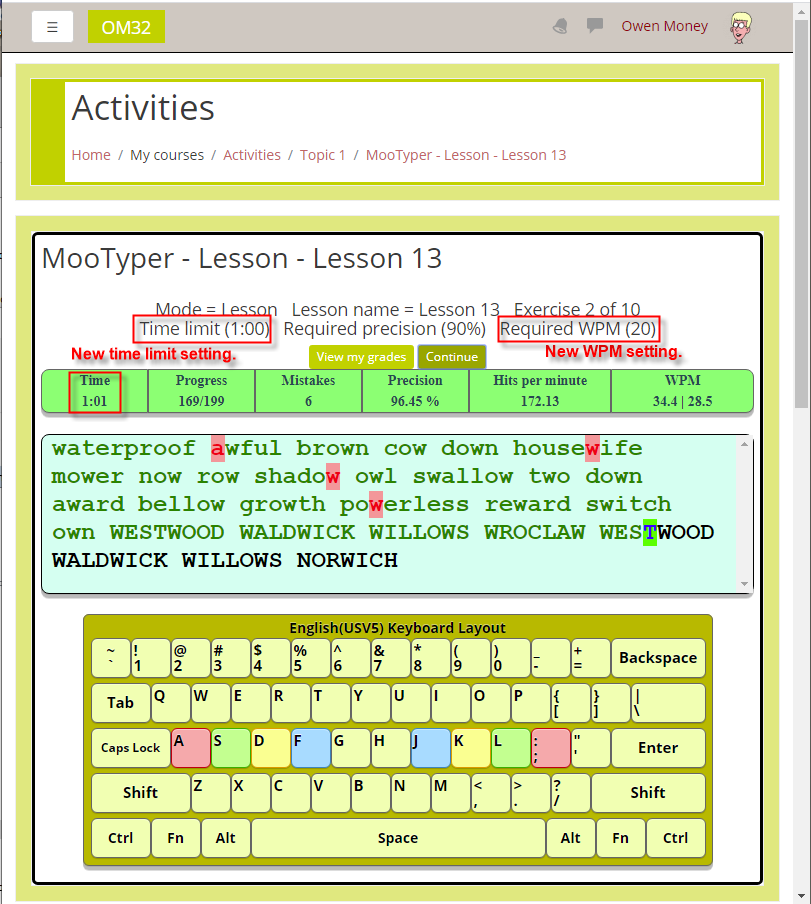
MooTyper implements a typing practice/instruction functionality into Moodle.
Comments
Comments are no longer open for new posts. Existing comments remain available to read.
Thank you for the feedback. On a personal note, in my development work, my OS is also Windows 10 and my main browser is usually Firefox, followed by Opera, Chrome, and last, Edge. Truthfully, I have not noticed MooTyper problems while using any of them.
When you say you are using the latest MooTyper, I presume that's v4.2.0. Did you have any other version installed before that?
Sorry to see that your students are experiencing lags/freezes. While MooTyper does try to update the statistics bar once every 4 seconds, it has been my experience that lags and freezes have always been due to the users computer and operating system, as that is where all the "work and calculations" are being done. I regularly see results from the MooTyper activities available on the publicly accessible, Website URL, listed above, that go well up into the 300+ hits per minute. My personal best that I can remember seeing was 480. Did not realize how good that was until I had already hit, Delete. I would be interested to see/hear what type of computers and what operating system your students are using.
Thank you for the great plugin! I am currently having it tested and the faster typers among the students experience lags / freezes when typing over 110 keys/minute. I am currently trying to figure out, what could be the cause for this behavious on our side, testing different browsers, etc. Are there any server requirements you recommend?
After Installing Mootyper and configuring the test, When I am clicking setup it raises the error like below
Debug info: You have an error in your SQL syntax; check the manual that corresponds to your MariaDB server version for the right syntax to use near '' at line 1
SELECT * FROM mdlae_mootyper_exercises WHERE lesson=
[array (
)]
Error code: dmlreadexception
Stack trace:
line 486 of /lib/dml/moodle_database.php: dml_read_exception thrown
line 1273 of /lib/dml/mysqli_native_moodle_database.php: call to moodle_database->query_end()
line 175 of /mod/mootyper/classes/local/lessons.php: call to mysqli_native_moodle_database->get_records_sql()
line 383 of /mod/mootyper/mod_setup.php: call to mod_mootyper\local\lessons::get_exercises_by_lesson()
I am having Moodle 4.0 and the latest mootyper plugin.
database : mariadb (5.5.5-10.3.35-MariaDB)
php: 7.3
Kindly help me to sort out please,without sleep I had spent two days around this issue but not able fix it.
As always, if anyone finds a problem with this release, or needs something changed or added to the plugin, please let me know.
On one of the problem laptops, right click on MooTyper and select, Inspect, then click on the, Console, tab and see if it gives you any helpful information.
I'm having a problem here. I've made a typing test activity. When I click on the activity, the page automatically scrolls down to the paragraph, skipping over the information above. This only occurs on specific devices. When I try it on a desktop, it does not automatically scroll down, but it does on a laptop. Do you have any suggestions for this problem?
We are using moodle 3.0 version
The server environment is
Linux,
php 7.2,
apach,
I use mysql.
Students want to use the Safe Exam Browser to take exams.
However
Korean cannot be entered in the single-stage test
I am trying to use MooTyper keyboard layout.
Is there a way to use it with Korean MooTyper?
Help.
* My email : saminil@hanmail.net
I manage to sort it out by deleting all the tables and re-installing the plugin.