
YouTube Anywhere
Maintained by
Justin Hunt
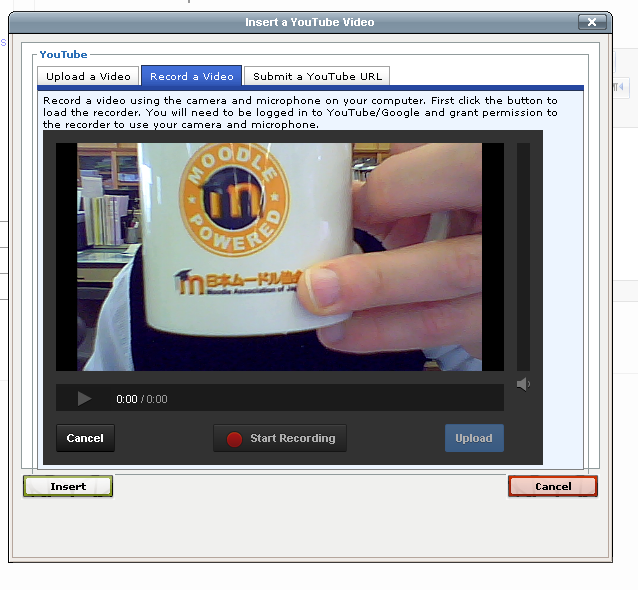
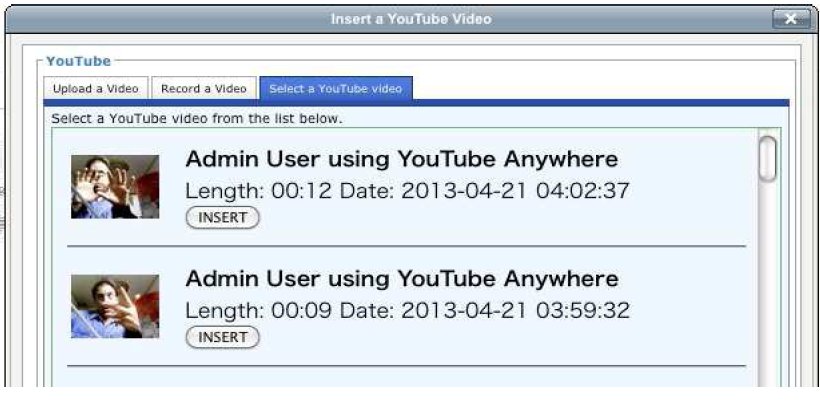
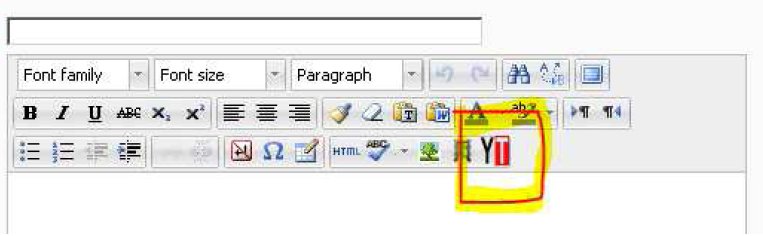
YouTube Anywhere enables direct recording and uploading into YouTube from the TinyMCE HTML editor.
Comments
Product ratings and reviews are coming to Moodle Marketplace. Until then, existing comments remain available to read, but new posts have been disabled.
Can't find anything free like this
Just by curiosity, is it possible to do the same with google photos for instance? Like upload the video to google photos and automaticaly create link into HTML area?
Please look at the "Upload" tab in the CloudPoodll Editor for Atto. It is described here.
https://moodle.org/plugins/atto_cloudpoodll
This will upload the video as you describe and convert it and return a link that is inserted into the HTML area. There is no Youtube. But it does do subtitles. You can try it on this page.
https://demo.poodll.com/mod/forum/view.php?id=236
Right now when a teacher wants to place a video on their course page I have to upload the video on YouTube page, then copy the link, create hyperlink shortcut and paste it on an activity description such as a gallery. This is because teachers find this to hard to do.
I wanted an easy way for teacher to upload the video (on the activity editing mode) and the hyperlink be automatically created, so that the YouTube player shows up after editing.
This plugin would be exactly what I needed and I can't find anything like it
Is this plugin still working I have heard that there some issues with this plugin I believe it stopped working a few years ago as it was not set up to use the new YouTube API. It kept returning a server error rather than uploading the videos so we had to turn that function off.
I was looking forward to using it for this particular function: The Upload Video Form
The upload form allows the student to choose a video file from their computer/device and upload to YouTube. So it is simply a matter of clicking the "choose" button, followed by the "upload" button.
Any information would be great.
Mike
Phil