BigBlueButton BN icon

BigBlueButton BN

Certified Integration
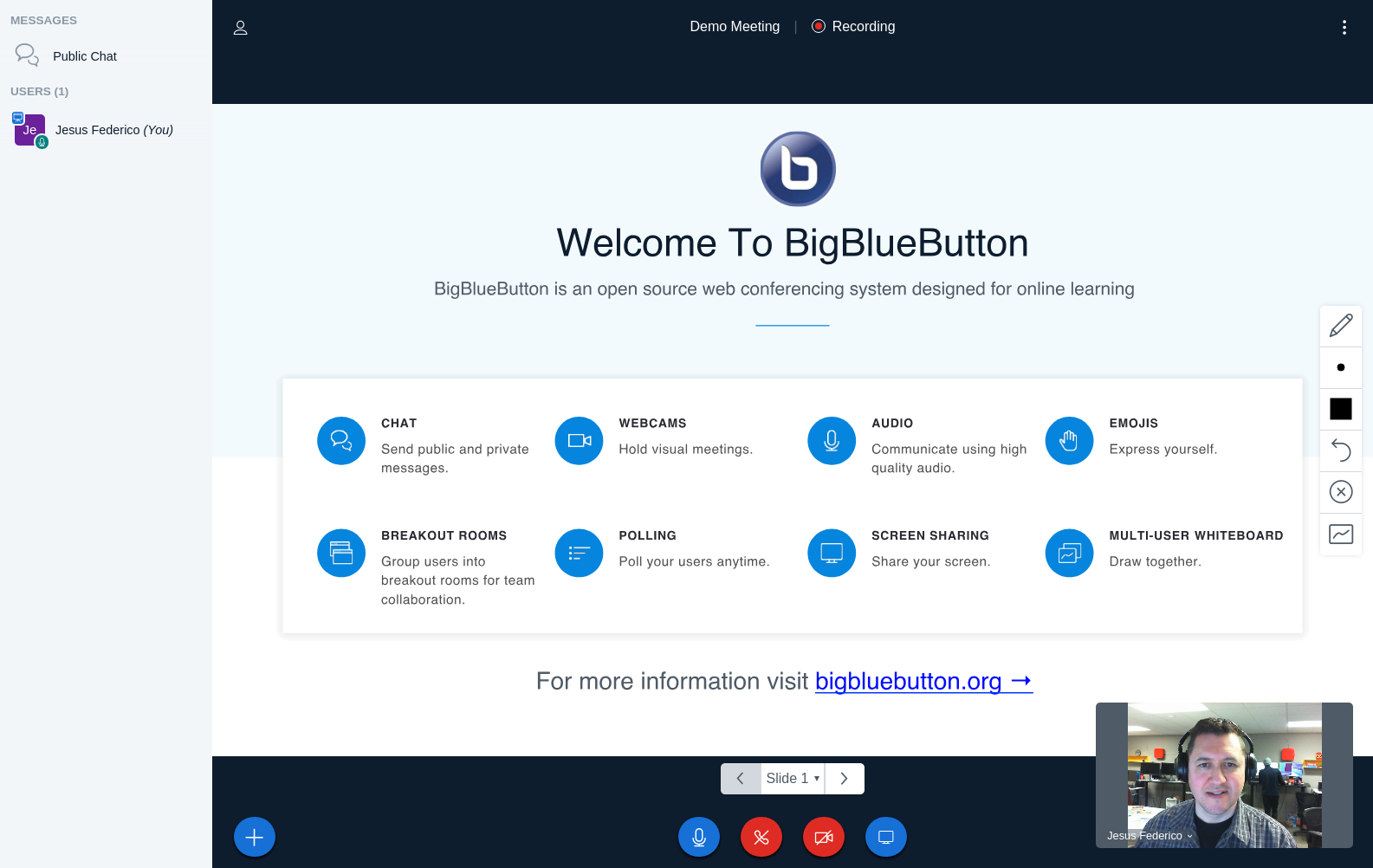
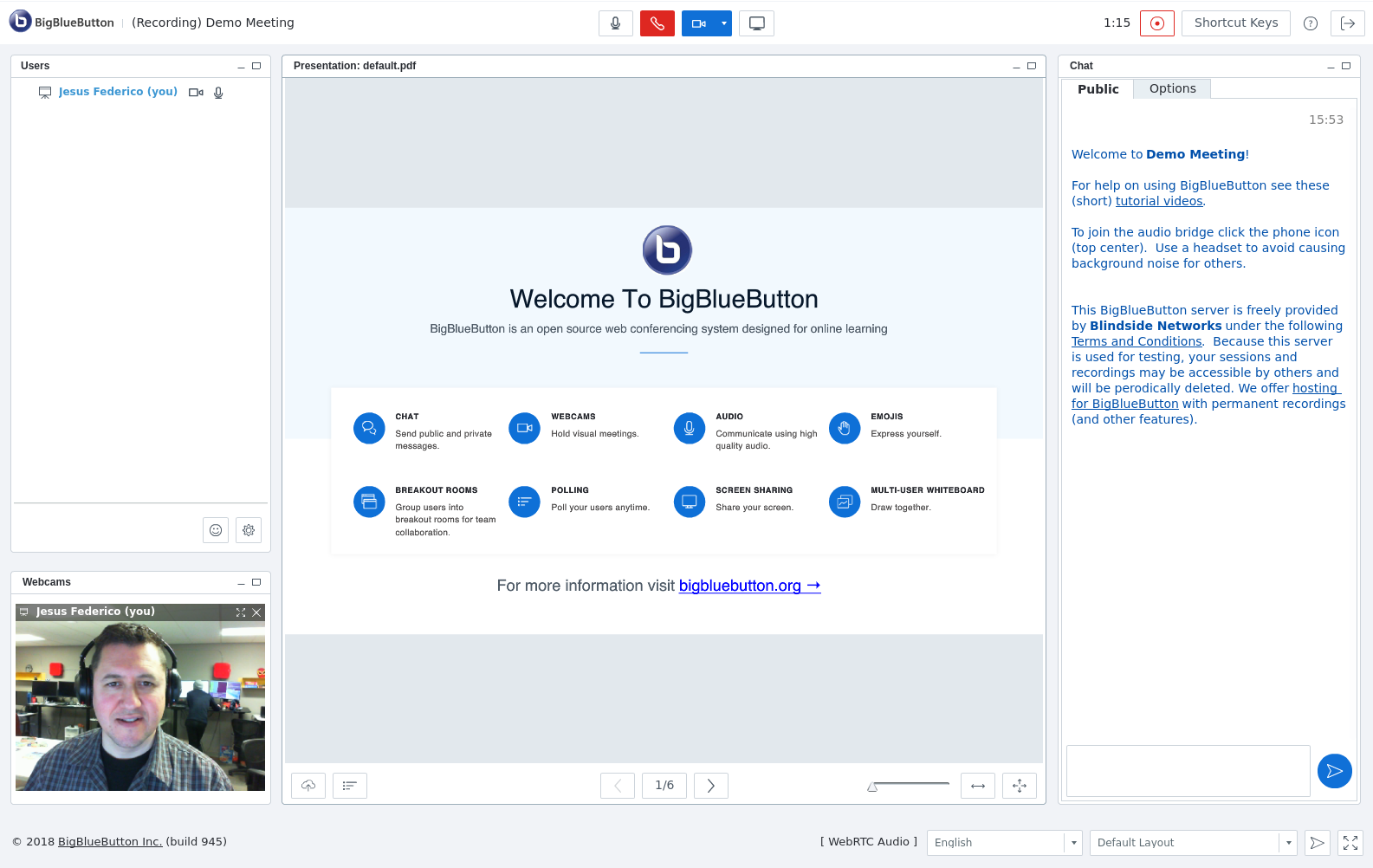
Integrate BigBlueButton within Moodle - including record and playback of sessions.
Price option: Free
Download for free Contact seller
Contact the seller to learn more about additional features or services.

Supports Moodle 1.9-3.11 See all versions
Latest release: 2 years ago
Installations: 3814
Downloads (last 90 days): 898

Frankenstyle name: mod_bigbluebuttonbn
Activities

Comments

Comments are no longer open for new posts. Existing comments remain available to read.

Can we customize this plugin as below:
1. send and receive images through chat?
2. upload files by teachers then appears all files uploaded in bottom and thumbnail to the main screen
if possible to do theses things?
thanks for your help!
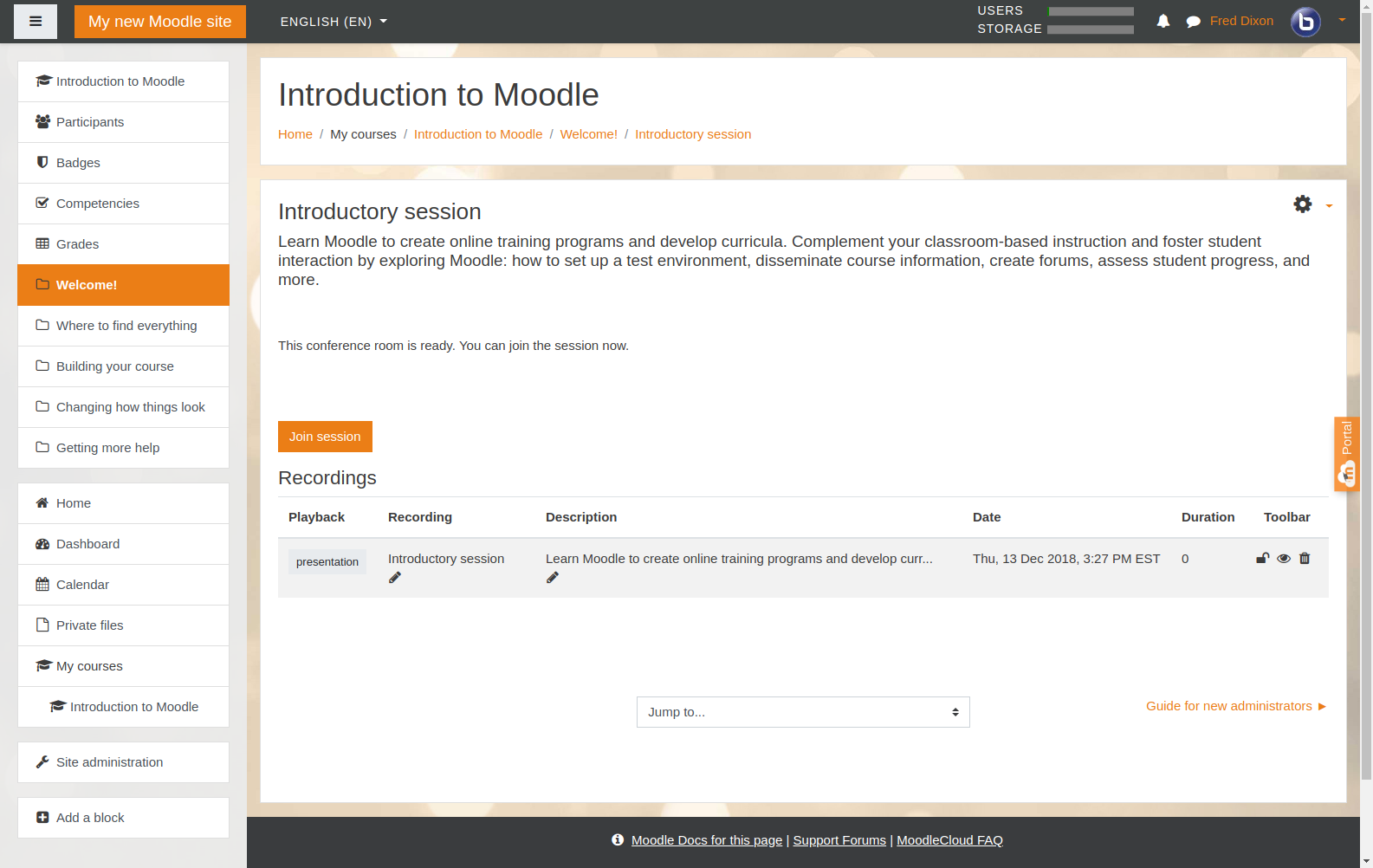
I have a doubt, when creating the room with recordings or only the recording room, no recordings are saved.
I enter the video conference I put record I finish the recording and I go out and the recordings are not shown.
I hope and can help me work in moodle 3.5 with the test server.
Hi Debbie, thanks for your feedback. Requesting remote control over a screen via BigBlueButton is not something that we're planning on implementing. It might be possible to write a downloadable plugin to achieve this, but it's not on our road map for the project.
Awesome product. Missing one important feature we are presently using "Request control of a shared screen". I know BigBlueButton is pure HTM5, and that this feature would require a download of a binary to give a remote user control over the screen. Question: I don't have a lot of technical background so I am wondering if this is doable?
Once the RecordingsBN plugin has the warning: "This plugin has been phased out ..." i think it's good idea change the AMOS modulename_help | bigbluebuttonbn:
"... To view later recordings, add a RecordingsBN resource to this course."
Thanks for the plugin. It's only a sugestion.
I'm a PT-PT translator.
good articale
For the icon disappearance issue, there is a patch that is coming in the next release. But you can apply it directly like this https://github.com/blindsidenetworks/moodle-mod_bigbluebuttonbn/commit/a5da03712b2e5f9beaa5fddcd26c82b2a61fec48
Hello! I just want to report the problem I had with with using Moodle version 3.5.3 where some icons on the theme (Moove theme, but also boost disappeared after installing BigBlueButton. It happened on two of my Moodle sites. When I removed the BBB plugin, the icons appears again.
whenever i install bigbluebutton plugin, all icon either in boost or moove themes broken (fontawesome). anyone have this problem? after uninstalling the plugin, it will be back to normal . Moodle 3.5, latest bigbluebuttonbn plugin version
> Do I really need a VPS to install BigBlueButton? Can I do it in a shared hosting package?
We recommend a dedicated server for BigBlueButton. See: http://docs.bigbluebutton.org/install/install.html.
Do I really need a VPS to install BigBlueButton? Can I do it in a shared hosting package?
There is a bug in your description above smile I think
"And while we certainly appreciate feedback on this plugin in the comments sections, but if you found a big or are looking for support, please use either the Bug Tracker or Forums. "
should read:
"... but if you found a BUG or are looking for support...."
thanks for this products and what is amazing it it free to use ..
but
when i try to add it this error i get :
install is ok and after save it on the course i get this error :
page : http://********/testmood/course/modedit.php
message : in red table header:
You may not be able to visit this page because of:
an out-of-date bookmark/favourite
a search engine that has an out-of-date listing for this site
a mistyped address
you have no access to this page
The requested resource was not found.
An error has occurred while processing your request.
Please try one of the following pages:
Home Page
If difficulties persist, please contact the System Administrator of this site and report the error below.
how to solve this one??
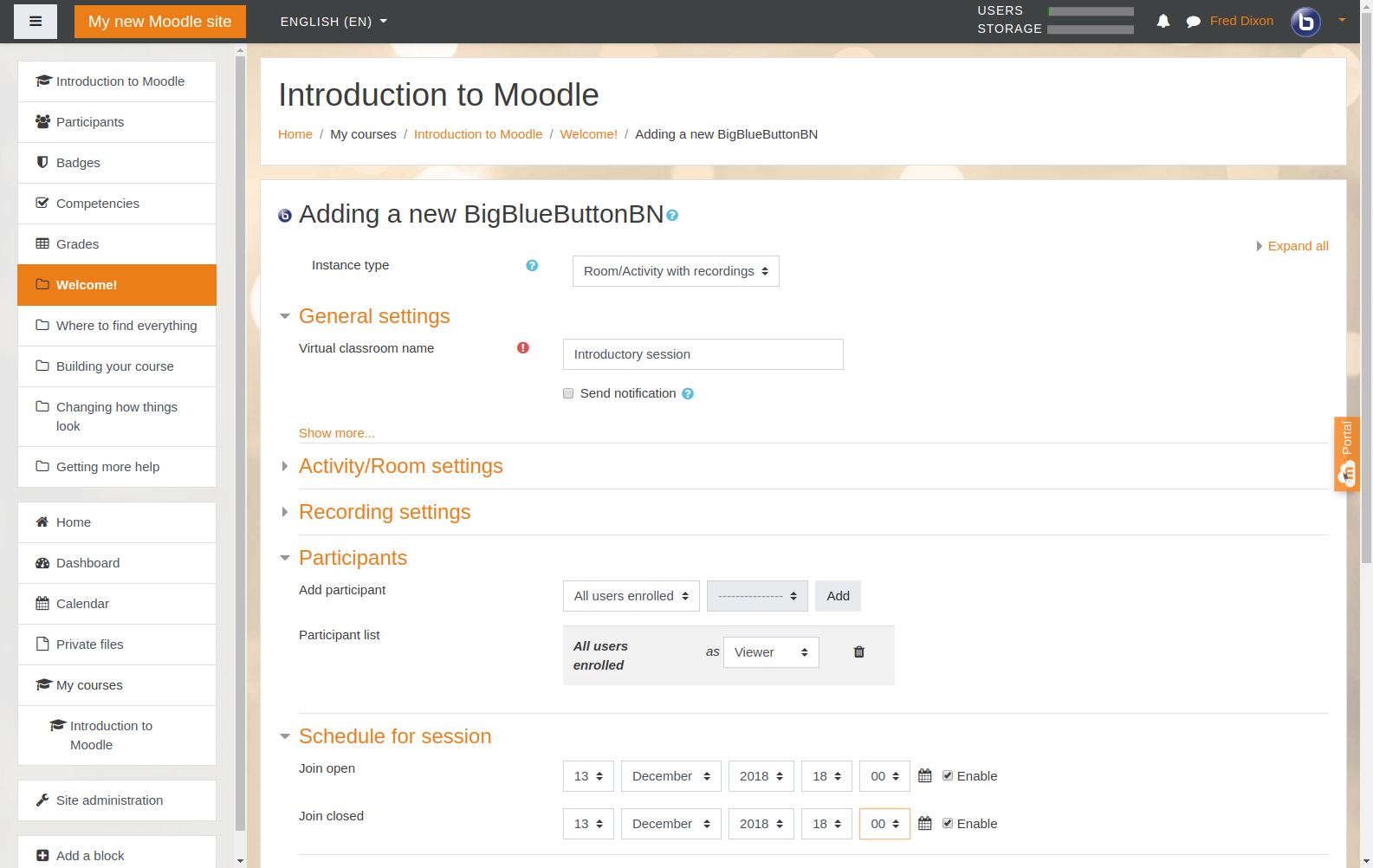
I had the same issue as Jona. We are running Moodle version 3.5.3. When you click on the "Recording settings", no settings are displayed.
I have a doubt, when creating the room with recordings or only the recording room, no recordings are saved.
I enter the video conference I put record I finish the recording and I go out and the recordings are not shown.
I hope and can help me work in moodle 3.5 with the test server.