
BigBlueButton BN
Certified Integration
Maintained by
Jesus Federico, Frederick Dixon
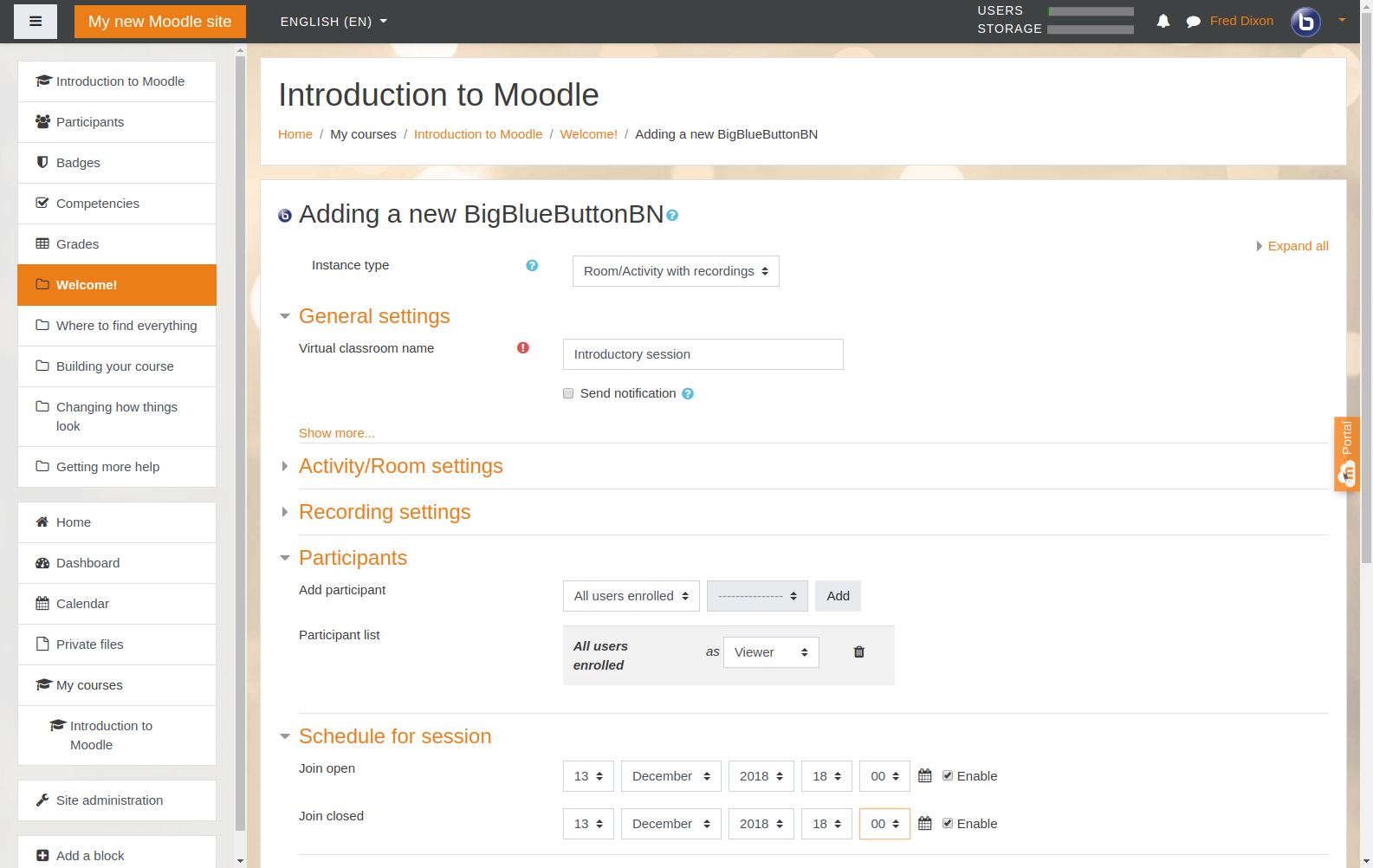
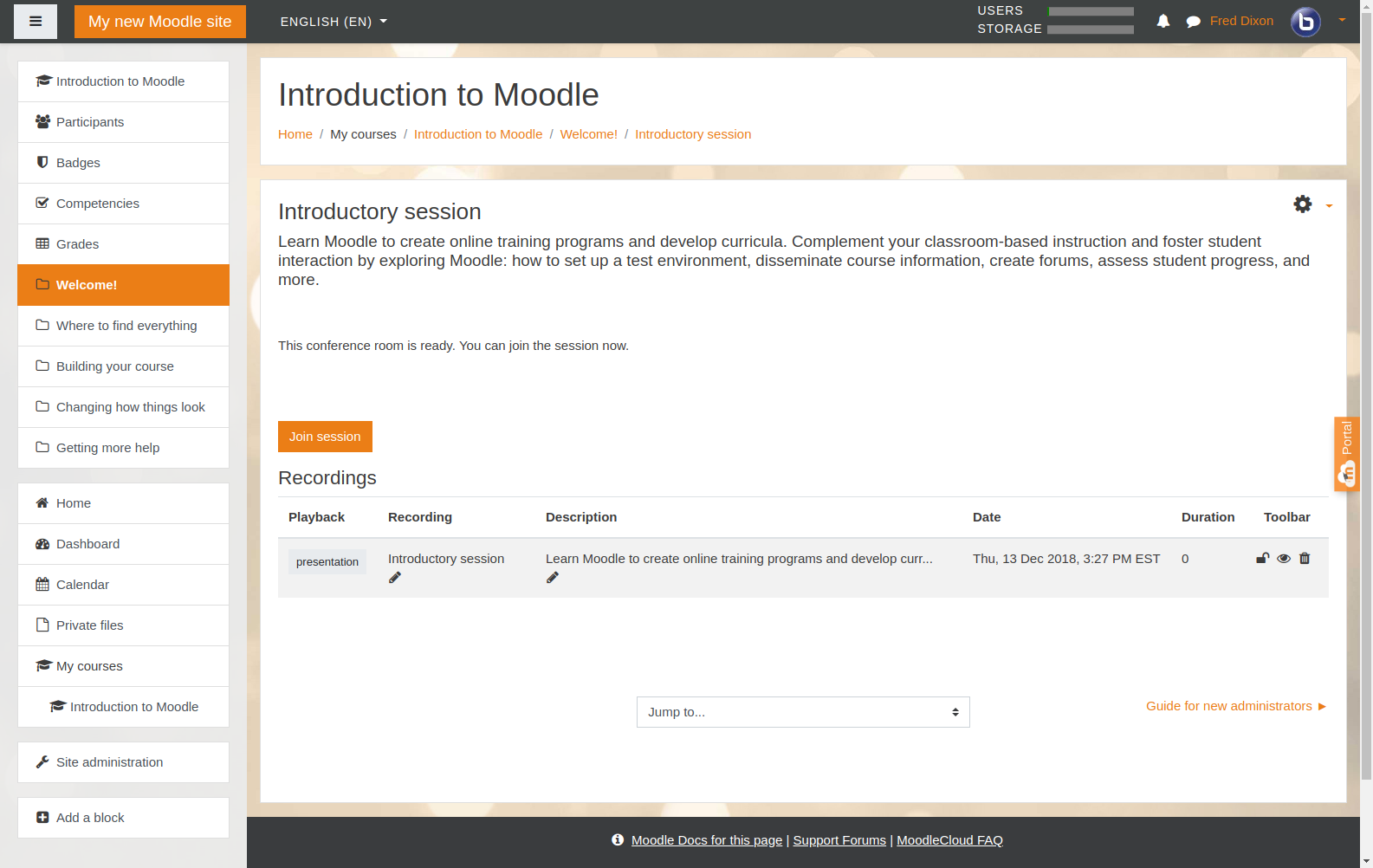
Integrate BigBlueButton within Moodle - including record and playback of sessions.

Comments
Comments are no longer open for new posts. Existing comments remain available to read.
Estamos fazendo um ambiente de teste aqui na empresa que trabalho para treinamentos a distância, primeiramente instalado o moodle e depois o plug-in do BBB, a minha dúvida é: Como eu consigo alterar o endereço http://test-install.blindsidenetworks.com/bigbluebutton/ ?
Eu preciso instalar o BBB no servidor para conseguir fazer alteração?
Agradeço se você puder me ajudar!
Any suggestion, am Idoingsomething wrong....???
https://code.google.com/p/bigbluebutton/wiki/FAQ#What_are_the_bandwidth_requirements_for_running_a_BigBlueButton
I just discovered this plugin and it really looks like the one we were looking for. Before starting using it, and inviting people to the class, I'm just wondering about how many users can join the online session.. Is there a limit given by BBB or it depends on something else?
The answer for most of your questions related to BigBlueButton can be found here https://code.google.com/p/bigbluebutton/wiki/FAQ
For questions related to the plugin please open a thread in the forums. You can find a link at the end of the description of this plugin in this page.
Regards,
Jesus Federico
I have read some posts which talking about have multi-session at the same time, like 6*50 = 300, but I was wonder how it can be down in Moodle plugin? For one presenter is it possible that in Moodle we set only one course but have multi-sessions for different attendees? How could it be achieved?
Thank you,
Sai Duan
Thank you for the answer, I got your point and I agreed with that.
There is another question I want to ask: how many attendees Big blue button can handle at one time? 25 or 50 or more? Does it able to handle big number of attendees like 500 if the server is really good? If you can provide an idea of what kind of server standard can handle how many attendees, that would be really helpful.
Really appreciate your help.
Thank you,
Sai Duan
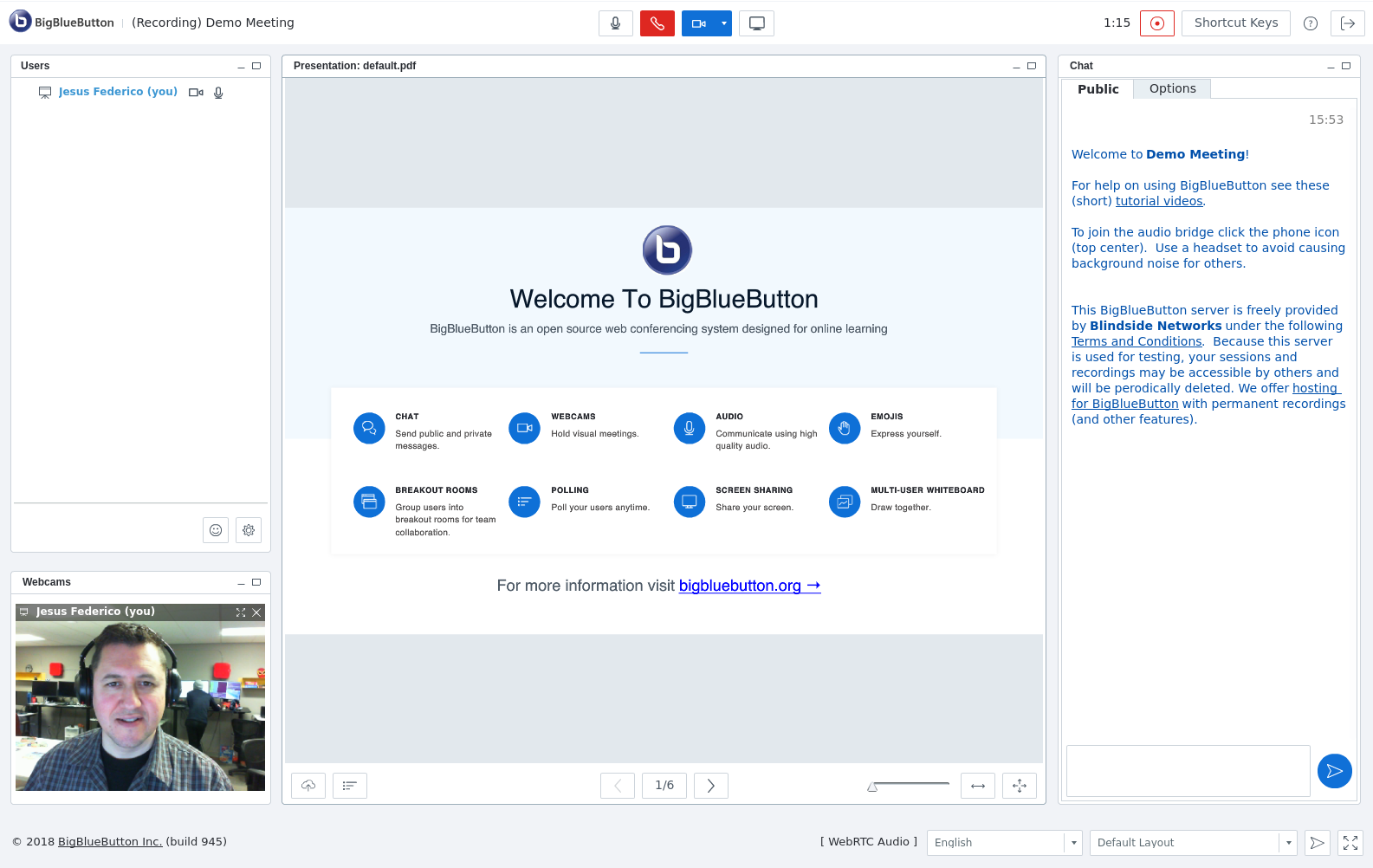
The start/stop recording button is a long time asked feature that we were just able to include in 0.9 after a large amount of changes in the core. This offers the advantage that moderatos can chose what is going to be recorded and what is going to be out of recrds, and also no matter if the attendees get into the session 1 hour before or they leave 3 hours after, the recording will not have that long white space before and after the real content starts.
Believe me once the user get used they will stop complaining. It is not for sure yet, but we are considering removing the recording parameters from the activity configuration since it is actually no longer required.
If you have your own BigBlueButton server there are some parameters you need to change. You can find more information or help by using the BigBlueButton google groups.
https://groups.google.com/forum/#!forum/bigbluebutton-setup
I have tried some basic functions of Bigbluebutton, so far it looks pretty cool.
However there is one thing I want to ask. Is there any way to automatically set up recording on when Teacher start the webinar session? Because currently it seems after 0.9 version the recording function become a small button that defaultly off since the webinar started. For teachers who don't know Bigbluebutton they might easy forget about this recording function.
So is there any way to defaultly switch it on when the webinar started?
Regards,
Sai Duan
which folder is recording videos?