Newsletter
Maintained by
Wunderbyte GmbH, David Bogner
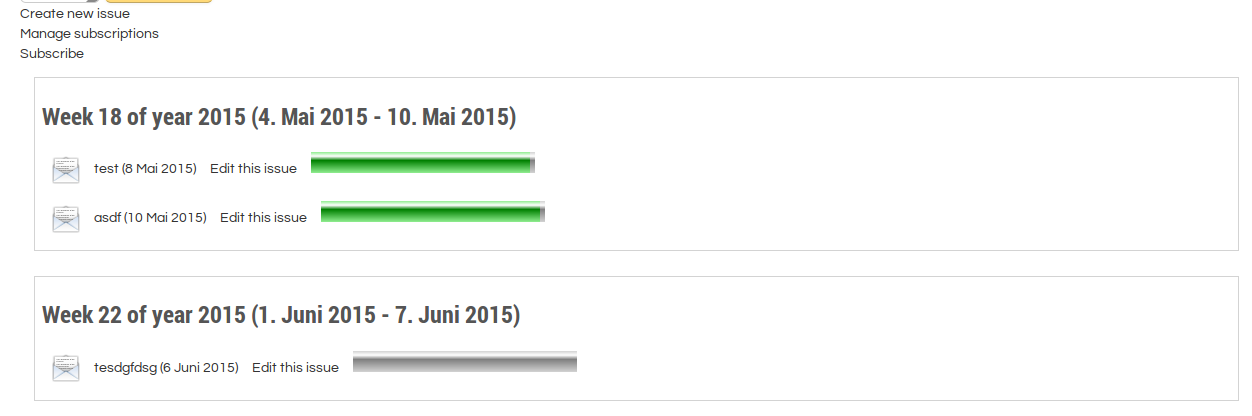
This is a newsletter module for moodle. First stable release. It provides the basic features of common newsletter tools. Using it with moodle VERP bounce processing is recommended. But we will add an additional bounce processing feature that will be easier to configure.
Comments
Comments are no longer open for new posts. Existing comments remain available to read.
However, what does it mean for the future of the plugin? Are you going to update it in due time, or will you not be able to modify it recently?
Actually, I'm not able to use it – therefore I need to find a solution soon. Does it make sense to wait and overcome the waiting time with a temp solution, or should I better go for anything new?
Kind regards
Walter
we only supported 2 text editors (tinymce and plain text) because we needed some JavaScript to interact with the editor and there was not enough resources to support all editors. Now Moodle removed tinymce and replaced it with tiny (tinymce is a legacy version of tiny). That's the reason you only see plain text because tiny is not supported. The JavaScript applies the CSS file to the editor so that you see how your newsletter looks with the CSS file that you selected.
We would need to rewrite the JavaScript (it is still in YUI instead of ES6) and add support for tiny. As none of our clients uses Moodle 4.2 right now we did not do that yet. There is a todo in the code already:
https://github.com/Wunderbyte-GmbH/moodle-mod_newsletter/blob/c43e34f1a6dcfeafc87db5c12f703f2ecf551505/classes/newsletter.php#L934
That's the JS that has to be rewritten as AMD module:
https://github.com/Wunderbyte-GmbH/moodle-mod_newsletter/blob/c43e34f1a6dcfeafc87db5c12f703f2ecf551505/module.js
Kind regards,
David
I.e. Atto, or Tiny editor are no longer available. I can only enter plain text.
If I call up an older newsletter, I no longer see the comfortable editor either and the text is currently displayed just in HTML format.
For all other entries and files in Moodle, the editor works normally.
Is this a problem with the plugin running under 4.2?
Kind regards,
David
To make sure I have understood you correctly, I ask a further question.
When it says in the plugin description:
" The features are:
- ...
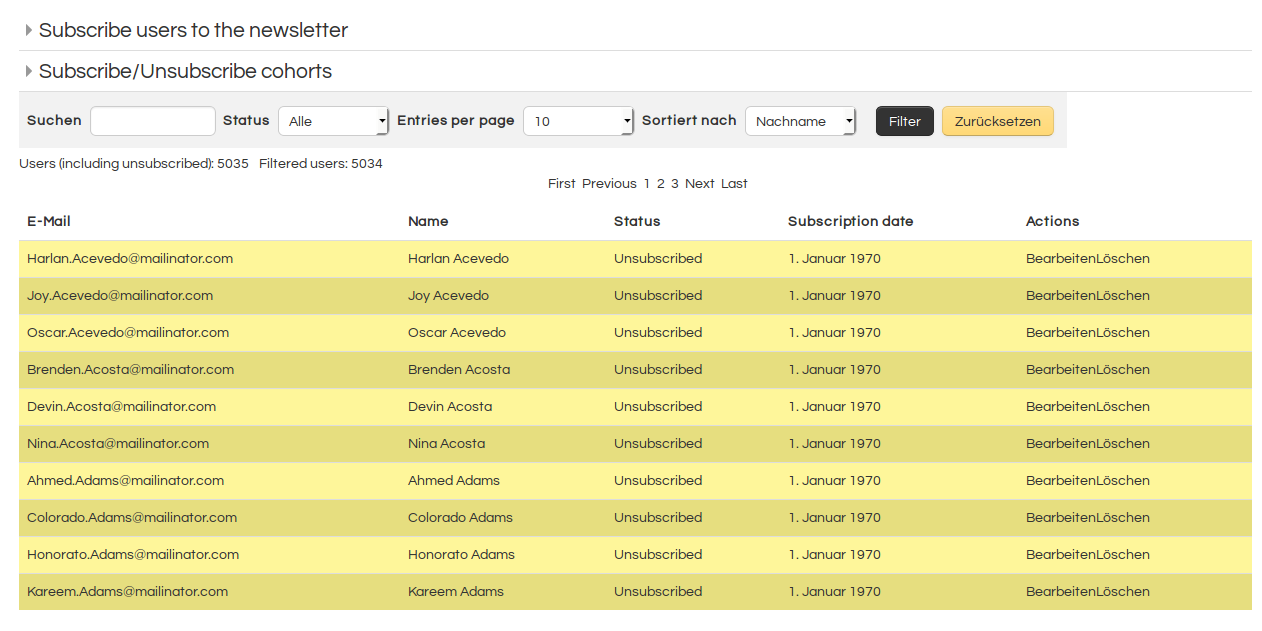
- Management of subscribed users: Cohort (un)subscription, Ajax user (un)subscription, filtering users
- Auto generated unsubscribe link
- ...."
What is meant?
Kind regards,
Sofia
Kind regards,
David
In any case where I found the setting about the Auto generated unsubscribe link?
Thank you.
What is not possible right now is to have a short version sent out and a long version for online reading. That could be implemented though. We can send you a quote if you are interested in that feature.
what you can do is to upload user via CSV Upload in site administration and add the users to a cohort and subscribe the cohort to the newsletter.
Kind regards,
David
thanks for plugin.
Is it possible to import newsletter subscribers via the csv file?
Best regards,
Sofia
That's great news. Thank you so much.
Best regards,
Tumer
yes, in fact we are working on that feature. We will upload a new version this spring.
Kind regards,
David