Generico Filter icon

Generico Filter

Maintained by Justin Hunt
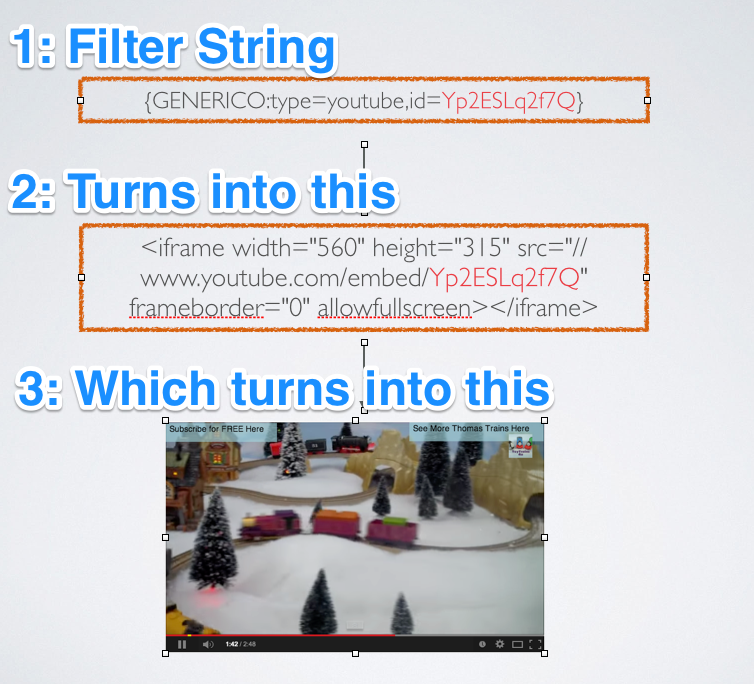
Generico is a simple filter for creating templates of code snippets and text that can be inserted into Moodle text areas.
Price option: Free

Supports Moodle 2.1-5.2 See all versions
Latest release: 9 months ago
Installations: 2564
Downloads (last 90 days): 558

Frankenstyle name: filter_generico
Filters

Comments

Comments are no longer open for new posts. Existing comments remain available to read.

that is basically what I meant. For the sake of easily implementing it in the future I put that constant in place. But I have not tested it how that would work. It might be necessary to bump the plugin version number, and go through the upgrade. I don't really like advising people to do something like that without even being sure it will work myself though. I will try later today and see
Thanks but that reply didn't really help hehehe... ;)
is it by changing the following line:
define('FILTER_GENERICO_TEMPLATE_COUNT', 20);
on the lib.php?
I've done that and it does give me more templates, but when i use any templates above 20 after setting it all up, the {generico code returns blank.
am i missing something?
can you help me?
cheers,
dan
Not from the user interface(yet). But it is possible by editing the code a little.
can i increase the number of templates from 20 to 60?
No it is not possible. It does not offer anyway to add custom data sources like that. As a template author your are basically limited to what you can do with html/JS and CSS. Maybe one day ..
awesome plugin! I have found so many uses for this plugin but feel free to call me an idiot for asking this. Is it possible for this plugin to query tables within moodle? Like tell it to show list the teachers of a course, show teachers picture in their profile, etc?
Awesome plugin... Saves so much time
David. I posted also in the forum where you were introduced to Generico. So I think maybe you have moved on anyway. But I have tested Generico on Moodle 2.9 without any issues. Are you sure that error is coming from Generico? If you remove Generico, did he error go away? If so it could have been a failed FTP upload. I would try to upload Generico again and see if the problem clears up.
Hi will there be a version released for moodle 2.9 once I install this i get syntax error "unexpect end of line" when trying to get into site adminstration.
GASP. Moodle stripped out my code examples. Let that be a warning to ye all. Post in the forum if possible.
https://moodle.org/mod/forum/discuss.php?d=261896#p1202120
Hi Sebastien,
I think you are referring to the "toggle" preset? So something like:
{GENERICO:type="toggle" text="read more .."}
blah blah blah blah
{GENERICO:type="toggle_end"}
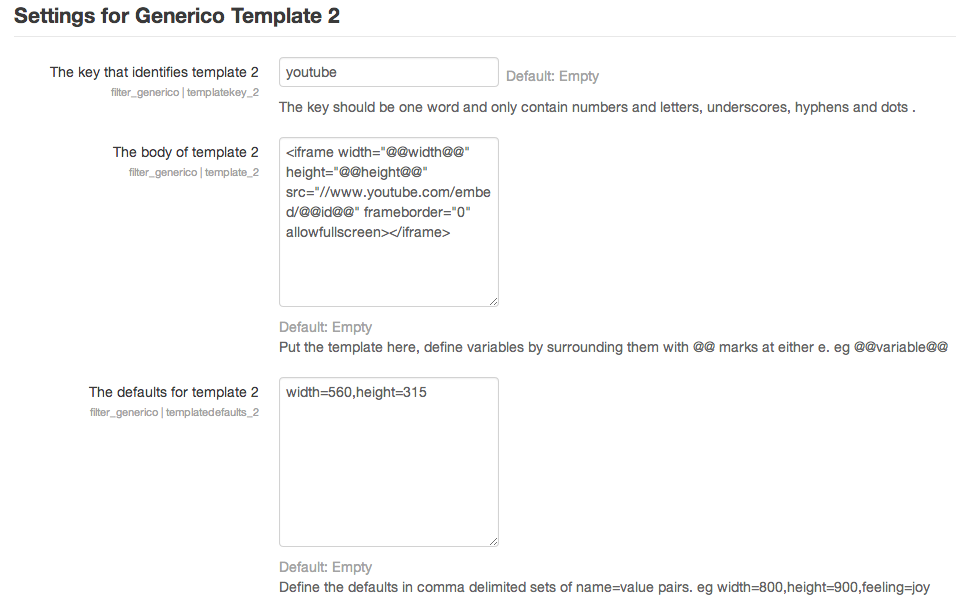
You would just alter the template where it says:

To be open by default always ... you would change it to this:

To have a template variable which allows you alter the default when adding the string:
And then in the template defaults add:
open=block
"yes/no" could work but you would have to write some javascript to turn yes and no into "block" and "none." Its simpler to just remember: none or block
In the toggle example I tried to give a simple example of using YUI from a template. It would certainly be possible to add a "supertoggle" with easy to set defaults and animation etc. But then it wouldn't be a simple example ...
I love this plugin! It's very simple to use and extremely handy.
I have a question about
{collapsible}[read more...]
Your text/HTML here.
{collapsible}
This code hides the content by default. Is there a way to have it open, e.g., open="yes/no"?
Right now there are no settings that would make something like that work. The most minimal template, would still be a it wordy
eg
{GENERICO:type=T}
Hey, Justin, great tool – thanks for contributing!
I am asking myself whether it can be used for even simpler auto-replacement operations. E.g. for this: Whenever someone types "@@@" in a posting's heading, the text would be replaced by "APPROVED:".
Would there be some syntax for that?