User Tours
Maintained by
Andrew Lyons, Gavin Henrick (Brickfield)
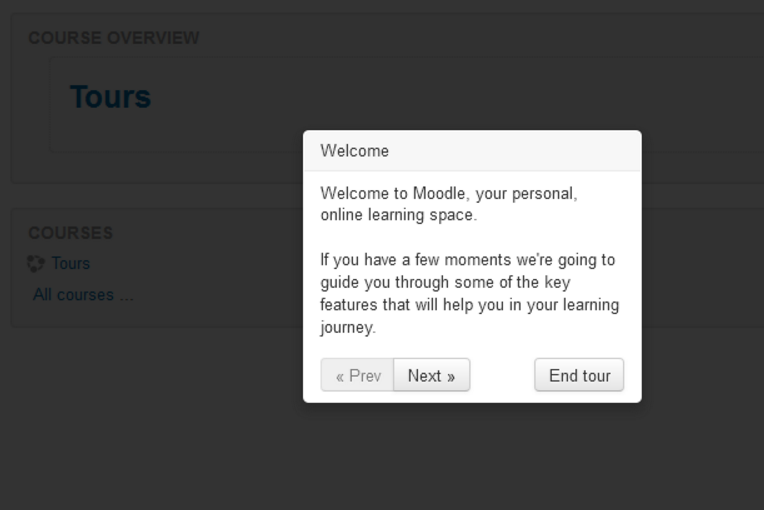
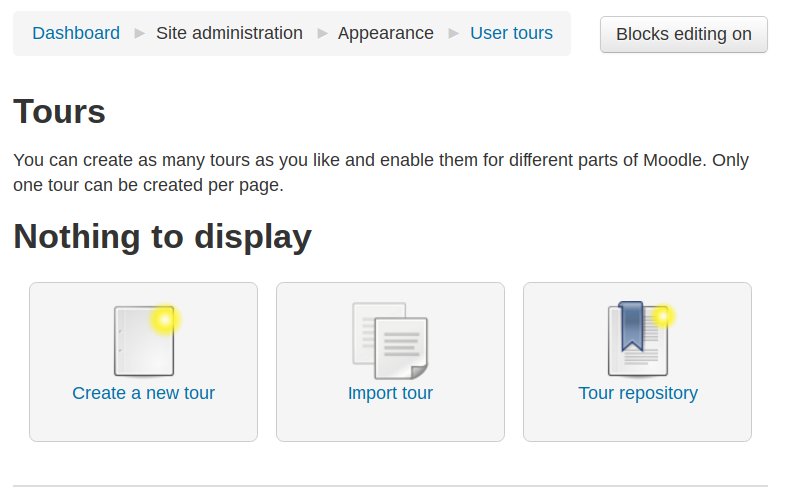
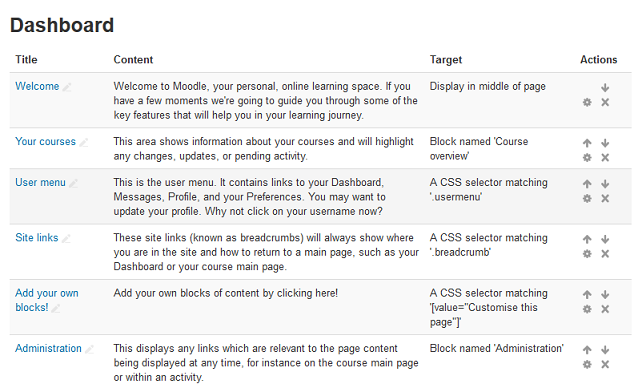
This Moodle plugin allows administrators to create tours of Moodle to introduce new features, important information, and more.
Comments
Comments are no longer open for new posts. Existing comments remain available to read.
I have questions how to use it correctly, because some tours do not show up.
1) How to add a tour to the start page? is it / ? or empty or a trick? The users arrive on Start and need some advise.
2) can I adress a specific assignment? like /mod/assign/view.php?id=2148 ?
3) is there some known problem with the essential theme?
I was wondering about adding theme support for this plugin.
I noticed in the theme that we have, the navigational tools for the plugin does not appear for the user. This is obviously a breaking bug and I want to improve our current theme by adding support, but I don't know exactly how.
Is the plugin intended to be self-sufficient in that it also adds the navigational blocks for the highlighted selector? Or does something specific need to exist within the theme (perhaps specific CSS styles)?
It is not at Moodle level, but Server level.
Do you refer to : Dashboard / ▶︎ Site administration / ▶︎ Plugins / ▶︎ Logging / ▶︎ Standard log ?
Ask your system admin for the system logs.
You might find the answer for the error there.
Ricardo
What do you mean? What kind of test do I have to do?
Have you tried the systems logs?
Ricardo
This plugins seems very a good add but I'm not able to add any step > I've got the same message "UNDEFINED". Even if I download tours, I can't add steps or simply run a tour...nothing happens. My moodle version is 3.0 and I tested the plugin with all navigators. Someone has an idea?
We implemented this plug and noticed an issue with keyboard navigation and was wondering if anyone else noticed this same issue. When the page loads with a new tour, and the user starts using the keyboard to navigate (usually via the tab key), they move through all the other links on the page behind the tour "screen" before getting to the tour buttons. This is an accessibility concern for us and I'm wondering if this is just do to something in our theme or if others are noticing the same effect.