SAML2 SSO Auth
Authentication using exists SimpleSAMLphp Service Provider

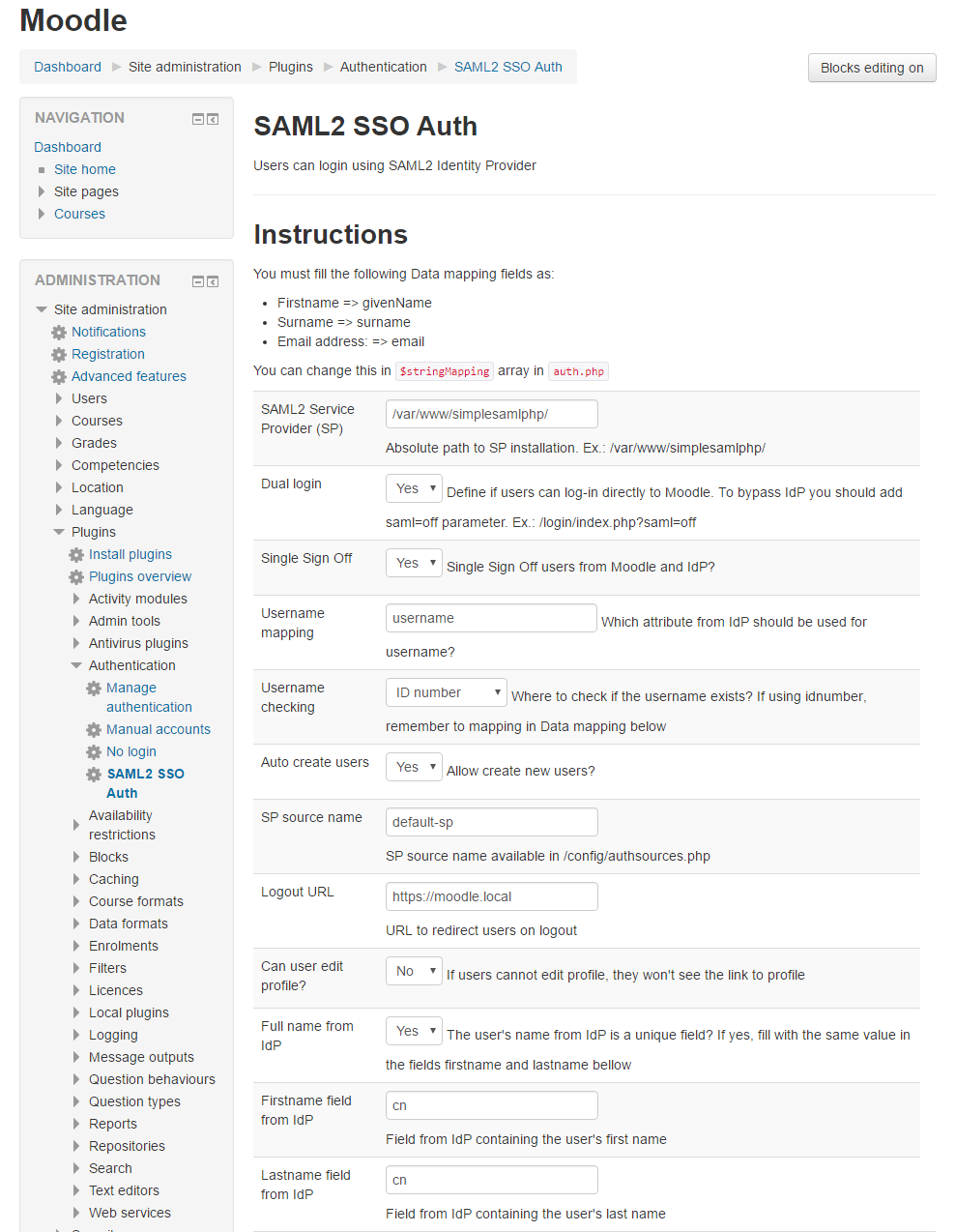
Comments
Comments are no longer open for new posts. Existing comments remain available to read.
this is a pure auth plugin, nothing elese is installed. However I added a section about installation in the readme.
need to update moodle and this page doesn't tell me if it installs any (block)s, (course)s, (login)s, (plagiarism)s, (theme)s etc
works fine but documentation is very bad.
in our tests latest release works with 4.5, if you have any issue, please reports it in GitHub https://github.com/dmirandaa/moodle-auth_saml2sso/issues
We plan to relase a new version in the next few week.
unfortunately no. I'm sorry.
there isn't an easy solution: SSP can register a logout handler, but it works only for SSP modules where library can be loaded by SSP, not for external component such Moodle plugin. On the other side, Moodle auth plugin interface doesn't provide a "is_still_logged_in()" method.
Thanks for this helpful SSO authentification plugin : it works nicely on our platform.
One problem though : a logout initiated from the idp doesn't logout the moodle session.
It looks to us that no moodle logout is implemented in the plugin or correctly called when a simplesamlphp idp logout is started. Did we miss something ?
Kind regards,
Jakob Schlüpmann
for the synch feature, the mapping must be defined in the External Database plugin (or LDAP plugin if you use it as synch source).
Be aware to set the option Update Local to "On Every Login" for First name, Last name, Email etc..., otherwise if you have already ran a synchronization data of existent users will not be updated. You can reset it to "On Creation" after a successfull run.
Even the SAML plugin has a mapping setup, but it is effective at the login stage, not during the synch task.
My IDP authenticates the users against a users database, and I'm trying to activate the users synch through the External Database on the same external database.
The synch works fine and creates users in Moodle BUT it didn't bring into Moodle the First name, Last name, Email and the ID number values! any advice?
A question comes to my mind, which is when depending on the External Database plugin for synchronization what set of mapping fields it uses? the set in this plugin OR the set in the external database plugin?
Best regards,
I suppose you already map an attribute from the IdP to the Moodle email field in the plugin configuration, otherwise this is the problem origin.
If the mapping is defined, there are three scenarios that you can check using the simplesaml test page:
1) your IdP never provide an email address in the SAML assertion because is filtered out by the admin/settings: the test page will not show your email address and you have to check the IdP configuration for this issue
2) your IdP provide the e-mail address but it is trasported by an attribute with a name different form the usual "mail" (as in LDAP); if this is the case you have two options: change the map to read the e-mail address from this attribute or configure the Authsource in the SimpleSAMLphp Service Provider to translate the attribute names (e.g. from the OID or MS-ADFS styles to the LDAP one)
3) for some reason, your own entry in the IdP Authsource backend has no value for your e-mail address: since it is mandatory in Moodle, you can mark the option "Allow empty email" in the plugin configuration and Moodle will prompt you to complete the profile with an e-mail address at the first login
I installed your plugin in the most recent version in a test environment.
Moodle in the newest version (until late last week it was still 3.9, but no difference)
SimpleSAMLphp is 1.19.0-rc1 and set up as an SP.
As an IDP I am using jumpcloud.com (the combination Moodle LDAP login together with jumpcloud works fine).
If I use the SimpleSAML configuration test, I can log into the jumpcloud account and get transferred back with a valid login to the simplesaml test page.
According to the test settings feature of your plugin everything is working fine.
When I try to login via SAML, I am being redirected to the jumpcloud server, log in there and get redirected to my moodle. There I always get the following message:
There is no valid e-mail address from Identity Provider
You are still connected in a SSO session Click here to logout
Do you have any tipp/hint, what I might have to check to get SAML login working?
Thank you
this plugin is a bridge to a SimpleSAMLphp installation as Service Provider. Hovewer, the plugin is agnostic regards the authentication sources used by SimpleSAMLphp, usually a SAML 2.0 IdP, but also LDAP, SQL databases, Facebook, X.509 certificates, Twitter, RADIUS, and many others services are supported by SimpleSAMLphp out-of-the-box.
I don't understand if this plugin makes Moodle an Identity Provider (use Moodle users database to connect to other websites) or Service Provider (connect to Moodle form another users database) ?