Enlightlite
Maintained by
LMSACE
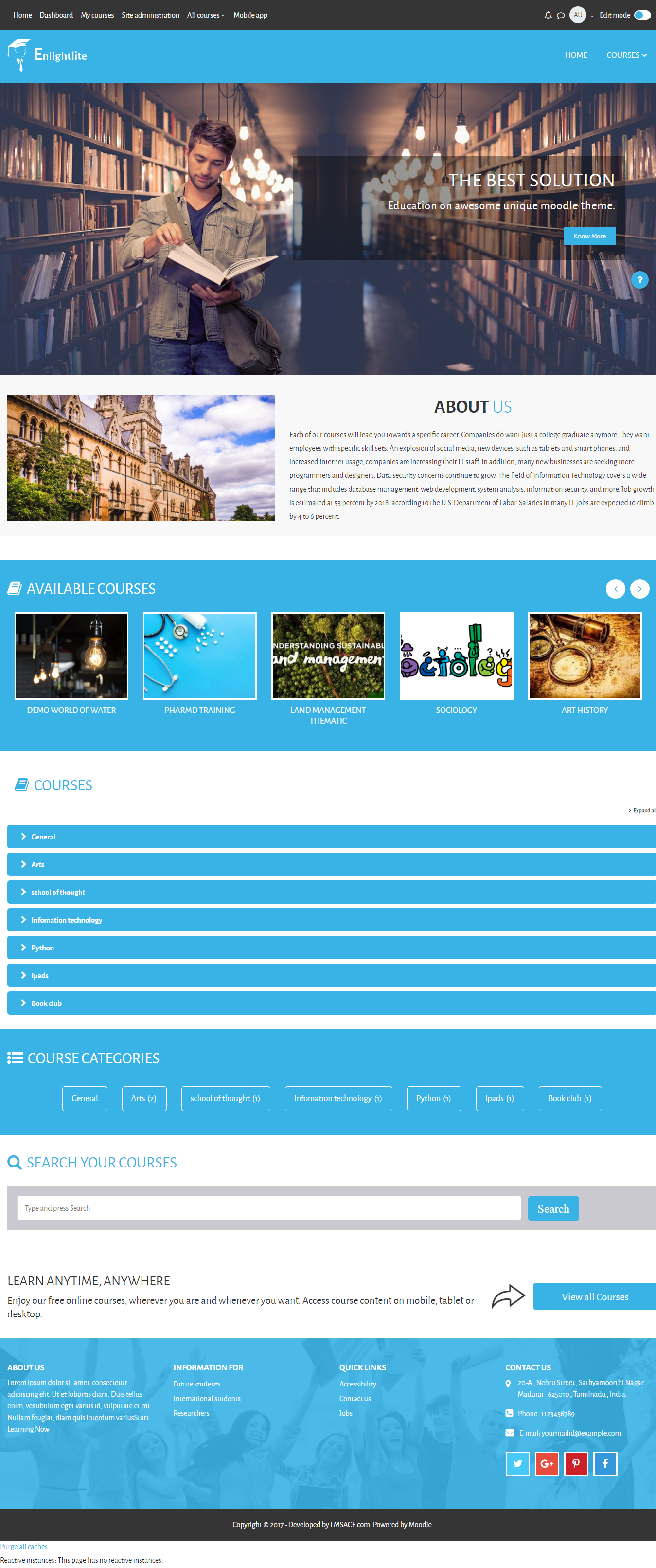
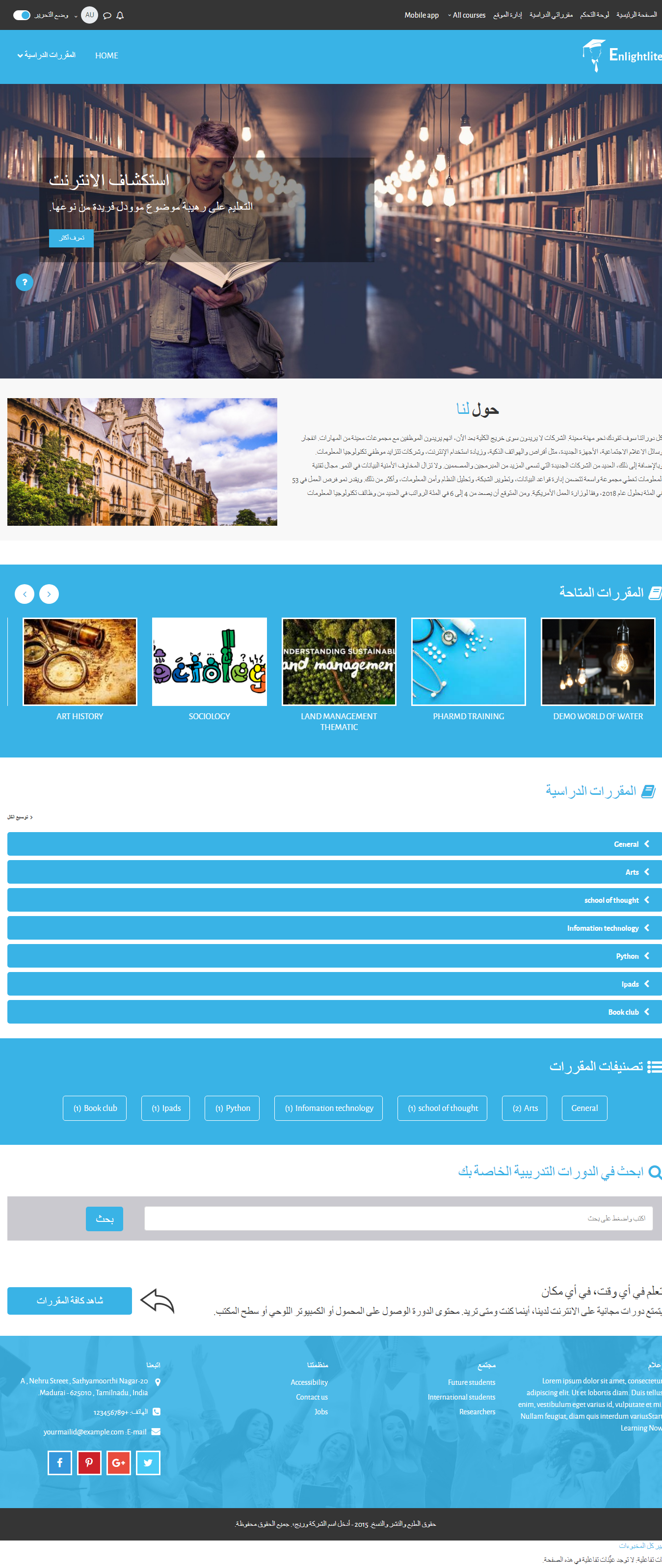
Enlight Lite is a beautiful and fully responsive Moodle theme well suited for Universities,Schools & Online learning websites.
Comments
Comments are no longer open for new posts. Existing comments remain available to read.
Is there any way I could get data on what courses users are searching in the search box in the front page?
Got it.
Could you say why my courses are displaying one by one instead of 1 rows? Check my test portal =>https://www.kendba.com/elearning1/ . It is showing on desktop/laptop as same as mobile.
This is the minimum size for the slider in the theme:
width: 1360 above and height: 550 above
1. Can we change blue color to any another shed of blue color? I am not asking about your prefix colors like green, purple, red, etc
You have to add the new color preset file in the theme style like other colors (green, red, etc). If you need to change the color of the theme, contact info@lmsace.com.
2. How can we purchase your pro theme?
You can find the pro themes here:
http://www.lmsace.com/c/premium-moodle-themes/
Enlight theme:
http://www.lmsace.com/product/enlight-responsive-moodle-theme/
Regards,
M.Nithyanandan
Thanks for quick updating but my query is which one is best size of image for slider? Following are more queries.
1. Can we change blue color to any another shed of blue color? I am not asking about your prefix colors like green,purple,red etc
2. How can we purchase your pro theme?
Hide this line from the below Scss code. (Line.no: 5442)
img {
margin-top: 0 !important;
}
File path:
Yourmoodlefolder/ theme / enlightlite / scss / preset / enlightlite.scss
.homepage-carousel {
.camera_fakehover {
img {
margin-top: 0 !important;
}
}
}
It will display the center of the image.
Regards,
M.Nithyanandan
Why can't I insert an address for a video in Marketing spots.
I am using the Lite version of the "enlight" theme and I'm trying to change the Color Scheme of my site from red to grey. Is it possible via CSS? Thanks!
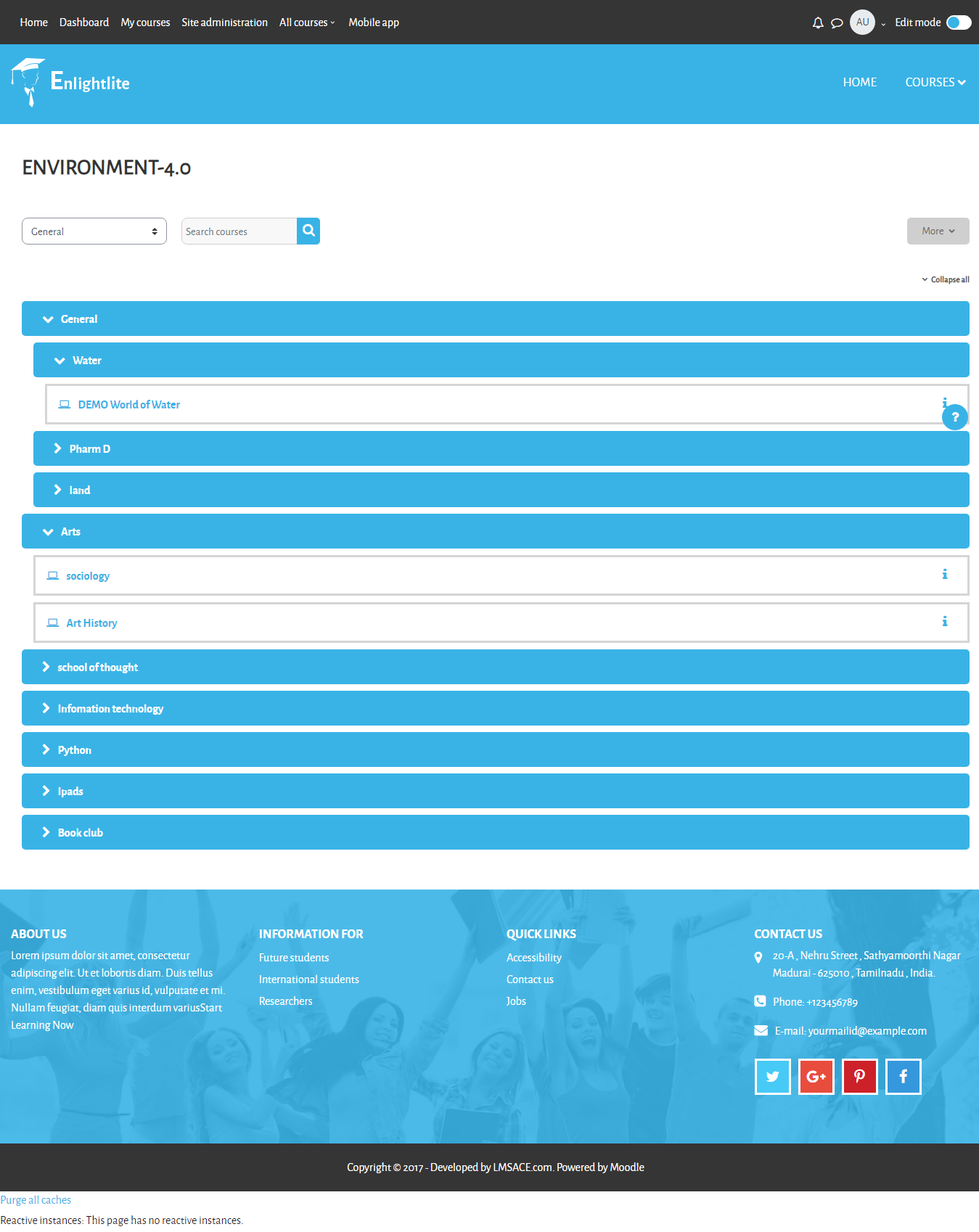
on the course navigation I created 5 course categories on the Drop down menu
however the system only every picks 4 at random to display
is there an option to get the system to show all 5
Never mind, I've sorted the issue out.
Thanks again.
Thank you so much for your help. I implemented the changes as you directed and I was able to change the color of all the sections except the section bearing the "Contact Info". That section still retains the original color. Please, what selector should I target in those files in order to change the "Contact Info" Section of the site, as the "$color_picton_blue_approx" selector doesn't alter its color?
Thank you again for your help. I really appreciate.
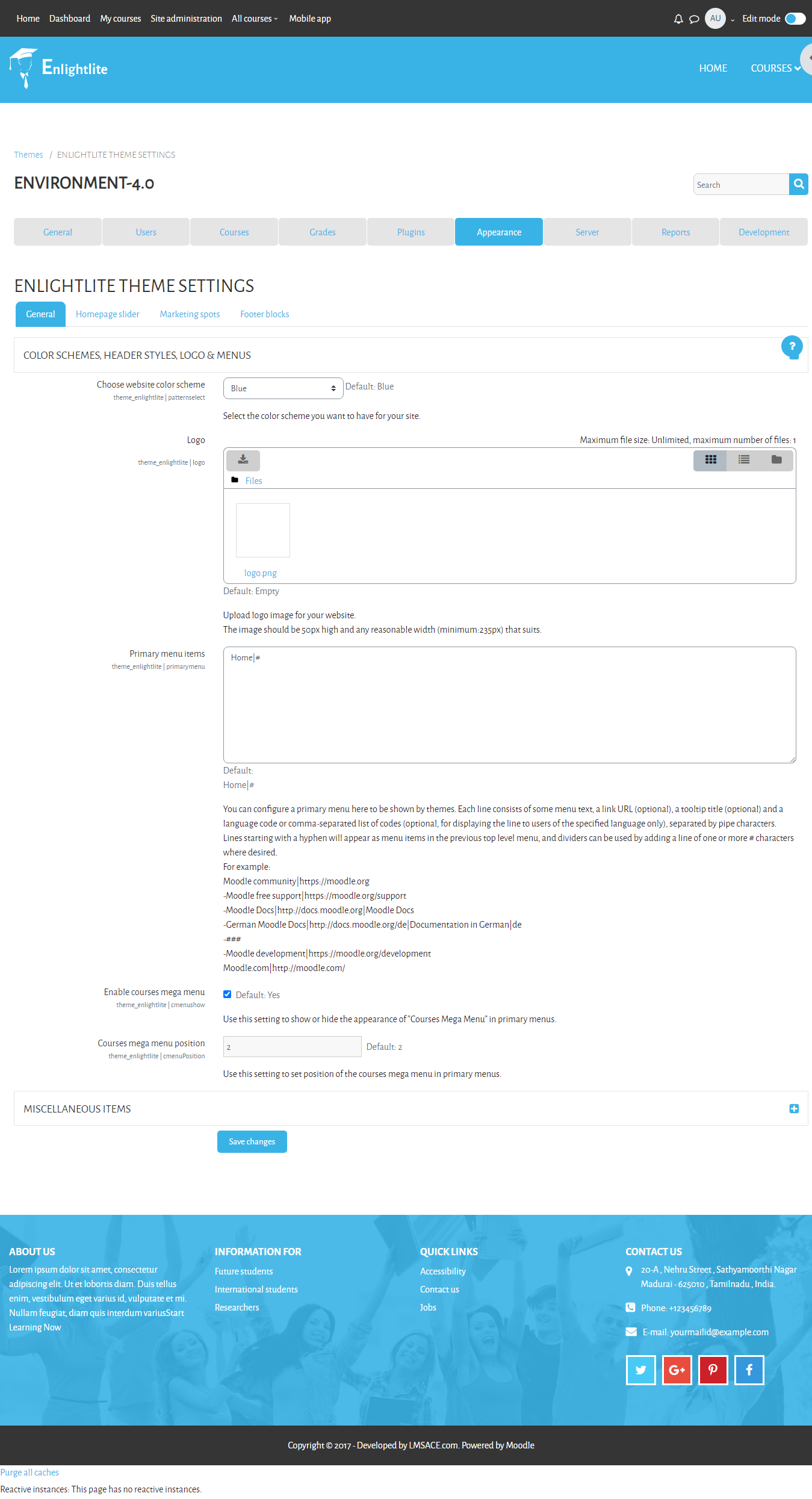
To change the color of the enlight theme,
Style folder path:
Yourmoodle / theme / enlightlite / scss / preset
Open "enlightlite.scss" and "pattern-default.scss"
Change the hex value for the variable "$color_picton_blue_approx"
save it and clear the theme cache.
To clear the cache:
Goto Dashboard / Site Administration / Development / purge all cache
Click "Purge all caches" button.
Regards,
M.Nithyanandan
I am currently using the Lite version of the "enlight" theme and I'm trying to change the Color Scheme of my site from the pre-defined blue to a darker shade of blue which I want to define via CSS or something. How can I achieve this? Please help. its urgent.
Here the option to change the frontpage setting:
Go to Dashboard / Site administration / Frontpage / Frontpage settings
In Front page settings,
Change "List of course" to none in the "Frontpage" option.
And change "List of course" to "Enrolled course" in the "Front page items when logged in" option.
To change "Fav icon":
Goto theme folder:
yourmoodle / theme / enlightlite / pix / favicon.
Replace your favicon in the pix folder path.
Regards,
M.Nithyanandan