Enlightlite
Maintained by
LMSACE
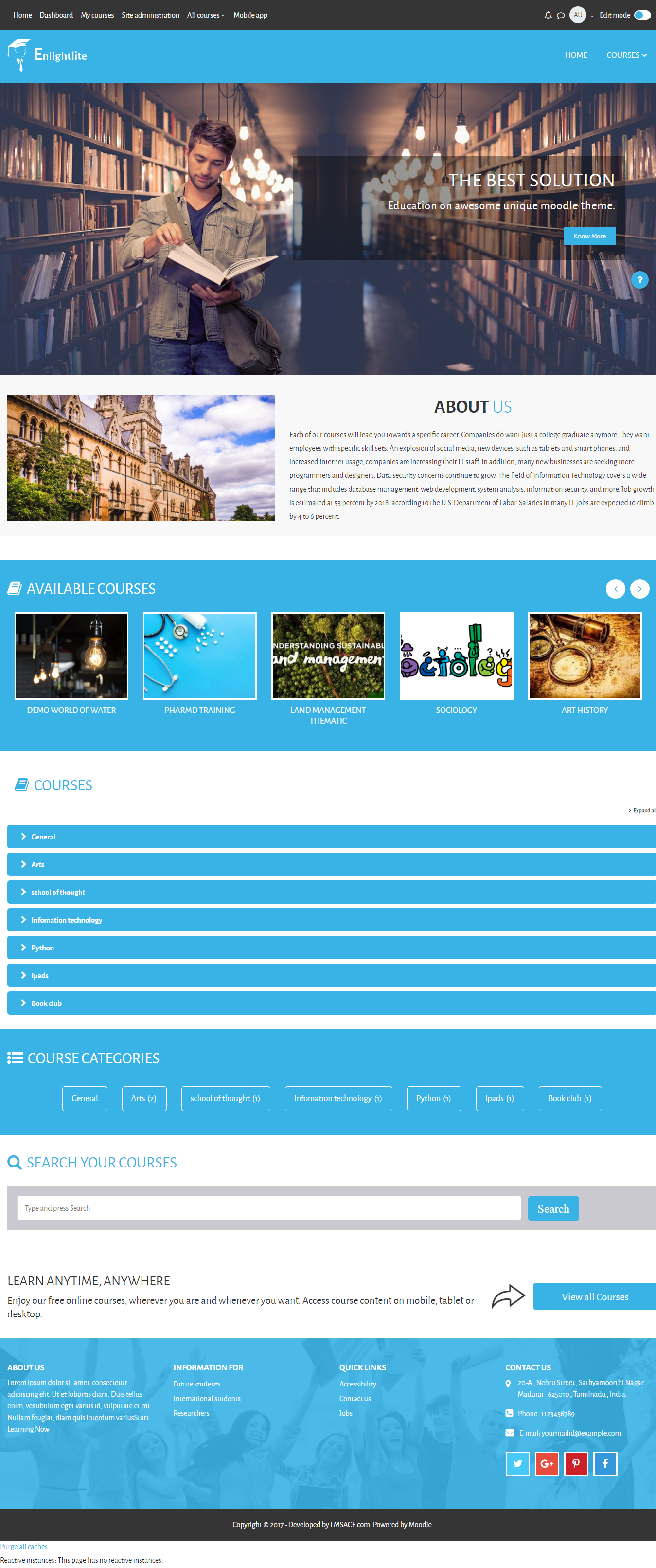
Enlight Lite is a beautiful and fully responsive Moodle theme well suited for Universities,Schools & Online learning websites.
Comments
Comments are no longer open for new posts. Existing comments remain available to read.
we would like to test this theme on our Moodle LMS (3.8): once installed, is it possible to create a child theme?
Many thanks for any help,
Roberta Vigo
You can find how to installation the language pack.
https://docs.moodle.org/38/en/Language_packs#Language_pack_installation_and_uninstallation
Dashboard / Site Administration / Language / Language packs.
In laguage pack,
select your language and click install selected language pack(s).
and your installed language will be available in the header, click the drop down to select your language.
Regards,
M.Nithyanandan
Can you share which moodle version and theme version you are using?
Check if you have upgraded the enlightlite theme.
If you have the same issue after upgrade then contact : info@lmsace.com
Regards,
M.Nithyanandan
Hopefully the new version of the theme which will be compatible with Moodle 3.8 will solve this problem. We now set theme boost for the time being, but it is not looking very fancy...
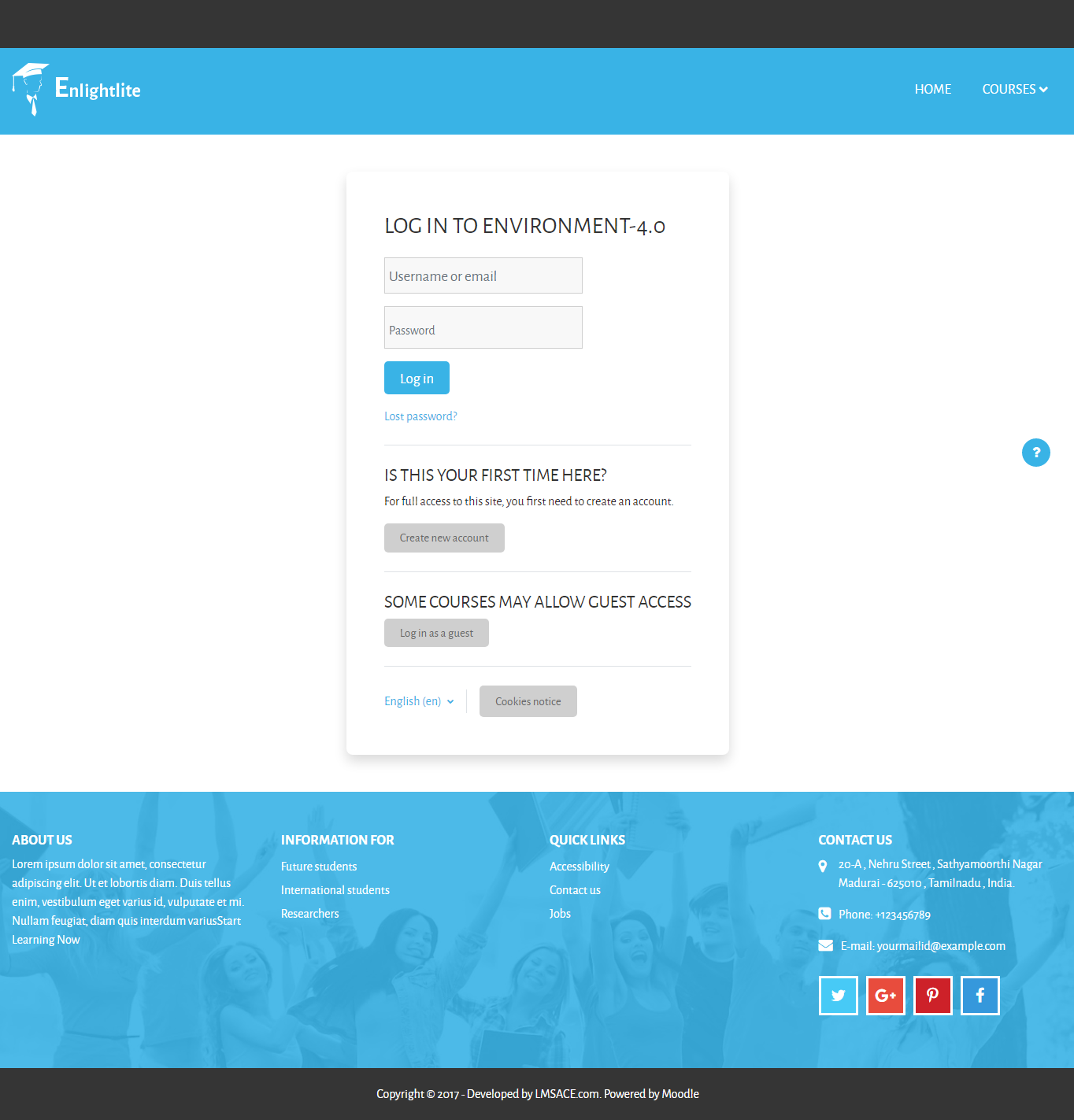
After installing the Enlightlite theme the login cannot login. Moodle is set to require login. Unable to access any pages.
You don't have permission to view courses here.
Debug info:
Error code: cannotviewcategory
Stack trace:
line 263 of /course/classes/category.php: moodle_exception thrown
line 202 of /theme/enlightlite/renderers/course_renderer.php: call to core_course_category :: get ()
line 136 of /theme/enlightlite/renderers/core_renderer.php: call to theme_enlightlite_core_course_renderer-> top_course_menu ()
line 85 of /theme/enlightlite/renderers/core_renderer.php: call to theme_enlightlite_core_renderer-> course_menu ()
line 44 of /theme/enlightlite/renderers/core_renderer.php: call to theme_enlightlite_core_renderer-> custom_menu_render ()
line 46 of /theme/enlightlite/classes/header_block.php: call to theme_enlightlite_core_renderer-> primarymenu ()
line 89 of /theme/enlightlite/classes/header_block.php: call to header_contents ()
line 28 of /theme/enlightlite/layout/login.php: call to require_once ()
line 1370 of /lib/outputrenderers.php: call to include ()
line 1300 of /lib/outputrenderers.php: call to core_renderer-> render_page_layout ()
line 1961 of /lib/setuplib.php: call to core_renderer-> header ()
line 355 of /login/index.php: call to bootstrap_renderer -> __ call ()
To change the favicon,
Open your moodle folder,
yourmoodle/theme/enlightlite/pix
in the pix folder you can find the favicon file replace your own icon with the same name and clear the cache.
To clear the cache,
Goto Dashboard / Site administration / Development / purge caches
and click the purge caches button.
Dave have used the correct steps to change the favicon but its the only way to change the favicon in the theme. If it doesn't work, please contact info@lmsace.com
Regards,
M.Nithyanandan
Great theme but I'm struggling to get my own favicon.ico to display. I've put it into themes/enlightlite/pix/favicon.ico yet it doesn't show. I have purged the caches too.
Can you clarify please?
Cheers
Dave
We recently started to use the theme enlightlite for our educational website and it lookks great.
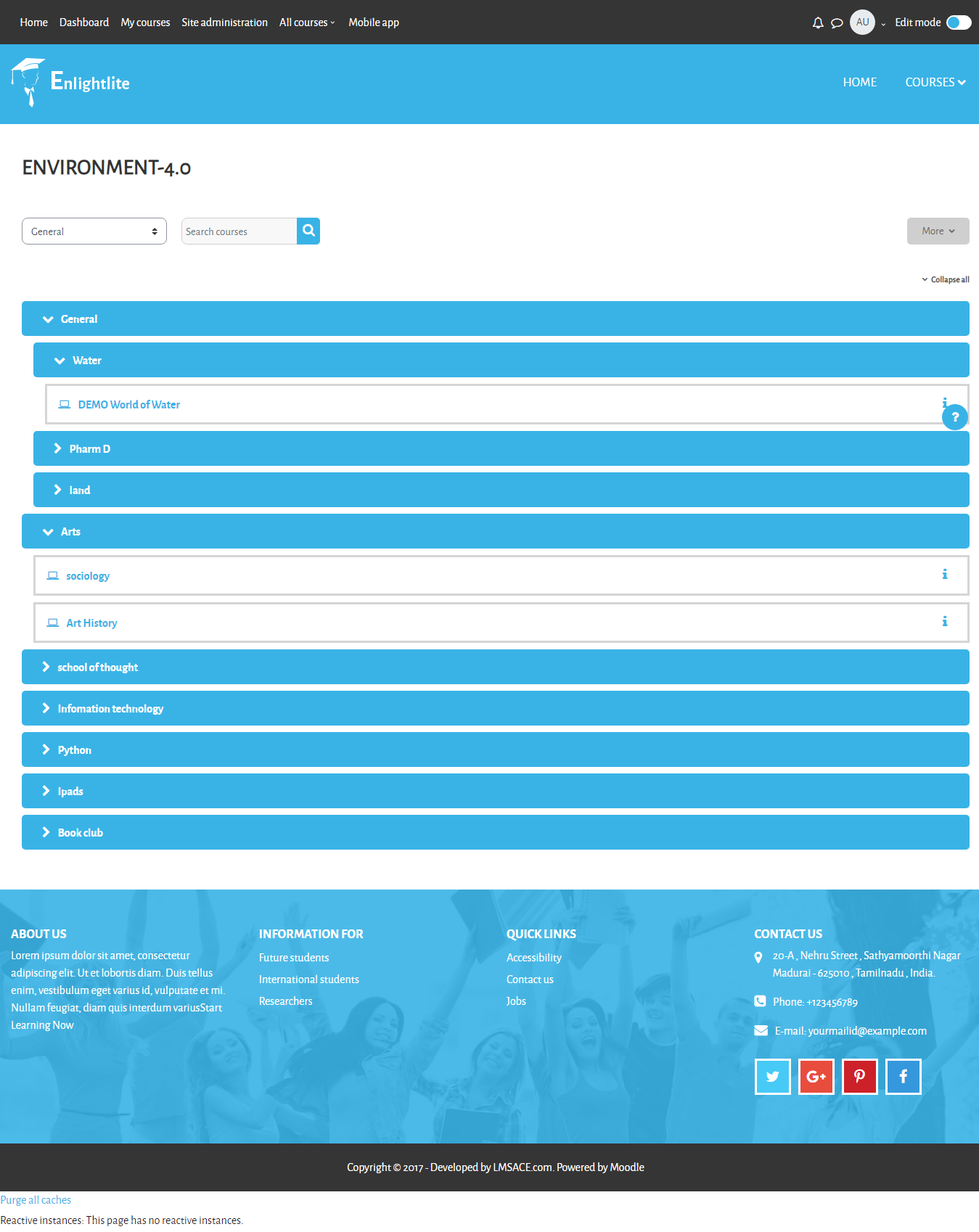
In the page layout of categories, there is a single select function to switch quickly to other categories on the website.
I also would like to have such a function (or jump to) on my coursepages, so people can switch quickly to all other courses available within a category. I would be nice if this could be in the page layout format of the course and somewhere on top of the page.
Do you know if this is possible? and if yes, how can I implement this, preferably without doing major hacks of the core files.
Hope you can help.
With kind regards,
Jorine
The theme slider style will view the center of the image.
The style of the image changes by the slider JS.
If you need to show the image view from the top add the below CSS in your style file
and Clear the theme cache.
But some image has space in the top which hide the bottom view of the image like 3 slider image in your site - https://www.kendba.com/elearnin2/
@media (min-width: 575px) {
.homepage-carousel .camera_fakehover .camera_target img {
margin-top: 0 !important;
}
}
Regards,
M.Nithyanandan.
After commenting following code
Hide this line from the below Scss code. (Line.no: 5442)
img {
margin-top: 0 !important;
}
Now mobile version is looking good in mobile but in desktop/laptop it looks bad because it is cutting image upper part. Check my slider at https://www.kendba.com/elearnin2/
I sent mail to info@lmsace.com 3 days back but still not got a response on same. Are you really checking your mails?