Enlightlite
Maintained by
LMSACE
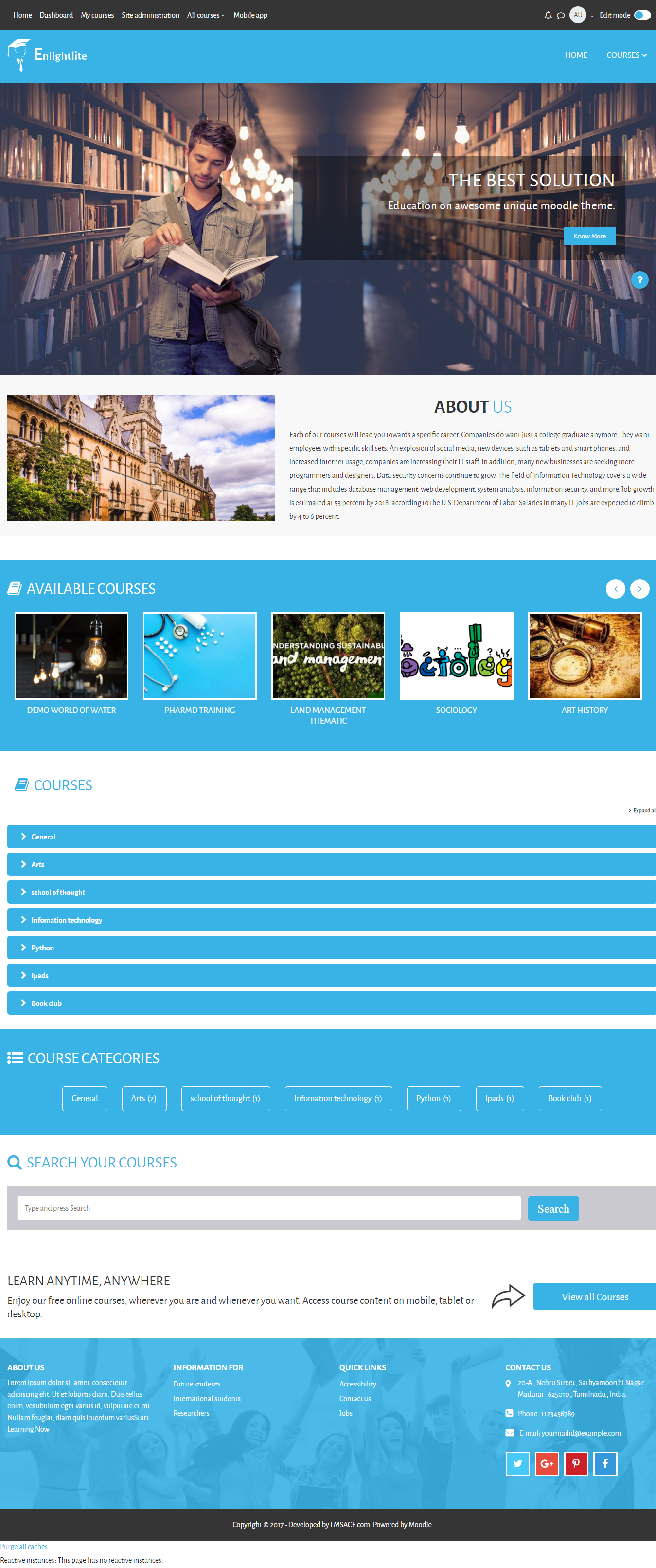
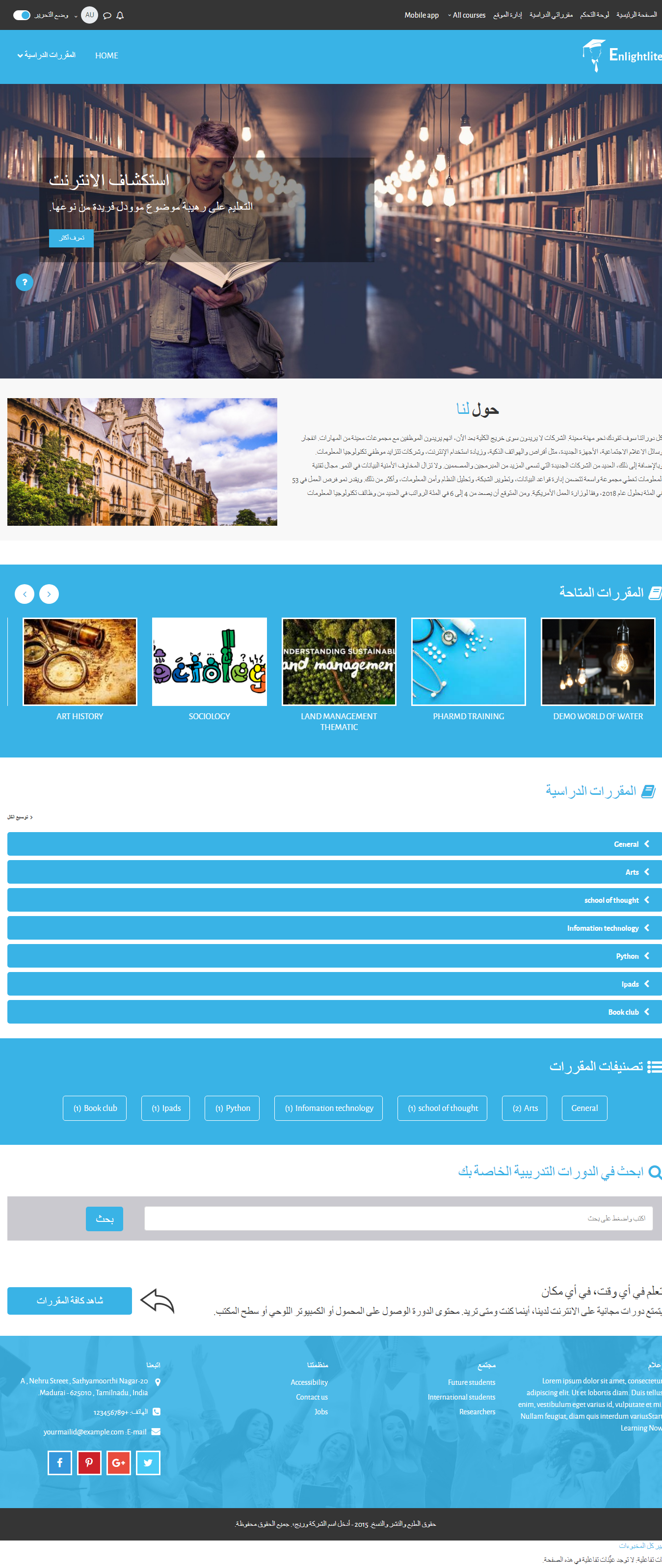
Enlight Lite is a beautiful and fully responsive Moodle theme well suited for Universities,Schools & Online learning websites.
Comments
Comments are no longer open for new posts. Existing comments remain available to read.
Can you tell me in which page your getting the language error?
Because the multi lang will work in Moodle Themes by default.
The free version has the theme color with little feature on the theme.
Example:
http://moodle.lmsace.com/?theme=enlightlite
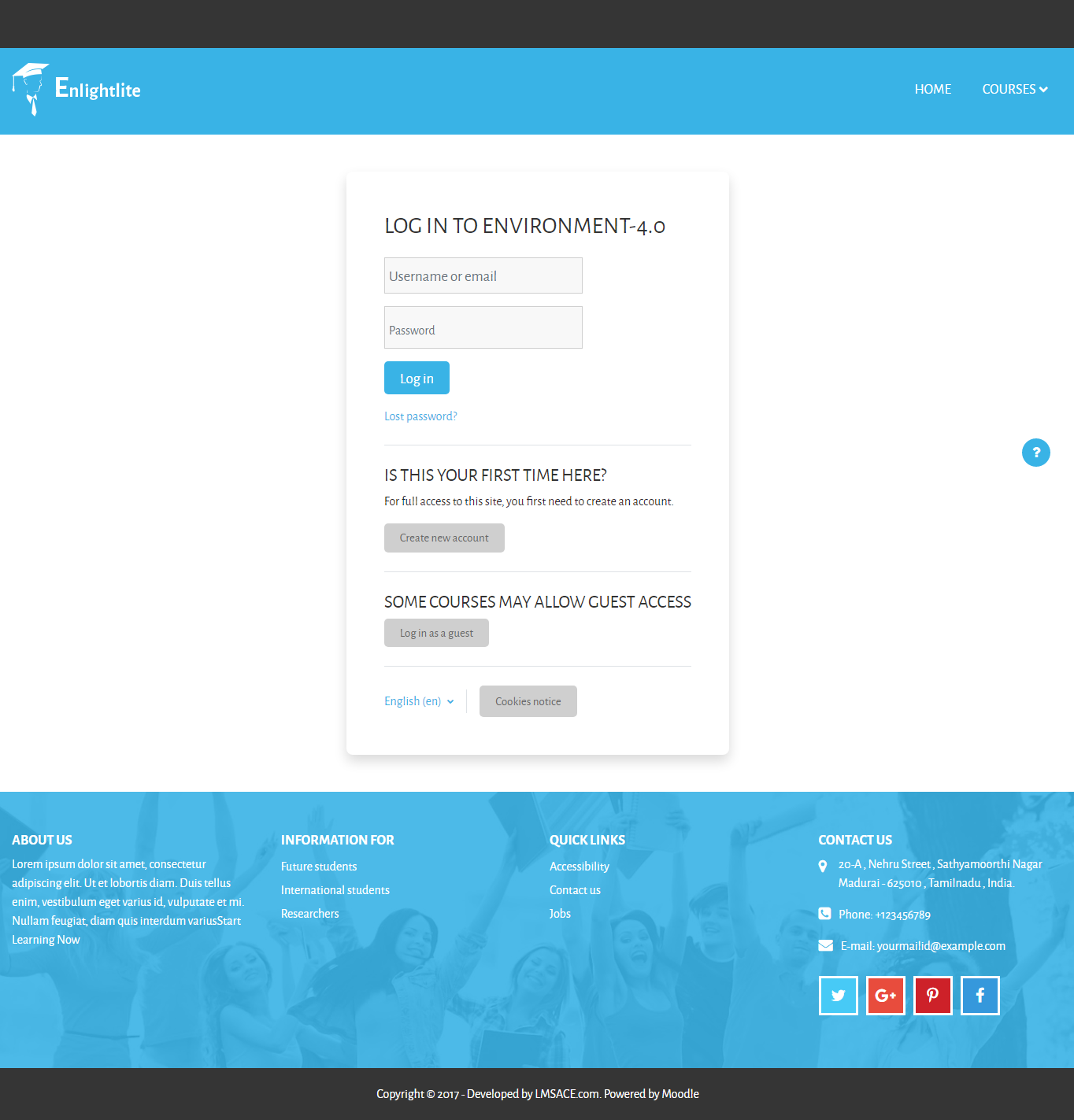
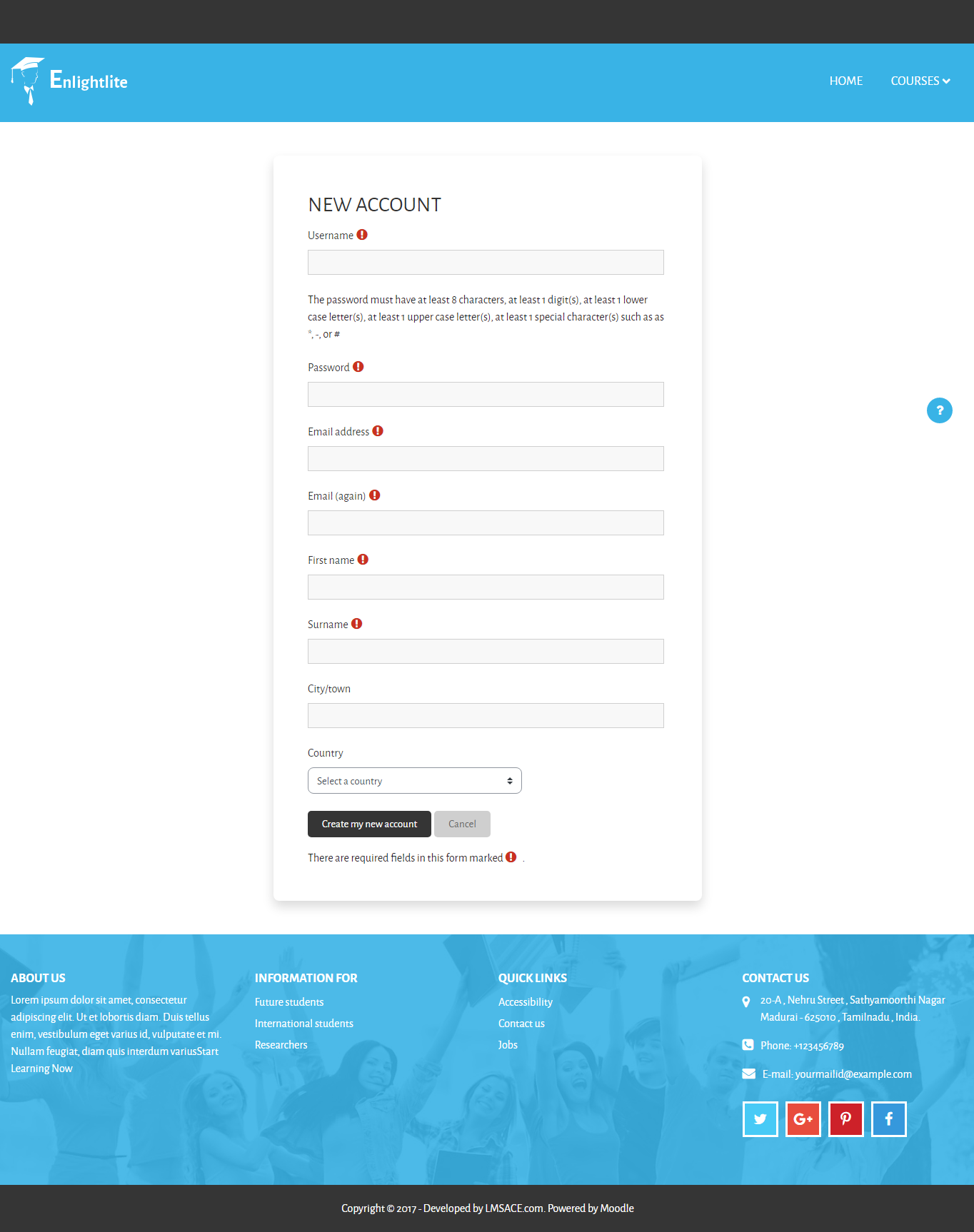
The paid version of the theme has some additional features on the frontpage, theme color design, course page design, login page design, etc
Example:
http://moodle.lmsace.com/?theme=enlight
Regards,
M.Nithyanandan
Thanks for sharing the site URL. It help me to figure out the issue.
It happens because of the logo height is small (Not a image problem).
Just add the below line in the same code,
@media (min-width: 992px) {
#site-header .header-main .course-link .custom-dropdown-menu {
top: 135px;
}
}
FYI, Don't remove the code I have shared yesterday,
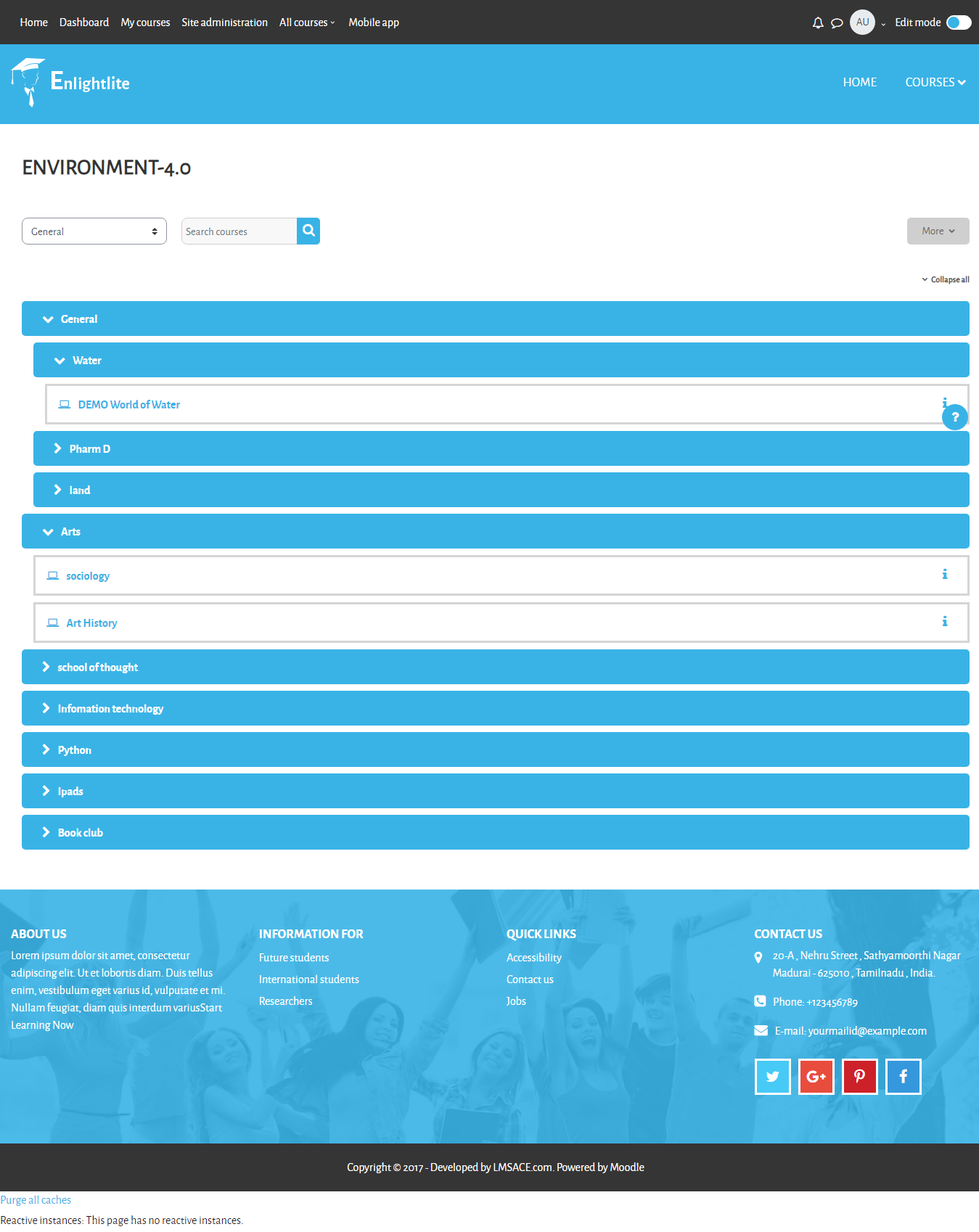
The full width helps the course menu to be stay in a fixed position.
If the code is removed and when you have only one category the menu position will be at the right side away from the course link and you will have the same issue (menu disappearance).
Regards,
M.Nithyanandan.
Add this below css code in the enlightlite theme setting,
@media (min-width: 992px) {
#site-header .header-main .course-link .custom-dropdown-menu {
left: 0;
right: 0;
padding: 0 20px;
}
}
In path:
Dashboard / Site Administration / Appearance / Theme / Enlightlite
In ENLIGHTLITE THEME SETTING,
General / MISCELLANEOUS ITEMS / Custom SCSS
(or)
In the theme scss file,
Yourmoodle / theme / enlightlite / scss / preset / enlightlite.
add the code in the end of the line.
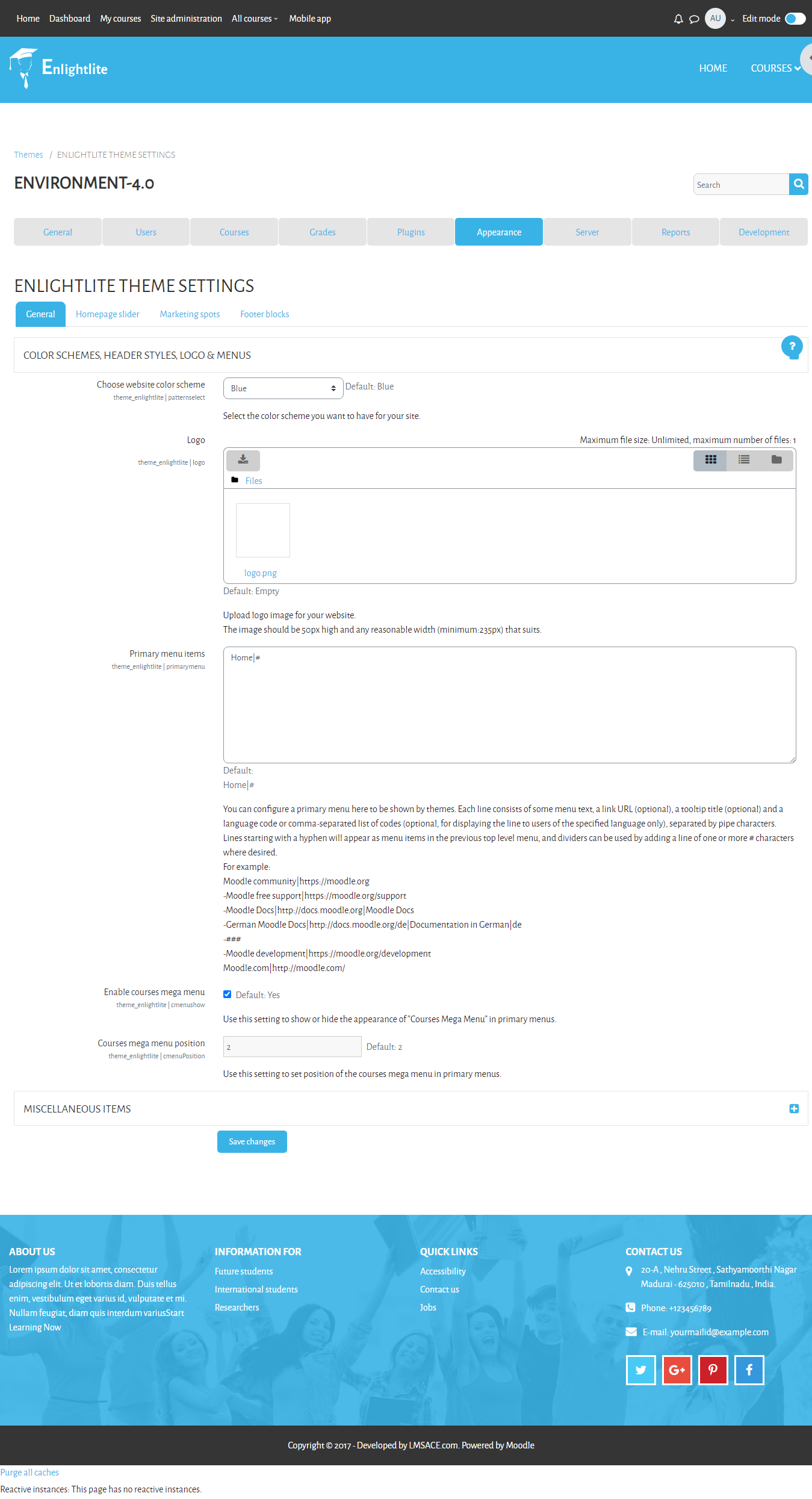
Here the path to customize your theme color,
Dashboard / Site administration / Appearance / Themes / ENLIGHTLITE THEME SETTINGS
In ENLIGHTLITE THEME SETTINGS,
General > COLOR SCHEMES, HEADER STYLES, LOGO & MENUS .
Then select the color you want change in the color option in "Choose website color scheme" and click "save changes".
Regards,
M.Nithyanandan
We are happy to inform you that the Enlightlite theme for the moodle latest version -3.6 has been released.
Please inform us, if you have any queries or issues in the latest version of the theme. It will be helpful for us to fix the theme.