Enlightlite
Maintained by
LMSACE
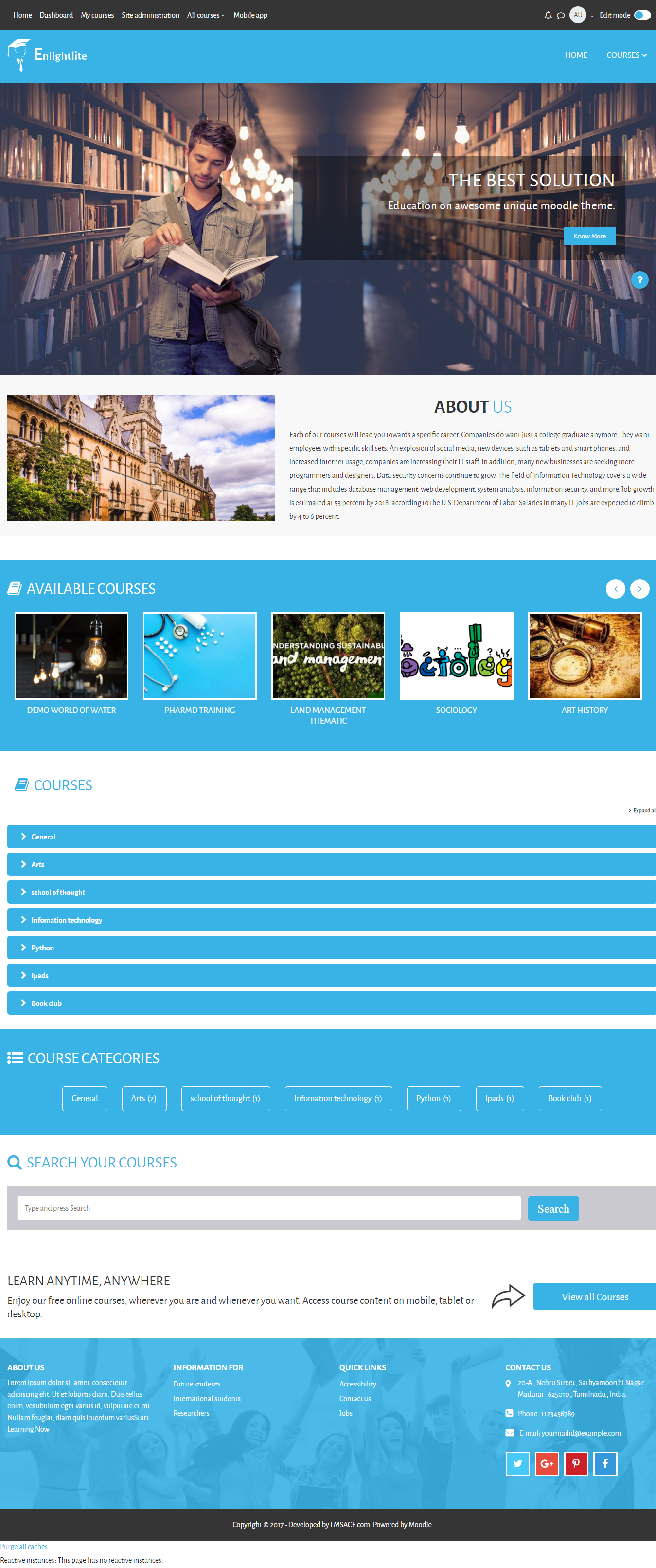
Enlight Lite is a beautiful and fully responsive Moodle theme well suited for Universities,Schools & Online learning websites.
Comments
Comments are no longer open for new posts. Existing comments remain available to read.
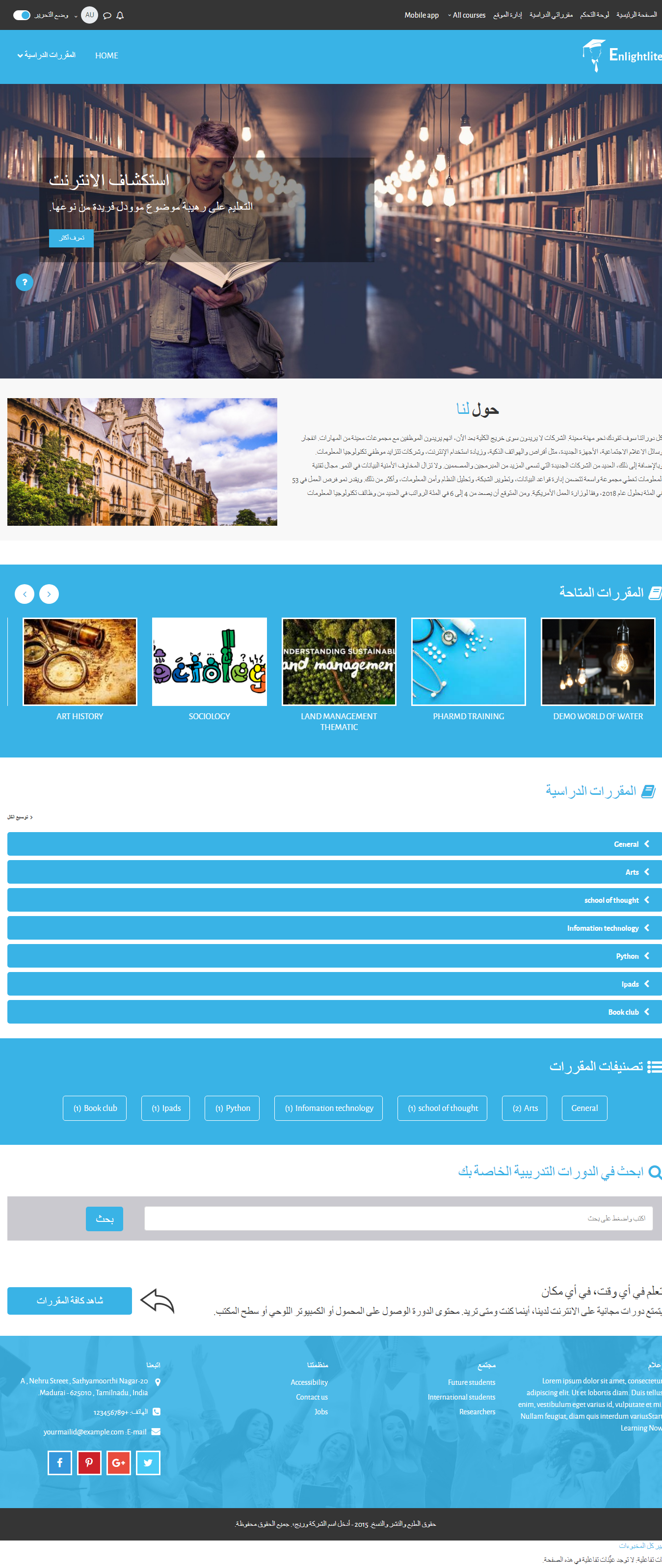
Multi lingual for slider: lang:slidecaptiondefault.
Please follow the steps below to change the text for multi language.
In your folder:
FYI, Do not modify any text inside the theme_enlightlite.php file
Goto Yourmoodle / theme / enlightlite / lang / en / theme_enlightlite.php. Then search the text you want to change and text (within single quote) "$string['slidecaptiondefault']".
In moodle,
Goto Dashboard / site administration / Language / language packs and install your language packs.
Then Goto Dashboard / site administration / Language / Language customisation.
Select the your language in select box.
Click "Open language pack for editing" after the page refresh.
Click continue after the the language pack loaded.
IN "Show strings of these components":
Select "theme_enlightlite.php" in the select box.
In "String identifier"
Then type "slidecaptiondefault" (string text) in the text box in Local customisation copied from the lang file and click "Show strings".
Click "Save changes to the language pack".
You can change slider text same as in the English language.
Regards,
M.Nithyanandan.
Can someone please explain me how this should work exactly: lang:language_key for multi-lingual support
I´m playing a bit with the theme and have seen, that there are 3 lang examples.
When I understand it right, it should be possible, that when a user changes language, he would see different text in the slider.
this is Standard: lang:slidecaptiondefault
but what is to enter, if the lanchange should work
thx
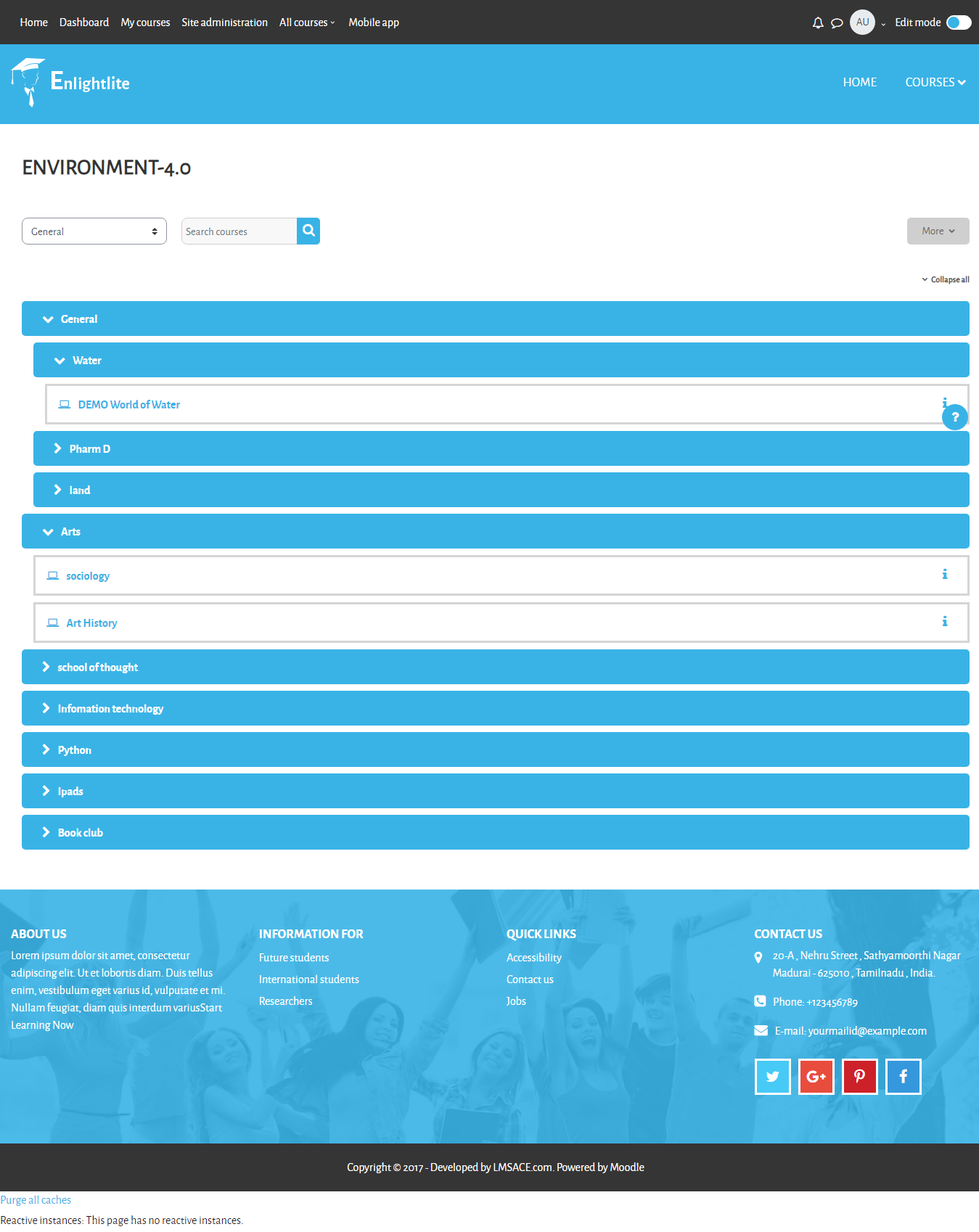
The "Unknown category" issue is created because of the particular category is in hidden (disabled) and when the student user tries to access the category, it shows "Unknown category" on the category page. It is default setting in Moodle core the student user can't view the disabled category and shows the category error on the page. The issue is not related to the Enlightlite theme.
To Enable the category,
Goto Dashboard / Site administration / Courses / Manage courses and categories
and enable by clicking the eye icon for the category on the Course categories block.
Regards,
M.Nithyanandan.
Kind Regards,
Belinda
I have checked the course page with the enlightlite theme and did not get any issues.
If you are facing the issue again, please contact the Lmsace Team (https://www.lmsace.com/).
mail to: "info@lmsace.com".
FYI:
Please, share your theme name, theme version and screenshots in your mail.
Regards,
M.Nithyanandan.
I am using Moodle 3.5 and the Enlightlite theme. When I try to view the categories of classes, I get the error "Category not found". I created a new local user and assigned it this theme. The user logs in fine and is displayed the dashboard, with the two default categories. When the user clicks on one of the categories, intermittently, they get the error. If the user refreshes (f5) several times, the entries in the category are correctly displayed.
If I revert the user's theme to Clean, they do not experience the error. I have debugging turned on and no additional messages are displayed. No messages seem to be logged in the server logs. How do I debug this issue as it happens for all of my categories?
Sincerely,
Peter
The demo site (Enlight) is premium theme with some additional features.
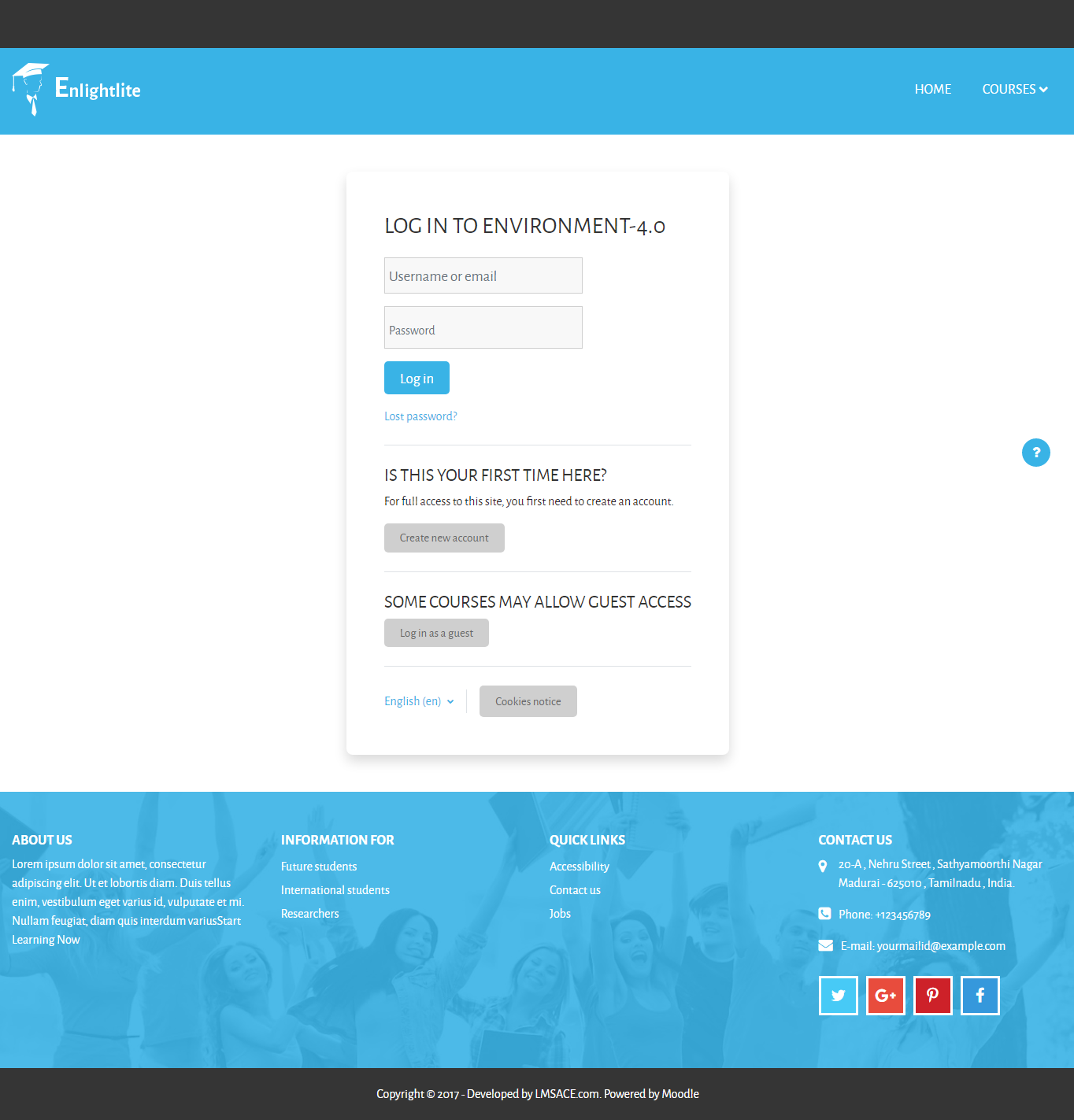
Login page feature can change in premium theme.
In Enlightlite is free theme and some features have been removed.
Goto:
- Site Administration / Front page / Front page settings.
In Frontpage setting, You can change the order of the blocks in:
- Front page (before login).
- Front page items when logged in .
Regards,
M.Nithyanandan.
I'm on moodle 3.5
I don' t understand how to configure the presentation of the homepage.
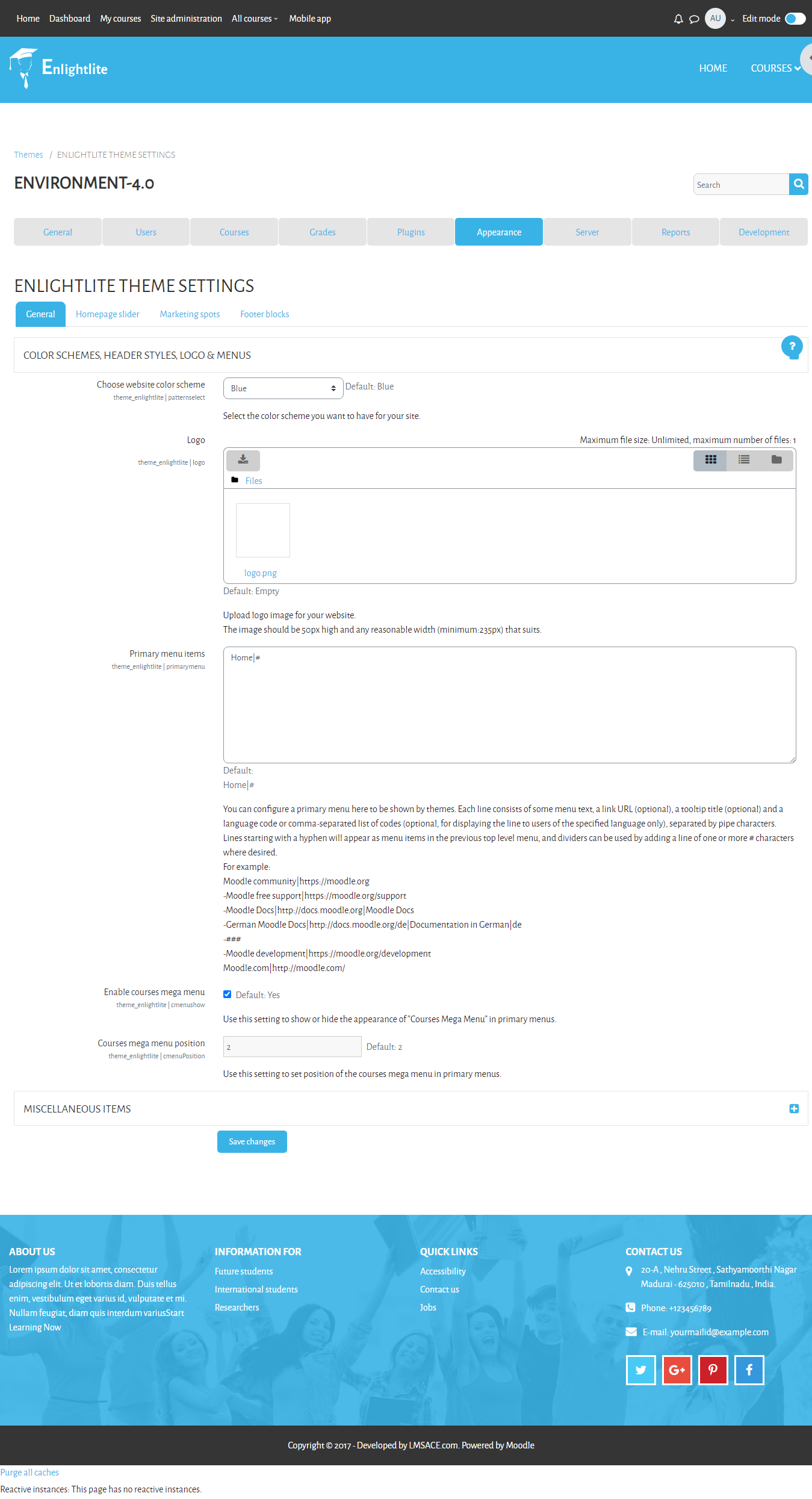
I just can change "COLOR SCHEMES, HEADER STYLES, LOGO & MENUS" and the slider, marketing spot and footer.
But nothing about the Research block or the order of information (My courses, category) ...
Nothing also to change the login block presentation (as you show it on your demo site) ...
where can i find the parameters block for that ?
thanks a lot.
why the Course Mega Menu does not show all the courses of the site and how you can manage the display criteria of that menu ?
Thank you
ENLIGHTLITE THEME SETTINGS : theme_enlightlite | slide1image but the image is not set in the home page. thank you
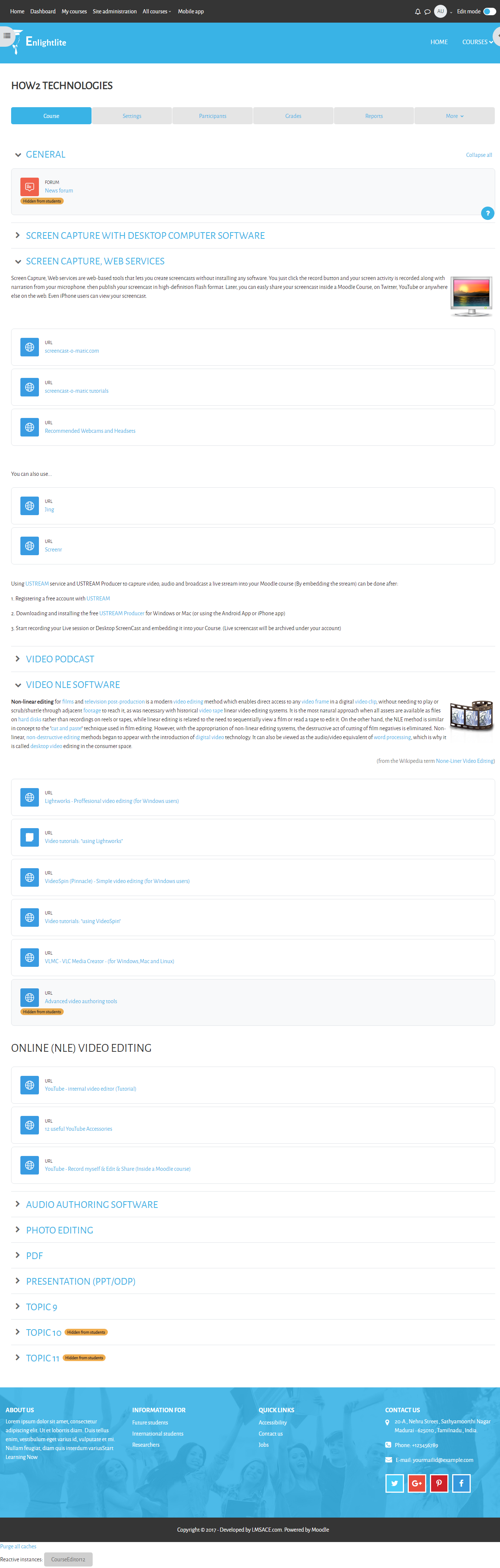
Porque este tema no presenta las "pestañas" del tema de curso onetopic y solo presenta los enlaces ?
Saludos