
Stripe Payment with SCA and Coupon
Maintained by
DualCube Team
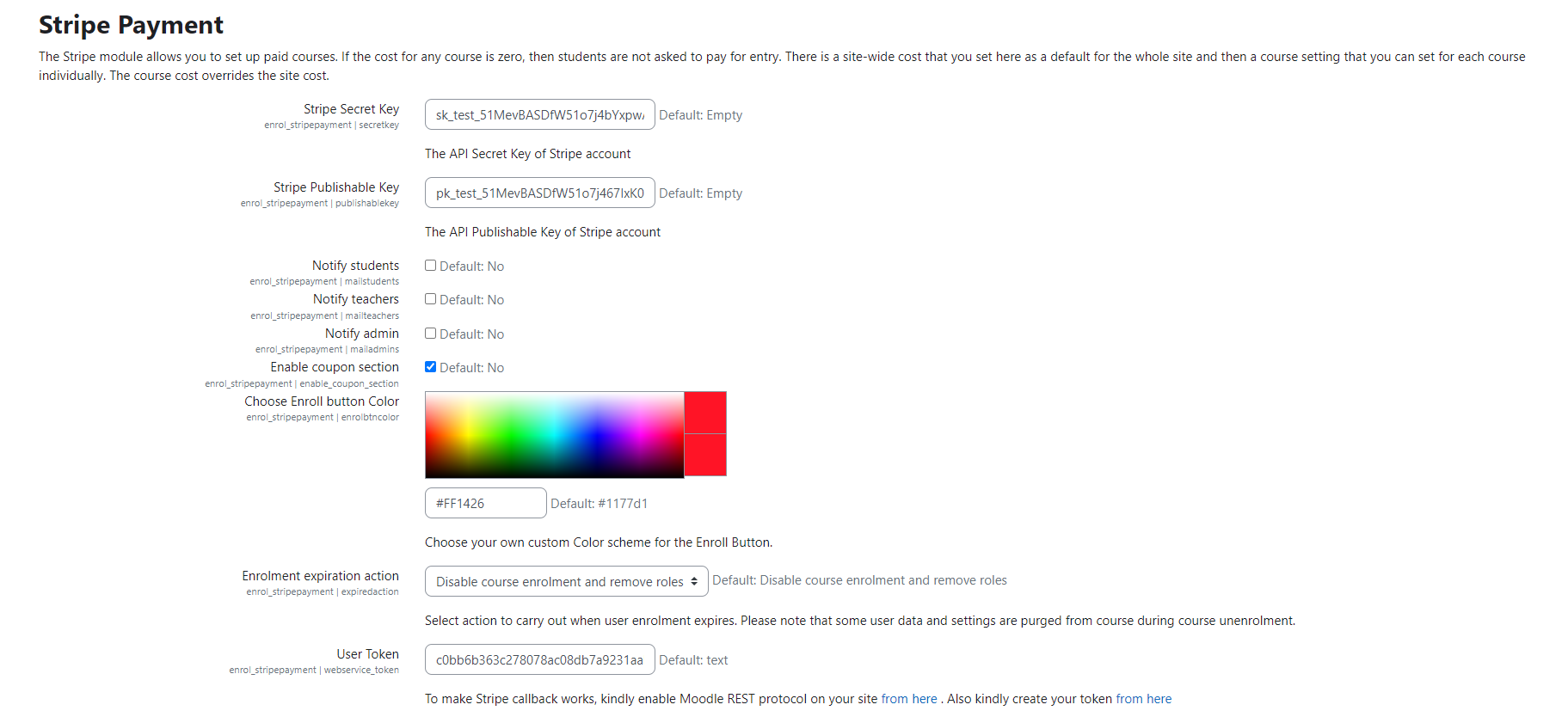
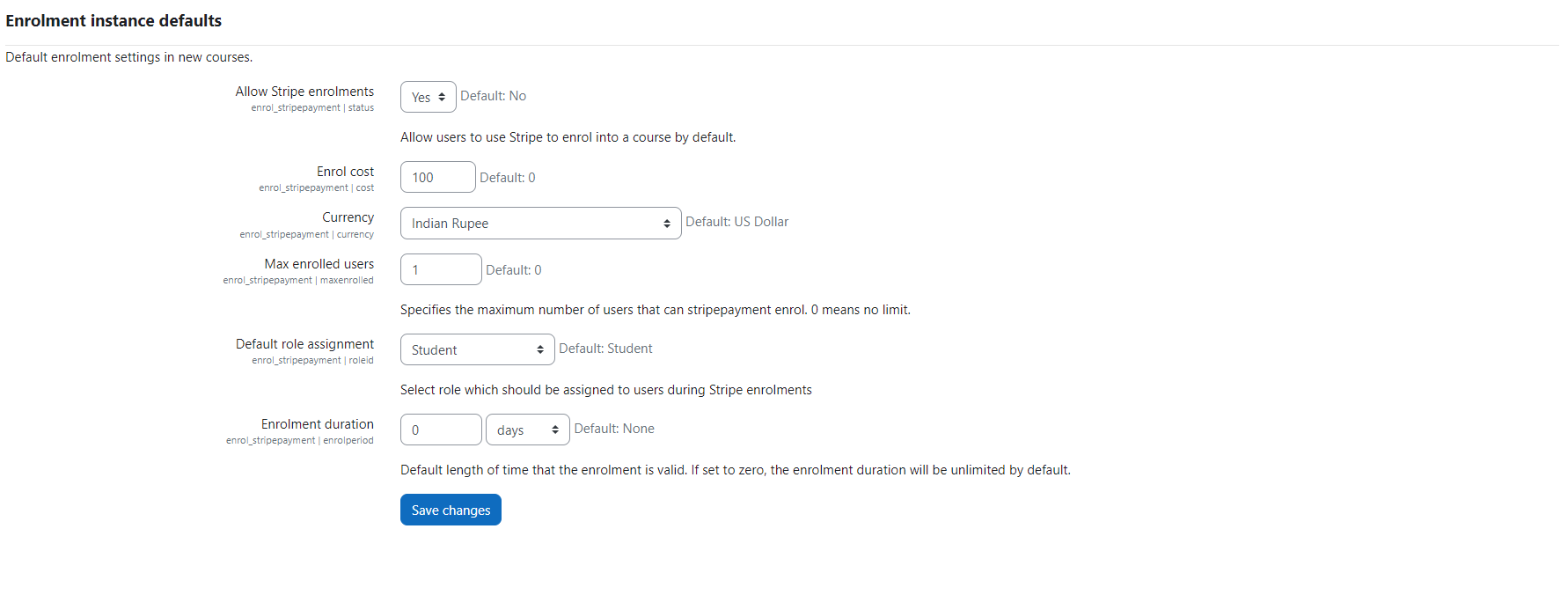
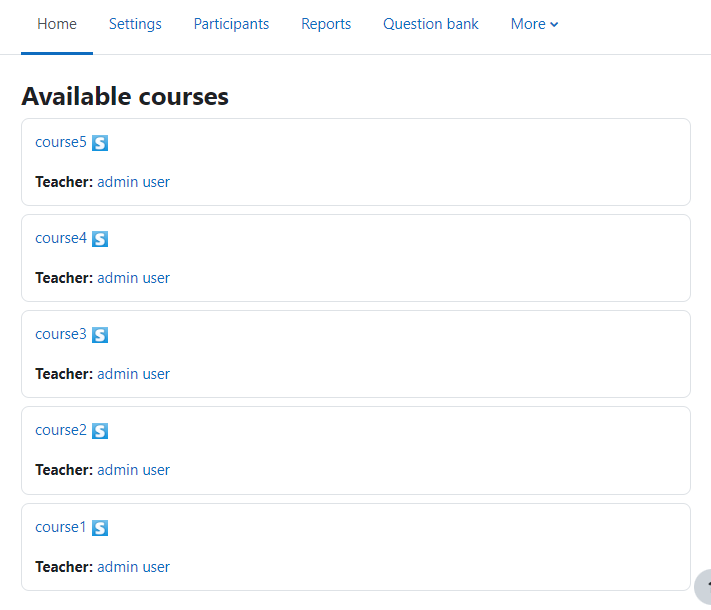
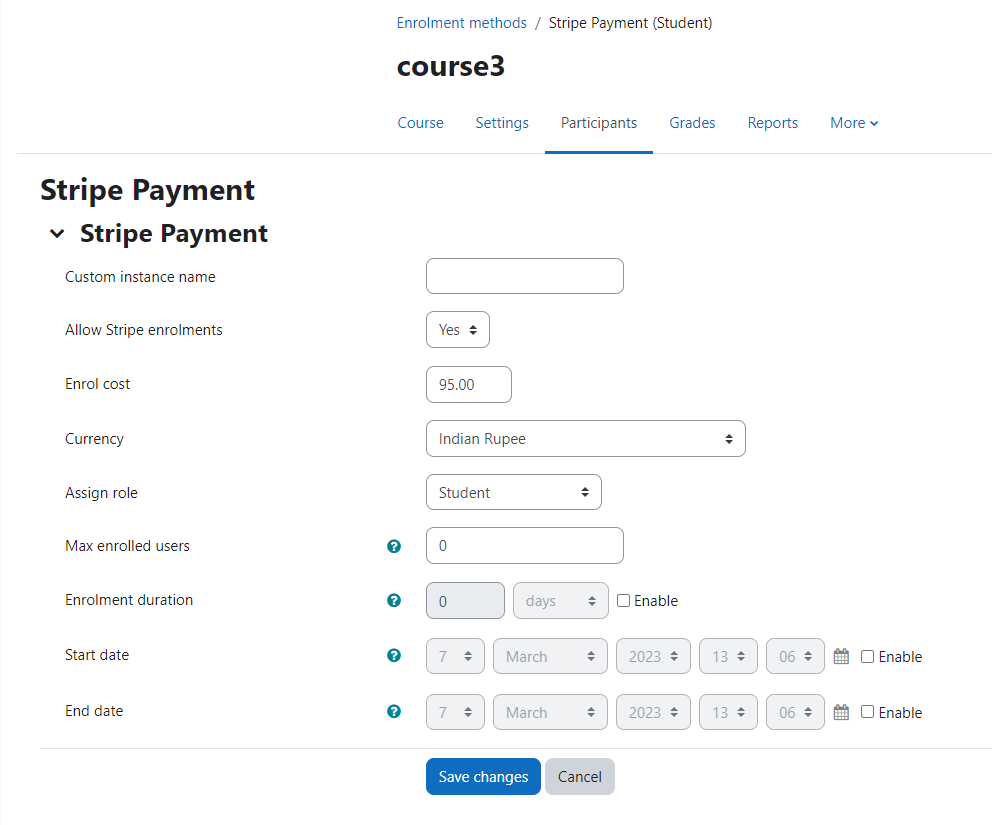
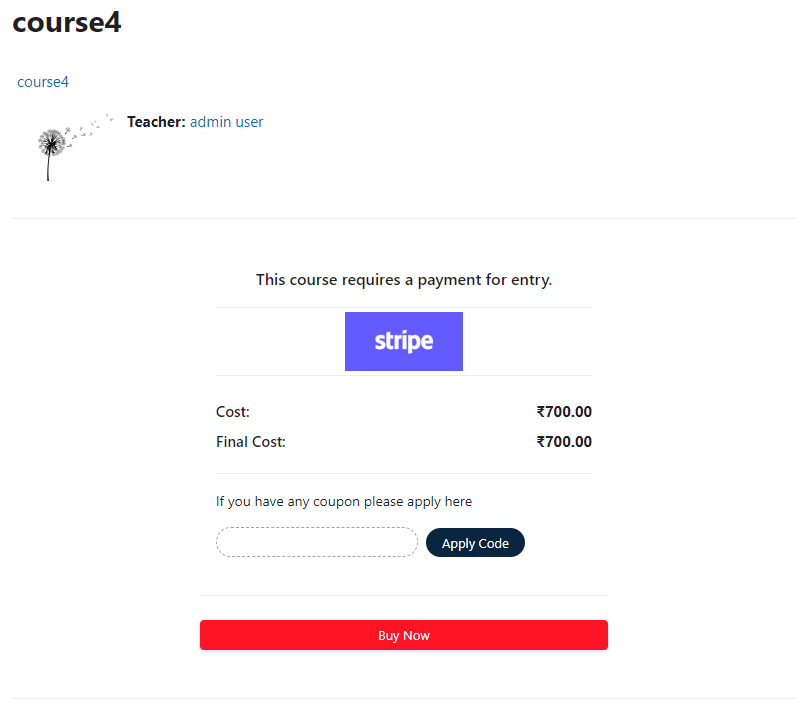
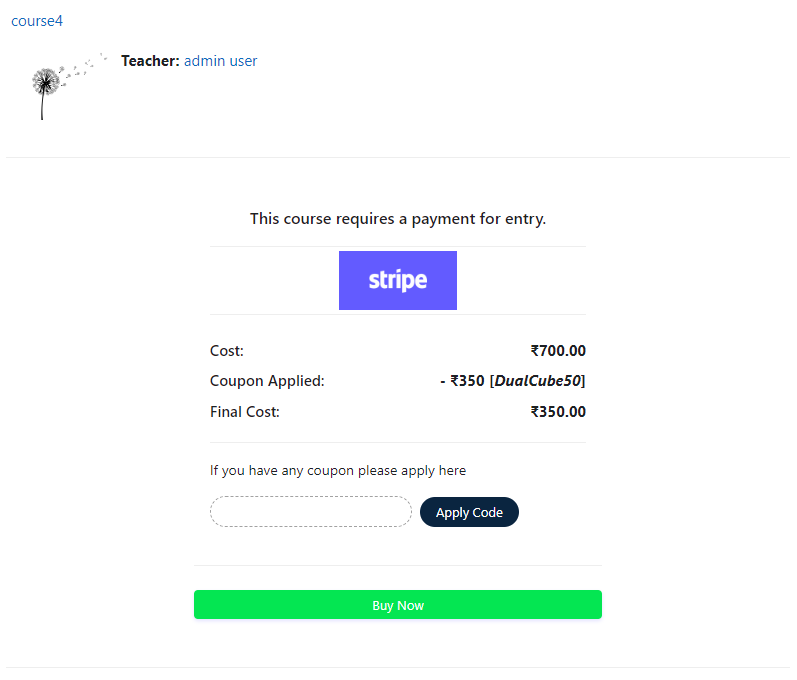
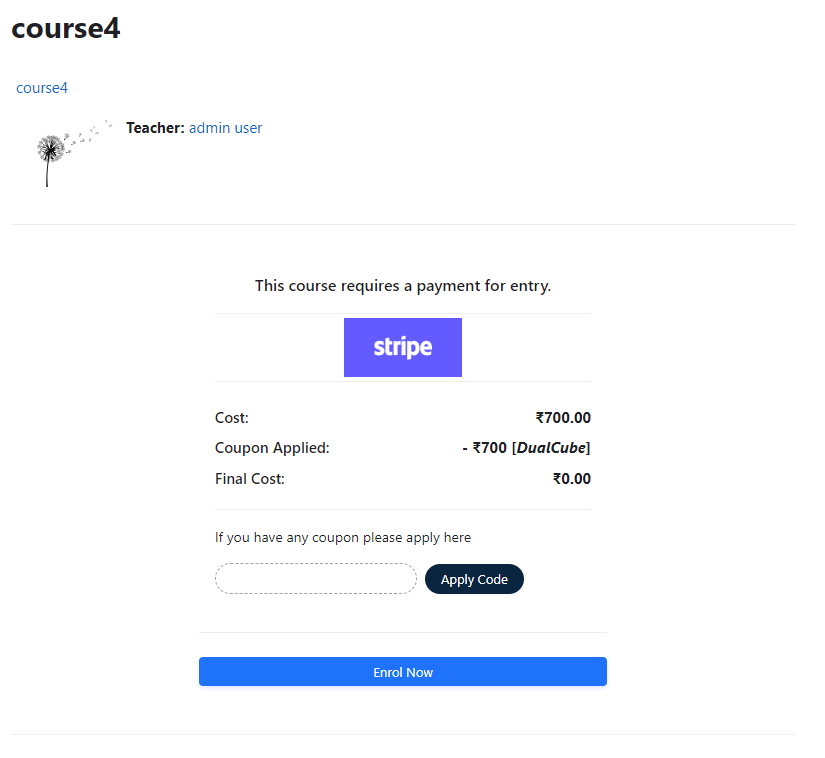
Add a price to your courses and check out quickly with Stripe Payment. Stripe is a user-friendly payment solution that allows for secure transactions. This plugin includes a number of payment processing services, including the ability to accept credit card payments. You can also offer various discounts to learners looking to purchase your courses.
Comments
Comments are no longer open for new posts. Existing comments remain available to read.
Thanks for making this update so quickly. Apologies for taking so long to feed back - some unrelated issues with my Moodle site were preventing me from testing the plugin properly. I've now been able to test it and all seems to be working exactly as expected. This has solved a hugely frustrating issue for me, so thank you again!
Lisa
We have updated the plugin with this feature available now. Please download the latest version and let me know .
Thanks for your nice words! Really appreciate the enthusiasm you promoted to the team
Thanks and Regards,
Arindam
Thanks so much for this plugin - it's a much nicer interface for the user than other payment plugins that I've explored. I'm now looking at using it for users to book places on face-to-face sessions with a limited number of seats. For future releases it would be really useful to have a maximum enrolment limit, in the same way as can be set in the self enrolment option. Are there any plans for this? Brilliant plugin - but that would be the icing on the cake
Please check permissions all folders and files.
Your point: And i have another question... is it necesary that client has a stripe account or client can use his credit card without stripe account and without make a new stripe account?
>> No it is not necessary.
But in case of admin of moodle site it is necessary.
Cheers
in charge.php use this for course name in Stripe Dashboard:
"description" => ". $course->fullname ."
Also this to show the course name in the payment wondow:
"Charge for". $course->fullname ."Enrolment Cost".$cost
Use this to customise your payment window with your logo: <?php p($PAGE->theme->setting_file_url('logo', 'logo')) ?>
The only thing keeping me from my true love of this plugin is the need to manually send receipts for every charge when asked because the request isn't included in the code. I found the "receipt_email" code in the Stripe documentation but this code doesn't appear in either charge.php or enrol.html
Stripe suggested (in charge.php):
"description" => $course->fullname,
"receipt_email" => $user_email // replace with your variable
));
The last line is the last piece of this puzzle.
I modified charge.php line 116 to "<?php p($courseshortname) ?> - <?php p($coursefullname) ?>" so that it would push the course name to stripe for the receipt. Instead of the course name I now get "<?php p() ?> - <?php p() ?>". Do you guys have an idea how I can make it pass the short name and then course name onto stripe?
Cheers
Im really impatient to get Moodle 3.1 versión of this plugin...
this plugin looks fine because payments commisions are better than PayPal... but i cannot join because i use Moodle 3.1...
Thanks again Arindam!