
Stripe Payment with SCA and Coupon
Maintained by
DualCube Team
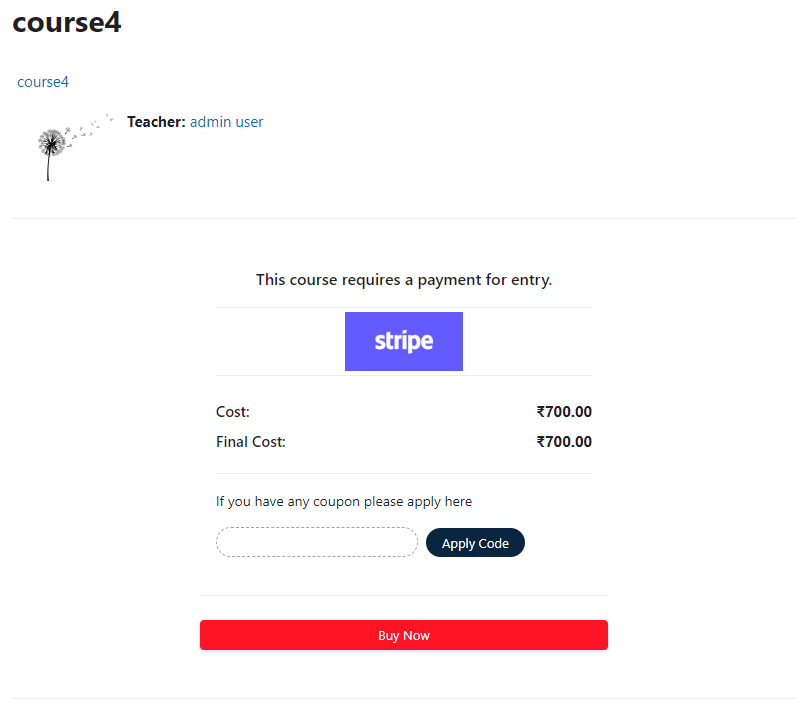
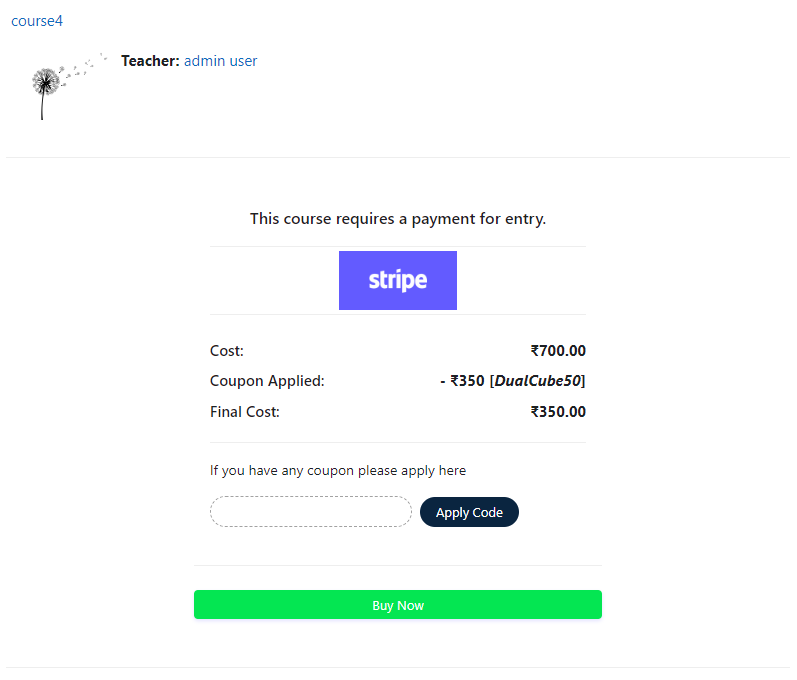
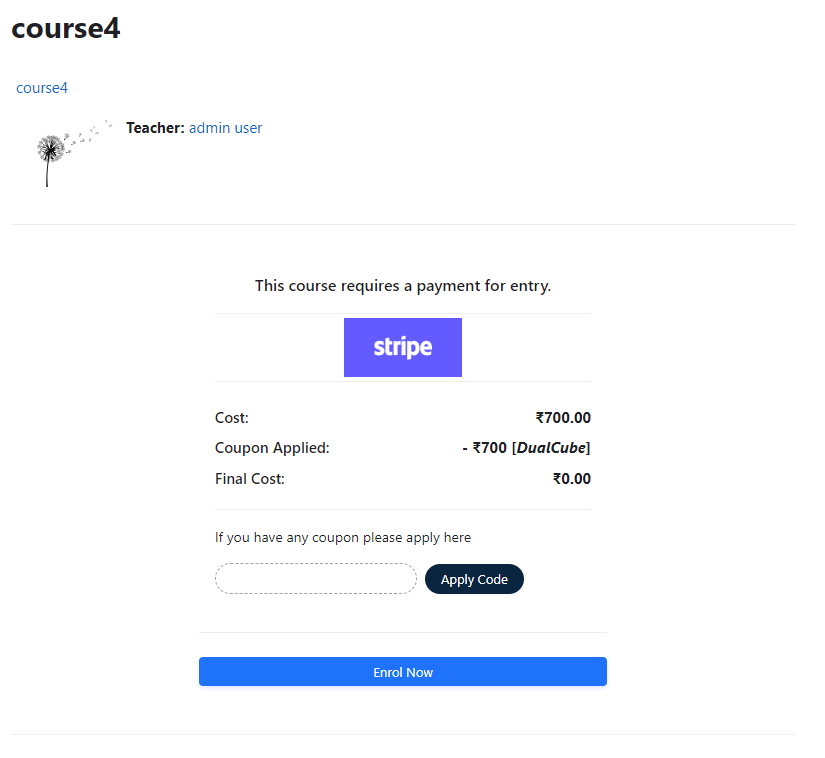
Add a price to your courses and check out quickly with Stripe Payment. Stripe is a user-friendly payment solution that allows for secure transactions. This plugin includes a number of payment processing services, including the ability to accept credit card payments. You can also offer various discounts to learners looking to purchase your courses.
Comments
Comments are no longer open for new posts. Existing comments remain available to read.
For course name you can use <?php p($coursefullname) ?> or <?php p($courseshortname) ?> For instance you can use <?php p($instancename) ?>
Let me know if this is what you were looking for.
Thanks and Regards,
Arindam
I suppose I wasn't clear enough. What I would like is for the plugin to pull:
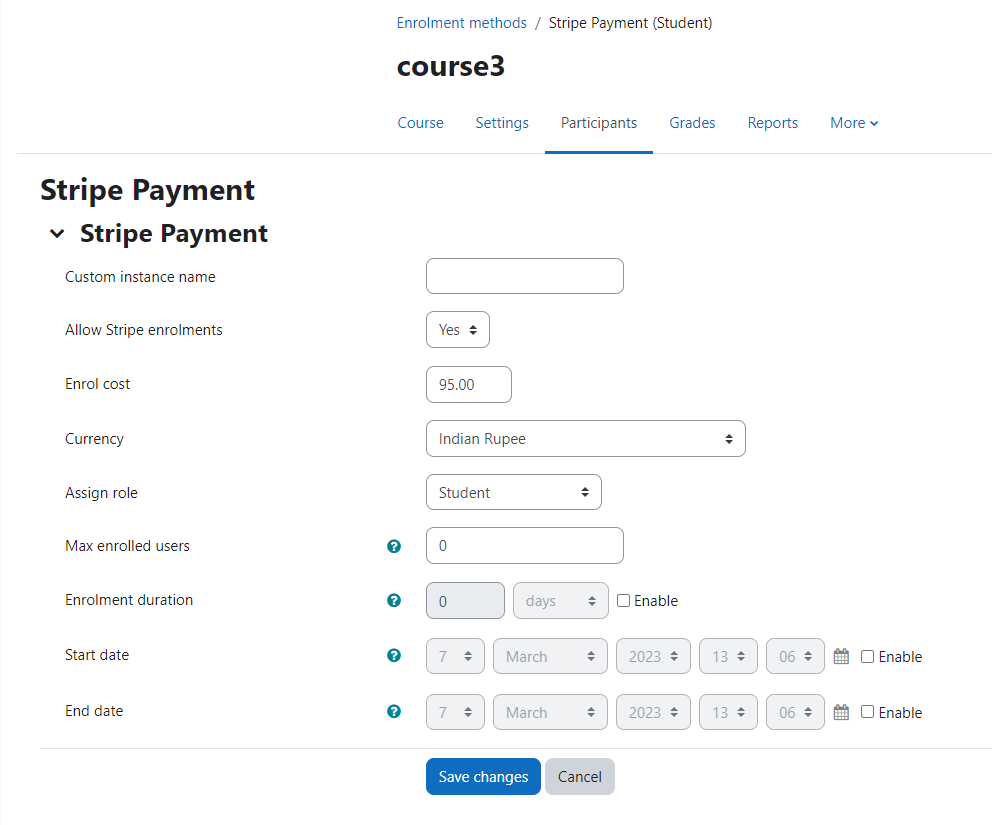
the "Custom instance name" for the transaction and course in question, the same way it pulls the price or "Enrol cost" from the plugin settings.
Is this possible?
I think the solution that you've posted is more of a global approach. We charge for many different courses so that won't work for us.
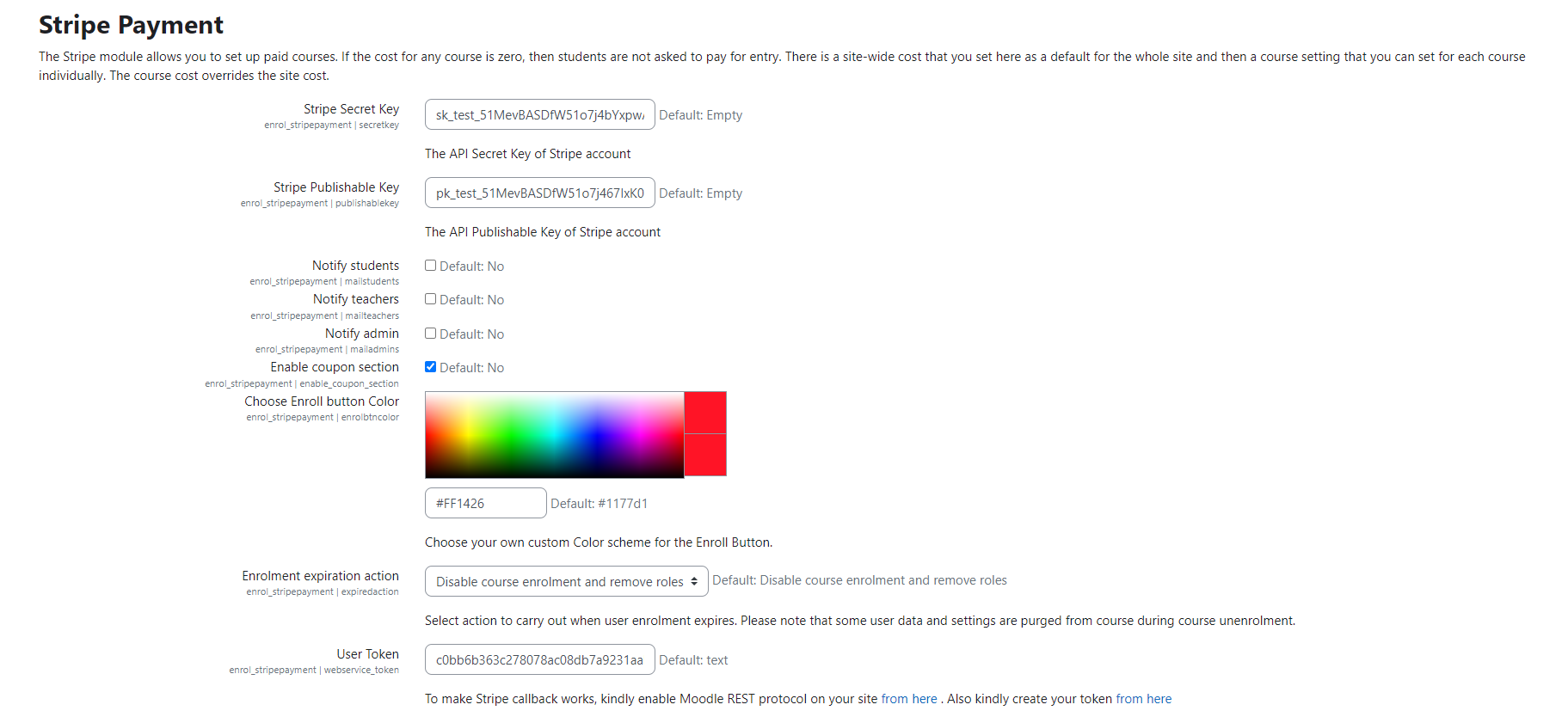
In the stripe enrolment settings (Enrolment expiration action), if you select "keep user enrol" then even after expiry time the user can access the courses, if you select "unenrol from course" then user is unenrolled after expiry time. or if you select "disable course enrol and remove roles" then user is still enrolled in the course but disabled. Then is the default enrolment settings like paypal.
Let me know if this helps!
Thanks and Regards,
Arindam
Thanks for reaching out to us!
Go to stripepayment plugins folder, then open enrol.html file, you will see
data-name="Moodle Course Enrolment"
data-description="Enrolment Cost (<?php p($instance->currency) ?><?php p($cost) ?>)"
You can change both the above text as you like.
Thanks and Regards,
Arindam
before I go to the trouble of installing this, would you please tell me if there is a facility in the plugin for expiring access to a course after a certain time (e.g. 30 days)? Or does it just let users get access but does not exclude them after a certain amount of time has elapsed?
Thanks
Andrew
Thanks for using our plugin and the appreciating words! Please us e the following to display logo,
<?php p($PAGE->theme->setting_file_url('logo', 'logo')) ?>
Let me know if that works.
Thanks and Regards,
Arindam
Thanks for the updates guys, and sorry for the delay with the review caused by the holiday break. I have not studied the payment API in details so I just must hope it follows the best practises there in terms of security etc (when dealing with real money and payment card numbers, extra attention must be paid). I left some findings from the code review in your issues tracker to be considered in further updates of the plugin. For now, you are cleared to land. Welcome to the Plugins directory.
Hope you all are dong good! We wish you a very happy and prosperous new year from team Dualcube
I am checking in to see if you guys had the chance to check this plugin.
Thanks and Regards,
Arindam
We have submitted the plugin with the fixes you mentioned. Kindly let me know if you would like to suggest or notify anything.
Thanks and Regards,
Arindam
Thanks for your feedback! Sure, we will get these fixed and notify you when done. Thanks again for your co-operation, much appreciated
Thanks and Regards,
Arindam
Thanks guys for sharing yet another plugin with the Moodle community. While checking the code, I noticed two issues that should be checked and fixed before we can approve the plugin here (see #1 and #2 in your tracker). Thanks for you patience with the review and approval process.