
Teams Meeting (atto editor)
Premium Certified Partner
Maintained by
Tomasz Muras, Enovation Dev Team, Lai Wei, Patryk Mroczko
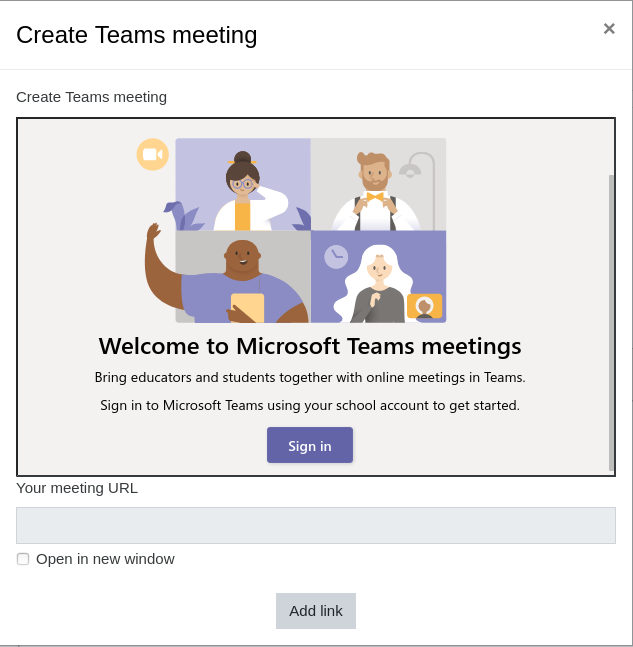
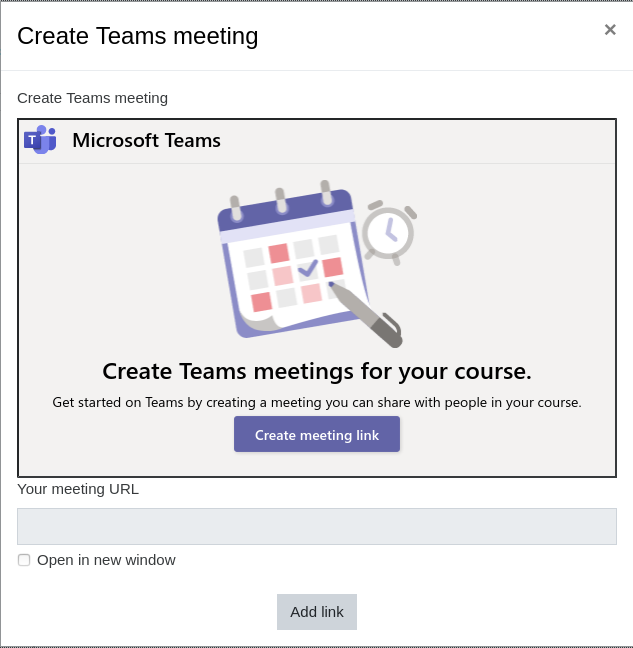
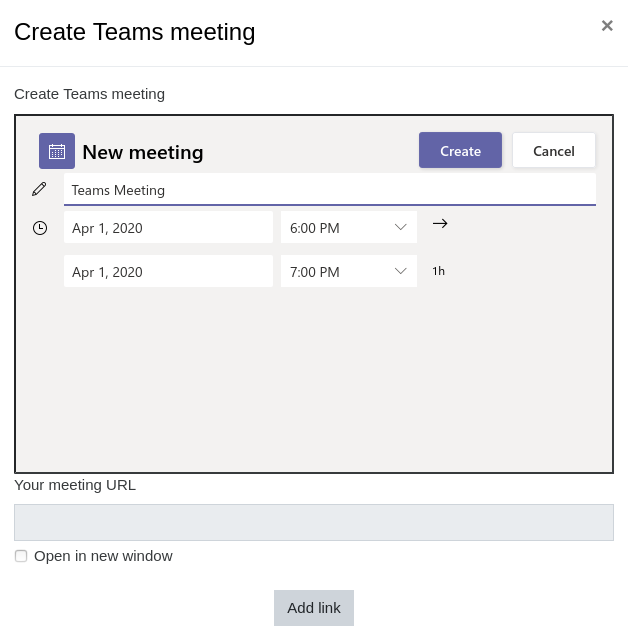
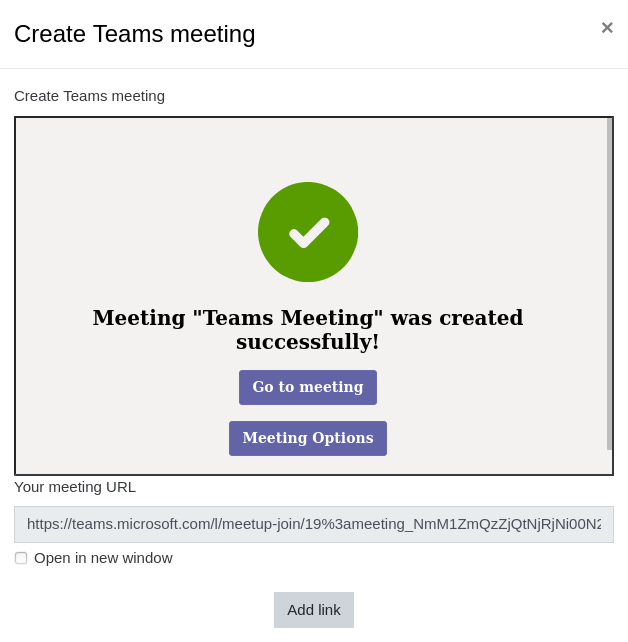
Microsoft Teams Meetings App for Learning Management Systems (LMS) integration into Moodle as the Atto plugin. This plugin allows to create the meeting and automatically insert the meeting link into the editor content.
Comments
Comments are no longer open for new posts. Existing comments remain available to read.
Please raise your questions and bugs in https://github.com/enovation/moodle-atto_teamsmeeting/issues.
Meetings created using the plugin will not show in the calendar. The calendar event date is not connected in any way to date of the meeting you are creating, so you need to set dates in both places, and if you want to update the meeting date, you need to remove the link and create a new one.
You could try the new integration available between Moodle and Microsoft Teams Meetings via LTI (External Tool):
Configuration that needs to be done by Moodle Admin: https://learn.microsoft.com/en-us/microsoft-365/lti/teams-classes-meetings-with-moodle?view=o365-worldwide
Course creators/Teachers guide: https://support.microsoft.com/en-gb/topic/use-microsoft-teams-meetings-in-your-lms-11b6095d-f90b-42b9-ab77-4dcff2bb3b76
Regards
I'm using moodle 4.0 version and I've installed the latest version of atto teams plugin. When I try to add an event in the calendar I added the team meeting link, even though I created an event in the different date, teams is taking the current date. Again I changed the date and time in the teams, but in the calendar its shows the current time. Is there anyway to sort out this issue?
Since we are facing this issue for long time, Kindly advise on this.
Thanks.
This plugin does not create a meeting in the MS Teams Calendar. Can you develop this enhancement?
It would be greatly appreciated.
Thanks.
Lai
Does anyone know the fix for this ?
Thanks for this plugin folks.
I have a question about whether the plugin supports the Teams calendar. Should we expect to see a meeting set up from within Moodle in our Teams calendar? I wasn't able to get it to appear there. If I'm just not configuring something properly and it should, is it possible to change the time of the meeting somehow?
Thanks
I am trying to follow the instructions from Github https://github.com/enovation/msteams-app-lms-meetings.
I'm stuck this part:
Update the configuration
Change the following values in the msalApp.ts file:
clientId - Set this to the Application (client) ID of the AAD application that you registered
Can someone point me where can I find the msalApp.ts file
Thank you