
Teams Meeting (atto editor)
Premium Certified Partner
Maintained by
Tomasz Muras, Enovation Dev Team, Lai Wei, Patryk Mroczko
Microsoft Teams Meetings App for Learning Management Systems (LMS) integration into Moodle as the Atto plugin. This plugin allows to create the meeting and automatically insert the meeting link into the editor content.
Comments
Comments are no longer open for new posts. Existing comments remain available to read.
How do we overcome this message so I can let our IT department know? What part of Azure do they need to look at?
"Meetings App needs permission to access resources in your organisation that only an admin can grant. Please ask an admin to grant permission to this app before you can use it."
Regards
bobby
Please check that you have the latest plugin release v1.2.4 and not v1.2.3. The issue is resolved in the latest release.
Debugging output enabled
Downloading atto_teamsmeeting ... OK
Validating atto_teamsmeeting ...
core_plugin/corrupted_archive_structure
More information about this error
Trying to update "atto_teamsmeeting" to version "v1.2.3 (2020032703)" but got this error message:
"Installing available updates
Debugging output enabled
Downloading atto_teamsmeeting ... <- https://moodle.org/plugins/download.php/25262/atto_teamsmeeting_moodle311_2020032703.zip
-> /www/moodledata/temp/core_plugin/code_manager/distfiles/22f49ed52aed1a7222b43898cff2c3eb.zip ... OK
Validating atto_teamsmeeting ...
core_plugin/corrupted_archive_structure
More information about this error
Debug info: Unknown error during zip extraction (file not created).
Error code: corrupted_archive_structure
$a contents: teamsmeeting/patch/PHP7.3_cross_domain_cookies_allowed.patch
Stack trace:
line 544 of /lib/classes/update/code_manager.php: moodle_exception thrown
line 195 of /lib/classes/update/code_manager.php: call to core\update\code_manager->move_extracted_plugin_files()
line 1163 of /lib/classes/plugin_manager.php: call to core\update\code_manager->unzip_plugin_file()
line 1351 of /lib/classes/plugin_manager.php: call to core_plugin_manager->unzip_plugin_file()
line 2564 of /lib/upgradelib.php: call to core_plugin_manager->install_plugins()
line 196 of /admin/plugins.php: call to upgrade_install_plugins()"
Moodle3.10.6+
PHP 7.4
PostgreSQL 12
Ubuntu 20-.04
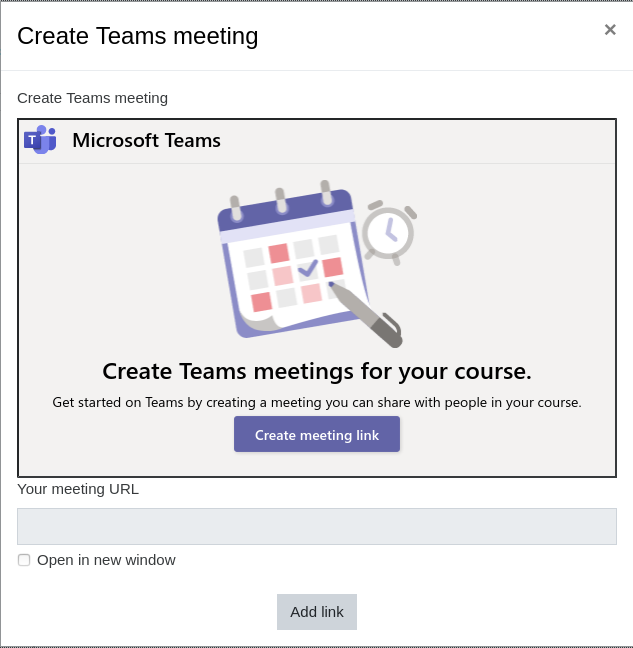
The Plugin is showing error after clicking Create link button in popup window, it is redirected to our application login page instead of creating link.
This happens in all browsers except Firefox.
It was working fine before.
Works fine in Firefox.
It seems that it's impossible to set the permissions for this button. It would have been useful to be able to make this button appear only for teachers.
we have installed the plugin but when we want to create the meeting in the pop up we got an error message: teams.microsoft.com refused to connect. We have office365 subscription, I'm logged in to Moodle using openid with my office365 user. What setup step did I miss? Thanks in advance
I have successfully installed the plugin and added it to the Atto Editor. Whenever I try to create a meeting it will say Could not Connect. I am unsure why it is unable to connect.
We have successfully installed this plugin but when we try to install the additional "Meetings App code prepared to work with Atto plugin" we receive the following error "Unable to detect the plugin type. Please choose the plugin type manually." what Plugin Type should be selected for this plugin?
Many Thanks,
Dave