Teams Meeting (atto editor) icon

Teams Meeting (atto editor)

Premium Certified Partner
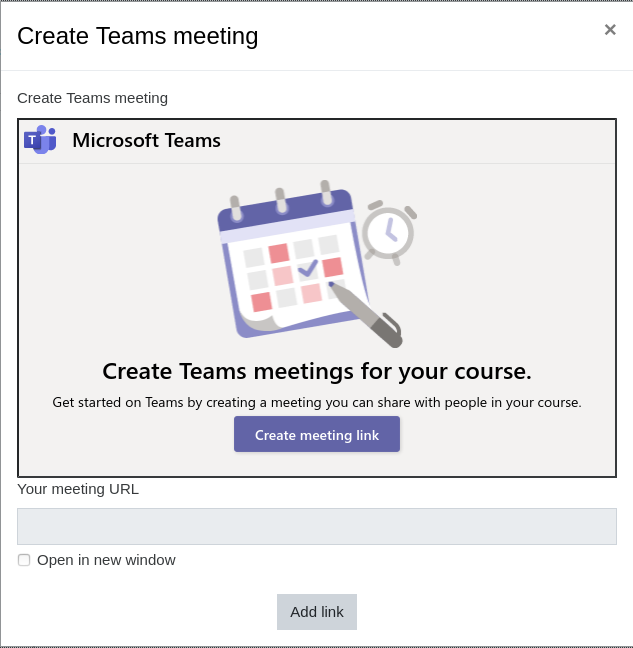
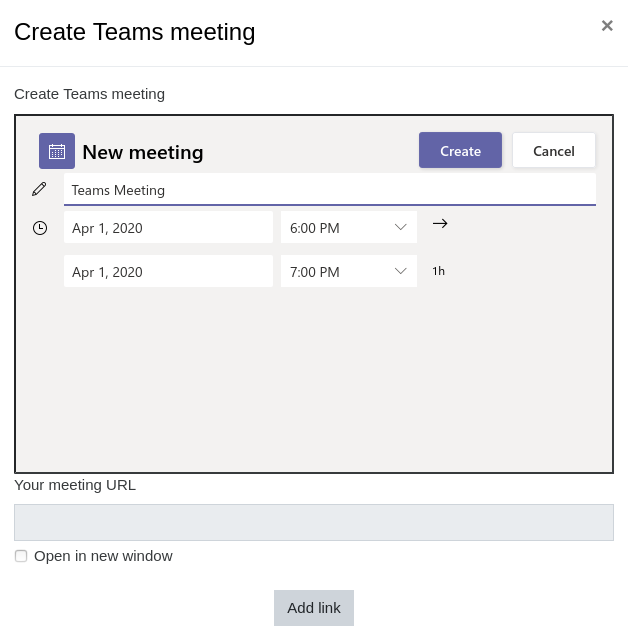
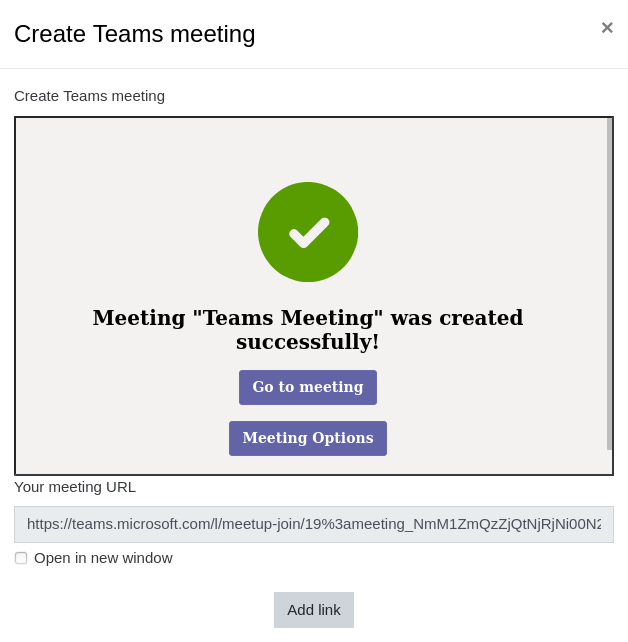
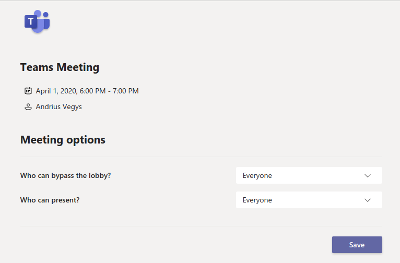
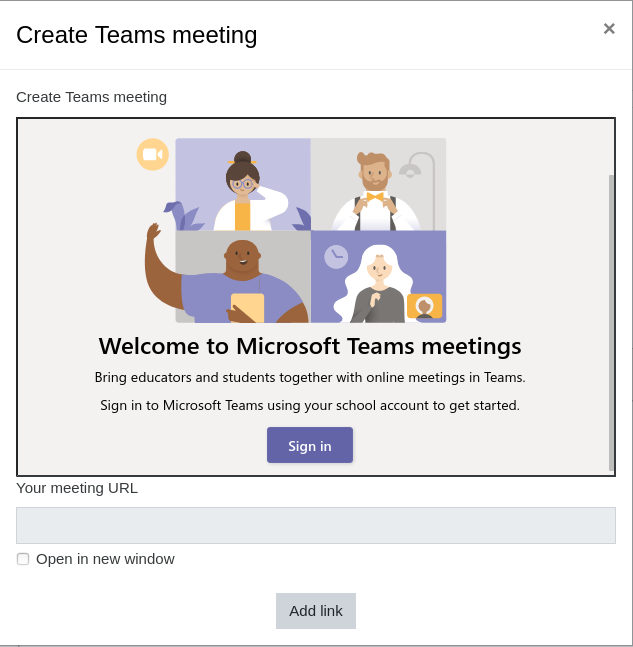
Microsoft Teams Meetings App for Learning Management Systems (LMS) integration into Moodle as the Atto plugin. This plugin allows to create the meeting and automatically insert the meeting link into the editor content.
Price option: Free

Supports Moodle 3.1-4.5 See all versions
Latest release: 2 years ago
Installations: 3569
Downloads (last 90 days): 660

Frankenstyle name: atto_teamsmeeting
Atto
Microsoft 365

Comments

Comments are no longer open for new posts. Existing comments remain available to read.

Hi,
Is it possible to limit the calendar, so the end date cant be more then 60 days apart from the start date, since the duration can be 60 days? ( https://docs.microsoft.com/en-us/microsoftteams/limits-specifications-teams ) - Some teachers think they can have an open meeting they can join, running for a whole school year. - So they use the same meeting instance every morning
Hi,
I have the same problem with @Osama Hasan. I've also tried hosting the Meetings App locally (https://github.com/enovation/moodle-atto_teamsmeeting/blob/master/README.md) but I'm getting the same error on my local. I'd appreciate any help. Thanks!
I install the plugin successfully and added it to Atto
when I click the MS Team icon I create a meeting but after I click "create" I get an error message even though it creates a link and I can paste it to atto
Server Error
404 - File or directory not found.
The resource you are looking for might have been removed, had its name changed, or is temporarily unavailable.
can anybody tell me what to do to solve the 404 error ??
@Anton, have you installed properly? Check installation part here https://github.com/enovation/moodle-atto_teamsmeeting . You should add buton to atto editor Toolbar config.
Hi, I installed the plugin but cannot see the Teams button in the editor. Where do I find it?
The plugin is working great . is there is any option to add "live event option" not only scheduling meetings .
I have this message when i triying to install
[MAIN CONTENT GOES HERE - lGBk9Ojk6m]
Any idea??
Hi Everyone, trying to create a meeting and keep getting this error below:
Forbidden
You don't have permission to access this resource.
Additionally, a 403 Forbidden error was encountered while trying to use an ErrorDocument to handle the request.
Login and everything else seems to be fine. Please advise thanks
Hi everyone, i am trying to make the "create meeting" work... but i keep getting "oops! Your meeting wasn't created successfully" any idea why ? i am using moodle 3.8
It's working great in Moodle 3.1. One suggestion would be to make a repository plugin so that meetings can be created and used wherever adding a link works (in Atto, in TinyMCE, or in URL course resources)
Hi,
I noticed that the teams icon is not displayed inside the editor. I'm using moodle 3.9.1 and the latest version of the plugin. Any idea?
I have successfully installed the plugin on my 3.9 moodle system, but I got the same error message as in older versions. "Oops! Your meetin wasn't created successfully. I can't get past this step.
We have installed plugin and started using it. We created the event in calendar. We repeated same meeting in Moodle Calendar and When we took first meeting, we were able to download the attendance and also got all the record of students but when we have taken second meeting next week, we got the lank attendance even tried three - four time in between of that meeting still we get the blank attendance. Is that problem of same link repeated in the moodle calender? Is the recurrence meeting option available?
I have successfully installed the Plugin - love it but now have a huge problem. My login to Teams has changed and I have a new username and password. (I administer Teams as a sole tutor using Moodle as a platform). BTW I've added this to the discussion as well as here in the comments.
The plugin keeps wanting to go to the old login and I cannot find any way of changing the login. I tried to uninstall and reinstall but that didn't happen - I received a "this plugin cannot be uninstalled" message. HELP!!! How can I reset the 365 Teams login?
Hi, When i create a meeting, the default duration is 1 hour, and I can't choose longer duration. How to change that? I need to run meetings longer than 1 hour, and I think my MS account allows me to run meetings longer than 1 hour too, thanks.