
Teams Meeting (atto editor)
Premium Certified Partner
Maintained by
Tomasz Muras, Enovation Dev Team, Lai Wei, Patryk Mroczko
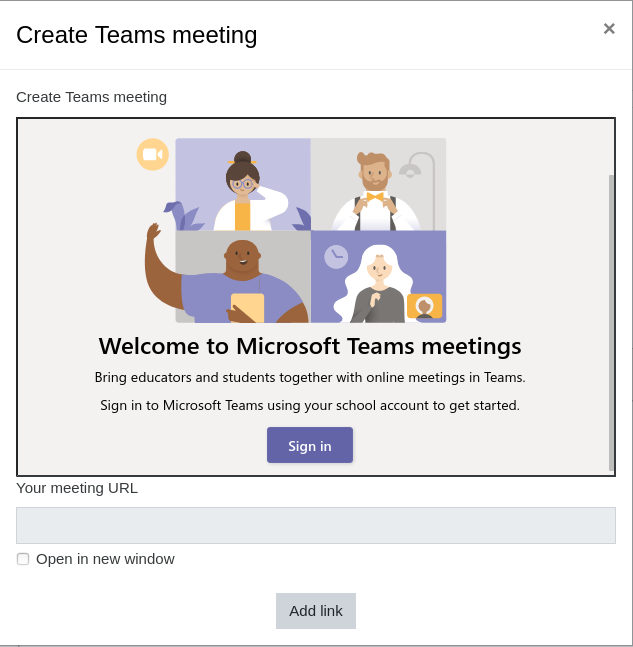
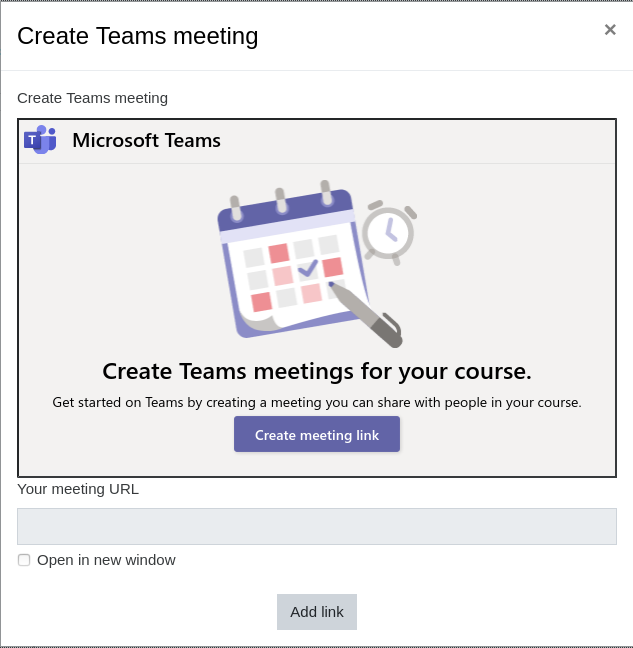
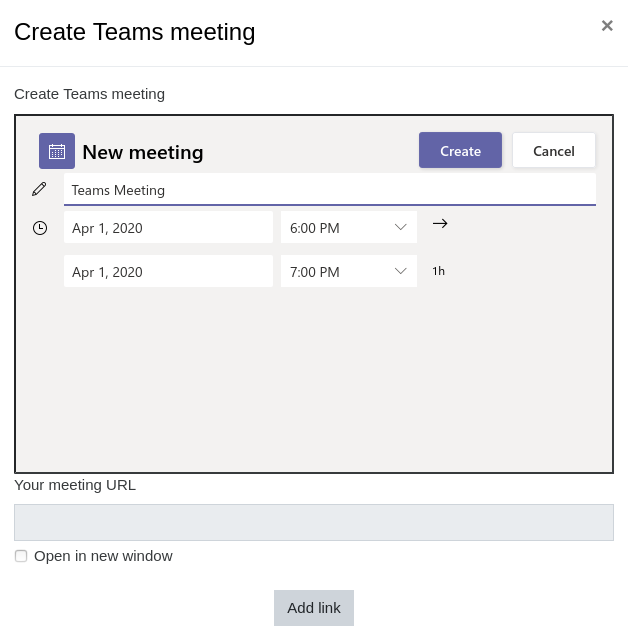
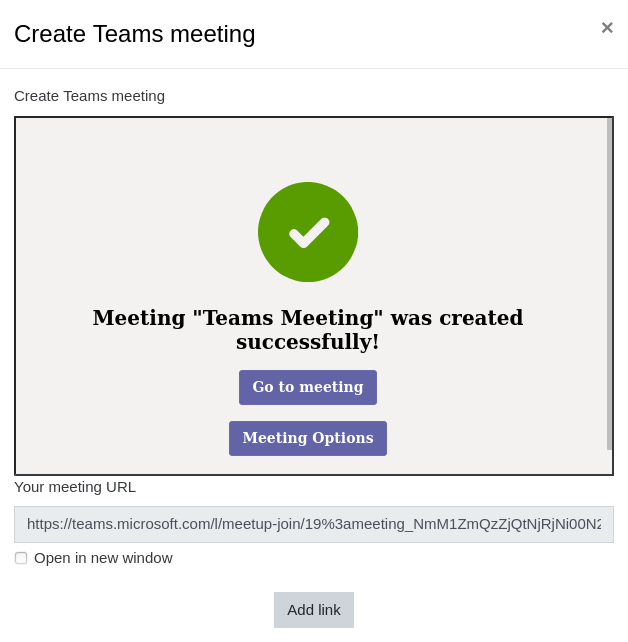
Microsoft Teams Meetings App for Learning Management Systems (LMS) integration into Moodle as the Atto plugin. This plugin allows to create the meeting and automatically insert the meeting link into the editor content.
Comments
Comments are no longer open for new posts. Existing comments remain available to read.
Yes, it's stable for 3.1 onwards. But we recommend to use latest version of Moodle once 3.4 is outdated and not receiving security patches from Moodle HQ since May 2019.
Regards
Please raise this case into https://github.com/enovation/moodle-atto_teamsmeeting/issues with as much details and screenshots as possible. We will then triage the cases and return with a solution as soon as possible.
Regards
Also, once in English after authenticating and setting up date and hour for the meeting en pressing "Create" i get the meeting URL but in the upper portion of the window i get an error stating the error below, however the meeting URL is created and it works. but once i click on "Add Link" button the url inserted but a as regular URL ex: https://teams.microsoft.......... instead of the "Join Microsoft Team Meeting "link that should appear.
Shown error:
Not Acceptable!
An appropriate representation of the requested resource could not be found on this server. This error was generated by Mod_Security.
Please share here while you have that solution, thank you.
Please try again. If the problem persists, check with your IT administrator to ensure you have the proper permissions." Any ideas?
@Mohammad - looks like a problme on the Teams side. Maybe you do lack the permission or do not have correct MS Teams license? Check the FAQ here: https://github.com/OfficeDev/msteams-app-lms-meetings#frequently-asked-questions