Tiles format
Maintained by
David Watson
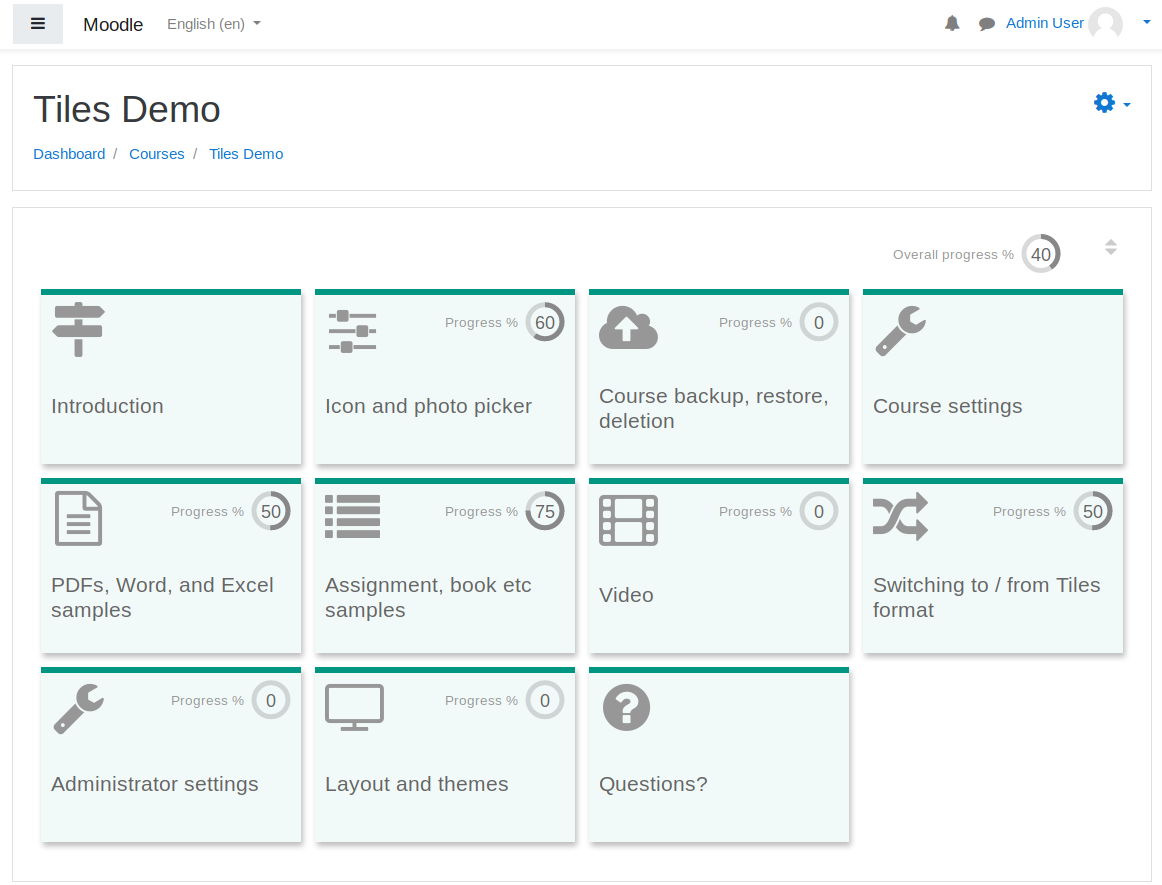
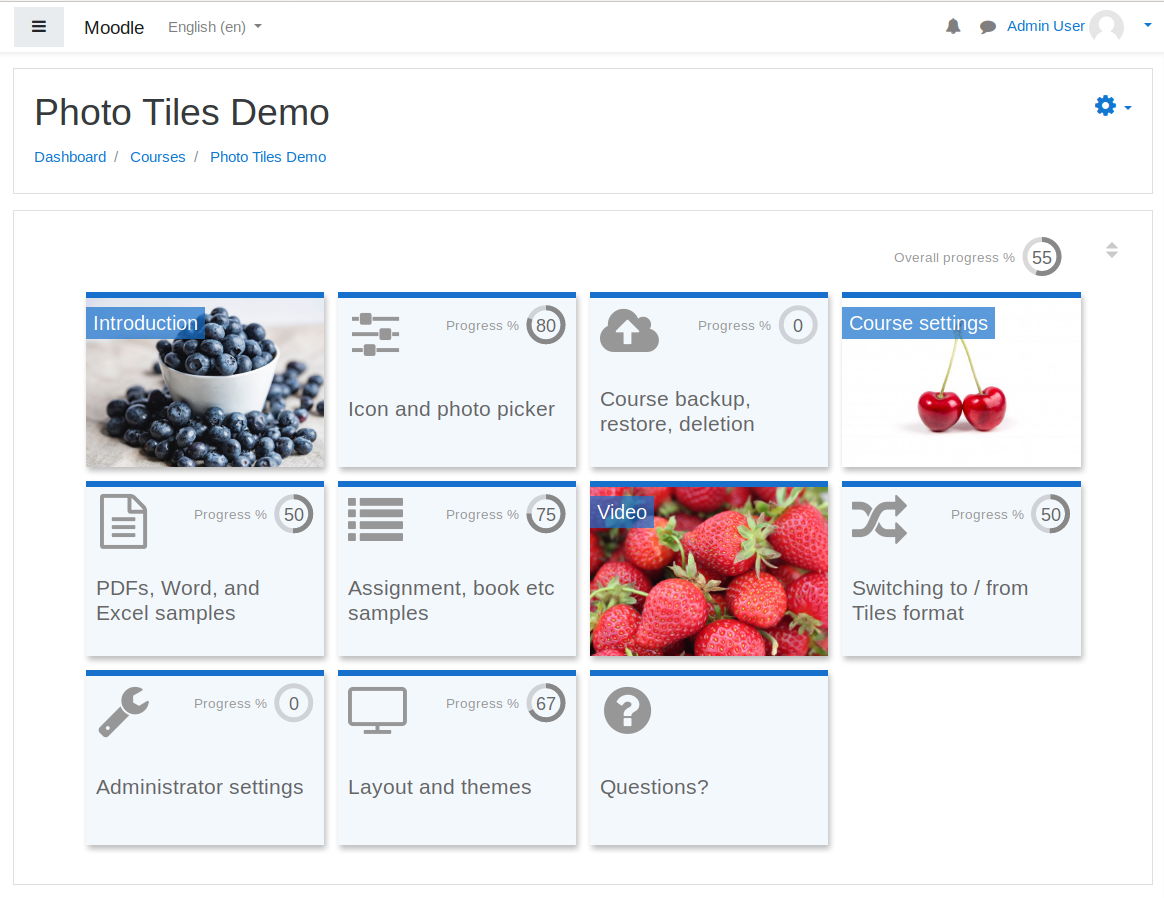
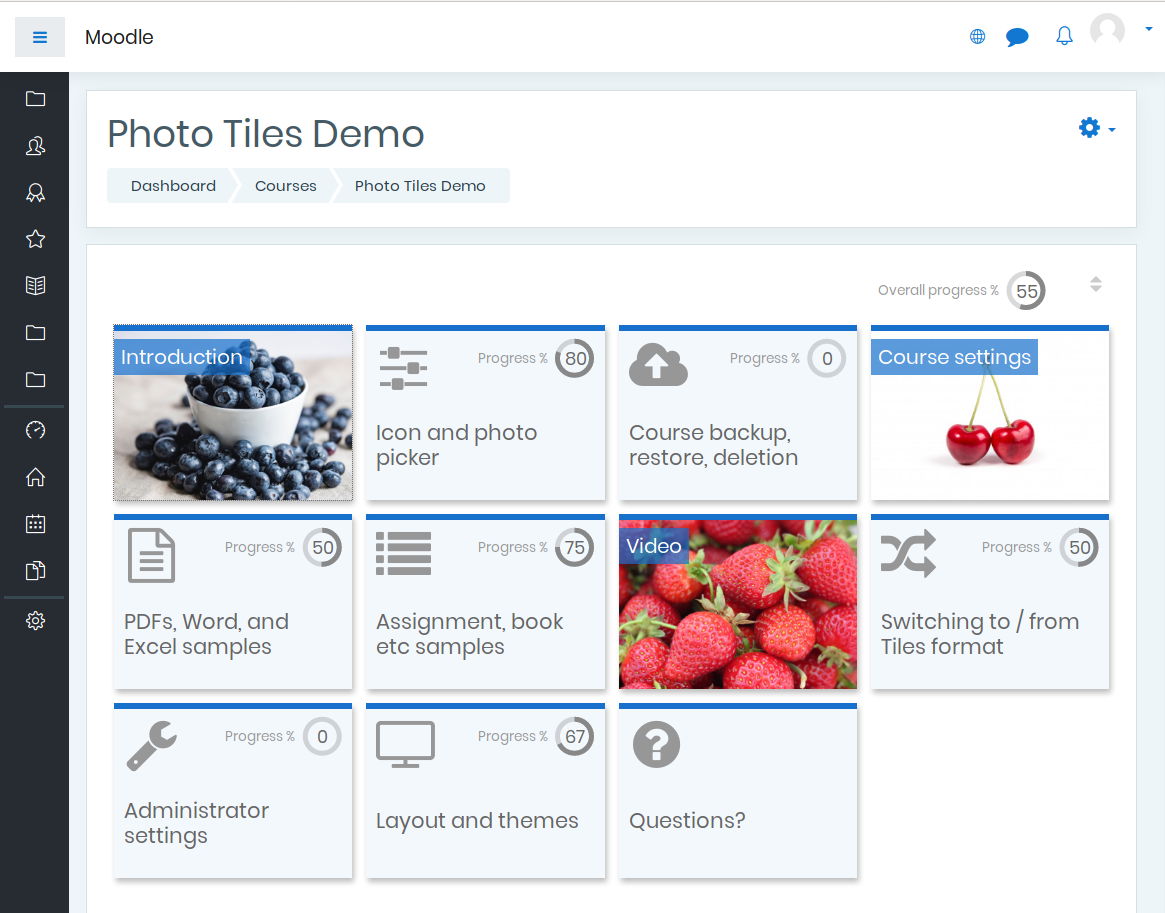
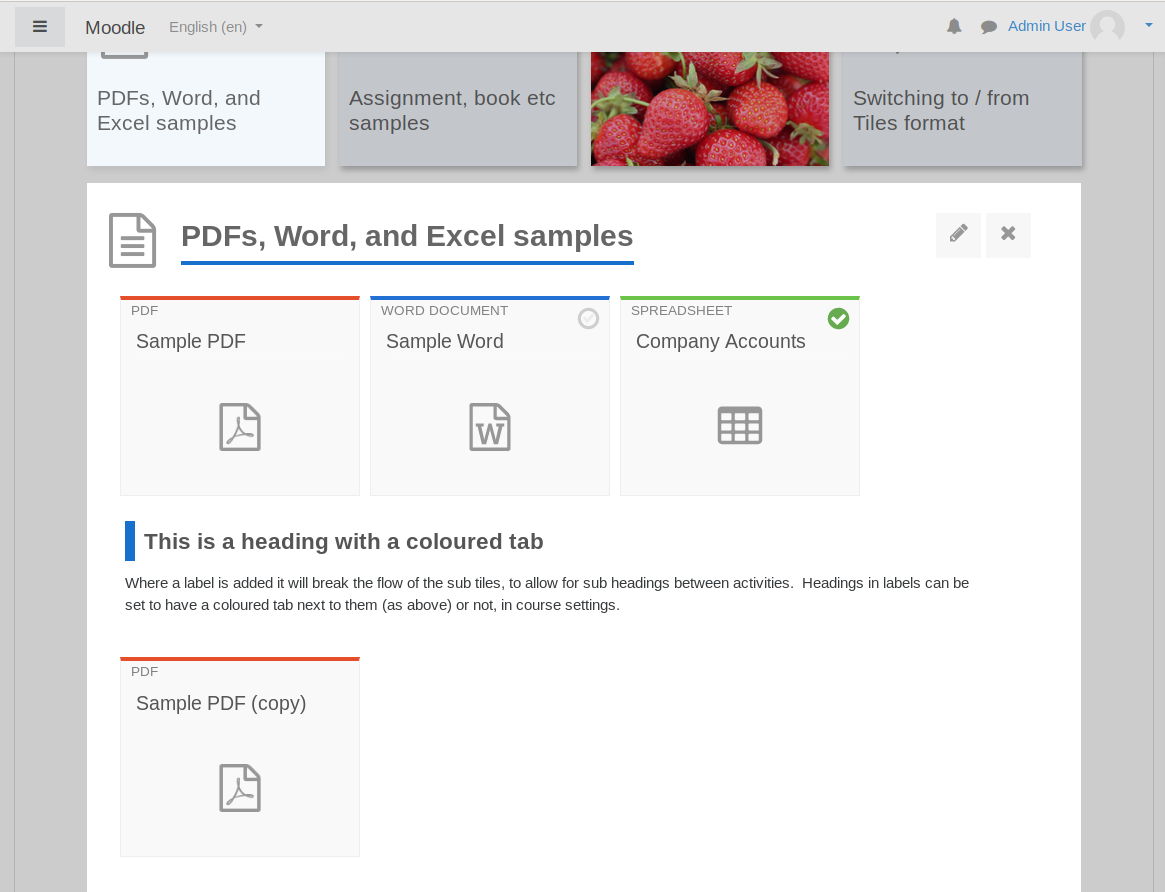
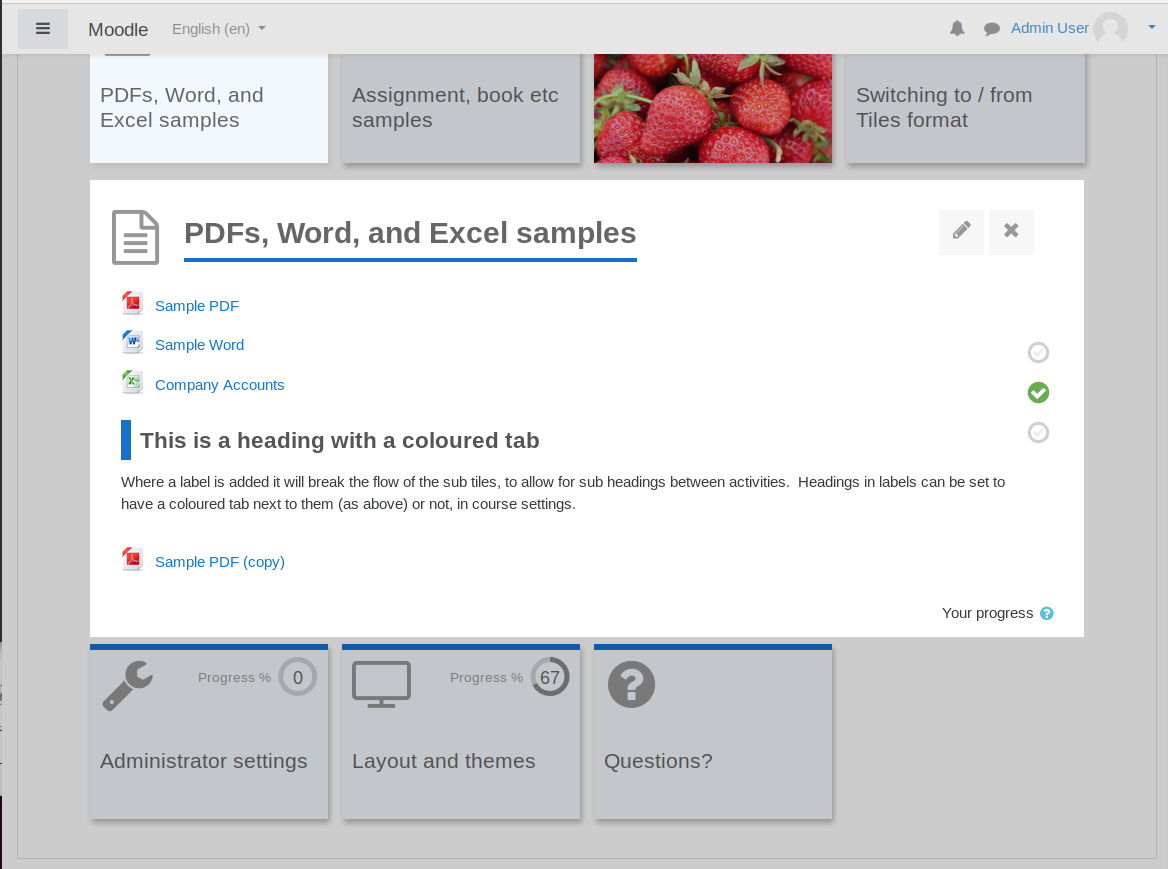
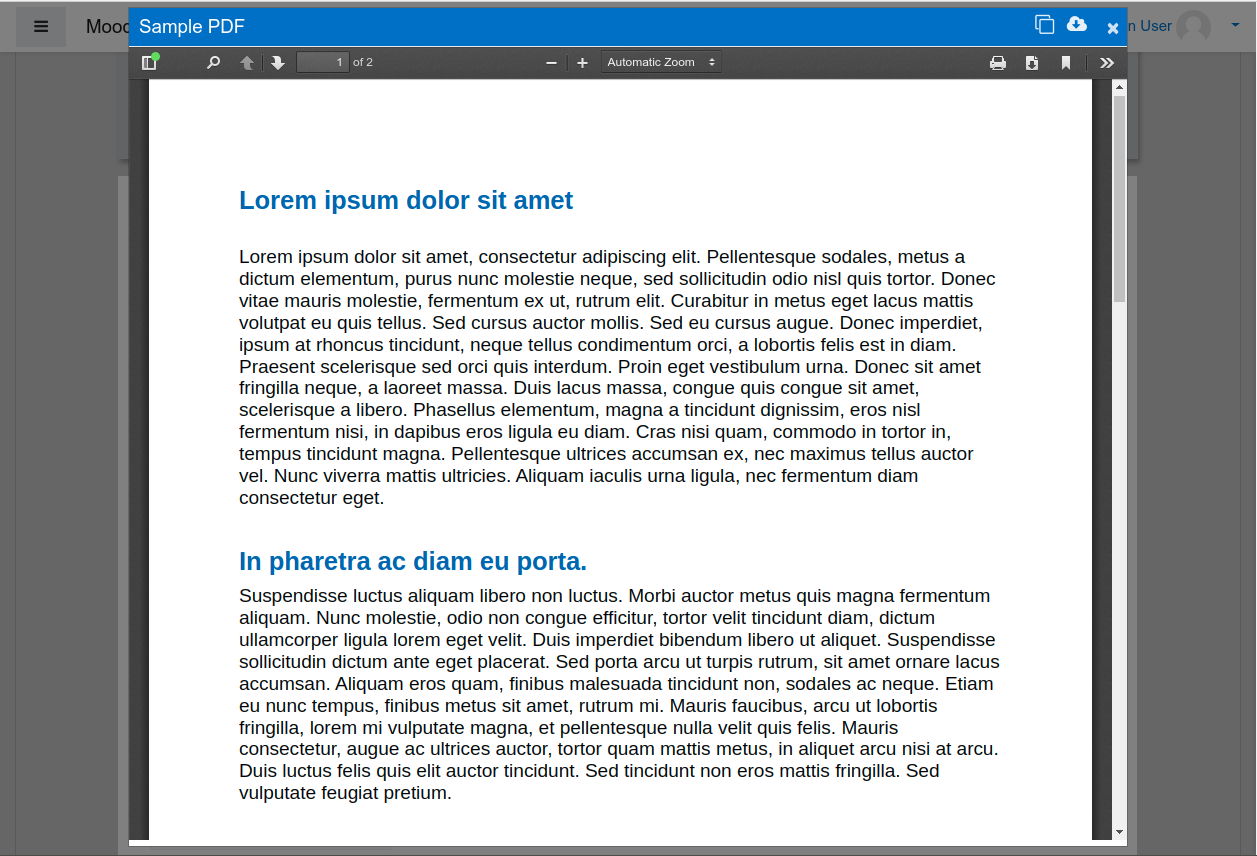
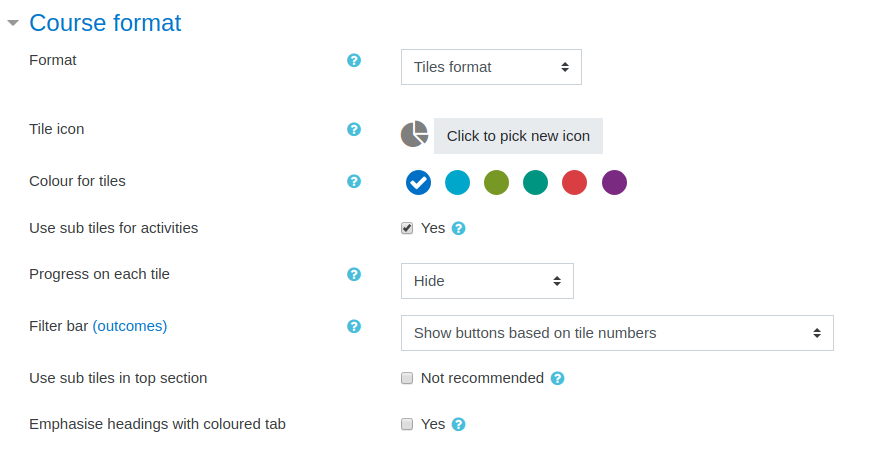
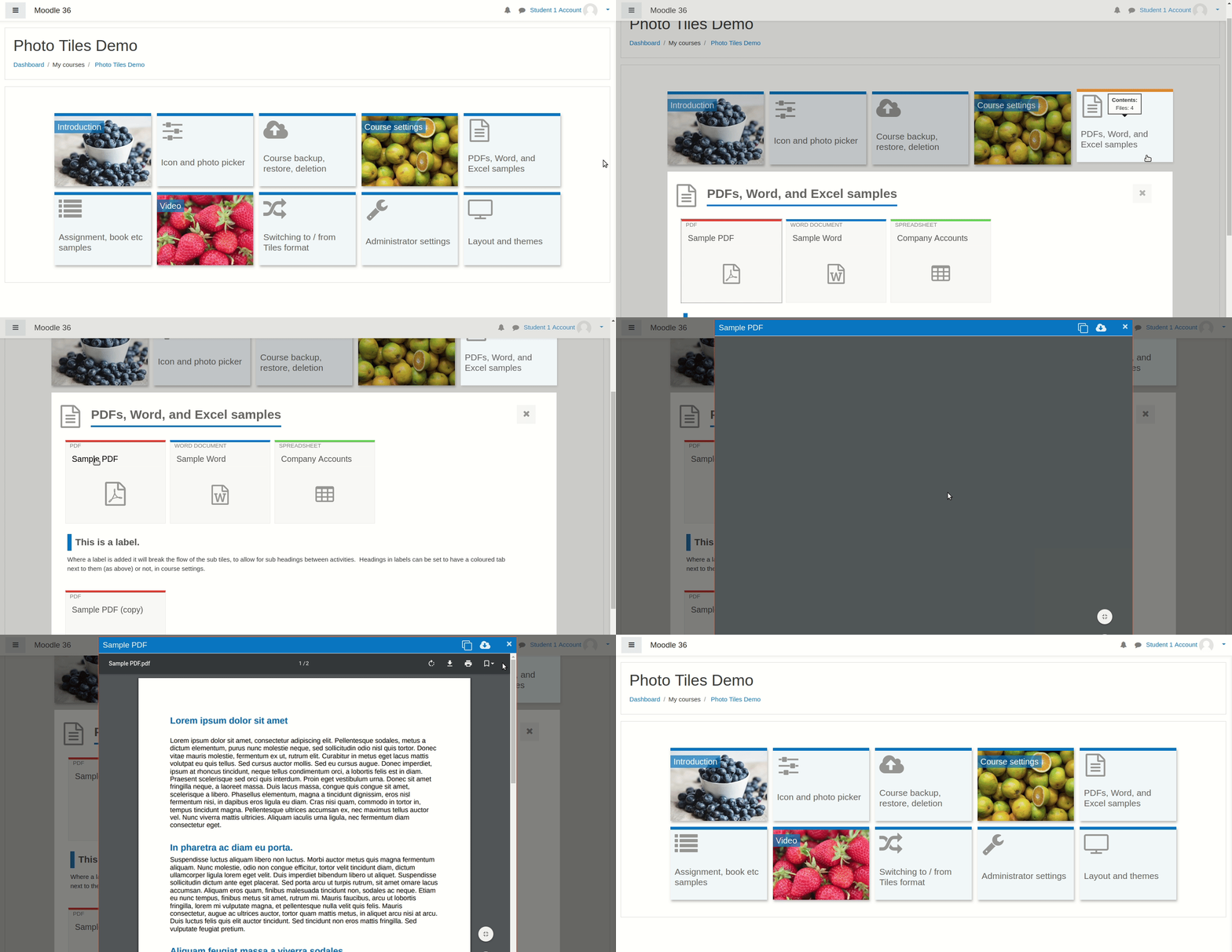
A course format which displays course topics as "Tiles", in a grid rather than as a list. When clicked, tile content is displayed under the tile with an animated transition. The layout adapts to different screen sizes and orientations. Within each tile, activities can also be set to display as "sub-tiles". For each tile, the teacher can pick an icon from a predefined set, or upload a background photo.

Comments
Product ratings and reviews are coming to Moodle Marketplace. Until then, existing comments remain available to read, but new posts have been disabled.
I have a Moodle version 3.8.2+ (Build: 20200408) and I have this plugin installed in version 3.9.0.13
2020080613. The problem arises when loading an image for the tiles, they randomly disappear after a while. The system does not throw any error message. Any recommendation to solve this problem?
Tried using #tile-2 border-top-color: to change the color for my second tile and everything works fine but if i try to change another one, doesn't work.
I managed to disable it by commenting out line 678-684 and line 977 in tiles/amd/src/course.js:
Line 678-684:
// if (openTile !== 0) {
// tileFitter.init(courseId, openTile, fitTilesToWidth, false);
// } else {
// // Set focus to the first tile (not section zero).
// $(Selector.TILEID + "1").focus();
// tileFitter.init(courseId, null, fitTilesToWidth, false);
// }
Line 977:
// $("ul.tiles .tile").first().focus();
You will have to compile a new .min.js version for tiles/amd/build, or replace the min.js version with the modified version from tiles/amd/src.
This is probably not a good fix for this problem, and it will have to be done manually after upgrading the plugin etc., but without the option within the plugin to disable the automatic scroll, it is a must for us, to do it like this for now.
One of our clients has requested that we adjust the Tiles course format to prevent it from navigating to the tiles section of the course page upon landing. We attempted turning off JavaScript navigation but then noticed some visual artifacts.
Please advise whether the above could be achieved easily. The client specifically requested that the user lands at the top of the page so that they can see the course title and description area.
For the External Tool activity, the LTI opens correct in a new window when a users clicks on the activity on the cours page (as configured).
But as a result, the course page changes to the LTI activity page, while the existing tab should still contain the course page.
Starting situation: on a course page ~ https:///course/view.php?id=xx
Action: users clicks on External Tool-activity
Expected result:
LTI opens in a new window/new tab (as configured)
& the course page stays displayed in the existing tab
Actual result (NOK, only partly OK) :
OK : LTI opens in a new window/new tab (as configured)
NOK : on the existing tab/window, the course page is no longer displayed, but the lti-activity page is displayed ~ https:///mod/lti/view.php?id=yyyy)
Cheers,
Koen