Tiles format
Maintained by
David Watson
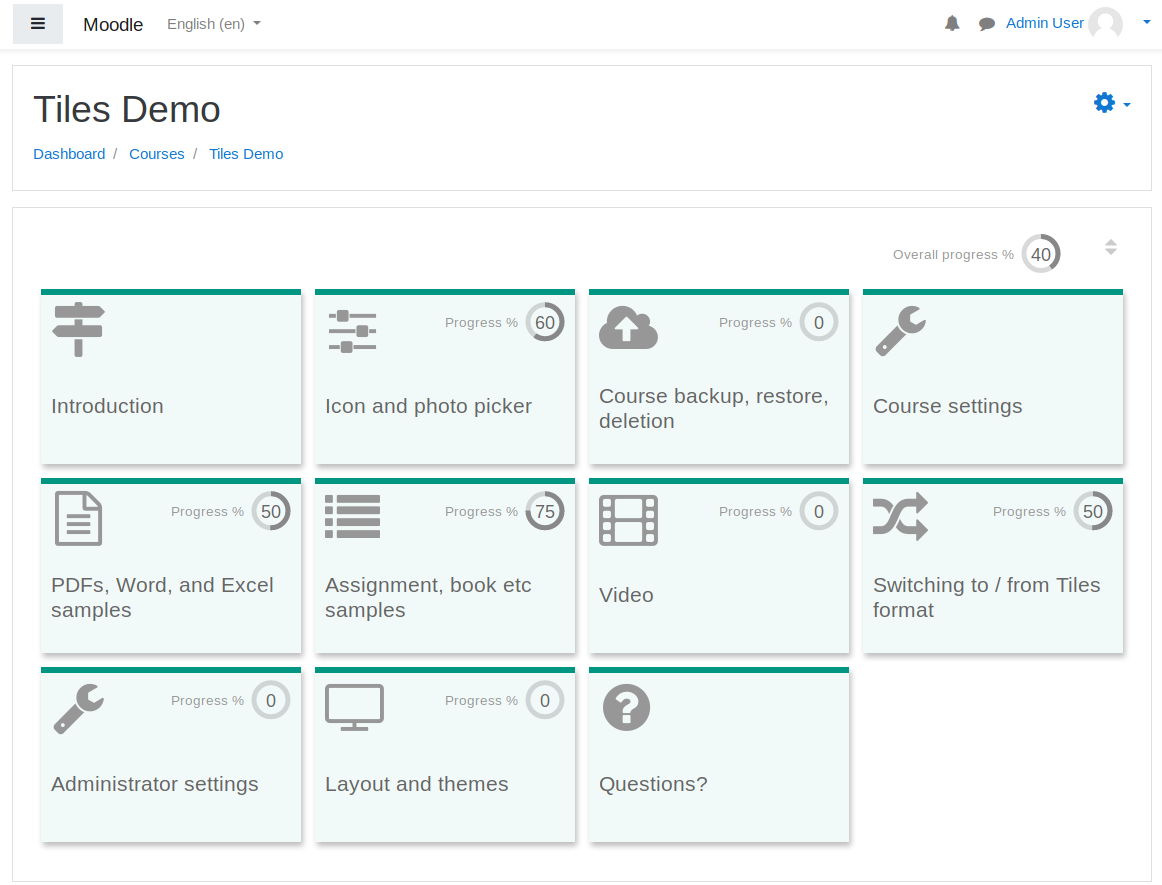
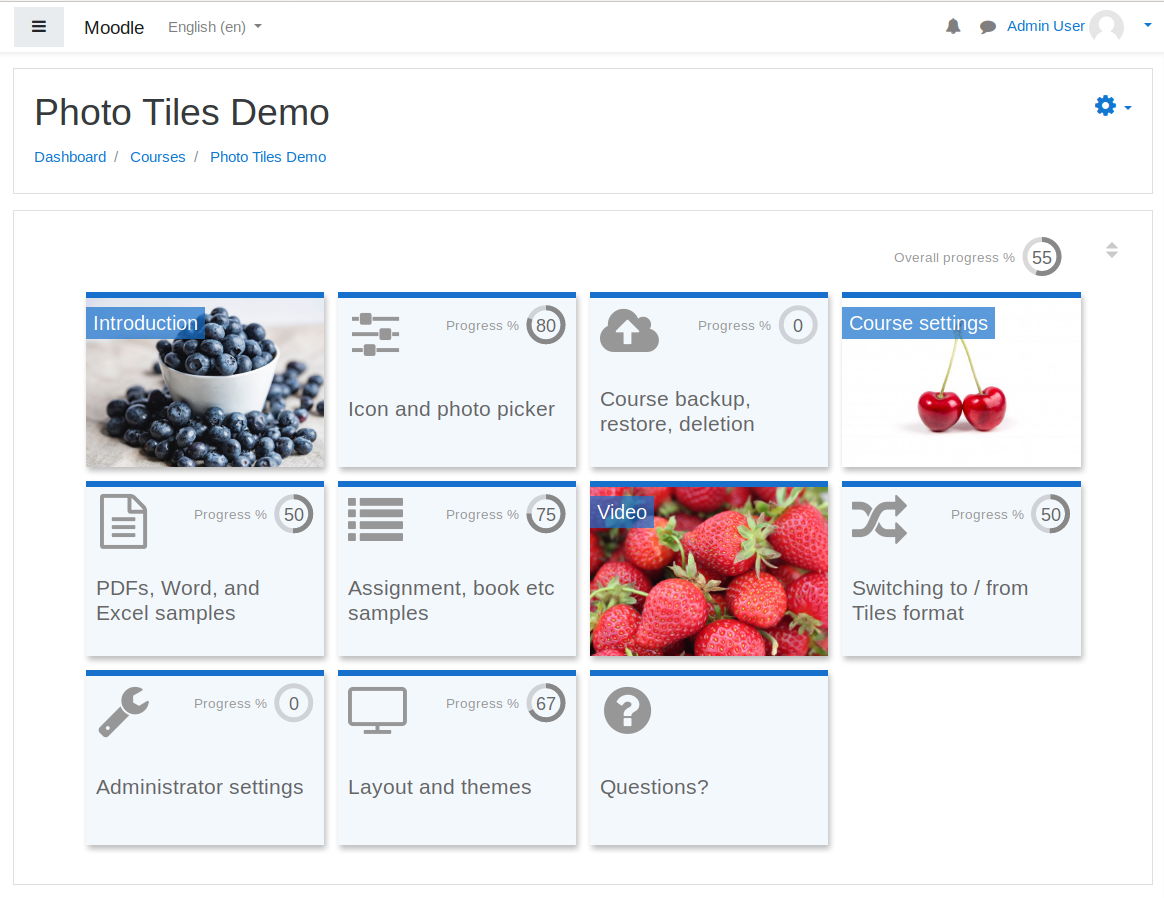
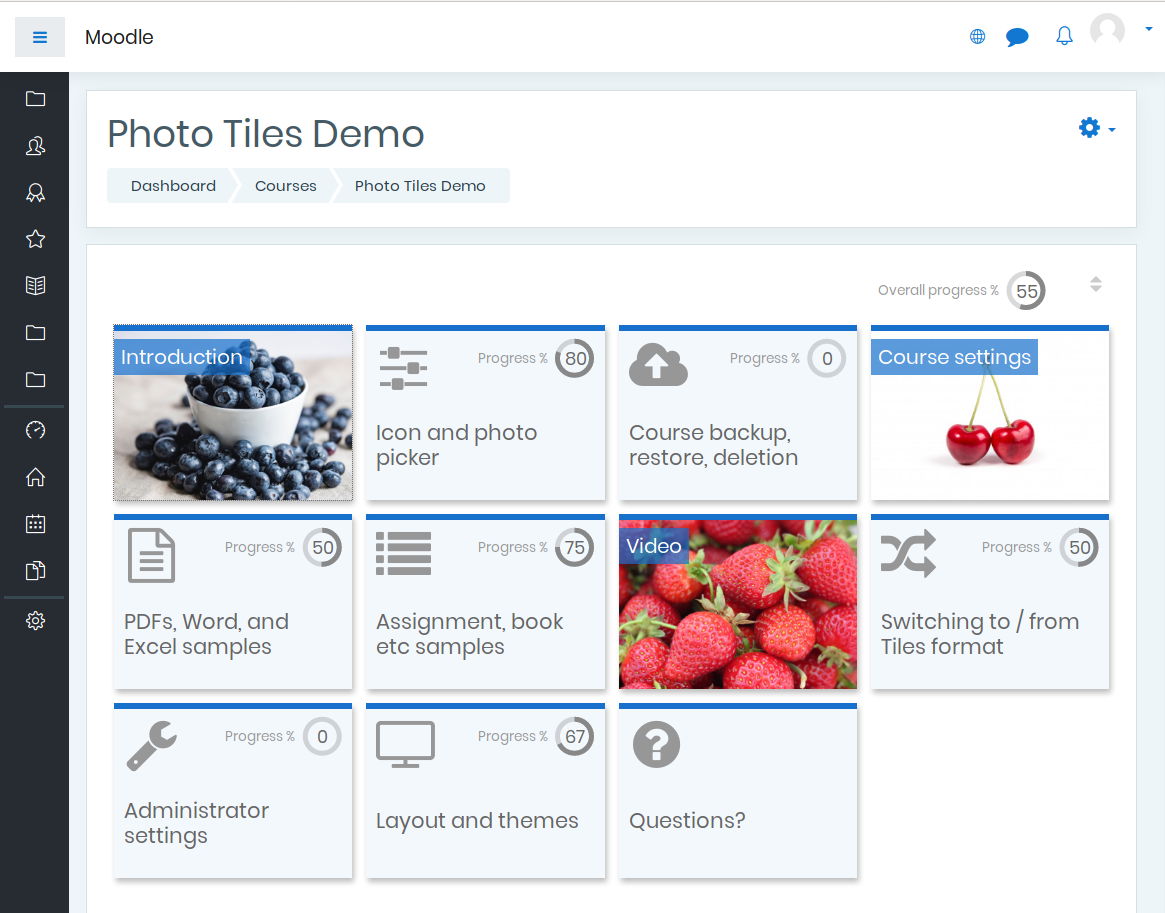
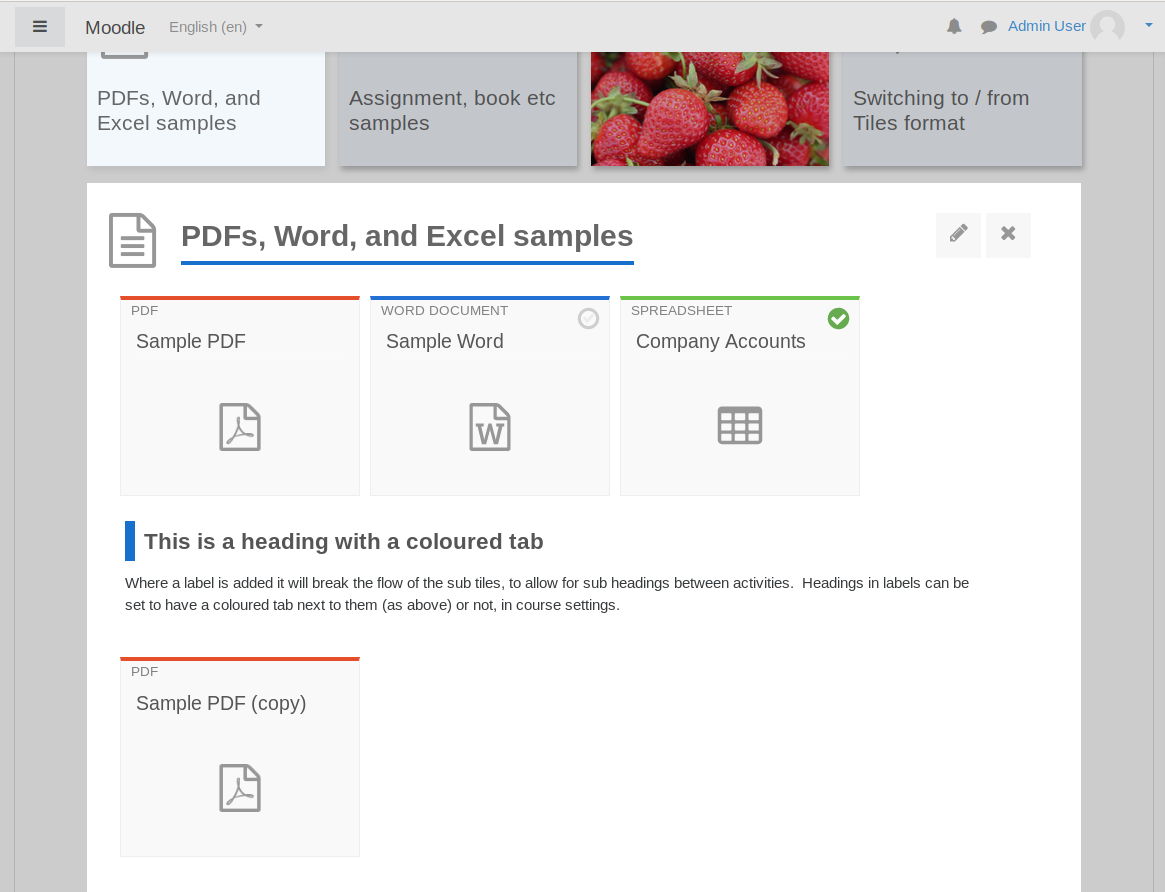
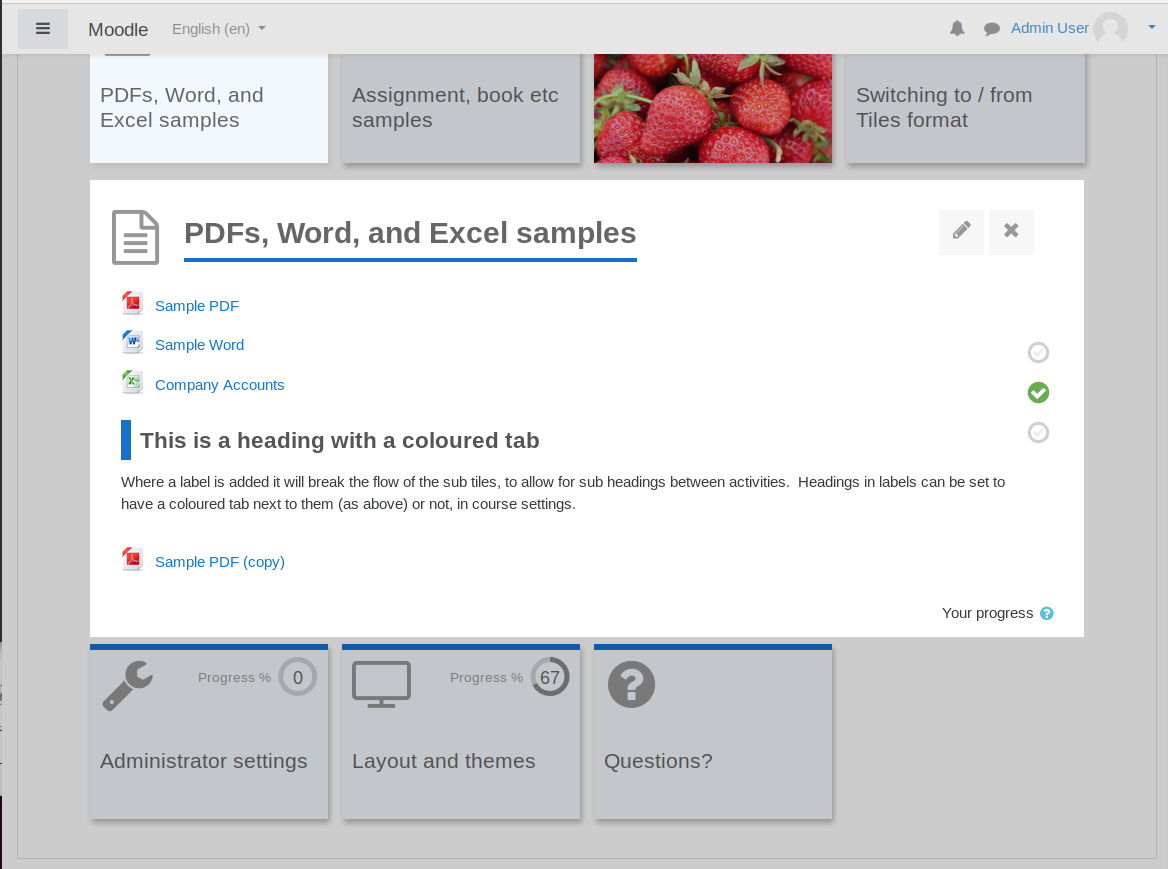
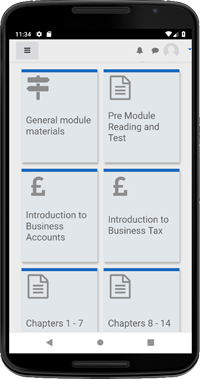
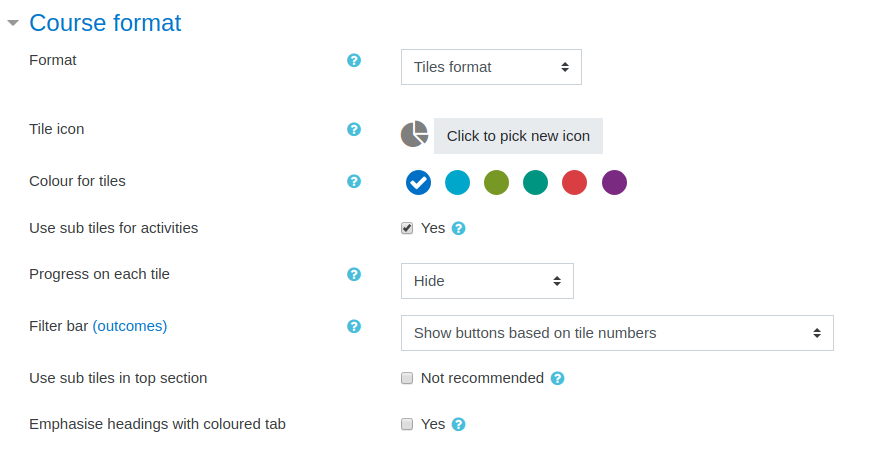
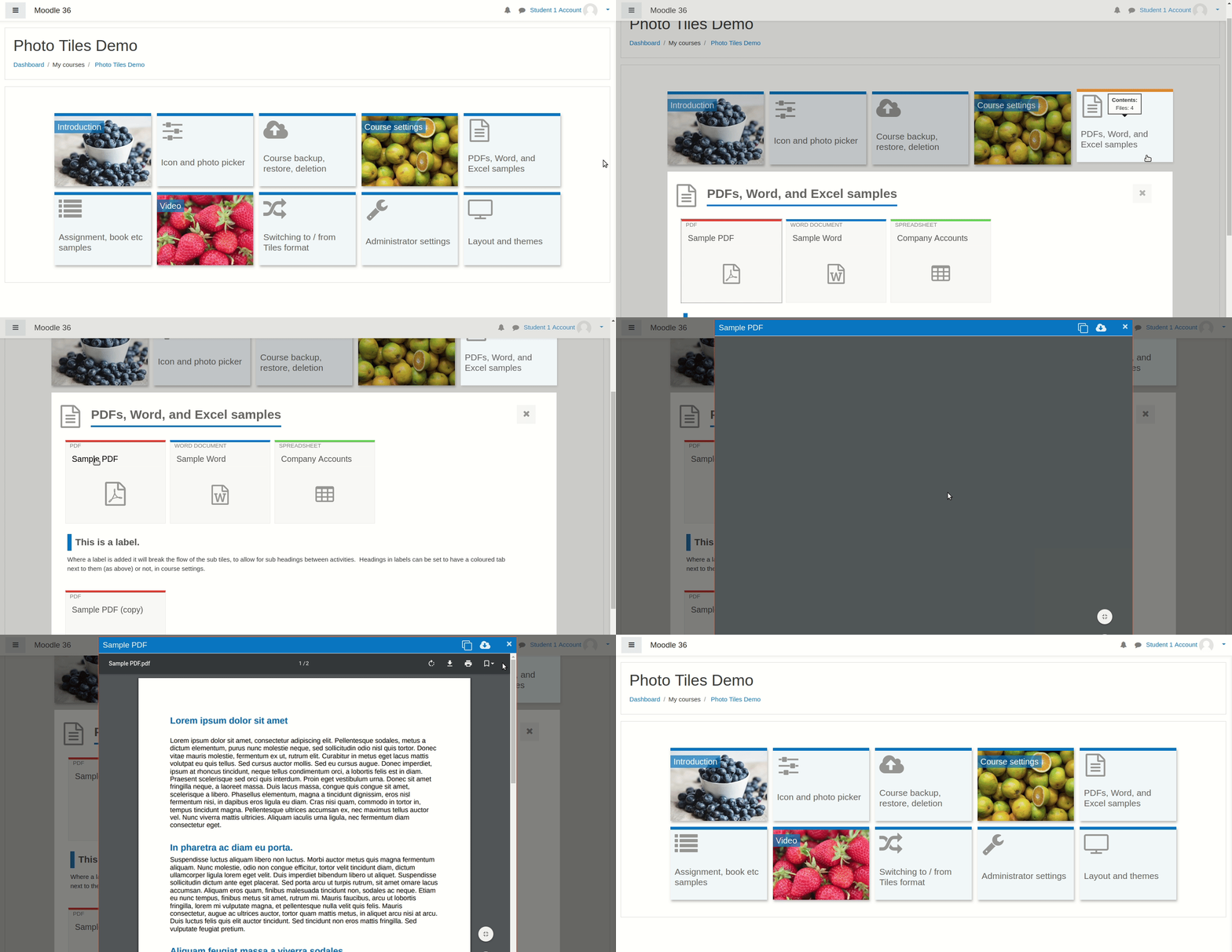
A course format which displays course topics as "Tiles", in a grid rather than as a list. When clicked, tile content is displayed under the tile with an animated transition. The layout adapts to different screen sizes and orientations. Within each tile, activities can also be set to display as "sub-tiles". For each tile, the teacher can pick an icon from a predefined set, or upload a background photo.
Comments
Product ratings and reviews are coming to Moodle Marketplace. Until then, existing comments remain available to read, but new posts have been disabled.
______
Excepción - Unknown named parameter $
Más información sobre este error
×Información de depuración:
Error code: generalexceptionmessage
×Trazado de la pila (stack):
line 704 of /course/format/lib.php: Error thrown
line 656 of /course/format/tiles/lib.php: call to format_base->create_edit_form_elements()
line 47 of /course/editsection_form.php: call to format_tiles->create_edit_form_elements()
line 214 of /lib/formslib.php: call to editsection_form->definition()
line 915 of /course/format/lib.php: call to moodleform->__construct()
line 104 of /course/editsection.php: call to format_base->editsection_form()
https://drive.google.com/file/d/1YVFxsDqV3q1vniZInJhNqXPFFMDkAIkG/view?usp=sharing
Thx
If the chosen tile color is either too dark or light, it can clash with default text color causing accessibility problems.
Thank you very much for your work, I love this course format and I have been using it in all my courses.
However, I ran across a bug which only occurs in the Tiles format in combination with the Unilabel plugin: It seems impossible to toggle videos in full-screen if they are placed in a unilabel grid. I am reporting this here because the issue only occurs in the Tiles format, not in other course formats.
I have made a small demo course to try: https://lehrgangsbegleitung.alp.dillingen.de/course/view.php?id=89 --> guest access is enabled.
You can try to open the video in the grid and then go to full-screen mode. The modal apparently tries to resize itself, and this also seems to cause the active section in the course to resize somehow, leading to an unusable course situation.
I hope fixing the bug is not too much of a hurdle. Thank you very much in advance!
Best regards, Christian Mayr
Admin View: https://drive.google.com/file/d/1bTjYNUgetu980o-lIwg9OVAIWOAxOsmq/view
Professor View: https://drive.google.com/file/d/1FYfnBwxyMgSeTKF-UMI8aj6pw1QCD_nJ/view
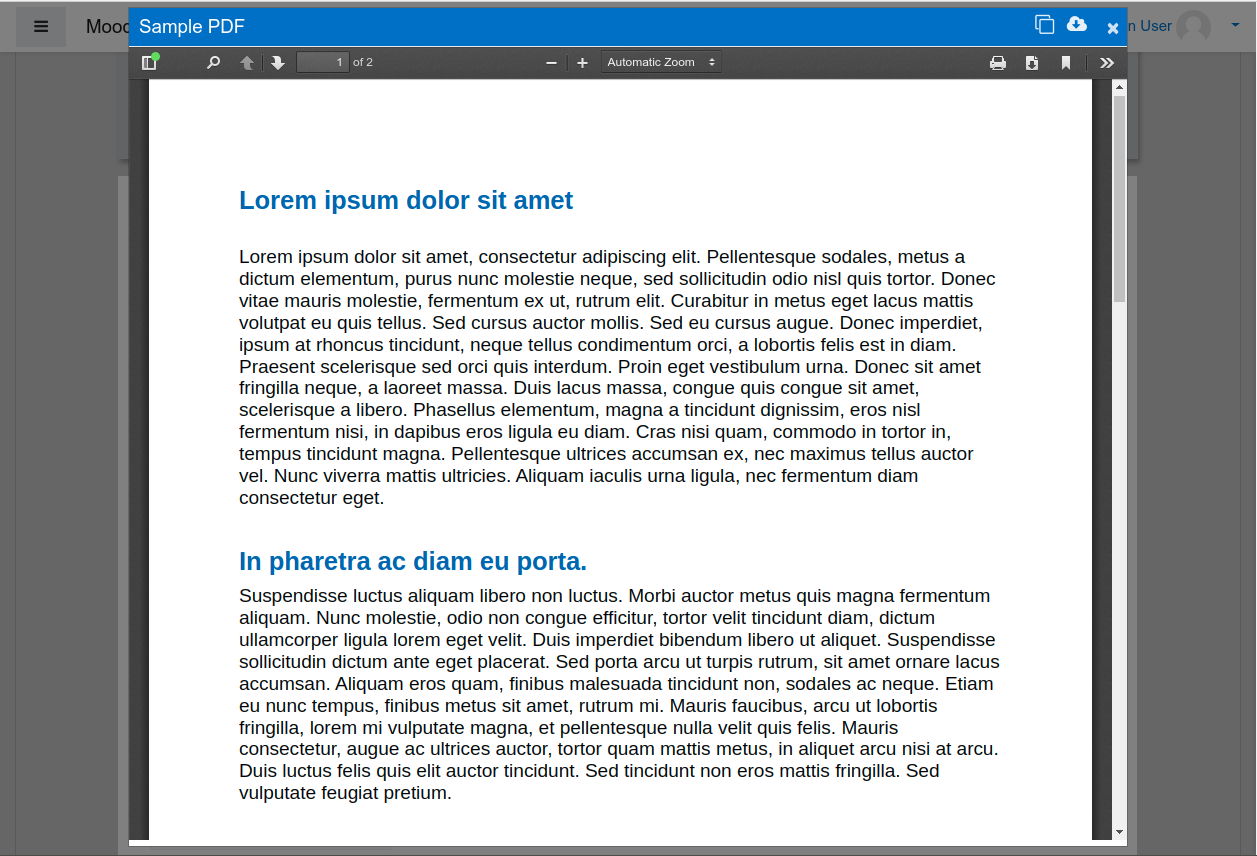
The only problem is that when I edit the settings of a "URL" activity and use "In pop-up" under appearance, the course format ignores it and displays as it was set to be the default, just "open" it (same window). It did the same thing with pdf files too, but I solved that problem when i unticked the checkbox in the format's settings.
What to do, since I would like the "same rsp. similar" display with the “tiles format” form.
does someone know, if it is possible to hide the category "Data preference" when using the tile format?
Thank you
I have a problem when I'm uploading the tuile photo.
Display an erreur: "Exception : imagejpeg() expects at most 3 arguments, 4 given"
So I can't upload the tuiles photos. Does anyone know the reason?
Thank you in advance