Tiles format
Maintained by
David Watson
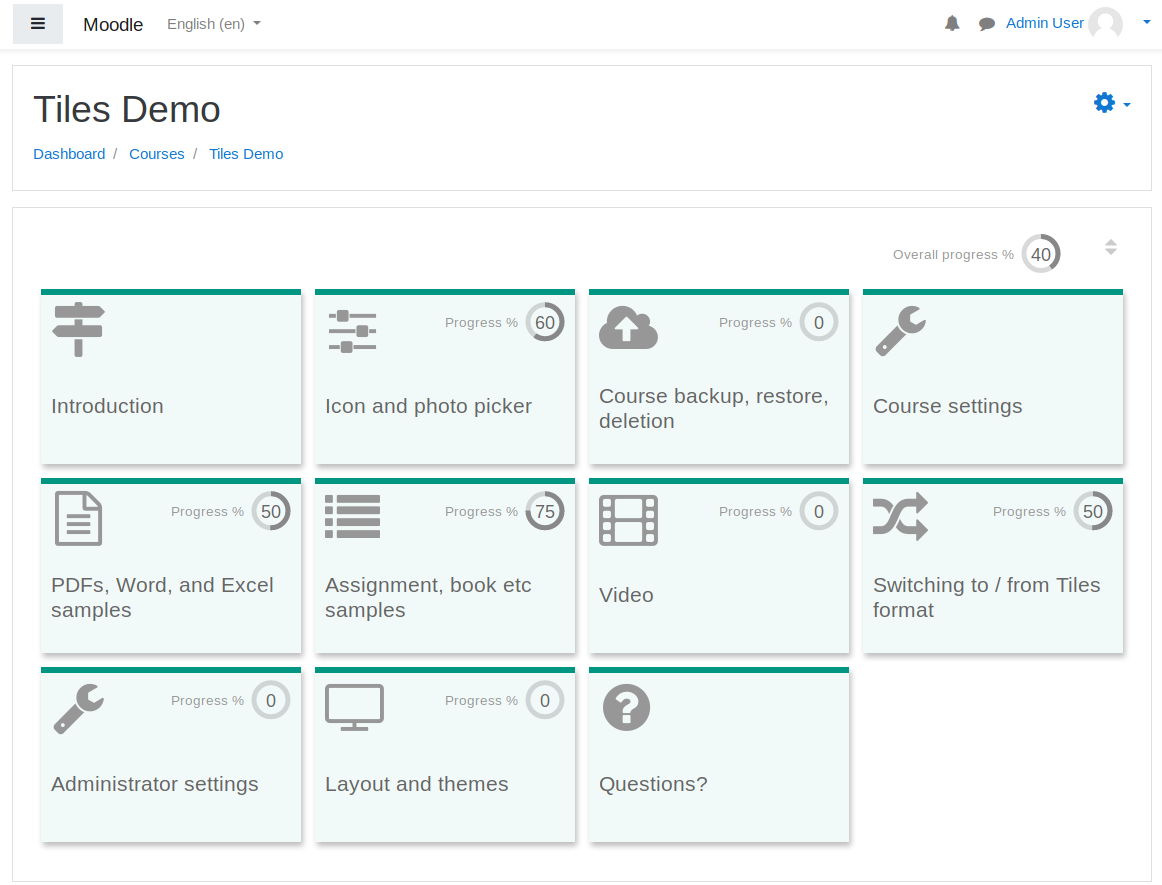
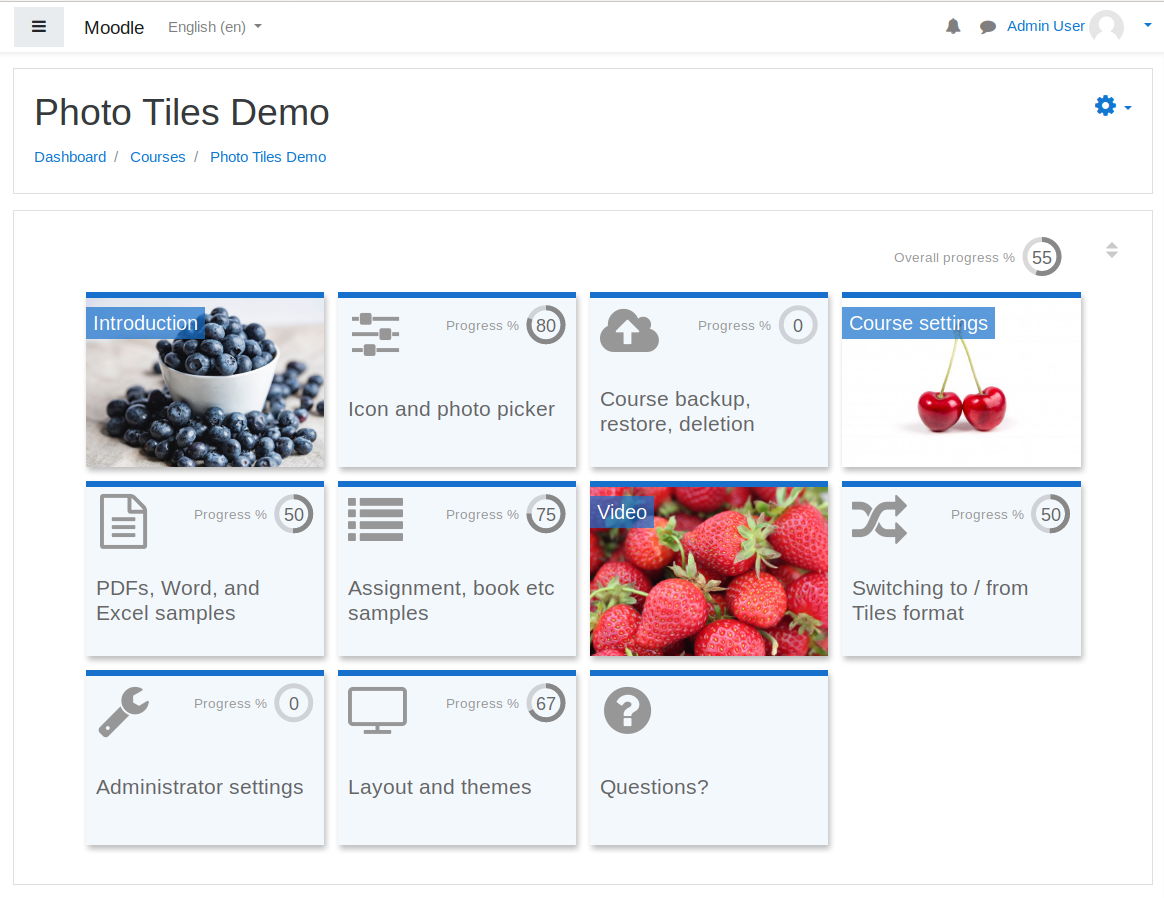
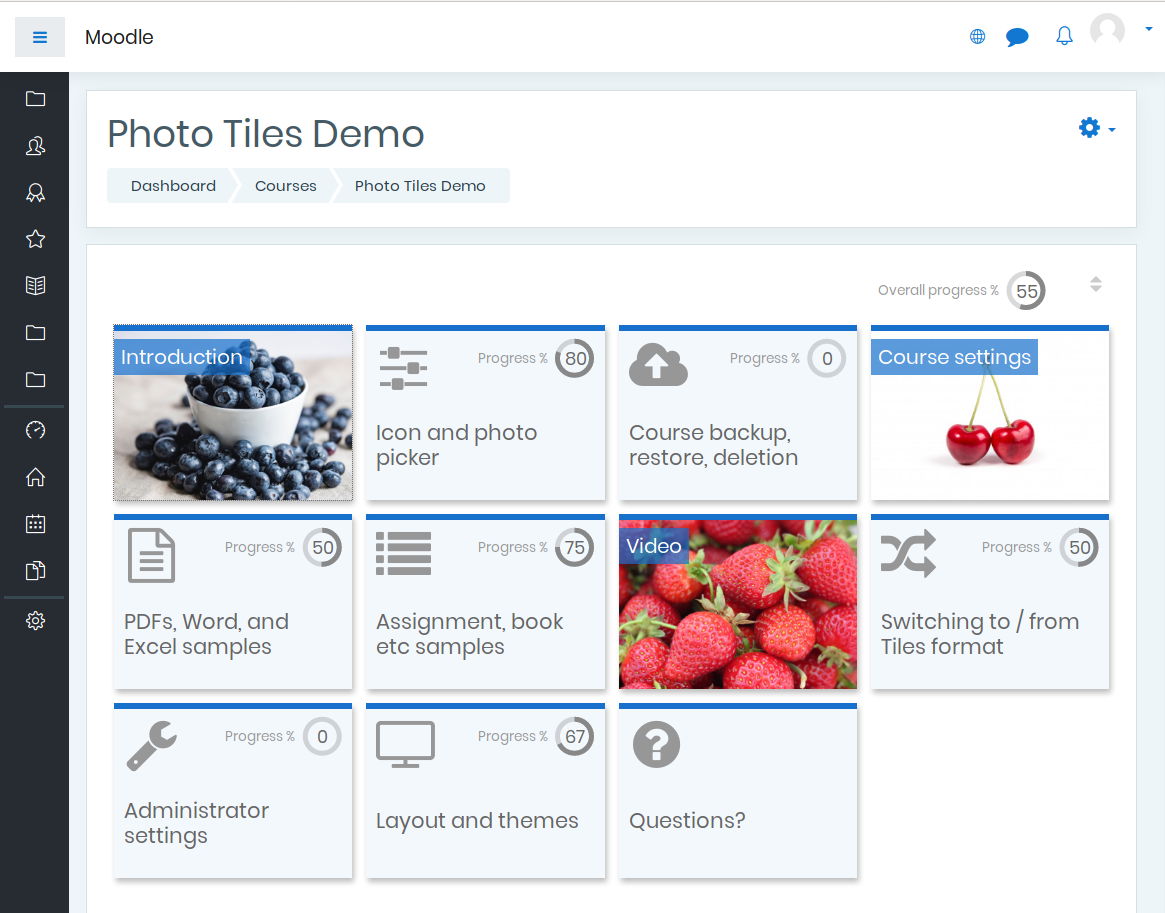
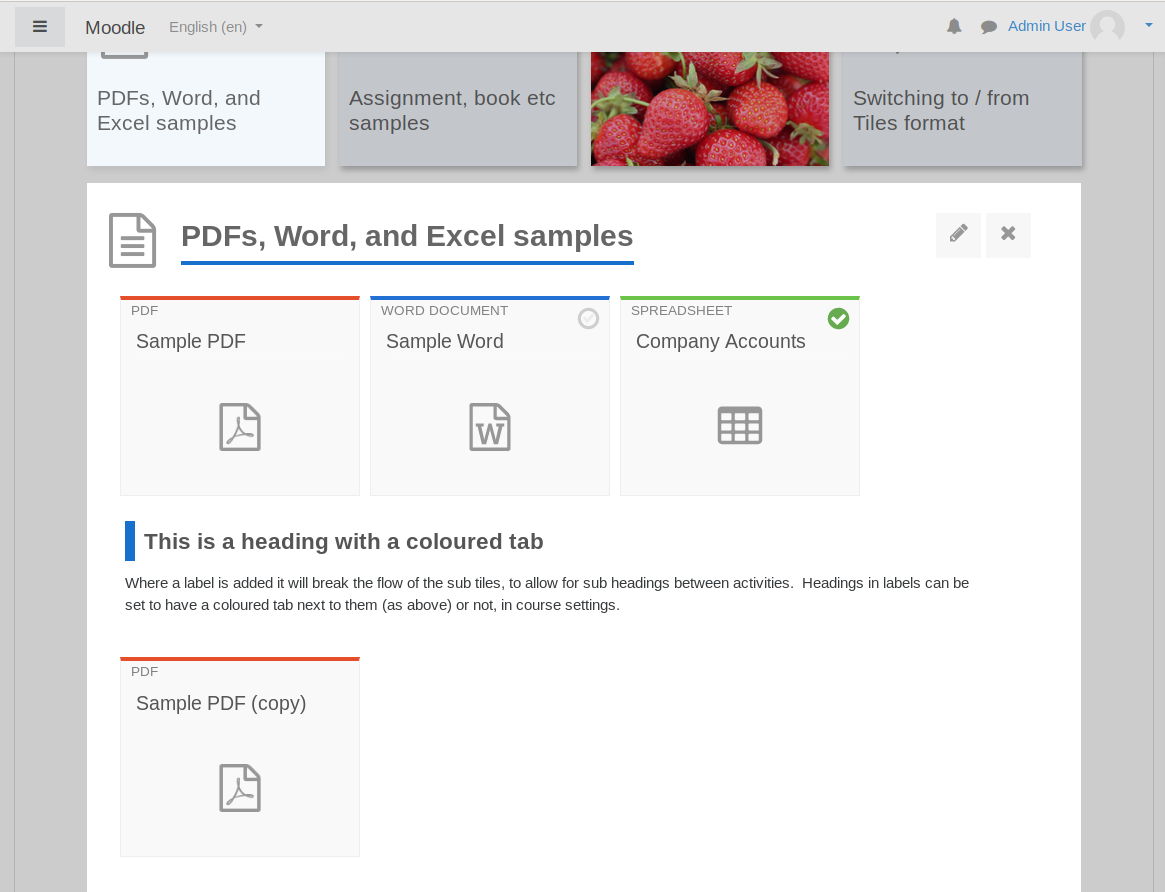
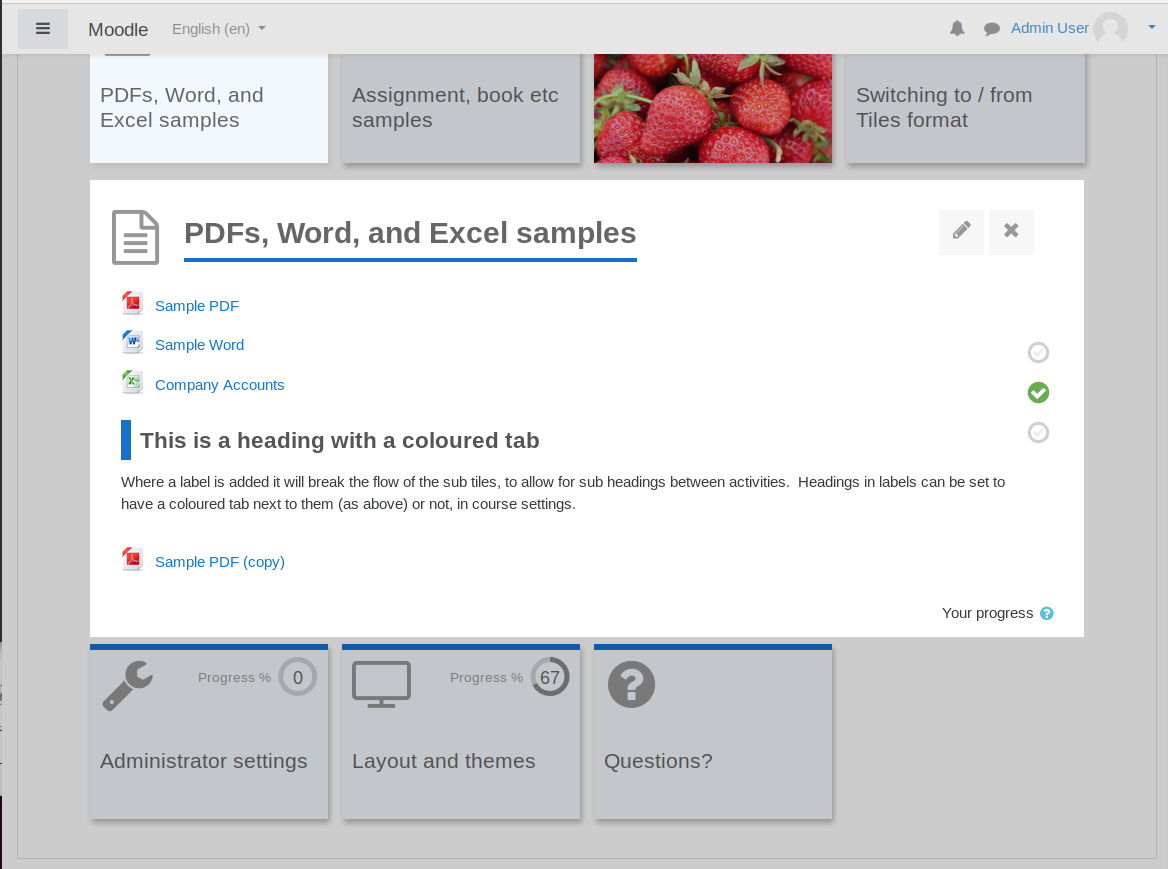
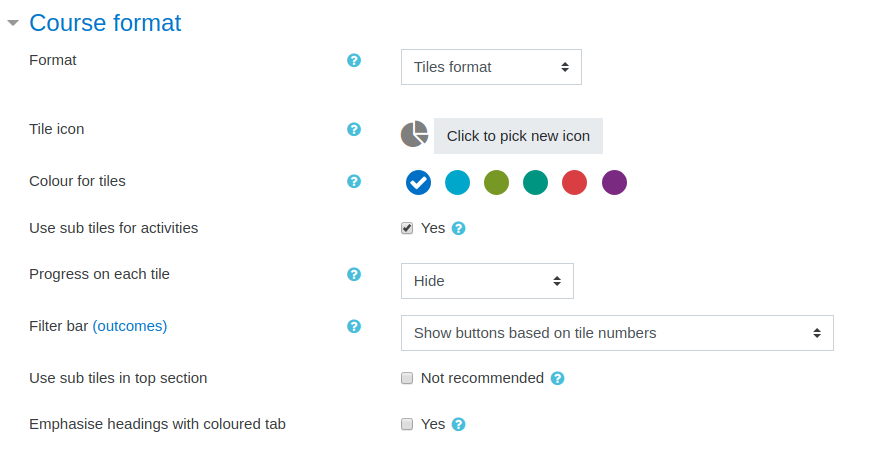
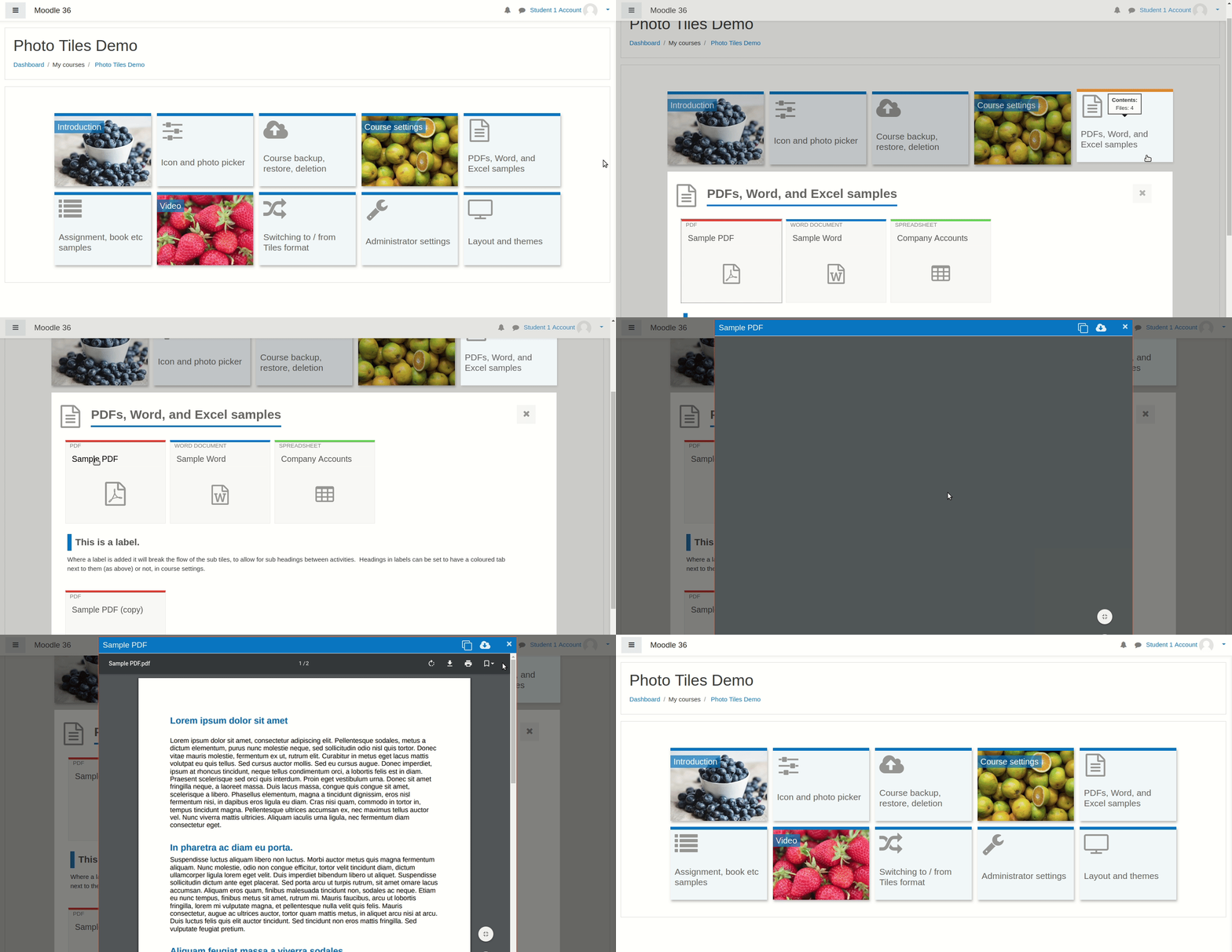
A course format which displays course topics as "Tiles", in a grid rather than as a list. When clicked, tile content is displayed under the tile with an animated transition. The layout adapts to different screen sizes and orientations. Within each tile, activities can also be set to display as "sub-tiles". For each tile, the teacher can pick an icon from a predefined set, or upload a background photo.

Comments
Product ratings and reviews are coming to Moodle Marketplace. Until then, existing comments remain available to read, but new posts have been disabled.
For information :
On 3.11, the animated navigation (JS) crashes the Latex formulas (via Mathjax).
You must modify the plugin settings to disable animated navigation by default.
The problem is, when a student marks an activity as completed, it also appears to be using JS, and it also crashes the Latex formulas.
After changing course format to another format and then back to tiles, all previously set custom tile images disappear.
Pending community testing (please), I have marked it as being for Moodle 3.11 only. However I have tested it in Moodle 3.9 - 3.11 and automated tests are passing there so, if community testing goes well, I will release this as "stable" to Moodle 3.9 - 3.11 at the end of July 2021. (I have not yet tested it for Moodle 3.8, but plan to run the automated tests soon. Please test if you can.)
https://drive.google.com/drive/folders/1FYTS9lqxCuZGy4hftqyl-CZ0V-2xIpT4?usp=sharing
Let me know if that works.
I've done this with my site by adding extra numbers to the "course > format > tiles > pix > tileicon" folder. I've actually got 1-19, so I'm more than happy to send you 1-16 if you need. I've copied the font and style of the original icons.
Richard