Tiles format
Maintained by
David Watson
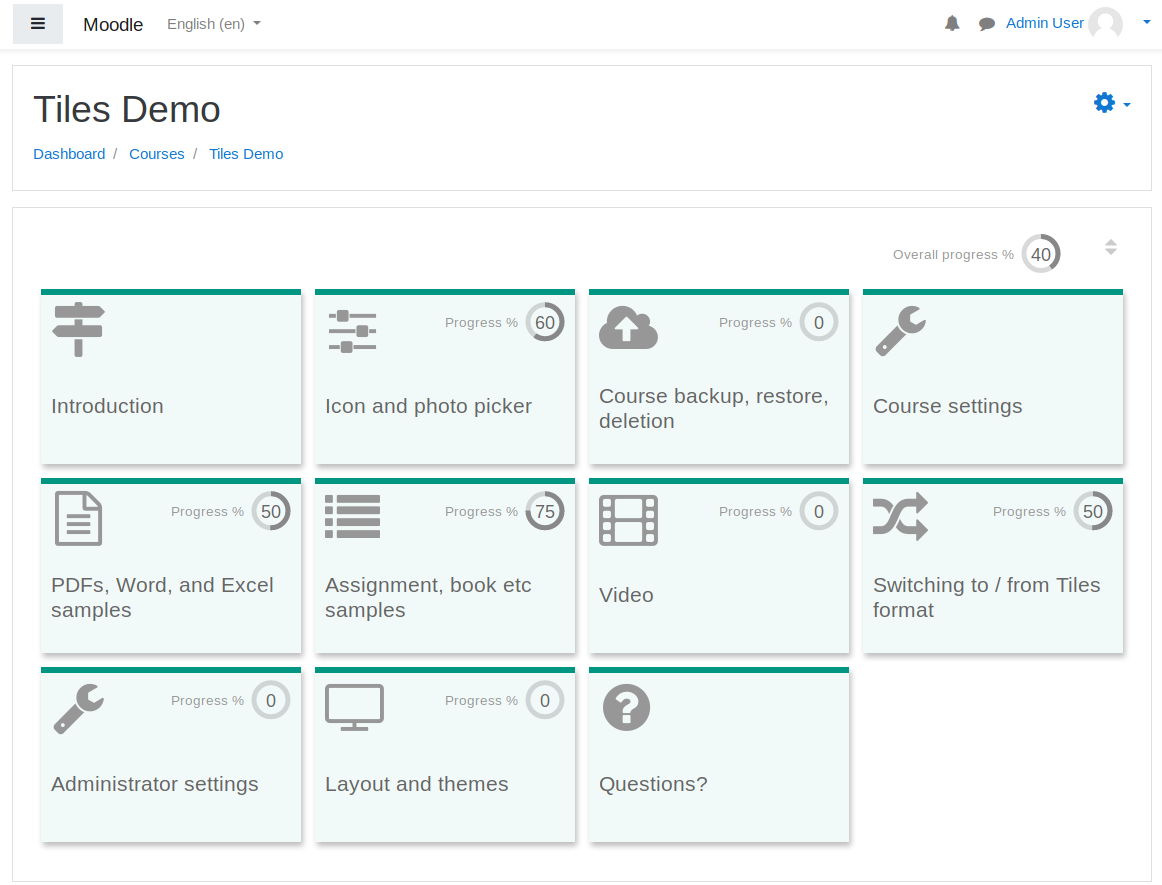
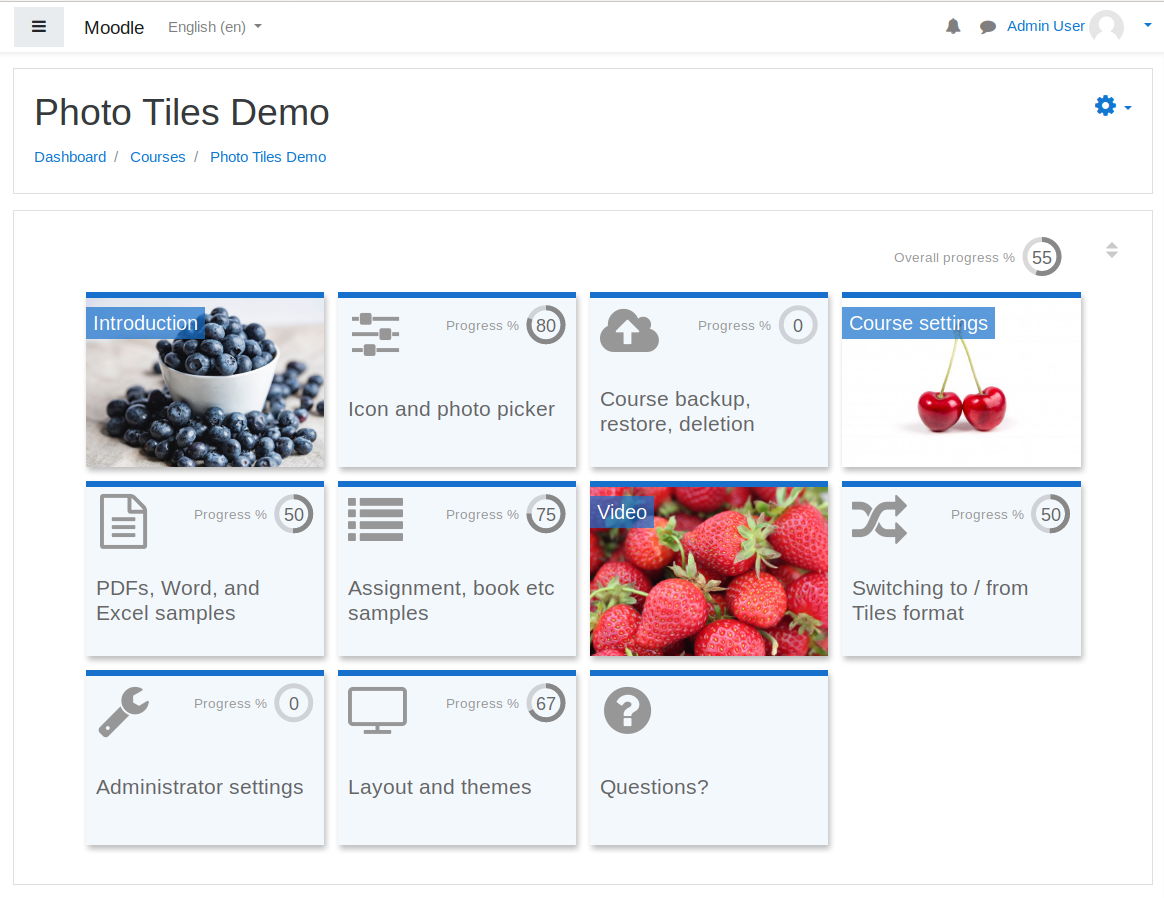
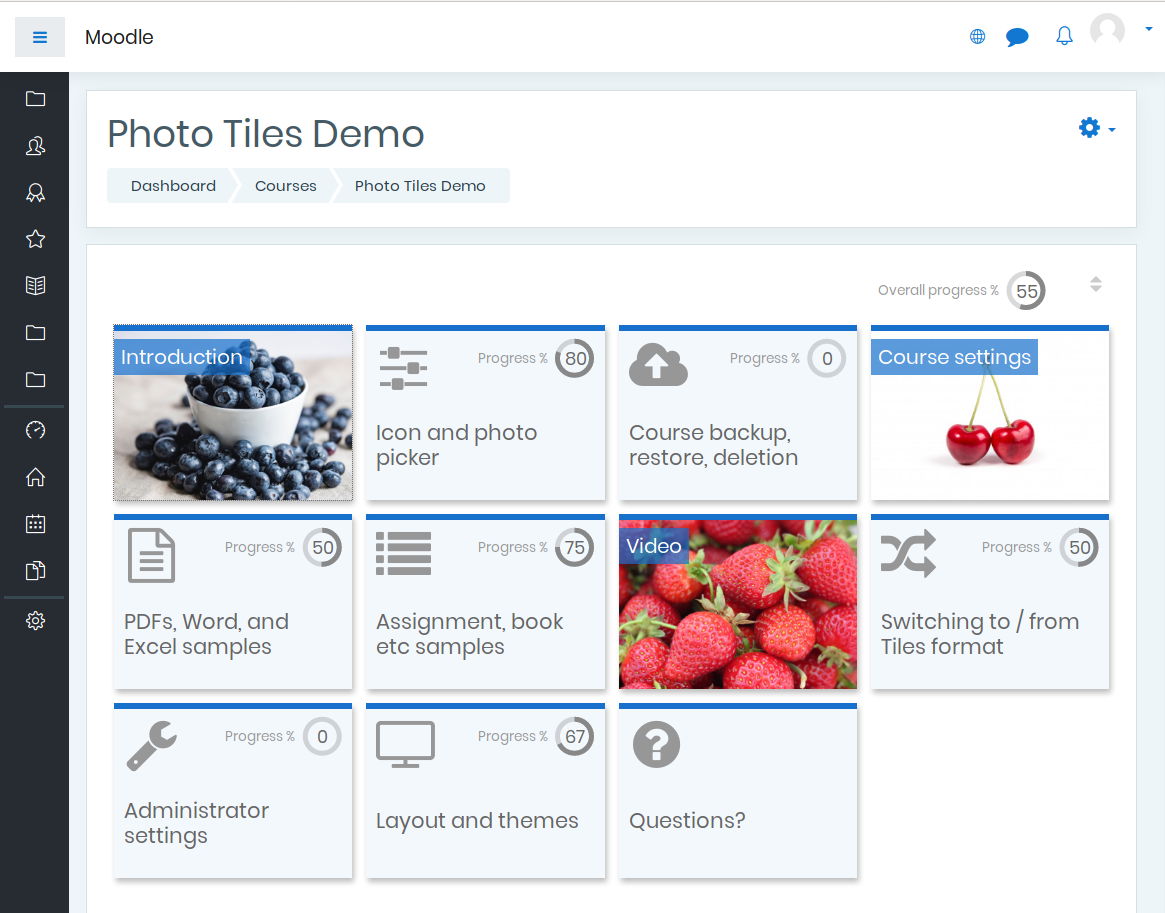
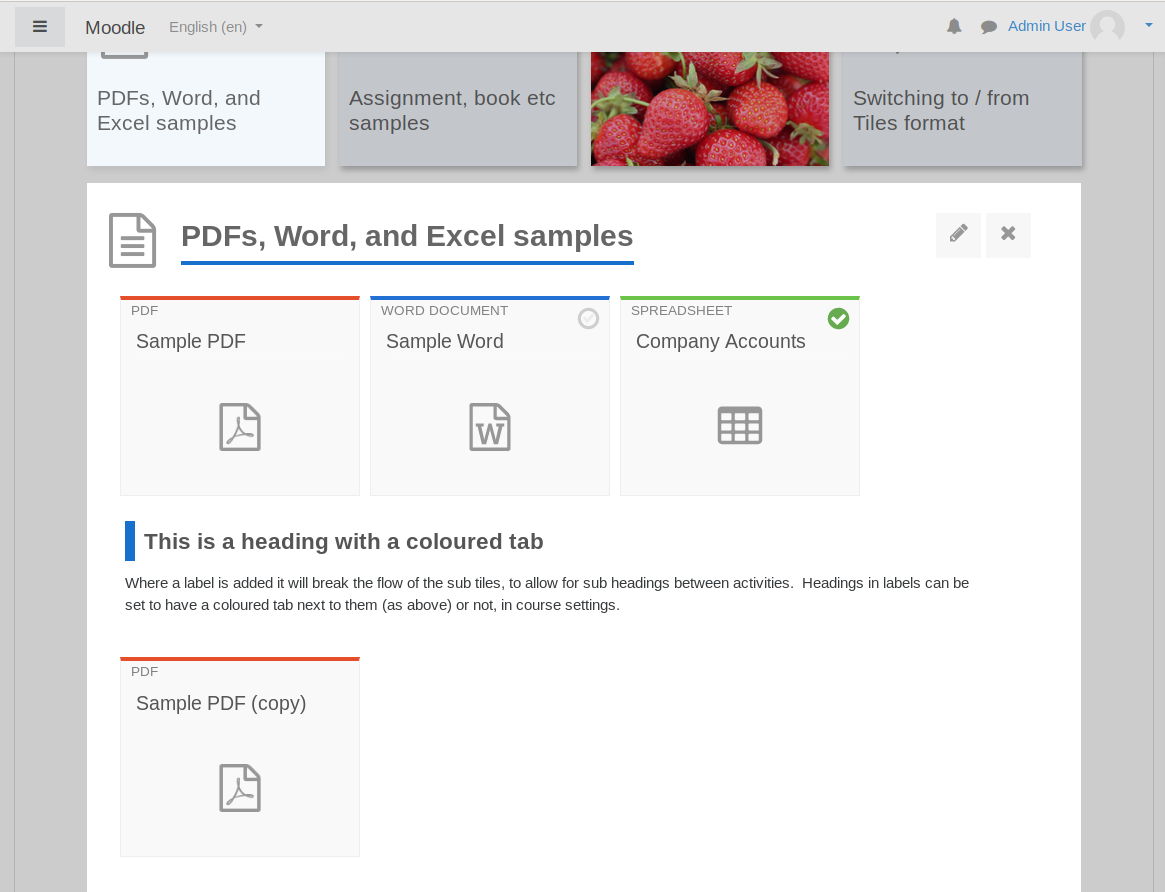
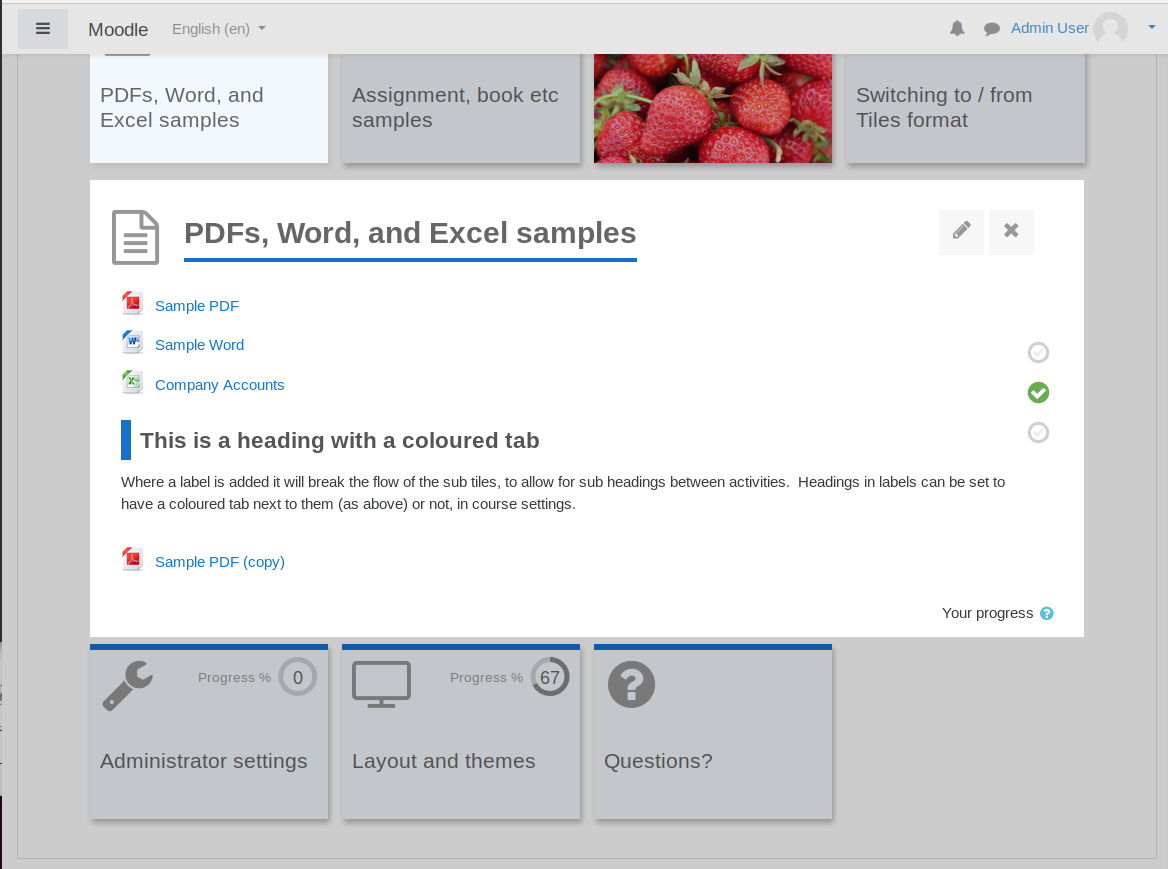
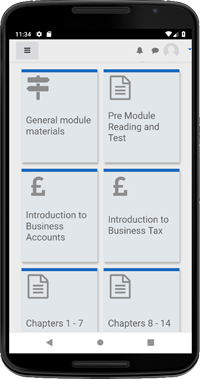
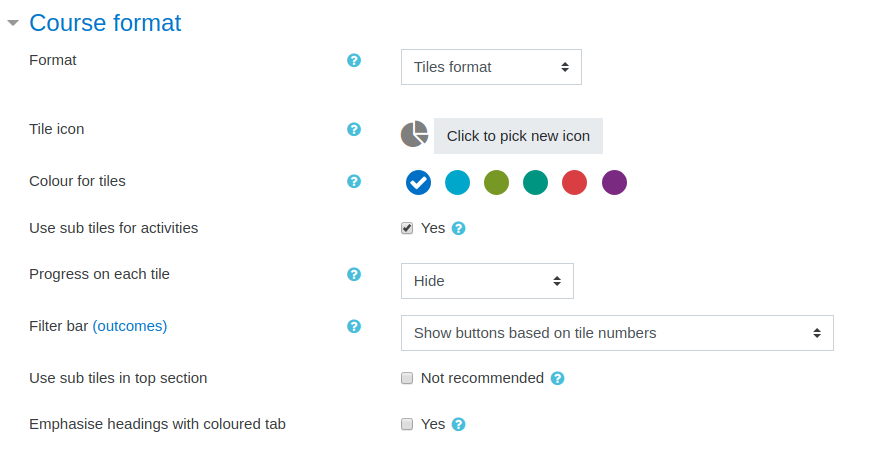
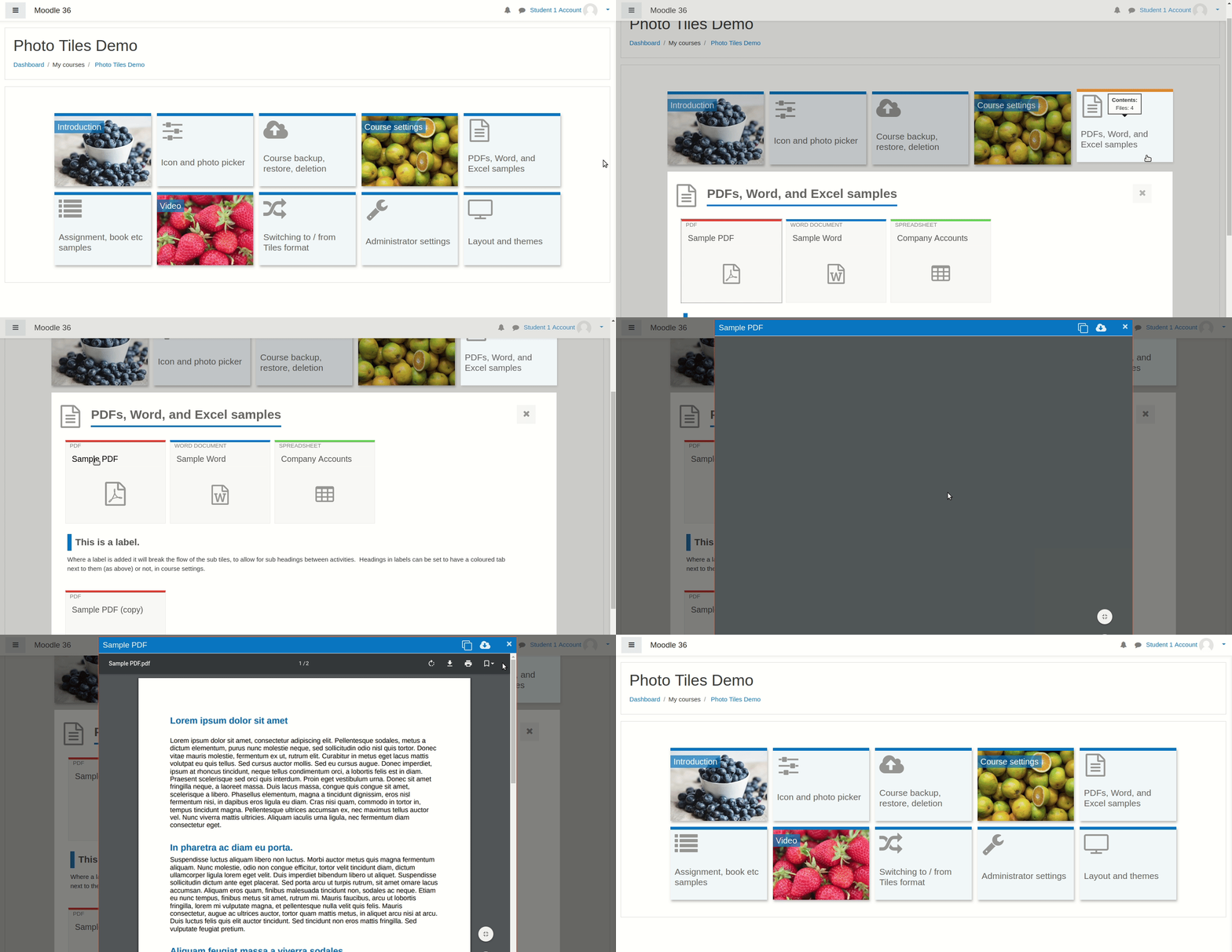
A course format which displays course topics as "Tiles", in a grid rather than as a list. When clicked, tile content is displayed under the tile with an animated transition. The layout adapts to different screen sizes and orientations. Within each tile, activities can also be set to display as "sub-tiles". For each tile, the teacher can pick an icon from a predefined set, or upload a background photo.
Comments
Product ratings and reviews are coming to Moodle Marketplace. Until then, existing comments remain available to read, but new posts have been disabled.
I've just decided to update Moodle and now running v3.10.3+
Plugin version is 3.9.0.13
I have a problem after an update - All tiles moved from other 8 sections in to the first one. (First section now has ALL tiles while other 7 are empty).
Is there a way to fix this? Does it have anything to do with Moodle version being newer than Format Tiles' ?
Thanks in advance.
We have version 3.8.7 of moodle and the external activities always open in the same window.
Is a special configuration of the LTI required?
Thanks in advance.
I contacted the designer of the external tool and he told me: "Open in new window" is actually not a function supported by moodle itself - I had to use a somewhat creative solution to achieve that. I think it's very possible that Tiles format overwrites that specific part of our code. For opening the Task in a new window, I closely followed the moodle core activity External Tool (mod_lti).
I am not a specialist but I would be surprised if I am the only one having this problem, do you have any suggestions? Our version of moodle is 3.8.7
Thank's a lot.
Would it be possible to add color code input with the ready made color options?
This would make branding much easier.
Thank you for your hard work!
With regard to the scrolling down to the tiles which others have mentioned, this is a feature not a bug, but I may add a setting for Site Admin to disable it in a later release