Tiles format

Maintained by David Watson
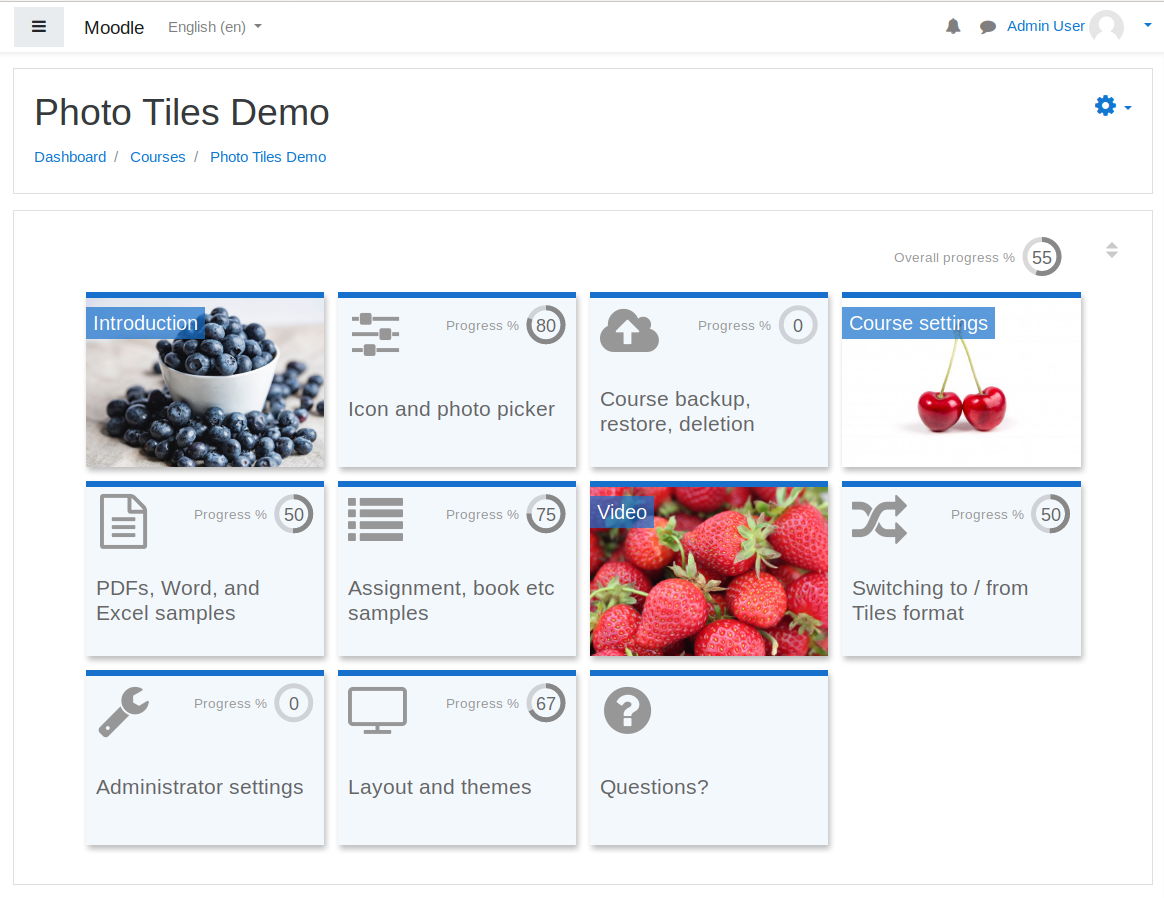
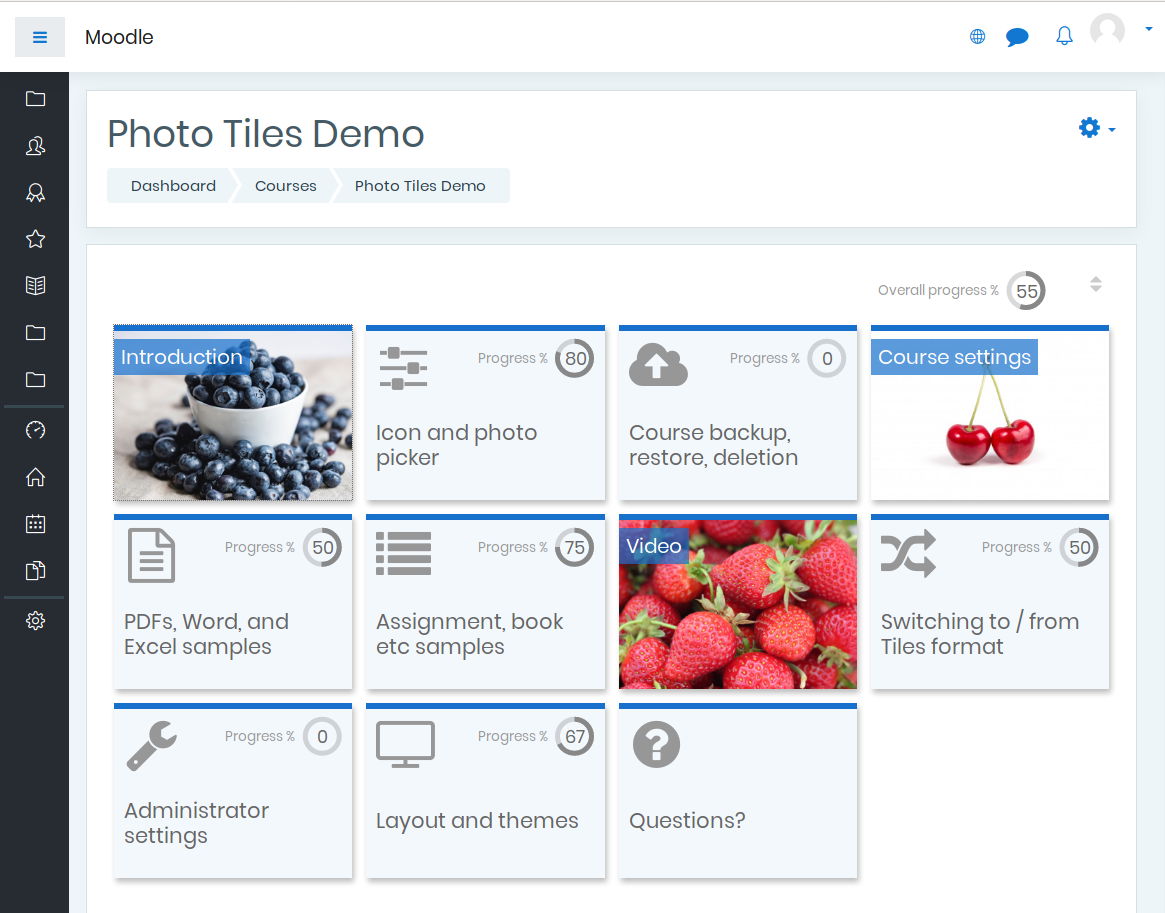
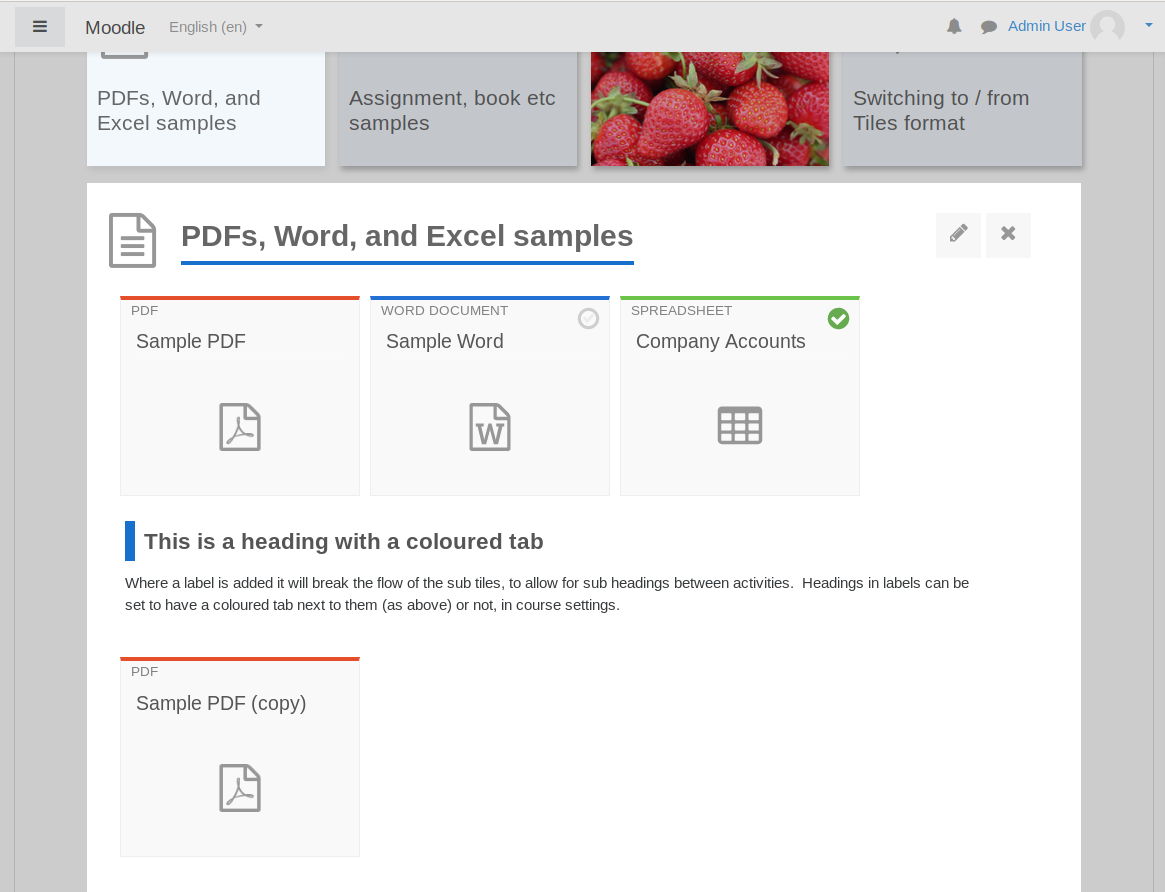
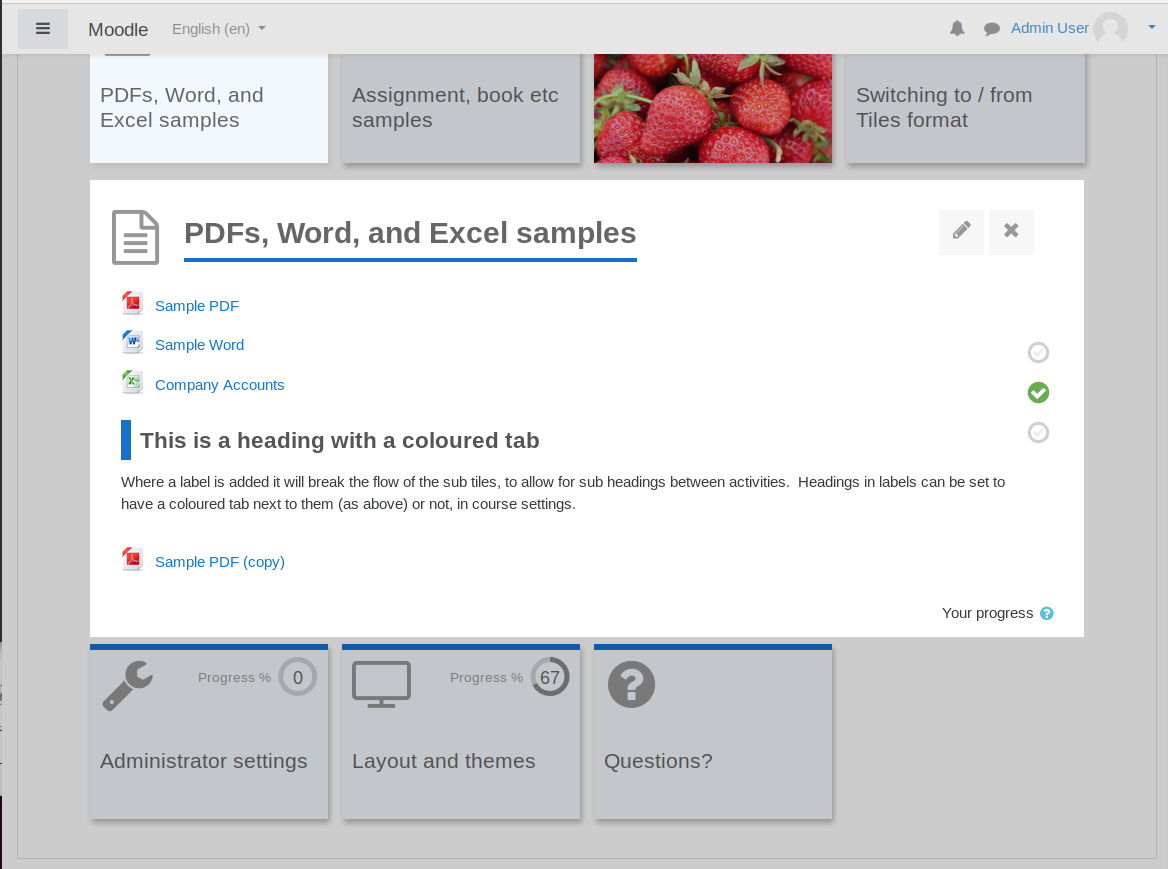
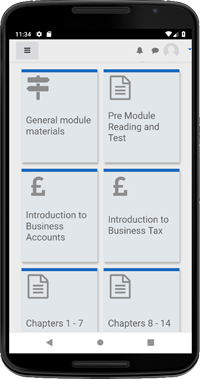
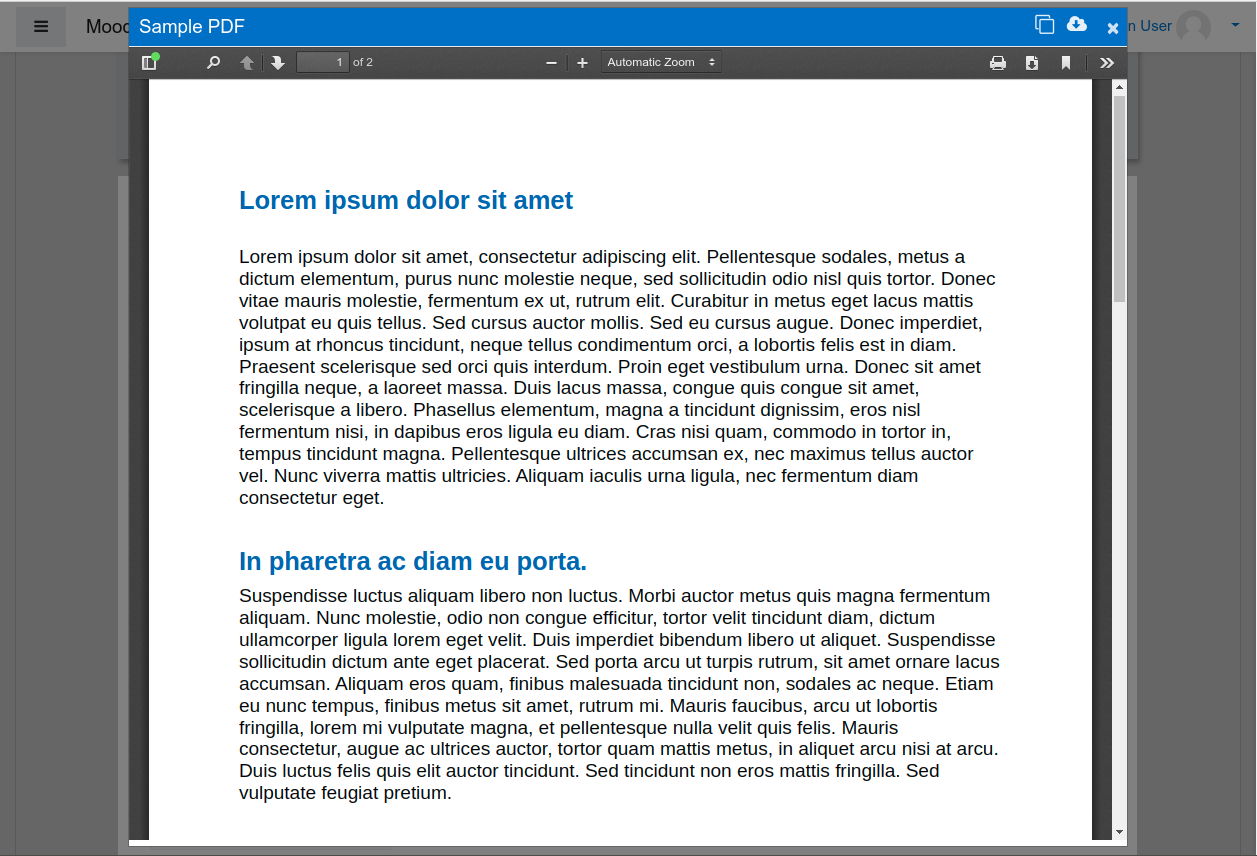
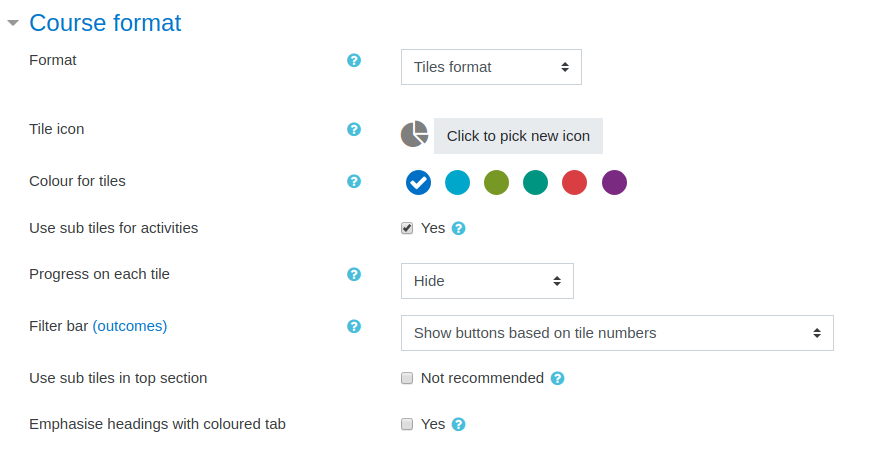
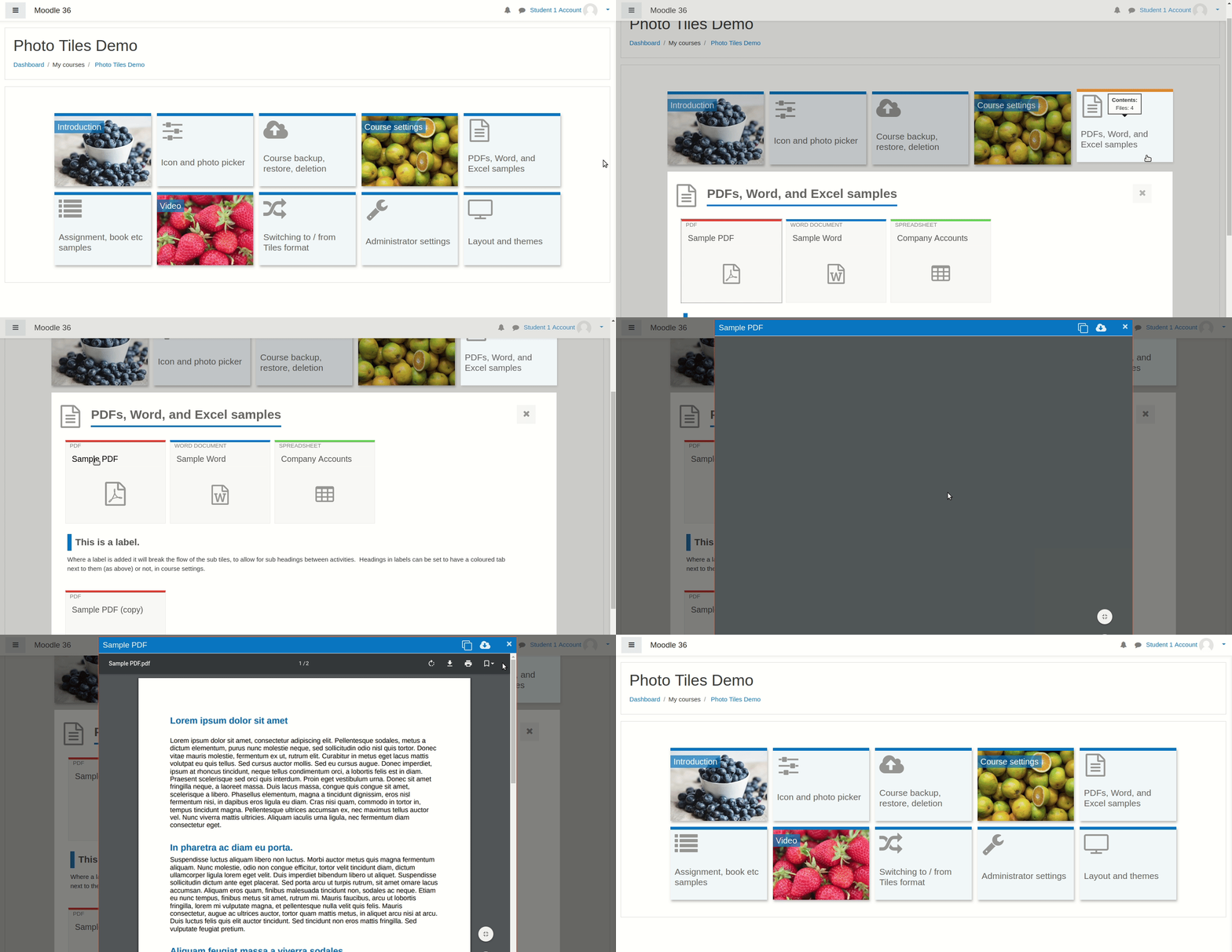
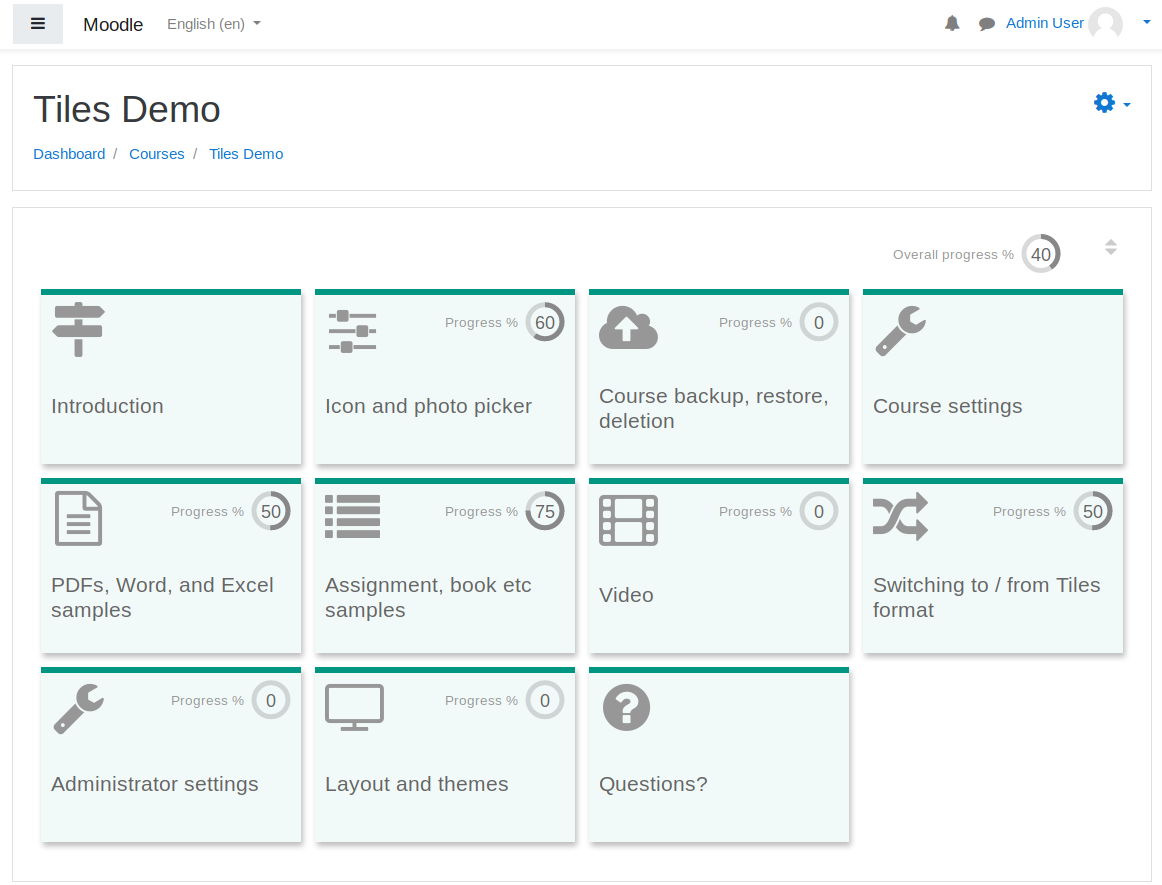
A course format which displays course topics as "Tiles", in a grid rather than as a list. When clicked, tile content is displayed under the tile with an animated transition. The layout adapts to different screen sizes and orientations. Within each tile, activities can also be set to display as "sub-tiles". For each tile, the teacher can pick an icon from a predefined set, or upload a background photo.
Price option: Free

Supports Moodle 3.3-5.1 See all versions
Latest release: 7 months ago
Installations: 22908
Downloads (last 90 days): 7944

Frankenstyle name: format_tiles
Course formats

Comments

Product ratings and reviews are coming to Moodle Marketplace. Until then, existing comments remain available to read, but new posts have been disabled.

Hi, congratulations on the design. I have two problems with Tiles. The first is that every time I add a resource in one of the tiles, by default it creates a new tile and adds the resource in that new tile and not the one where I create the activity. The second problem is that when I want to add an external LTI tool and I want it to open in a new window, it doesn't do so and it appears embedded, although in the options I specify that I want it to open a new window. Thank you very much for all the work, I hope you can help me with this. A greeting.
I use tile format to a moodle 3.10 installation with "school" theme. When I click on the 'upload picture' tab to add a picrure as i tile background I get an error invalid sesskey. Can you help me?
I'm a new Moodler, building a site with Tiles Format. All's well except for the fact that when I click on a Course, it always goes to the bottom of the page where the tiles are and cuts off a lot of the content in the General section above it. I want to show the General content first, then the user can scroll down and see the tiles. Possible? Am I doing something wrong? TIA
Hi. I'm enjoying this format. One little quirk I found is that the links are gray. When I first installed the plugin last fall, the links were a more easily visible blue. I'm using Moodle 3.9 and Tiles 3.9. Are other users experiencing gray links?
Thank you,
Alex
Hi, just for information, there is a very annoying bug with that plugin: it automatically scrolls down the page, even when no tile is open. So the first time a learner opens a course, if there is content above the tiles, it gets hidden.
I'd love if this could be fixed, but from what I see from all the reports here, I won't hold my breath…
Cheers,
Very nice format. Clean and visual friendly.
Issue report:
Scenario: all activities are restricted under condition to be open if the previous one has met a requirement.
Problem: Even though the previous activity was open, the following one remains closed.
Temporary fix: type "F5" to make a refresh.
Moodle 3.9.3+ (Build: 20201113)
Versión Apache 2.4.46
Versión PHP 7.3.24
Tiles 3.9.0.9
Bug report:
Progress doesn’t show (in % or as a fraction) an activity when this is locked under a restriction in "activity completion".
Moodle 3.9.3+ (Build: 20201113)
Versión Apache 2.4.46
Versión PHP 7.3.24
Tiles 3.9.0.9
Hello! Is there a way to NOT use ANY icon for SUB categories: to enter just the text. Because on the PHONE there is too much clutter if I add an icon + the number + the title&
Hello! Just want to say that we love this format and it has really brought a better design to our platform. However, we have had many problems with restrictions we have set up to limit access to documents and pages with video links. For some reason they won't open even when the restrictions are satisfied, and even more so on mobile devices. We ended up having to take away all restrictions because some students could open them and others could not and we could not find a difference in what each student was doing to justify the problem. Is this something you have had experience with or can be fixed in a future version? We don't want to go back to our previous format but we would like to be able to restrict certain activities.
Thanks so much!
Bendiciones!
Kim Solis
Hey David,
great work. I love this course format and recommend it to all of my colleagues. I have a sugestion for a different layout of the tiles though:
Sometimes (especailly when working with many tiles and the usage of background images) the layout is a bit overloaded. In my opinion the text/color overlay of the photo is the main reason for that. Perhaps you can consider to offer another layout. The Bootstrap Cards look quite clean to me: https://getbootstrap.com/docs/4.5/components/card/ . Furthermore it would be great to choose how many tiles per row should be visible. I would love to hear your opinion on that.
Cheers
Tobias
I have installed the plugin and all the options to edit the course are gone. I can not change the course template, not make a backup
I have added a new version 2020080606 for Moodle 3.8/3.9 which is now a 'release candidate'. Unless anyone finds an issue with this, I will mark it as a 'stable' release in week commencing 19 October.
@Peter Spicer thanks for the bug report - this release addresses that. I am going to overhaul the options in a little more detail once we have this stable, but hopefully that covers it for now.
Hi - quick bug report - inside the update_section_format_options() function and others, there are queries against the course_format_sections table that query using format and section number, unfortunately none of these queries actually use any of the indexes on the course_format_sections table, which means for updating a single section on one of the sites we manage, we've seen the save process take 5 minutes or more.
I haven't had chance to go through all the queries yet and update them, but if the where clauses for these queries can use courseid, then course format then section id, they should be faster to read, update and delete.
Hopefully this is something you can add sooner rather than later, but in the interim we're using CREATE INDEX mdl_courformopti_forsec_ix ON mdl_course_format_options (format, sectionid); to mitigate the performance hurt for our customer.
Thanks, Peter
Is there a way to link a tile directly to a URL so that it takes the learners directly to a page in Moodle. I know I can add a URL to the sction, but this results in an extra click. We are trying to streamline the process.