Tiles format
Maintained by
David Watson
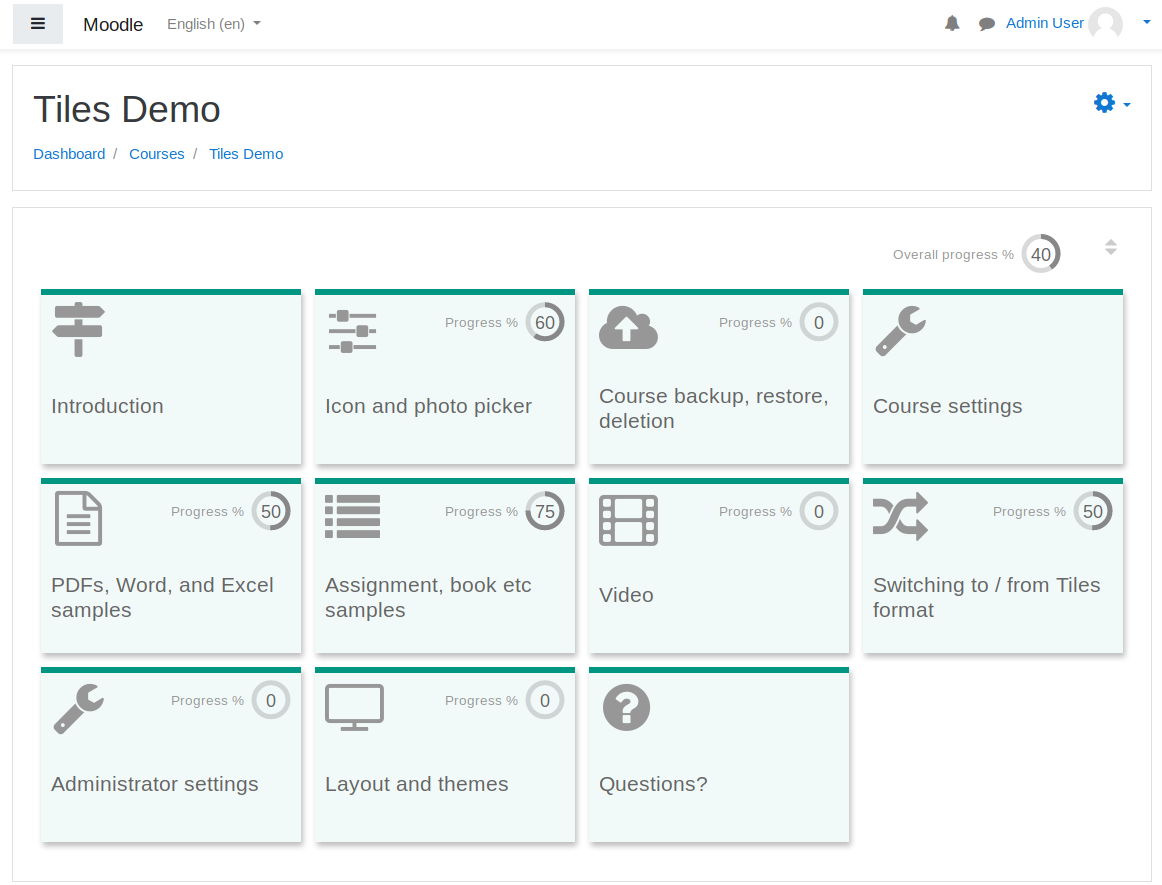
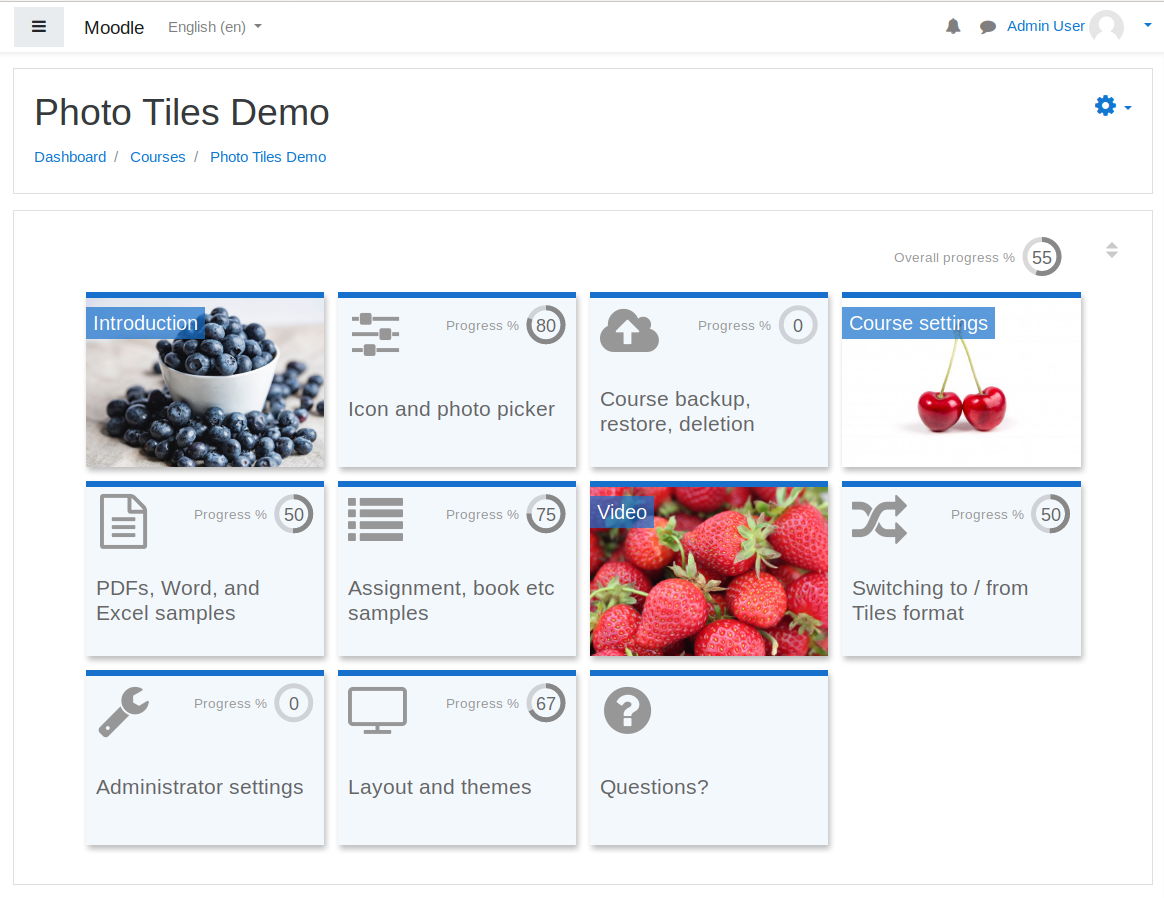
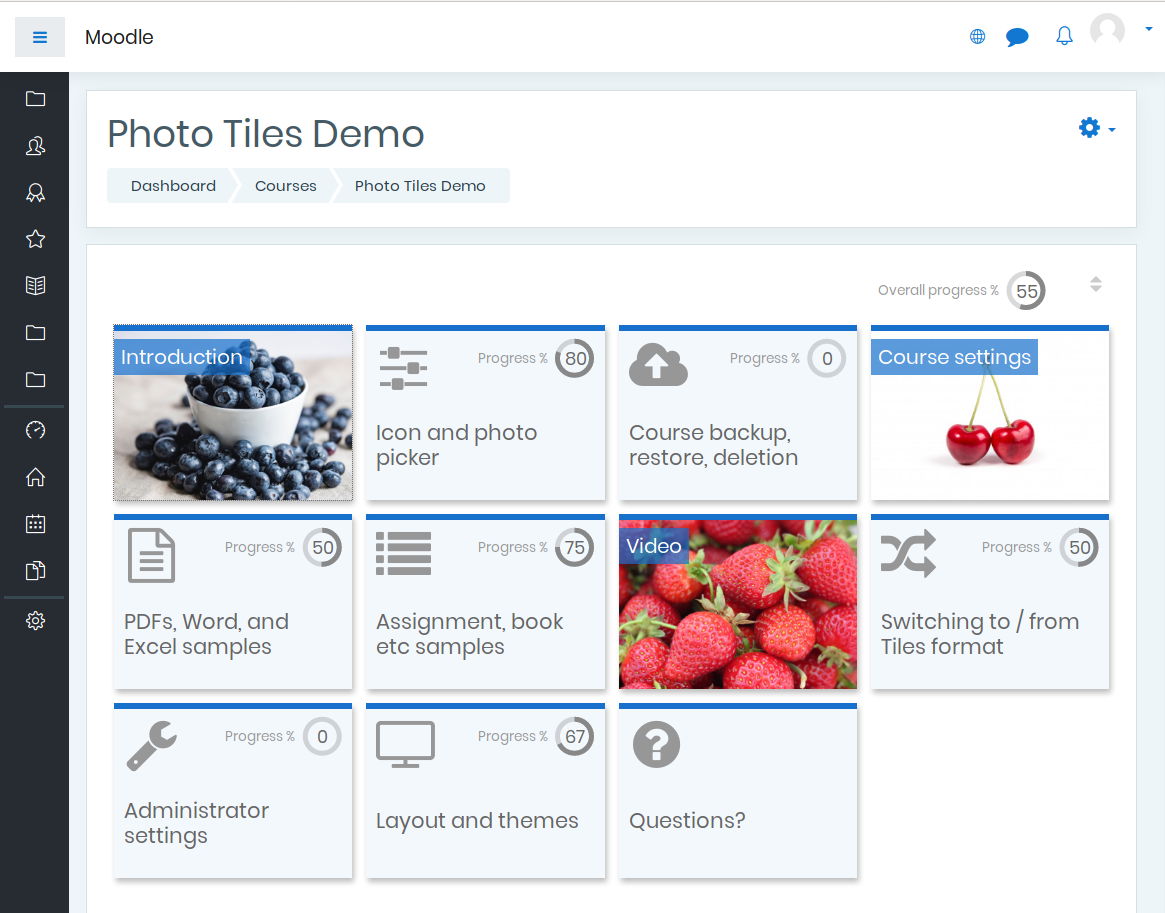
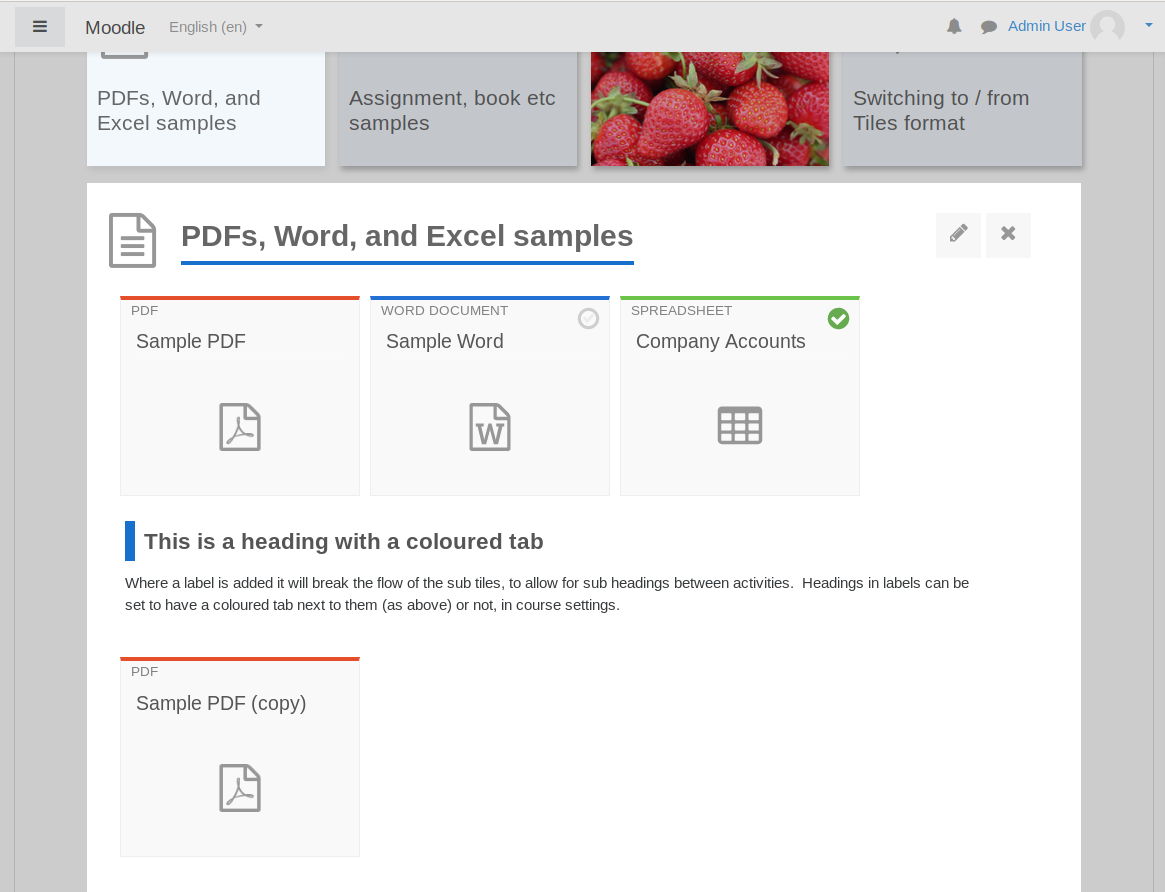
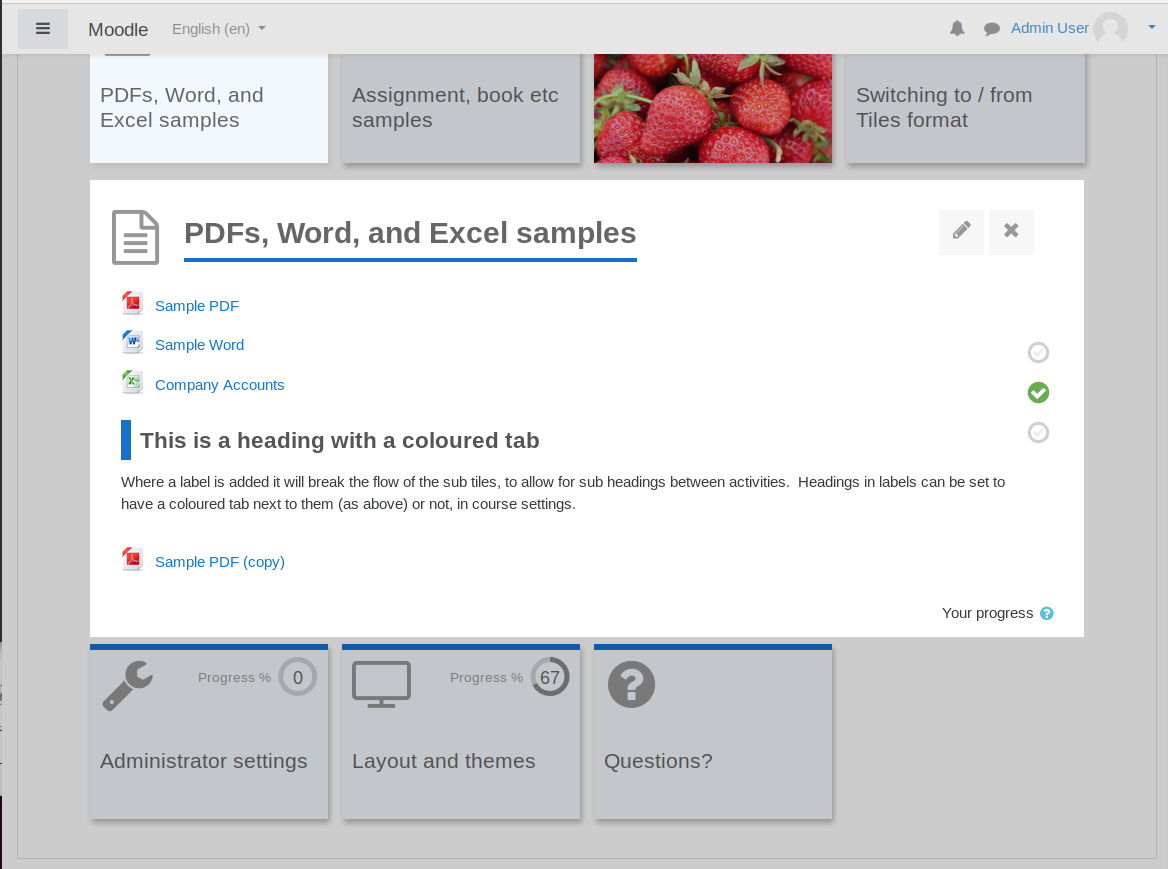
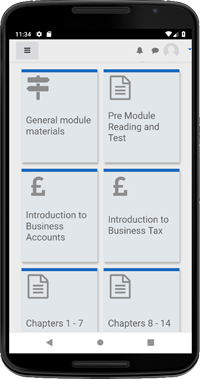
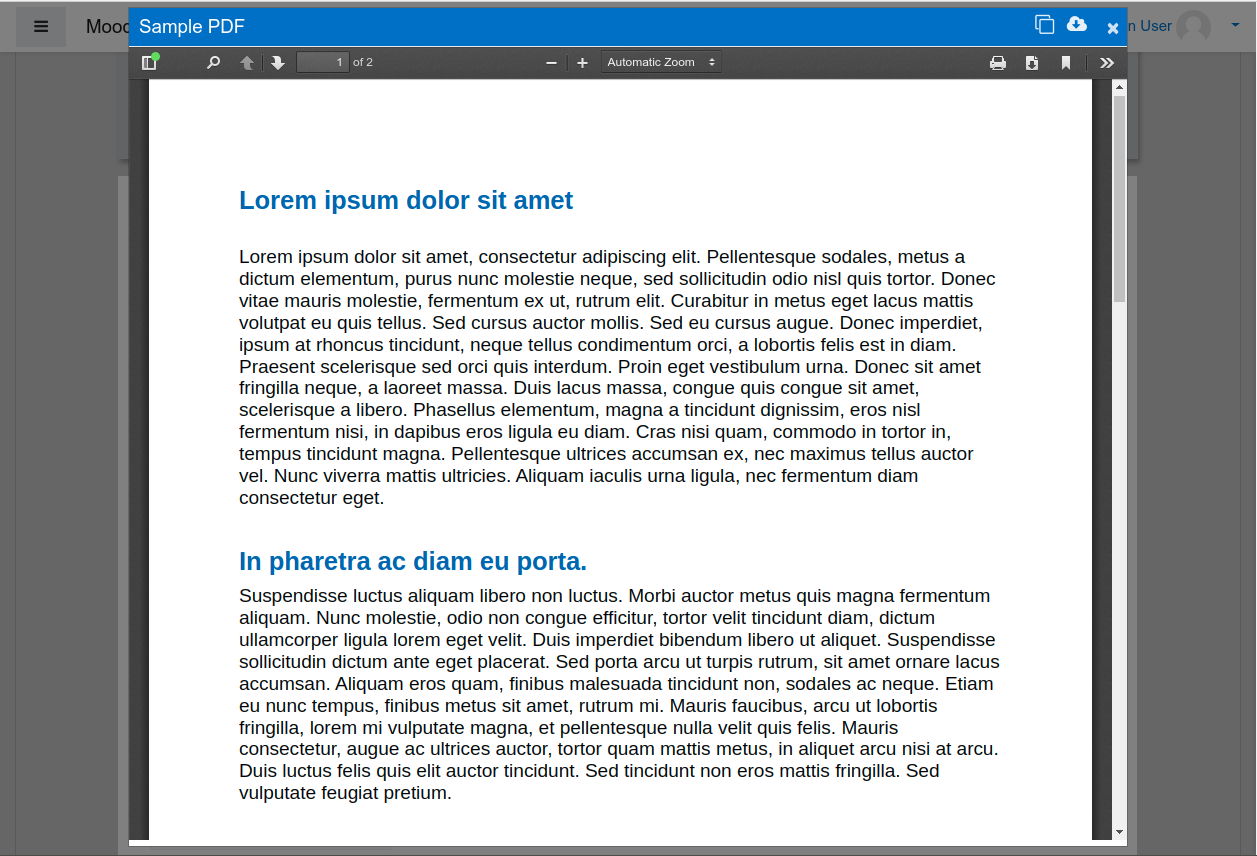
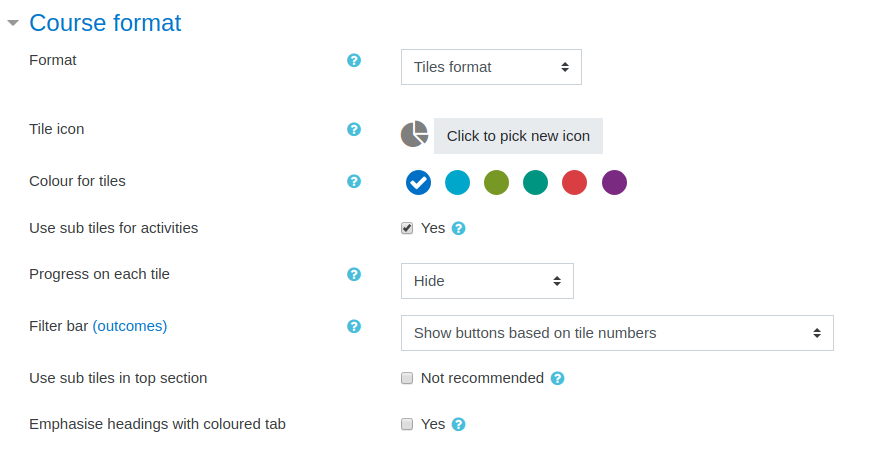
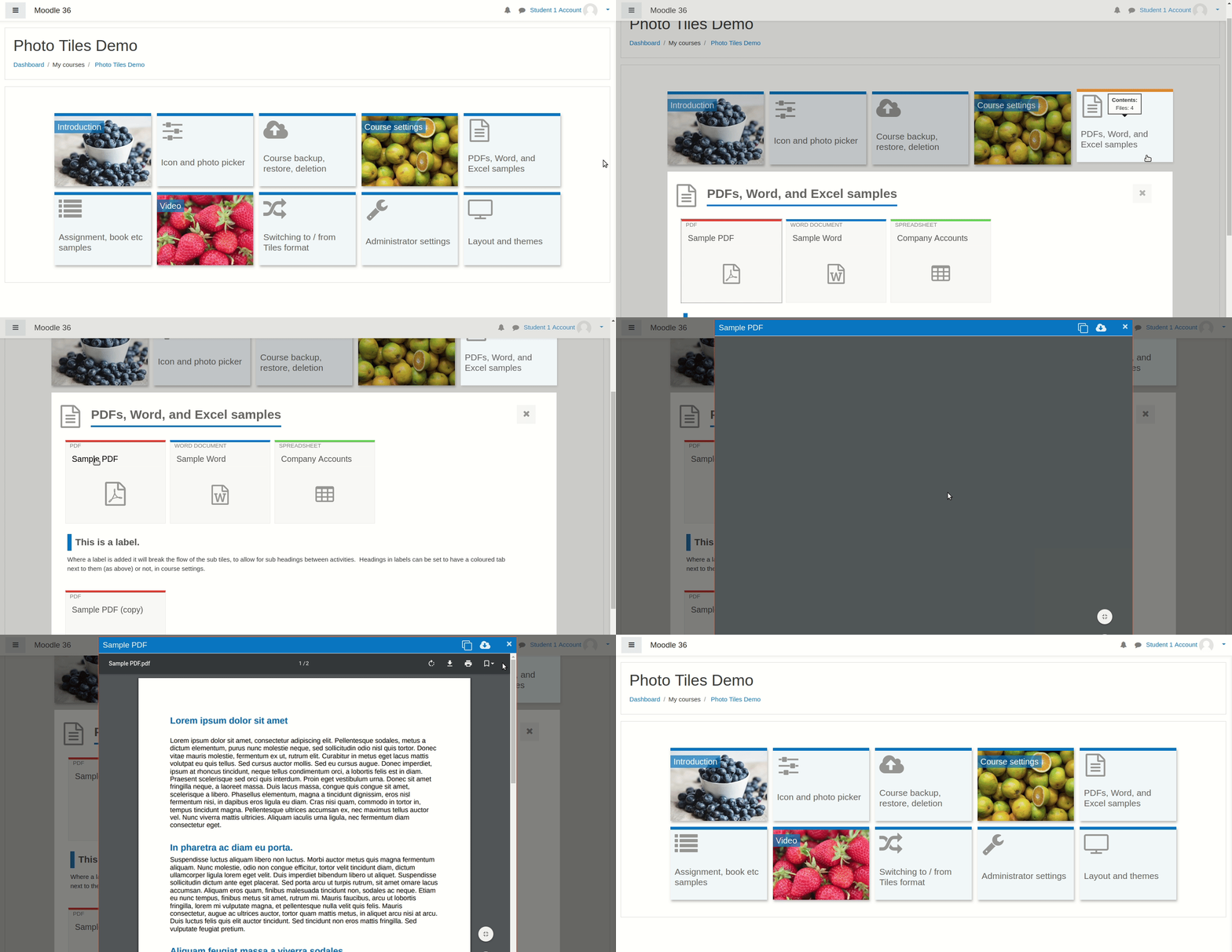
A course format which displays course topics as "Tiles", in a grid rather than as a list. When clicked, tile content is displayed under the tile with an animated transition. The layout adapts to different screen sizes and orientations. Within each tile, activities can also be set to display as "sub-tiles". For each tile, the teacher can pick an icon from a predefined set, or upload a background photo.
Comments
Product ratings and reviews are coming to Moodle Marketplace. Until then, existing comments remain available to read, but new posts have been disabled.
I think we need to be a bit patient for moodle 3.9. The plugin installs fine but when creating an activity with it, during my testing the activity was inserted in the wrong section. It randomly created a "Section 347" in the course... Maybe the new activity screen breaks something.
Best regards, Stephane
I would like to know if they are going to create the tiles format for version 3.9 of Moodle and if they are going to get it by what date it would be released. It really is excellent. very professional and very instinctive for students. It is the first time that I find a format that has enchanted our students.
A small suggestion to allow more entries for new colors in addition to the six existing colors in the course context settings
I used new entries manually in: tiles/setting.php
$brandcolourdefaults = array(
//new colors
'#FFF738' => get_string('colouryellow', 'format_tiles'),
'#FFFFFF' => get_string('colourwhite', 'format_tiles'),
'#A7ABA9' => get_string('colourgray', 'format_tiles'),
'#DB67BC' => get_string('colourrose', 'format_tiles'),
And other new entries manually in: tiles/lang/en/format_tiles.php
//new colors
$string['colouryellow'] = 'Yellow';
$string['colourwhite'] = 'White';
$string['colourgray'] = 'Gray';
$string['colourrose'] = 'Rose';
A new option to insert new colors after the standard color pickers in: /admin/settings.php?section=formatsettingtiles it would be perfect for us!
Thanks for the great plugin!
Felipe Raimo
Thanks,
Megan
Any help appreciated
Thanks,
kirk
I could enable to choose the icon also in the sub-blocks.
It would look very top.
Att,
Hellen Velasques
//smaller font (sub)tiles & color
.format-tiles .course-content ul.tiles .tile.phototile .photo-tile-text h3 {font-size: 10px;}
.format-tiles li.activity.subtile a, .format-tiles #page-content li.activity.subtile a {color: #fff; font-size: 10px;}
thank you muchly
Second of all, I have a question about one feature (Mobile responsive: adapts to different screen sizes and orientations). How can I remove it or change it? I want to display always 4 tiles per line in all screen sizes.